
Imagine having your own private corner of the internet, a place where you can share information securely and anonymously. Hosting a private web page on the Tor Browser offers just that.
Whether you’re a journalist protecting your sources, an activist in need of a safe space, or simply someone who values privacy, this guide is for you. You might think that setting up a private web page on the dark web sounds complex, but don’t worry – it’s easier than you think.
This post will walk you through each step, ensuring you feel confident and capable. Dive in and discover how you can take control of your online presence, ensuring privacy and freedom like never before.

Credit: www.pcmag.com
Understanding Tor And Onion Services
Tor Browser is a tool for privacy. It helps people browse the web secretly. It uses a network to hide users’ locations. Websites can’t track them. It’s free and easy to download. People use it to protect their data. This browser is safe for all ages. But, it can be slow sometimes. It uses different layers of security. These layers are like an onion.
Onion Services are special websites. They are part of Tor. They hide real web addresses. Only Tor users can visit them. These sites use “.onion” in their URLs. They offer more privacy than regular sites. Owners can host private web pages easily. No one knows the server location. It’s good for confidential information. Many people trust Onion Services for security.
Setting Up Your Environment
Start with the Tor Browser. It’s the main tool you need. Download it from the official website. Next, install a web server. Options like Apache or Nginx are common. Make sure you have a text editor. A simple one like Notepad works fine. Also, you need a basic understanding of HTML. Simple HTML tags will do. These tools help create your private page.
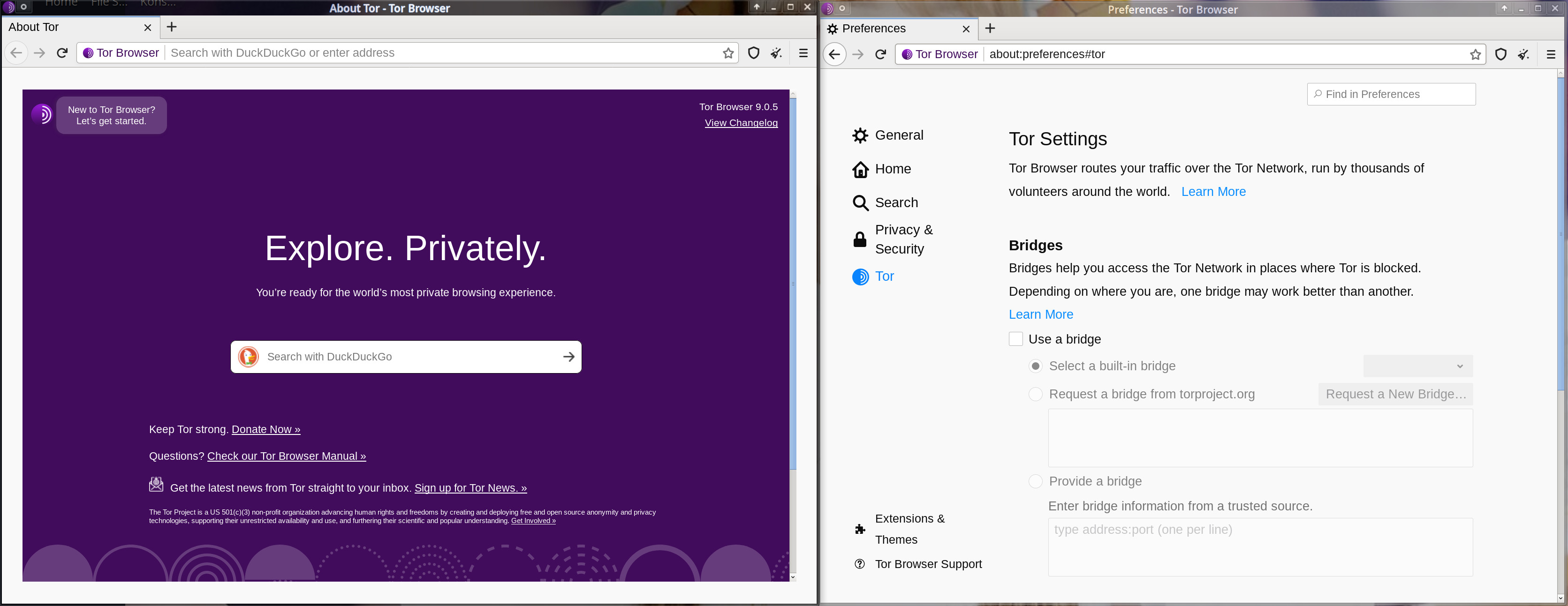
First, ensure your firewall allows Tor. This is important for connectivity. Open the Tor Browser. Go to the settings section. Look for the network tab. Select “Use a bridge” for more privacy. Install the Tor service on your web server. This makes your site private. Finally, test the setup by accessing your page. Check if it opens smoothly. This confirms successful configuration.
Installing Tor
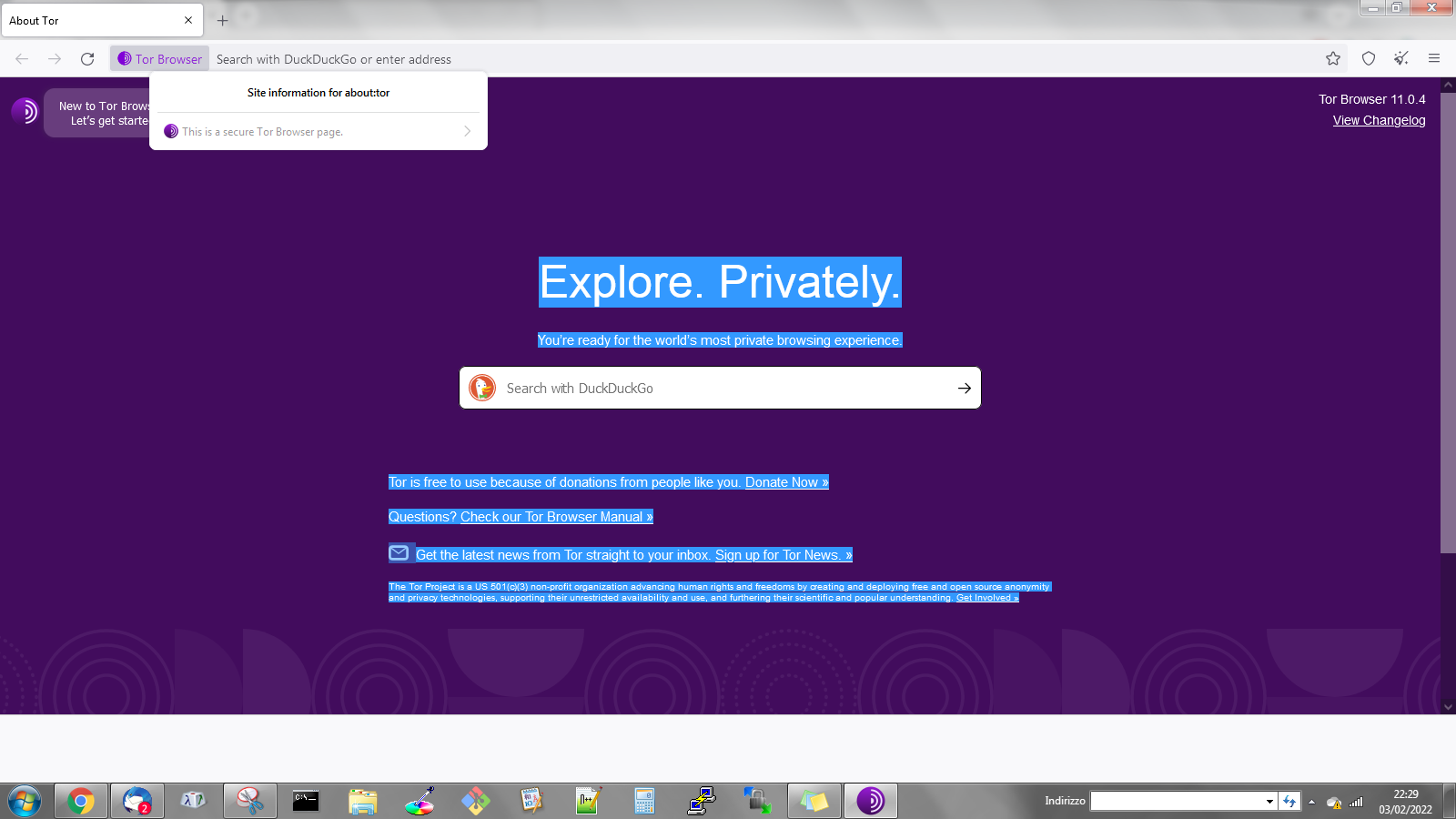
First, visit the official Tor Project website. Look for the download button. Click it to start the download. Make sure to choose the right version for your device. Tor is available for Windows, Mac, and Linux. Downloading might take a few minutes.
Locate the downloaded file on your computer. Double-click to open it. Follow the on-screen instructions. Choose the installation location carefully. It is best to use the default settings. Wait for the installation to complete. Open the Tor browser once done. You are now ready to explore the deep web safely.
Credit: forum.torproject.org
Creating A Private Web Page
Choose a simple and safe web server. Apache and Nginx are popular choices. These servers are free and open-source. They work well for private pages. A good server keeps your page safe. It also makes your page run smoothly. Always update your server software. This helps to fix bugs and improve security.
Your web page needs three main files. HTML for structure, CSS for style, and JavaScript for actions. Save these files in a folder. This folder is your web root. Name the HTML file index.html. This file is the first page visitors see. Use a text editor like Notepad or Sublime Text to write your files. Check your files for errors before uploading.
Configuring Onion Services
Open the Tor configuration file. Find the section called HiddenServiceDir. This is where your onion service will be stored. Add a line that starts with HiddenServicePort. It tells Tor which port to use. Save the changes. Restart Tor to apply new settings.
Tor creates a unique onion address. This address is for your private page. It looks like a mix of letters and numbers. Keep this address safe. You need it to visit your private web page. Share it only with trusted people. This helps keep your page secret.
Securing Your Web Page
Using HTTPS keeps data safe. It encrypts the data. This means only the sender and receiver can read it. To use HTTPS, you need a SSL certificate. You can get it from a certificate authority. Once you have it, install it on your server. This helps keep your site secure. Hackers can’t easily steal data. Users feel safe using your site. They trust it more.
Control who can see your web page. Set strong passwords for access. Only give access to trusted people. Use permissions to limit what users can do. For example, some users can only view. Others can edit. This keeps your page secure. Always check and update these settings. It ensures only the right people have access.
Testing Your Setup
Accessing Your Onion Site: Open the Tor Browser on your computer. In the address bar, type your onion URL. It should look like a long string ending with .onion. Press Enter to visit your site. Wait a few seconds for the page to load. Check if the content displays correctly. This verifies your setup.
Troubleshooting Common Issues: Sometimes, your onion site may not load. Check your internet connection first. Ensure your Tor service is running properly. Look for error messages in your Tor logs. If the site is still unreachable, inspect your web server settings. Make sure your site is configured to accept connections from the Tor network. Restart your server if necessary. These steps help solve common problems.
Credit: linuxreviews.org
Maintaining Your Private Web Page
Hosting a private web page on Tor Browser ensures anonymity and security. Set up your server with Tor’s hidden services. Protect your privacy while sharing content online.
Regular Updates And Backups
Keep your web page fresh. Add new content often. Regular updates are key. They make your page interesting. Keep your data safe. Backups are important. Save your work often. Use secure storage options. Protect your files from loss. Regular updates and backups are vital. They keep your web page running smoothly.
Monitoring For Security Threats
Stay alert for security threats. Check your web page regularly. Look for unusual activity. Use security tools to help. They can find threats fast. Protect your page from hackers. Keep your software updated. Security threats can cause big problems. Monitoring helps keep your page safe.
Frequently Asked Questions
How Do I Host A Private Website?
Choose a reliable hosting provider. Register a domain name. Install website management software like WordPress. Customize your site’s design and content. Ensure security with SSL certificates and regular updates.
Is Browsing On Tor Illegal?
Browsing on Tor itself is not illegal. It is a tool for anonymous browsing. Illegal activities conducted through Tor are prohibited. Always follow laws and regulations while using Tor to ensure safe and legal browsing.
Can You Still Be Tracked Using Tor Browser?
Yes, tracking is possible despite using Tor Browser. Vulnerabilities, browser fingerprinting, or misconfigurations can expose your identity. Always keep your software updated and follow best practices for enhanced privacy.
Is Tor Browser 100% Private?
Tor Browser is not 100% private. It enhances anonymity but cannot guarantee complete privacy. Users should avoid risky behavior online. Always update the browser for better security. Use additional privacy tools for increased protection.
Conclusion
Creating a private web page on Tor is straightforward. Follow the steps carefully. Protect your privacy. Ensure your content is secure. Tor offers anonymity and security. Ideal for sensitive information. Take time to understand the process. It’s worth the effort.
Use Tor wisely. Keep your online presence safe. Privacy matters. With these guidelines, you can host securely. Enjoy the benefits of anonymous browsing. Stay informed and cautious. This helps maintain your privacy. Happy hosting on Tor! Your digital safety is important.


