
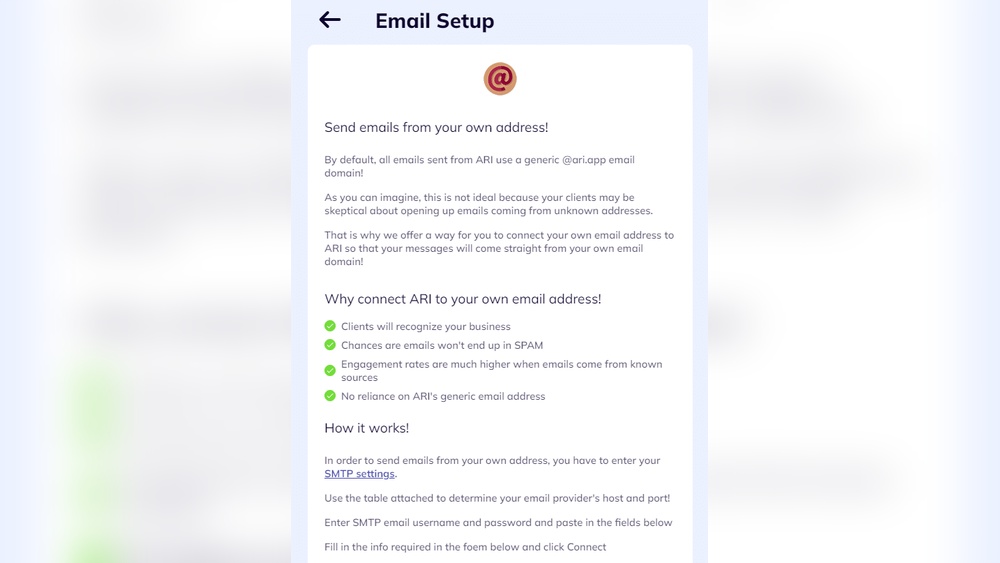
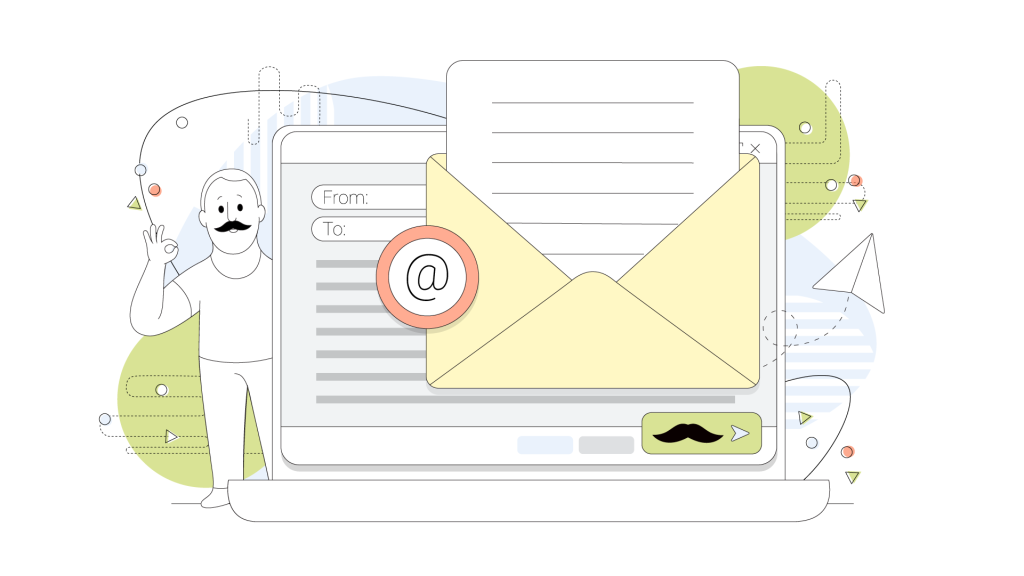
Are you ready to take full control of your email and boost your online presence? Hosting your own email domain lets you send and receive emails with your personalized address, like yourname@yourdomain.com.
This not only looks professional but also gives you privacy and freedom from big email providers. In this guide, you’ll discover simple steps to set up your own email domain quickly and easily—no tech skills required. Keep reading, and by the end, you’ll be confident managing your own email like a pro.
Credit: www.hostpapa.com
Benefits Of Hosting Your Own Email Domain
Hosting your own email domain offers many advantages. It gives you more control and trust in your email system. This choice improves how you manage privacy, security, and branding. It also lets you keep full control over your data. These benefits make hosting your own email domain a smart option for individuals and businesses.
Enhanced Privacy And Security
Using your own email domain helps protect your privacy. Your emails pass through servers you choose and control. This reduces the risk of third-party access or data leaks. You can set strong security rules to stop hackers and spam. This keeps your information safer than free email services.
Professional Branding
Emails from your own domain look more professional and trustworthy. Your email address matches your website and company name. This builds confidence with customers and partners. It shows that you take your business seriously. A branded email helps your messages stand out in crowded inboxes.
Full Control Over Data
Hosting your email means you own your data completely. You decide where and how your emails are stored. No one else can access or use your information without permission. You control backups, archives, and data privacy. This freedom gives you peace of mind and better data management.
Choosing The Right Domain Name
Choosing the right domain name is the first step in hosting your own email domain. It affects your brand, trust, and how easy it is for others to find you online. A good domain name is simple, clear, and fits your purpose. It should be easy to spell and remember. Short names work better than long ones.
Think about the words that best describe your email use. Avoid using numbers or special characters. These can cause confusion and errors. Check the availability of your chosen name early. This saves time and effort later.
Tips For Selecting A Domain
Pick a name that matches your business or personal identity. Use common words that people can spell easily. Keep it short, ideally under 15 characters. Avoid hyphens and complex combinations. Choose a domain extension that fits your needs. Popular choices include .com, .net, and .org. Local extensions like .us or .uk work well for country-based use.
Try to make the domain unique. This helps prevent mix-ups with other sites. Use tools to check if the name is already taken. Think about future growth. Pick a name that can grow with your brand.
Where To Register Your Domain
Register your domain with a trusted registrar. Popular registrars include GoDaddy, Namecheap, and Google Domains. They offer easy tools to buy and manage domains. Check their prices and renewal fees. Look for good customer support. Read reviews to find reliable service.
Some registrars offer extra features like privacy protection. This hides your personal information from public records. Compare different registrars before buying. Choose one that fits your needs and budget. Secure your domain with strong passwords and two-factor authentication.
Setting Up Dns Records
Setting up DNS records is a key step in hosting your own email domain. These records tell the internet where to send and receive your emails. They also help keep your messages safe and stop spam. Proper DNS settings make your email work smoothly and build trust with other mail services.
Understanding Mx Records
MX records direct email to your mail server. They act like a postal address for your domain. Each MX record has a priority number. The lowest number means the highest priority. Email servers use this number to decide where to send mail first. You must set MX records to point to your email server’s address.
Configuring Spf, Dkim, And Dmarc
SPF, DKIM, and DMARC protect your email from fraud. SPF lists servers allowed to send mail for your domain. DKIM adds a digital signature to prove the email is real. DMARC tells receiving servers how to handle suspicious emails. These records work together to stop fake emails and improve delivery. Set these records carefully in your DNS for strong email security.

Credit: www.exabytes.my
Selecting Email Hosting Options
Selecting the right email hosting option is a key step in hosting your own email domain. This choice affects your control, cost, and ease of use. Picking the best option depends on your technical skills and needs. Understand the differences to make a smart decision.
Self-hosting Vs Third-party Services
Self-hosting means running your own email server on your hardware or cloud. It gives full control over your data and settings. You can customize everything but must manage updates and security. Self-hosting requires technical knowledge and time.
Third-party services handle the email server for you. They offer easy setup and maintenance. These services provide strong security and uptime guarantees. They usually charge a monthly or yearly fee. Third-party hosting suits people wanting convenience and less work.
Popular Email Server Software
Several software options exist for self-hosting email. Postfix is a popular choice. It is free, reliable, and works well with many systems. Dovecot handles the storage and retrieval of emails securely.
Exim is another flexible mail transfer agent. It is easy to configure for different needs. Zimbra offers a full collaboration suite with email, calendar, and contacts. It has a free community edition and paid versions.
Choosing software depends on your comfort with setup and features needed. Start simple if you are new to email hosting. Learn as you grow and adjust your tools.
Installing And Configuring Mail Server
Installing and configuring a mail server is a key step in hosting your own email domain. This process lets you send and receive emails using your custom domain name. It requires careful setup to ensure smooth operation and security. Follow the steps below to get your mail server up and running.
System Requirements
Choose a server with enough power for your email needs. At least 2 GHz CPU and 2 GB RAM work for small setups. You need a stable internet connection with a static IP address. Use Linux distributions like Ubuntu or CentOS for better mail server support. Ensure you have enough disk space for emails and logs. Open required ports like 25, 587, and 993 in your firewall.
Step-by-step Installation Guide
Start by updating your server’s package list. Install essential software like Postfix for SMTP and Dovecot for IMAP/POP3. Configure Postfix to handle outgoing mail properly. Set up Dovecot to allow secure email access. Create user accounts or mailboxes for your domain. Test sending and receiving emails using command line or mail clients. Adjust settings based on test results to improve reliability.
Security Best Practices
Enable SSL/TLS encryption for all email traffic. Use Let’s Encrypt for free, trusted certificates. Set up SPF, DKIM, and DMARC records in your DNS to prevent spoofing. Limit login attempts to block brute force attacks. Keep your server and software updated with security patches. Regularly monitor logs for unusual activity. Back up your mail data to avoid loss.
Credit: ari.app
Creating And Managing Email Accounts
Creating and managing email accounts is a key step in hosting your own email domain. It lets you control who can send and receive emails using your domain name. This setup helps keep your communication organized and professional.
Managing accounts means adding users, creating aliases, and setting rules for emails. These tasks ensure your email system works smoothly and fits your needs.
Adding Users And Aliases
Start by adding users to your email domain. Each user gets a unique email address. This helps separate emails for different people or roles.
Aliases are alternative email addresses that forward to one main account. They do not require extra storage. Use aliases for different departments or projects without creating new accounts.
Setting Up Forwarding And Filters
Email forwarding sends incoming mail to another address automatically. This keeps you connected even if you check mail in several places.
Filters organize incoming emails. They sort messages into folders or delete unwanted emails. Filters reduce spam and keep your inbox clean.
Accessing Your Email
Accessing your email on your own domain is simple and flexible. You can use different tools to read, send, and organize messages. This section explains two common ways to access your email: through email clients and webmail interfaces.
Configuring Email Clients
Email clients are apps installed on your computer or phone. Examples include Outlook, Thunderbird, and Apple Mail. These apps let you manage emails offline and sync when connected to the internet.
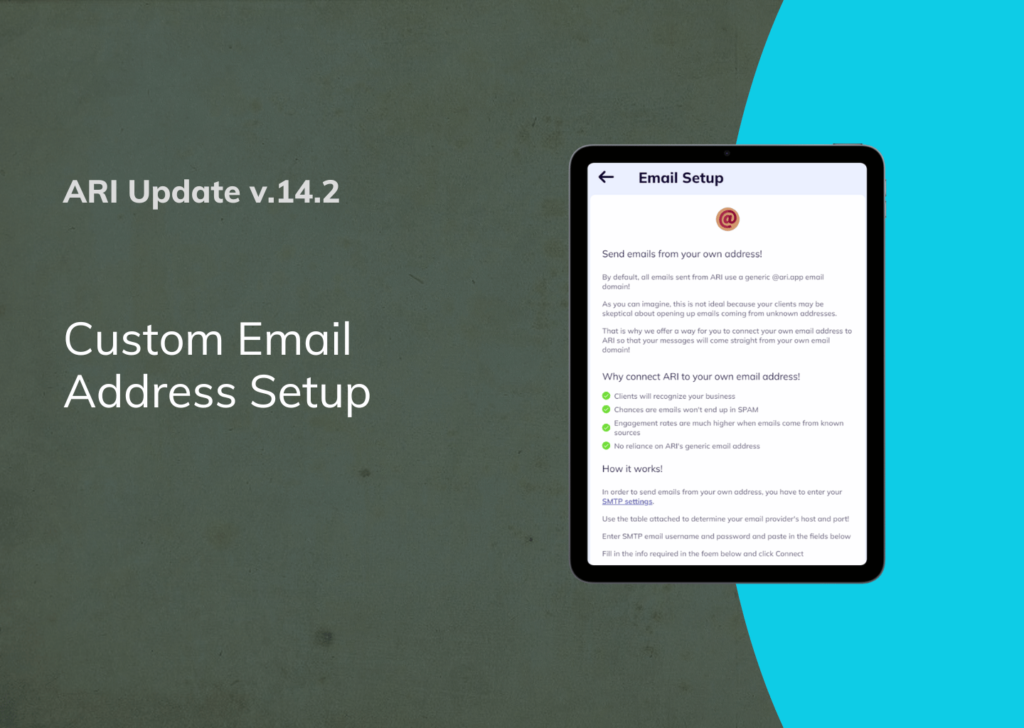
To set up your email client, enter your email address and password. Use the server settings provided by your email host. These usually include incoming (IMAP or POP3) and outgoing (SMTP) server addresses.
IMAP keeps your emails on the server, syncing across devices. POP3 downloads emails to one device and removes them from the server. Choose IMAP for better email management across devices.
Once configured, your email client will fetch new messages and allow you to compose replies. You can organize emails into folders for easy access.
Using Webmail Interfaces
Webmail lets you access your email through a browser. No need to install apps. Popular webmail services include Roundcube, SquirrelMail, and RainLoop.
Log in using your full email address and password. Webmail shows your inbox, sent mail, and folders in a simple layout. It works on any device with internet access.
You can read, send, and organize emails directly from the webmail interface. It is useful when you use public or shared computers. Changes sync with your email server instantly.
Webmail is easy to use and requires no technical setup beyond your login details. This option suits users who want quick email access on the go.
Maintaining And Troubleshooting
Maintaining and troubleshooting your own email domain keeps it running smoothly. Regular care prevents many problems before they start. Quick fixes help restore service fast if issues occur.
Regular Backups
Back up your email data often. Store copies in a safe place outside your server. Use automated tools to schedule backups weekly or daily. This protects against data loss from crashes or attacks. Test backups by restoring files to ensure they work.
Monitoring Server Health
Check your server’s performance every day. Watch CPU, memory, and disk use for unusual spikes. Use monitoring tools with alerts for quick action. Keep software and security updates current. This avoids slowdowns and security holes.
Common Issues And Fixes
Emails stuck in the outbox? Check SMTP settings and server status. Can’t receive mail? Verify DNS records and spam filters. Server not responding? Restart services or the server itself. Keep a log of errors to spot patterns. Reach out for help if problems persist.
Improving Email Deliverability
Improving email deliverability is key to making sure your messages reach the inbox. Hosting your own email domain means you control the sending process. This control helps you avoid common problems that block or delay emails. Understanding how to keep your emails out of spam and maintain a strong sender reputation boosts your success.
Avoiding Spam Filters
Spam filters check many factors before allowing emails into inboxes. Use clear, honest subject lines that match your email content. Avoid spammy words like “free” or “buy now” in your messages. Keep your email list clean by removing inactive or wrong addresses. Include a plain text version alongside HTML emails to improve trust. Authenticate your email with SPF, DKIM, and DMARC records. These records tell servers you are a trusted sender.
Maintaining A Good Sender Reputation
Sender reputation affects how email servers treat your messages. Send emails only to people who want them. Large volumes of emails sent too fast can hurt your reputation. Monitor bounce rates and complaints to catch problems early. Use consistent sending patterns to build trust with servers. Keep your domain and IP address clean by avoiding spam traps. Good reputation means better email delivery and higher open rates.
Frequently Asked Questions
What Is A Custom Email Domain?
A custom email domain is a personalized address using your website’s domain name. It boosts professionalism and brand identity.
How Do I Set Up My Own Email Domain?
To set up, register a domain, choose an email hosting service, and configure DNS records. This enables sending and receiving emails.
What Are The Benefits Of Hosting My Email Domain?
Hosting your email domain improves security, control, branding, and reliability over free email services. It enhances business communication.
Can I Use Free Email Hosting For My Domain?
Free email hosting exists but offers limited features, storage, and support. Paid services provide better security and custom options.
Conclusion
Hosting your own email domain gives you control and professionalism. It helps build trust with your contacts. Setting it up might seem hard, but step-by-step guides make it easy. Regular maintenance keeps your email running smoothly. Take your time to learn and adjust settings.
Soon, you will enjoy a personalized email address. This small effort improves your online presence a lot. Start today and see the benefits yourself.


