
Imagine creating a web game that captures the excitement of players worldwide. Whether you’re a seasoned developer or a curious newbie, hosting your own web game can be a thrilling adventure.
The possibilities are endless, and the rewards are immense. But where do you start? And how can you ensure your game runs smoothly for all your players? You’ll uncover the secrets to successfully hosting a web game that keeps players engaged and coming back for more.
You’ll learn about the tools and techniques needed to get your game off the ground, and discover how to optimize its performance. Get ready to dive into the world of web game hosting, where your creativity can truly shine.
Choosing The Right Game Engine
Unity is a very popular game engine. It is great for 2D and 3D games. Many developers love its user-friendly interface. It works well on many platforms. Unreal Engine is another favorite. It is known for its realistic graphics. It is best for big projects. Godot is free and open-source. It is simple and good for small games. GameMaker Studio is easy for beginners. It helps you make games fast.
Think about the cost and support. Unity has many tutorials. Unreal has a strong community. Godot is free but has fewer guides. Choose one that fits your game idea. Try to start small. You can learn more as you go.
Credit: www.ghostcap.com
Setting Up Your Development Environment
Start with a code editor. Choose a simple one like Visual Studio Code. It’s free and easy to use. You also need a web browser. Google Chrome works well for testing games. Install Node.js for running scripts. It helps with backend tasks. You might need a package manager like npm. It installs game libraries. Make sure your operating system is updated. This prevents errors.
Begin by downloading Visual Studio Code. Visit the official site for the setup file. Follow the on-screen steps. Next, install Google Chrome if not already done. Download Node.js from its website. Follow the simple guide. Open the terminal and type `npm install`. This gets npm running. Ensure all software versions match the latest releases. Check for updates regularly.
Creating The Game
Game mechanics are the rules. Players follow them. They guide actions. Good mechanics are simple. They make games fun. Think about player goals. What must players do? Decide player abilities. Can they jump? Run fast?
Challenge levels keep players engaged. Easy at first. Harder later. Balance is key. Too hard is bad. Too easy is boring. Add surprises. Players love surprises.
Game assets are pictures and sounds. They make games look nice. Start with characters. Draw or design them. Next, create backgrounds. Make them colorful. Add objects. Trees, rocks, or cars. Sound effects are important too. They bring games to life.
Find free sounds online. Or create your own. Music sets the mood. Happy music for fun games. Scary music for spooky games. Good assets help players enjoy the game.
Preparing For Hosting
Fast games keep players happy. Optimize your game for quick loading. Use compressed images and efficient code. This helps the game run smoothly. Reduce file sizes to speed up load times. Keep an eye on server performance. Make sure it can handle the game’s demands.
Games should work on all browsers. Test on Chrome, Firefox, and Safari. Check for bugs or glitches. Fix any problems that you find. Use standard web technologies like HTML5 and CSS3. These work well across most browsers. Ensure your game looks and plays the same everywhere.
Selecting A Hosting Platform
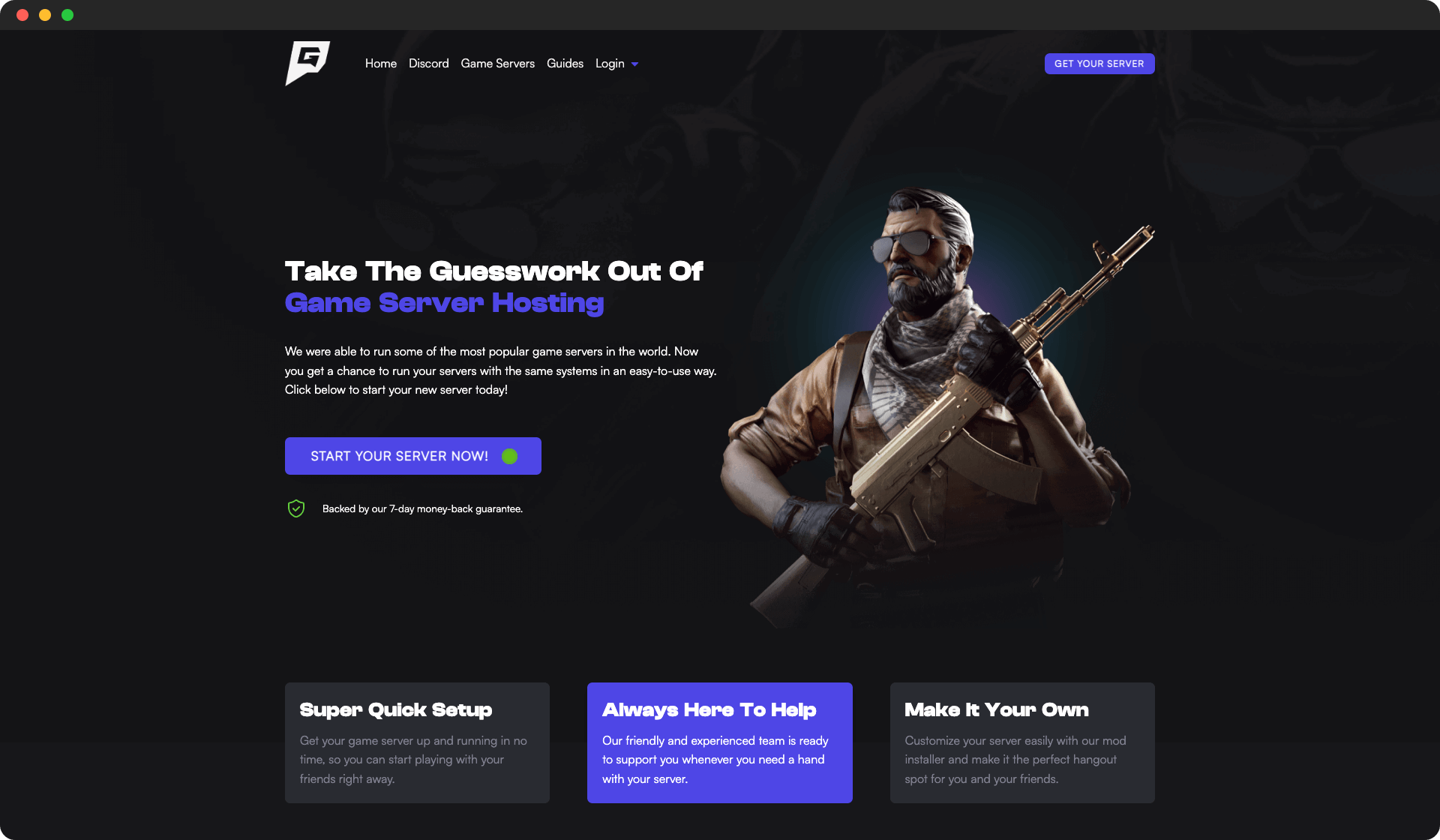
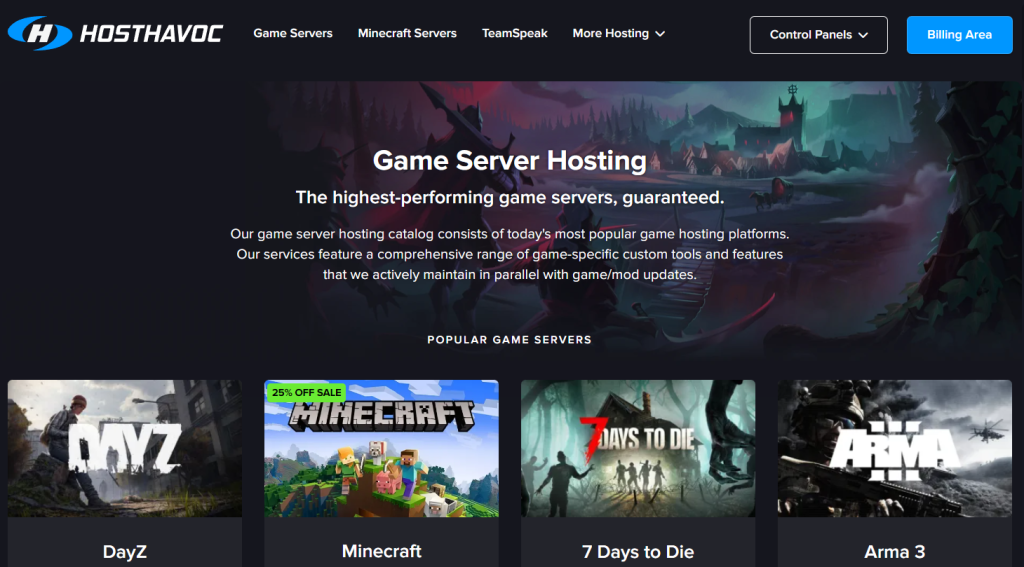
Hosting is like renting a space for your game. There are different types of hosting services. The most common are shared hosting, VPS hosting, and dedicated hosting. Shared hosting is like sharing a room with others. It is cheap, but not very fast. VPS hosting is like having your own room. It is faster and costs more. Dedicated hosting is like owning the whole house. It is the fastest but the most expensive.
Think about the size of your game. Big games need more space. Check the bandwidth. More players need more data. Look at the cost. Some hosting is expensive. Make sure it’s in your budget. Also, see if customer support is available. It helps if something goes wrong.
Deploying The Game
First, gather all your game files. These include images, sounds, and code. Use an FTP client to connect to your server. This helps you move files easily. Drag and drop your files into the server’s folder. Make sure all files are correctly placed. Check the file paths. They must match your code.
Access your server control panel. Look for the settings or configuration menu. Adjust the server to run your game well. Set the right file permissions. Files need correct permissions to work. Enable the correct ports for your game. Some games need special ports. Save your settings before exiting. This ensures your changes stay. Test your game to see if it runs.
Testing The Game Online
User feedback is very important. Ask players what they like. Also, what they do not like. Use simple surveys. Or quick online polls. Honest feedback helps improve the game. Listen to all comments. Make note of repeating issues. Players’ opinions help make the game better.
Bugs can spoil the fun. Debugging means finding these bugs. Fix one bug at a time. Use tools to help find errors. Testing is important. Test after every fix. Make sure the game works smoothly. Look for any new issues. Keep fixing until the game is stable.

Credit: cctigers.com
Promoting Your Web Game
Social media can help tell people about your game. Share fun updates and cool images. Show what makes your game special. Make sure to post often. Talk to your followers. Ask them questions. Reply to their comments. This makes people feel happy. They will want to play your game.
Join places where gamers chat. Like online forums. Or special game groups. Share your thoughts about games. Tell them about your game too. But do not be too pushy. Be friendly and honest. Gamers love to support games they like. They might tell their friends. This helps more people learn about your game.
Maintaining And Updating
Regular updates keep your web game fresh and engaging. This involves fixing bugs and adding new features. Frequent checks help ensure smooth gameplay and user satisfaction.
Regular Updates
Always keep the game fresh with regular updates. New levels or challenges can make players happy. Fix bugs quickly to avoid problems. Updates help keep the game fun and smooth. Players love new features and better performance.
Use feedback from players to improve the game. Check what players like or do not like. Make changes based on their suggestions.
Community Engagement
Build a strong community for the game. Players enjoy talking about the game. Create a forum or chat room for discussions. Respond to player questions and ideas. This makes players feel important and heard.
Host events or contests to keep players excited. Reward active players with badges or scores. A happy community means a successful game.
Credit: www.hostinger.com
Frequently Asked Questions
How To Host A Game On A Website?
Choose a reliable web hosting service to host your game. Upload your game’s files to the server via FTP. Integrate HTML, CSS, and JavaScript to ensure smooth gameplay. Optimize for mobile devices and SEO by using meta tags and keywords.
Test functionality and security before launching the website.
Can Web Games Make Money?
Yes, web games can generate income through ads, in-game purchases, subscriptions, and sponsorships. Developers often monetize by offering premium features or virtual goods. Crowdfunding and donations also support web games financially. Effective marketing strategies enhance revenue potential significantly.
How To Create An Online Game Website?
Begin by selecting a domain name and hosting service. Use WordPress or custom coding for site development. Choose gaming themes and plugins. Integrate multiplayer functionality and payment gateways. Optimize for SEO and mobile responsiveness. Test thoroughly before launch. Regularly update content and security features.
Promote via social media and gaming forums.
How Much Does It Cost To Make A Web Game?
Creating a web game typically costs between $5,000 and $50,000. Prices vary based on complexity, design, and features. Hiring skilled developers can increase costs. Simple games with limited features are cheaper, while complex games with advanced graphics and multiplayer options require higher budgets.
Consider additional costs for marketing and maintenance.
Conclusion
Hosting a web game can seem challenging at first. But it’s manageable with the right steps. Start by choosing reliable hosting. Ensure your game is optimized for speed. Keep security in mind to protect user data. Regular updates keep players engaged.
Test your game thoroughly before launching. Remember, user experience is crucial. Happy players mean more success. Embrace feedback to make improvements. With dedication, your web game will thrive. Keep learning and adapting. Your game hosting journey can be rewarding. Ready to host your web game?
Start today!


