
Have you ever stumbled upon a website and instantly fallen in love with its design? You might have wondered, “How can I get this WordPress theme for my own site?”
You’re not alone. Many website owners and aspiring bloggers like you are constantly looking for ways to enhance their site’s look and feel. The good news? It’s easier than you might think to identify and acquire the WordPress theme that caught your eye.
You’ll discover straightforward techniques to uncover the theme details from any website and how to implement them on your own site. By the end, you’ll have the tools to transform your website into a visually appealing masterpiece that captivates your audience. Are you ready to give your site a design upgrade? Let’s dive in!
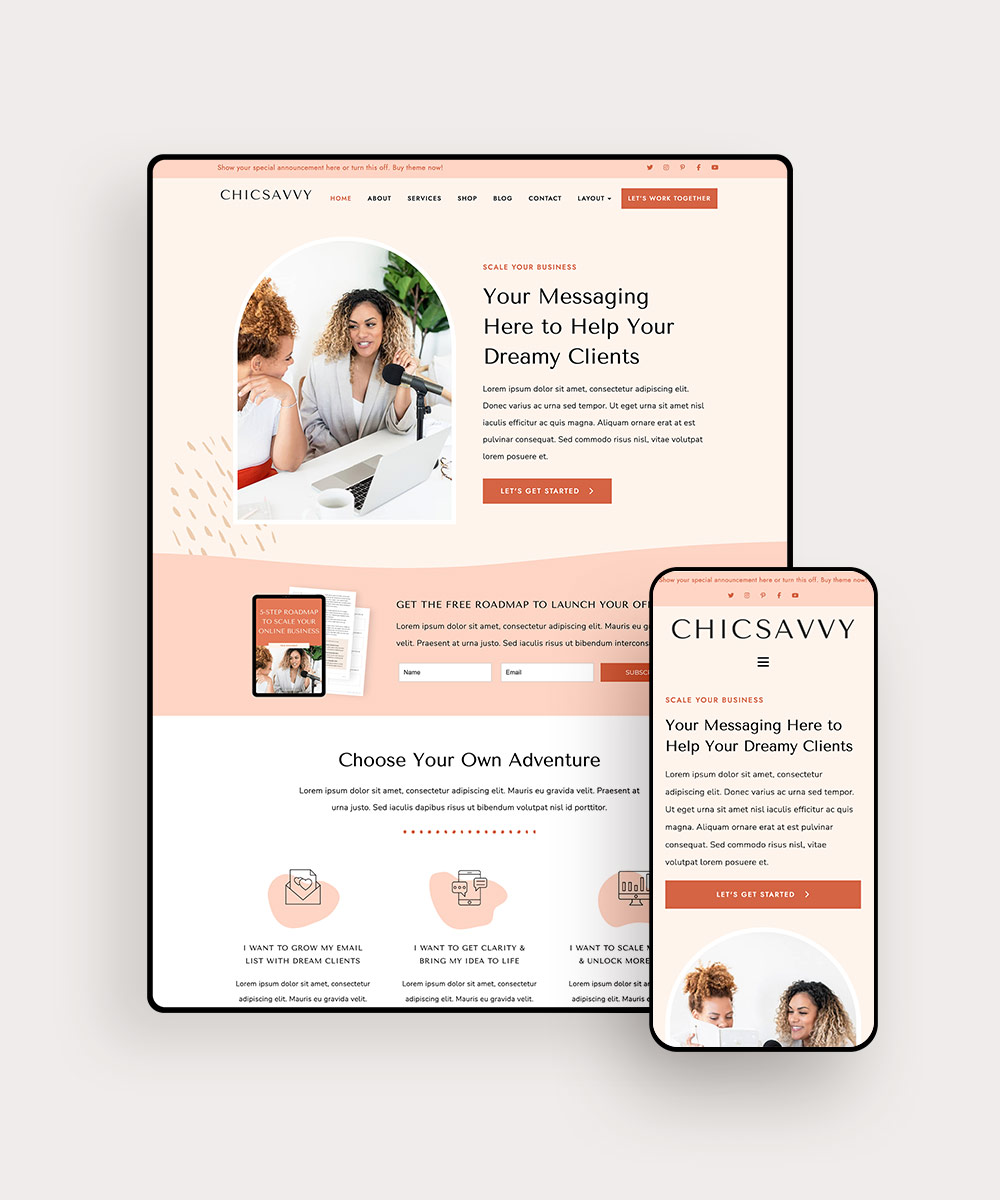
Credit: www.bluchic.com
Choosing The Right Theme
Start by understanding what your website should do. Is it a blog, a store, or a portfolio? Each type needs a different WordPress theme. A blog might need a theme with easy-to-read fonts. A store theme should focus on product display. Think about the colors and layout you like. Make sure the theme matches your website’s goals.
Themes have many features. Some offer responsive design. This means they look good on phones and computers. Others have special customization options. You can change colors and fonts easily. Look for SEO-friendly themes. They help your site rank better on search engines. Check if the theme supports plugins. Plugins add extra features to your site.

Credit: themeforest.net
Locating Themes On Websites
Finding the theme of a website can be easy. Open the website in your browser. Right-click anywhere on the page. Choose “View Page Source” or “Inspect”. This opens a new window with code. Look for lines that mention themes. Check for words like ‘wp-content/themes/’. This shows the theme’s name. You might see a folder name. That is the theme’s folder.
Sometimes, theme information is in the style.css file. This file has theme details. Look for it in the code. The theme name is often at the top of this file. Browser tools can help find this fast. This method works on many websites. Practice makes it easier. Soon, you’ll spot themes quickly.
Extracting Theme Details
Understanding theme files is important for website design. These files control the look of your site. They include stylesheets, templates, and scripts. Each file has a role. Some files change colors. Others manage layout. Recognizing these files helps in customization.
Accessing theme directories is easy. Start with your WordPress dashboard. Look for the “Appearance” tab. Click “Themes” to view installed themes. You can see theme details here. To access files, use a file manager. Navigate to the “wp-content/themes” folder. Here, find your theme’s folder. Explore files for more insights. Remember, make changes carefully. Back up files before editing.
Downloading Themes
FTP helps you get files from a website. First, you need an FTP client. FileZilla is a popular choice. Install it on your computer. Next, connect to your website’s server. You need the FTP login details. These are usually found in your hosting account. Once connected, go to the wp-content/themes folder. Here, you see all your themes. Right-click on the theme you want. Choose download to save it to your computer. Make sure the download is complete.
Sometimes FTP is hard. Try using a plugin instead. WP File Manager is a good one. Install it from your dashboard. Open the plugin and go to wp-content/themes. Find your theme. Click to download. This method is simple and fast. Another way is using a cPanel. Log in to your hosting account. Look for the File Manager. Go to the themes folder. Download your theme from there. Easy and quick.
Installing WordPress Themes
Access the dashboard from your WordPress site. Click on Appearance, then Themes. You will see a list of themes. Click Add New to find more themes. Use the search bar to find themes you like. Click Install on your favorite theme. Wait for it to install. You can now activate it.
After installation, click Activate. The theme is now live on your site. Customize it to fit your needs. Go to Appearance and select Customize. Change colors, fonts, and layouts. Preview your changes before saving. Make your website unique and personal. Enjoy your new look!

Credit: wordpress.org
Legal Considerations
Understanding legal considerations is crucial when obtaining a WordPress theme from a website. Ensure compliance with copyright laws to avoid legal issues. Verify the theme’s license to know if modifications or redistributions are permitted.
Checking Theme Licenses
Always check the license of a WordPress theme. Some themes are free. Others need payment. Free themes can have limits. Paid themes often offer more features. Always read the terms and conditions. Understand the usage rights. Some licenses allow editing. Others might not. Avoid using themes without a license. It can lead to legal issues.
Respecting Copyright Laws
Respecting copyright is important. Themes are protected by copyright. Never copy a theme without permission. It is against the law. Always get themes from trusted sites. They offer legal downloads. Support theme creators by buying their work. It helps them create more themes. Protect yourself by following copyright rules.
Frequently Asked Questions
How To Identify A WordPress Theme On A Site?
To identify a WordPress theme, use online tools like WPThemeDetector or What WordPress Theme Is That. Simply enter the website URL, and these tools will reveal the theme and plugins used. This method provides a quick and easy way to uncover the theme details.
Can I Copy A WordPress Theme From Another Site?
No, copying a theme directly is against copyright laws. Instead, look for similar themes on marketplaces like ThemeForest or WordPress. org. This ensures you respect intellectual property while still achieving a similar design for your own website.
What Tools Help Find WordPress Themes?
Tools like WPThemeDetector and What WordPress Theme Is That help identify WordPress themes. These tools analyze the website’s code to reveal theme details. They are user-friendly and efficient for discovering the theme used on any WordPress site.
Is It Legal To Use Detected WordPress Themes?
Using detected themes legally requires purchasing or downloading them from legitimate sources. Ensure you have the proper licenses or permissions. This respects the developer’s rights and ensures you have access to theme updates and support.
Conclusion
Extracting a WordPress theme from a website can be simple. Follow the steps carefully to ensure success. Check the website’s source code for theme details. Use tools to simplify the process. Ensure you have the right permissions to use the theme.
Respect copyright and licensing agreements. Keep your WordPress updated for security. With practice, this task gets easier. Now, you can enjoy customizing your site. Create a unique and functional WordPress experience. Happy designing!


