
Struggling to find the perfect theme for your WordPress site without breaking the bank? You’re not alone.
Discovering the ideal look and feel for your website is crucial, but paying for premium themes can sometimes be a stretch. What if you could access high-quality themes without spending a dime? Imagine the possibilities for your blog or business when you have the perfect design at your fingertips, all for free.
In this guide, you’ll uncover the secrets to finding and installing free WordPress themes that look professional, are easy to customize, and won’t cost you a cent. Stay with us, and you’ll soon have a stunning website that captures attention and stands out from the rest.

Credit: athemes.com
Exploring Free WordPress Themes
Free themes are very budget-friendly. They help save money for other things. Many free themes are easy to use. They work well with plugins. This means you can add new features easily. Some free themes are SEO-friendly. This helps your site get more visitors. Free themes often get updates. This keeps your site safe and fast.
There are many free themes to choose from. You can find themes for blogs, shops, or news sites. Free themes are a great start for new projects.
| Theme Name | Features |
|---|---|
| Astra | Lightweight, Customizable, Fast |
| OceanWP | Responsive, eCommerce Ready, Fast |
| Neve | SEO Friendly, Easy Setup, Fast |
Finding Free Themes In The WordPress Repository
The WordPress repository is filled with themes. Start by visiting the official site. Look for the themes section. It is easy to find and explore. Click on the themes tab. Browse through the options available. You’ll see many themes listed.
The search bar is your friend. Use it to type in keywords. This helps narrow down choices. Try using words like “simple” or “colorful”. Filters are available too. Choose based on popularity or features. The repository lets you sort themes easily. This helps find what suits your needs. Spend time exploring different styles. Each theme has unique features.
Third-party Websites For Free Themes
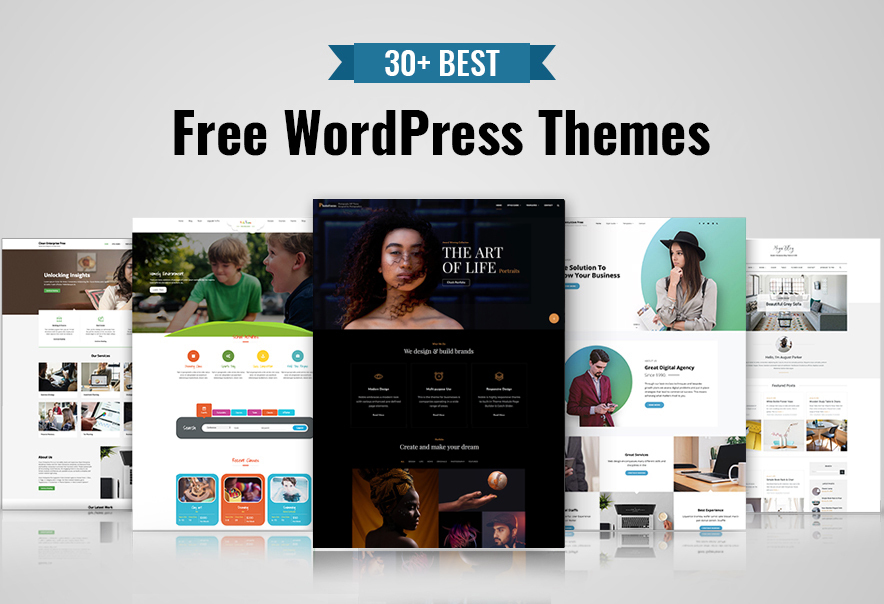
Many websites offer free WordPress themes. Some are trusted and safe. WordPress.org is a popular site. It has many free themes. ThemeForest also has free options. Both sites are well-known. They check themes for safety. Make sure to read reviews before downloading. User feedback helps in choosing.
Look for themes with good ratings. High ratings mean users like them. Check for updates. Updated themes are safer. They fix bugs and add features. Avoid themes with no updates. They can have security risks. Always download from trusted sites. This keeps your site secure.
Credit: catchthemes.com
Installing A Free Theme
Discovering free themes on WordPress is straightforward. Browse the theme directory in your dashboard for various options. Click ‘Install’ to add your chosen theme, enhancing your site’s appearance without spending a dime.
Step-by-step Installation Process
First, log into your WordPress dashboard. Look for the Appearance tab on the left. Click on it. Then click on Themes. At the top, you will see Add New. Click on it. You will find many free themes here. Browse through them. Choose the one you like. Click on Install. After installation, click Activate. Your new theme is now live.
Troubleshooting Common Issues
Sometimes, themes may not install. Check your internet connection first. If it is slow, try again later. Clear your browser cache if needed. Check WordPress version, too. It must be up-to-date. If errors show, read the message. It can help you fix the problem. For more help, visit WordPress support forums.
Customizing Your Free Theme
Themes on WordPress offer a world of customization. You can change colors. You can switch fonts. Add your logo to make it yours. Try different layouts. See what fits best. Make sure your site looks good on phones. It’s important for visitors. Most themes have a live preview. This lets you see changes instantly. Fun and easy, right? Your site should feel like you.
Want a unique site? Use custom CSS. This helps you change styles. You need some code knowledge. It’s worth learning. Plugins can add features. They make themes better. Some plugins are free. Explore them for cool designs. Widgets offer extra tools. They enhance your site. Place them wisely. Keep your website clean. It’s important for users. Test your changes often. Make sure everything works. Enjoy the creative process.
Pros And Cons Of Free Themes
Free themes save money. No cost involved. They are easy to find. The WordPress theme directory has many options. Themes can be changed quickly. Try different looks without spending. Many free themes are simple to use. No coding needed.
Free themes often have support. Check forums for help. Updates are common too. Developers keep themes safe and fast. Free themes are great for beginners. Start building your site with less risk.
Some free themes have limited features. They may lack customization options. Paid themes often offer more tools. Free themes can be common. Many sites might look the same. This means less uniqueness.
Support might not be strong. Developers focus on paid themes more. Updates might be less frequent. Security can be a concern. Free themes might have bugs. Be careful when choosing a theme. Always read reviews.
Enhancing Free Themes With Plugins
Free themes can look more lively with useful plugins. Plugins help to add features and style. They make your website better. There are some plugins you should use. Yoast SEO is great for search engines. It helps your site get seen more.
Elementor is another helpful tool. It lets you design pages easily. You can make your site look pretty. WooCommerce is important if you sell things. It helps with payments and shopping carts.
Contact Form 7 helps people connect with you. They can send messages fast. Plugins make themes better. They add many features. Your site can be more fun and useful.
Credit: colorlib.com
Frequently Asked Questions
How Can I Find Free WordPress Themes?
You can find free WordPress themes in the official WordPress repository. Visit WordPress. org and explore thousands of themes available for free. You can also search for themes directly from your WordPress dashboard under “Appearance” > “Themes. “
Are Free WordPress Themes Safe To Use?
Free WordPress themes from the official repository are generally safe. They are reviewed by WordPress experts to ensure quality and security. However, always check theme ratings and reviews before installation to ensure reliability.
What Are The Benefits Of Using Free Themes?
Free themes offer cost-effective solutions for new websites. They provide basic customization options without financial commitment. They are ideal for beginners and small businesses looking to establish an online presence quickly.
How Do I Install A WordPress Theme?
To install a theme, log in to your WordPress dashboard. Navigate to “Appearance” > “Themes” and click “Add New. ” Search for your desired theme and click “Install” followed by “Activate. “
Conclusion
Finding a free WordPress theme is easy and rewarding. Start by exploring the WordPress theme directory. Many options exist to match your website’s needs. Remember to check reviews and ratings. This ensures quality and reliability. Customize your theme to fit your style.
Make your website unique and appealing. Free themes can be a great start for beginners. They help save money while learning. Enjoy creating your website with these accessible resources. With patience and creativity, your site will shine. Dive into the world of WordPress themes today.


