
Are you ready to launch your own website but feeling overwhelmed by the thought of getting a domain name and web hosting? You’re not alone.
Many people find this initial step a bit daunting. But here’s the good news: it’s easier than you think! Imagine having your very own corner of the internet, a place where you can share your ideas, start a business, or showcase your work.
This dream can become reality with just a few simple steps. In this guide, we’re going to break down the process of securing a domain name and web hosting into easy, manageable parts. By the end, you’ll feel confident and excited, ready to take your first step into the online world. Let’s dive in and get you started on your digital journey!
Credit: www.isitwp.com
Choosing Your Domain Name
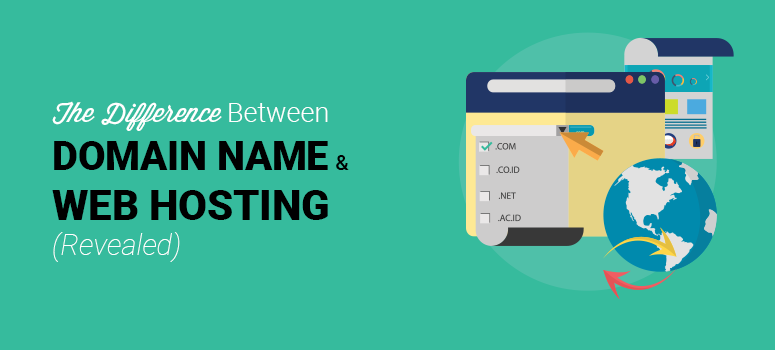
Selecting a domain name is crucial for your online presence. Make it memorable, short, and relevant. Pair it with reliable web hosting for seamless site performance.
Brainstorming Ideas
Think of names that fit your topic. Use words that are easy to spell. Short names are better. Make sure the name is memorable. Avoid complicated words. Ask friends for ideas. Write down ten ideas. Choose the best one.
Checking Availability
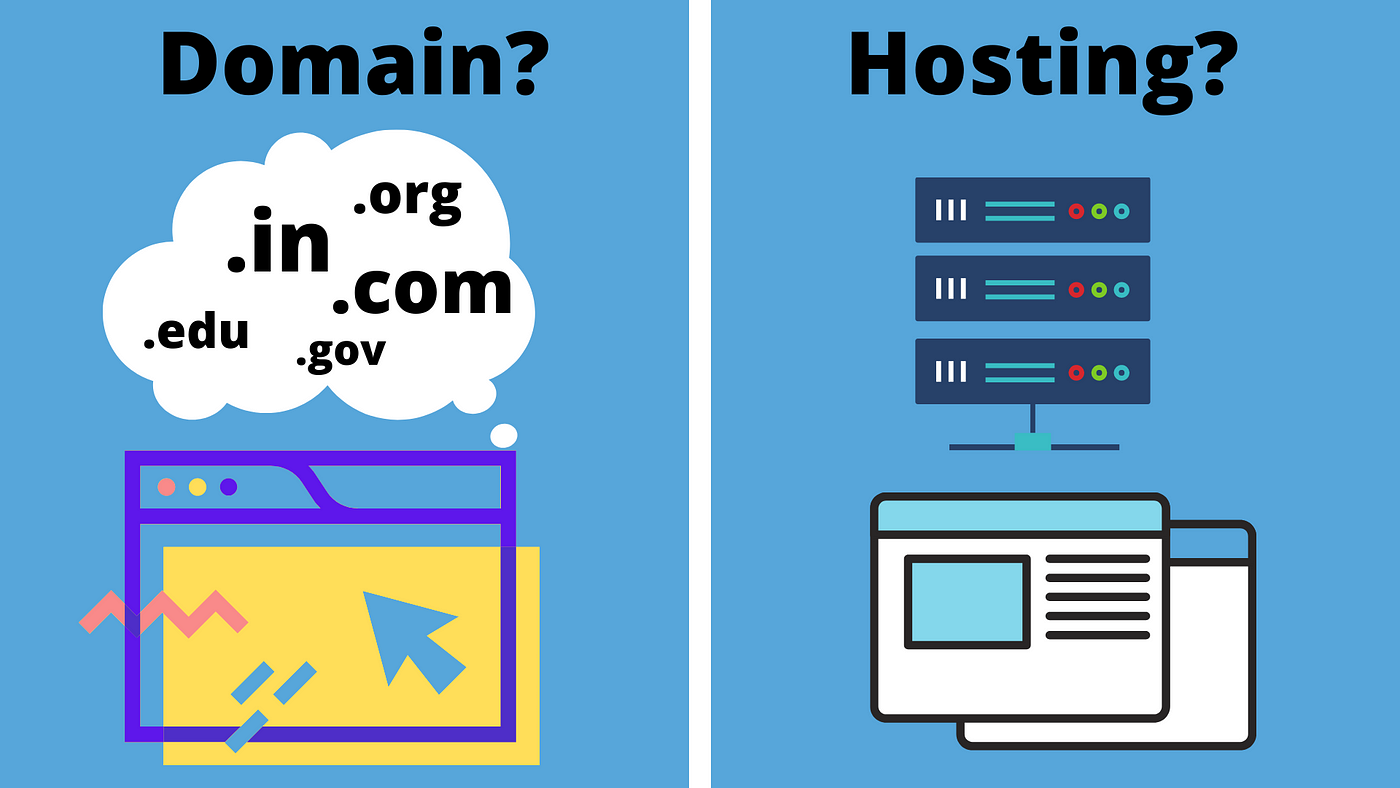
Search online to see if the name is taken. Use domain name tools for help. Check different endings like “.com” or “.net”. Find a name that is free. Make sure it’s not too similar to others. Avoid names used by big companies.
Considering Keywords
Include key words related to your site. This helps people find you. Choose words that explain what your site does. Make it clear and simple. Don’t use too many keywords. Keep it natural and easy to read.
Credit: blog.templatetoaster.com
Registering Your Domain Name
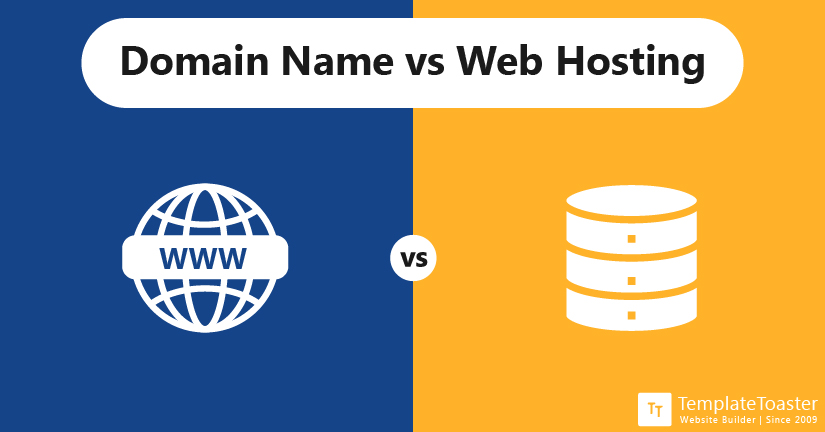
Find a trusted registrar to buy your domain name. Many companies offer this service. Some popular ones are GoDaddy, Namecheap, and Bluehost. Check user reviews before choosing. Make sure they have good customer support. Compare their prices and services.
Domain names cost money. Prices can vary. Some names are cheaper. Others are more expensive. Look for extra fees. Some registrars charge for privacy protection. Check renewal costs. Sometimes, renewals cost more. Choose a name within your budget.
Protect your domain from theft. Use strong passwords. Enable two-factor authentication. Keep your contact info updated. Regularly check your domain status. Some registrars offer locking features. Use them for extra safety. Don’t share your login details.
Selecting Web Hosting Provider
Different types of hosting fit different needs. Shared hosting is cheap and easy. Your website shares space with others. VPS hosting gives more control and resources. It’s like a small personal server. Dedicated hosting means you have your own server. This is best for large websites. Cloud hosting uses many servers. It is fast and reliable. Choose based on your website’s needs.
Look at what different providers offer. Check their prices and plans. Read customer reviews to know their service. Ask if they provide 24/7 support. Compare the uptime they promise. Higher uptime means your site is always online. Check if they offer a money-back guarantee. This is important if you change your mind.
Look for features you need. Does the provider offer SSL certificates? This keeps your site secure. Check for backup services. Backups protect your data. See if they offer website builders. Builders help create a site easily. Find out about email hosting. Email hosting is good for business emails. Look for easy-to-use control panels. This makes managing your site simple.
Credit: mayankavasthi.medium.com
Setting Up Your Hosting Account
Visit the hosting website. Find the sign-up button. Click it. Fill out the form. Provide your email and password. Check your email for a confirmation link. Click the link to confirm. Your account is ready.
Look at the different plans. Basic plans are usually cheaper. Advanced plans offer more features. Think about what you need. Choose a plan that fits your needs. Click to select your plan. Review the costs and features. Make sure you’re happy with your choice.
Log into your account. Find the settings tab. Click on it. Set your domain name. Choose your server location. Update security settings. Save your changes. Your site is now ready.
Linking Domain And Hosting
Selecting a domain name and web hosting is essential for launching a website. Choose a memorable domain that reflects your brand. Then, find a reliable hosting provider to ensure your site runs smoothly.
Updating Dns Records
First, log into your domain registrar’s website. Look for the DNS settings section. This is where you will update the DNS records. You need to enter the nameservers provided by your hosting service. This step connects your domain to your hosting provider. Save the changes after entering the nameservers.
Testing Connectivity
Wait for the DNS changes to update. This may take a few hours. To check if the connection works, use the ping command on your computer. Type “ping yourdomain.com” in the command prompt. If you see a response, your domain is connected. Another way is to visit your website in a browser. If it loads, the connection is successful. Troubleshoot if there are issues by checking your DNS settings again.
Managing Your Domain And Hosting
Securing a domain name and web hosting is essential for your online presence. Choose a unique domain that reflects your brand. Select a reliable hosting provider to ensure your website runs smoothly.
Renewal Considerations
Renew your domain and hosting on time. Late renewal can cause issues. You might lose access to your website. Check renewal dates regularly. Set reminders to renew early. Some providers offer automatic renewal. This ensures your website stays online. Compare renewal costs. Different providers have different fees. Look for discounts on renewal. Sometimes, you can save money.
Monitoring Performance
Keep an eye on your website’s performance. Slow websites can annoy visitors. Track loading speeds often. Use tools to check speed. Monitor uptime regularly. Downtime can affect your business. Many hosting providers offer uptime guarantees. Check if your provider offers this. Analyze traffic patterns. See when your site is busiest. Adjust hosting plans based on traffic needs.
Troubleshooting Issues
Problems can occur with domains and hosting. Identify issues quickly. Common problems include loading errors. Learn basic troubleshooting steps. Contact support if needed. Hosting providers have support teams. They help resolve technical problems. Keep backups of your site. Restoring backups solves many issues. Regularly update your website software. This prevents many technical problems.
Frequently Asked Questions
How Much Does It Cost For A Domain Name And Hosting?
Domain name costs range from $10 to $50 annually. Hosting prices start at $3 per month, varying by provider.
How Do I Permanently Buy A Domain Name?
You cannot permanently buy a domain name. Domains are rented, requiring renewal through registrars like GoDaddy or Namecheap. Secure your domain by registering for multiple years and setting automatic renewals. Regularly check domain availability to maintain ownership.
Does Godaddy Provide Domain And Hosting?
Yes, GoDaddy provides domain registration and web hosting services. They offer various plans for websites of all sizes. You can easily manage your domain and hosting through their user-friendly platform. Their services include email hosting, SSL certificates, and website builders to enhance your online presence.
Do You Need Hosting If You Have A Domain Name?
Yes, hosting is needed to make a website accessible online. A domain name alone is insufficient. Hosting stores your site’s files and data. Without hosting, visitors can’t see your website, even if you have a domain name. Hosting provides the server space necessary for your site’s functionality.
Conclusion
Getting a domain name and web hosting is easier than it seems. Start by choosing a memorable domain name. Check availability using a domain registrar. Then, select reliable web hosting. Consider speed, storage, and support. Compare different hosting plans. Keep your budget in mind.
Many providers offer affordable options. Once purchased, connect your domain to your hosting. Follow the setup instructions carefully. Now, your site is ready for the world. Regularly update and maintain your website. This keeps it secure and functioning well. Enjoy your online presence and reach more people.
Happy hosting!


