
Have you ever stumbled upon a stunning WordPress site and wondered what theme they’re using? You’re not alone.
Figuring out the theme behind a captivating design can help you create a similar look for your own site. But the question is, how do you uncover this mystery? The good news is, finding out what WordPress theme is in use is easier than you might think.
By the end of this article, you’ll have the tools to discover the theme secrets of any WordPress site effortlessly. Let’s dive into the strategies that will empower you to enhance your own website’s aesthetic and functionality, giving you that competitive edge you’ve been looking for.
Identifying WordPress Themes
Finding the WordPress theme on a site can be simple. First, right-click on the webpage. Choose “View Page Source” or “Inspect”. A new window will open. Look for the word “theme” in the code. This often shows the theme name. Some themes hide this info. In such cases, use online tools. Websites like “What WordPress Theme Is That?” can help. Enter the site URL. The tool will scan for the theme. This method is easy and quick.
Sometimes, themes are custom-made. This means they won’t show up in scans. In this case, contacting the site owner might help. They might share the theme name. Being curious about themes is useful. It helps in choosing the right design.
Using Online Tools
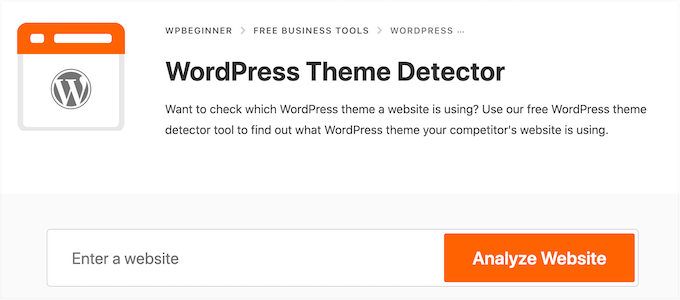
Online theme detectors are easy to use. They help you find the WordPress theme quickly. These tools are free and save time. You don’t need to be a tech expert.
Many websites help you detect themes. WPTD is one such site. It shows theme names fast. What WordPress Theme Is That is another good one. It gives theme details. ScanWP also helps find themes. Each site has its own features.
Manual Inspection Methods
Open the webpage you like. Right-click and select View Page Source. A new window with code will appear. Use the search function (Ctrl + F). Type “wp-content/themes” in the search box. The theme name shows in the URL path. For example, wp-content/themes/theme-name. The part after “themes/” is the theme name.
Right-click the page and choose Inspect. A panel with code will open. Look for the tab labeled Sources. Click it. Find wp-content in the list. Then, go to themes. Open the folder to see theme files. Check the style.css file. The file often lists the theme’s details. Information like the theme’s name is in the first lines.
Credit: torquemag.io
Browser Extensions
Browser extensions make theme detection easy. These tools work with one click. They save time and effort. You don’t need coding skills. Extensions show theme details fast. They are easy to install and use. Many are free. They update automatically. This keeps them working well.
- Wappalyzer: Shows theme and plugin info.
- WhatRuns: Tells you the theme name and version.
- BuiltWith: Provides theme and tech stack details.
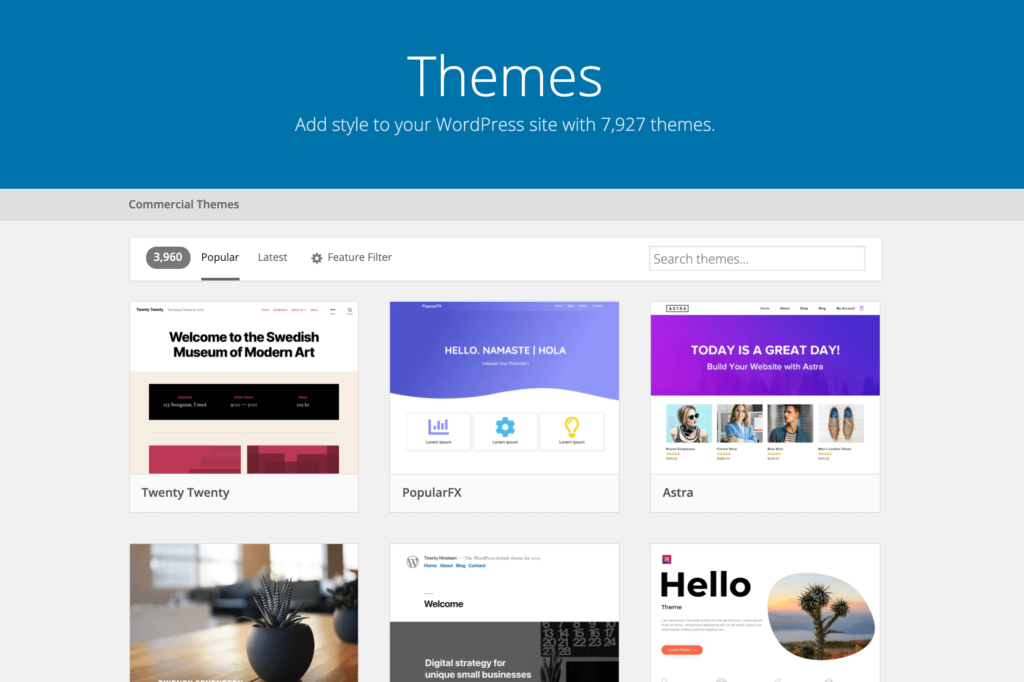
Exploring WordPress Themes Directory
Themes in WordPress have special names. These names help users find them. Some names show what the theme does. Others show the style or design. Bold names often stand out. Short names are easy to remember. Naming helps users pick the right theme.
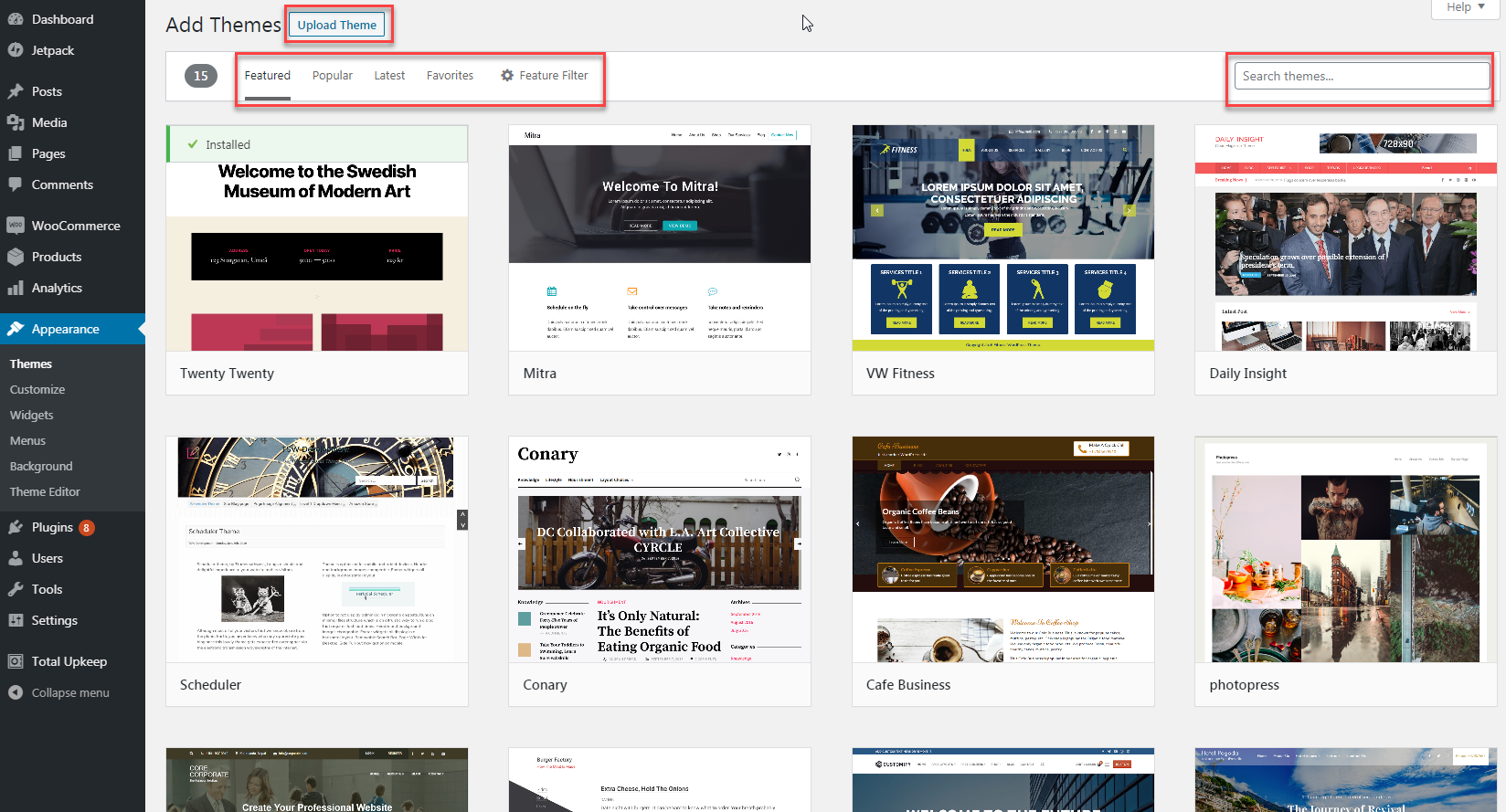
The WordPress repository is a big library. It has many themes. Users can search by name or feature. Filters help narrow down choices. Popular themes are often at the top. Descriptions give more details. Users can see ratings and reviews. This helps in making good choices.
Credit: www.wpbeginner.com
Contacting Website Owners
Reaching out to website owners can be helpful. Start with a friendly greeting. Use their name if you know it. Introduce yourself briefly. State your interest in their website. Be clear and concise. Ask about the WordPress theme they use.
Always be respectful. Thank them for their time. Keep your message short. This makes it easy to read. Wait patiently for a reply. Some may not respond quickly. Follow up if needed, but not too often.
Express genuine curiosity. This shows you are sincere. People appreciate politeness. It can lead to helpful answers. Remember, kindness goes a long way.
Legal And Ethical Considerations
Respect privacy when exploring WordPress themes. Some themes are protected by copyright. This means you cannot copy them without permission. Always check if a theme is free or paid. If it’s paid, you need to buy it. Respect the rights of the theme creators.
When you find a theme you like, consider if you can use it legally. You should not share someone else’s theme without their consent. Doing so could lead to legal trouble. Always give credit to the theme author if required.
Using themes ethically means respecting the creator’s work. This also means not claiming it as your own. Be honest about where you got the theme. This is important for trust and fairness.
Credit: www.inmotionhosting.com
Frequently Asked Questions
How Do I Identify A WordPress Theme?
You can identify a WordPress theme by using online tools like WPThemeDetector or What WordPress Theme Is That. These tools analyze the website’s source code to find the theme details. Alternatively, you can inspect the website’s CSS files to look for theme information manually.
What Tool Checks WordPress Theme Details?
WPThemeDetector is a popular tool for checking WordPress theme details. Simply enter the website URL, and it will provide you with the theme name, author, and other relevant information. It is a quick and efficient way to identify WordPress themes.
Can I Find A Theme Without Tools?
Yes, you can find a WordPress theme without tools. Inspect the website’s source code using your browser’s developer tools. Look for comments or links in the CSS files that mention the theme name or author. This method is manual but effective for identifying themes.
Why Is Identifying A Theme Important?
Identifying a WordPress theme is crucial for replicating a website’s design. Knowing the theme helps in building a similar site or troubleshooting issues. It also aids in understanding the site’s functionality and design features, ensuring consistency in web development projects.
Conclusion
Finding a WordPress theme can be simple. Tools and techniques make it easier. Explore theme directories for popular choices. Use online tools to identify themes. Check page source code for theme names. Try browser extensions for quick answers. Understanding themes helps improve your site.
Choose a theme that fits your needs. Enhance your site’s look and functionality. Engage visitors with a well-chosen theme. Enjoy creating a stunning WordPress site. Keep learning and experimenting with themes. Your site can shine with the right theme choice.


