
Are you curious about the backbone of your website? Understanding the IP address of your web host can unlock a world of insights and control.
Whether you’re troubleshooting an issue, setting up a new feature, or just exploring, knowing how to find your web host’s IP address is crucial. Imagine having the power to swiftly diagnose problems or enhance your site’s performance with this simple knowledge.
You might think it’s a tech-savvy task, but it’s simpler than you expect. In this guide, we’ll walk you through straightforward steps to uncover your web host’s IP address. Keep reading, and you’ll soon discover how easy and empowering it can be!
Understanding Web Host Ip Address
Every website has a unique IP address. This address acts like a home address for websites. It helps computers find where a website lives. Without it, visiting websites would be hard.
Web hosts provide this IP address. They store website data on their servers. When you type a website name, the computer searches for this IP. Then, it connects to the server where the website is stored.
Knowing the IP address can be useful. It helps solve website problems. It also helps in managing website settings. Learning about IP addresses is helpful for anyone using the internet.
Reasons To Discover Ip Address
Knowing the IP address of your web host helps keep your site safe. It allows you to block unwanted users. You can also monitor suspicious activities. Keeping your site secure is important. It protects your data and users. A secure site builds trust.
Finding the IP address helps fix site problems. It assists in diagnosing connection issues. Sometimes, sites go down. Knowing the IP can help resolve this. Quick fixes save time. They also keep visitors happy. A smooth-running site is important.
Correct DNS settings rely on the right IP address. It ensures your site loads correctly. Misconfigurations can lead to site errors. Having the right information is key. It ensures your site is accessible. A well-configured DNS supports site performance.
Using Command Prompt
Open the Command Prompt on your computer. You can find it by searching in the Start menu. Type ping followed by your website name. For example, type ping www.example.com. Press Enter. This will show the website’s IP address. Look for the numbers next to “Reply from”.
Open the Terminal on your Linux machine. Type the command dig and then the website name. For example, type dig www.example.com. Press Enter. Check the Answer Section for the IP address. It is next to “IN A”.
Online Tools For Ip Lookup
Many tools help find IP addresses. IPinfo and WhatIsMyIP are popular. Each tool has different features. Some are free. Others may need a subscription. Finding the right tool depends on your needs.
| Tool Name | Free Version | Subscription Needed |
|---|---|---|
| IPinfo | Yes | Yes |
| WhatIsMyIP | Yes | No |
| GeoIP | Yes | Yes |
These tools have special features. IPinfo offers detailed data. WhatIsMyIP is simple and user-friendly. GeoIP provides location information. Choose based on what you need most.
Checking Domain Registration Details
WHOIS is a tool to find details about a domain name. It shows who owns a domain and where it is hosted. You can use WHOIS to find the IP address of a web host. Type the domain name into a WHOIS search tool. The result will show details like the registrar, registration date, and IP address.
Knowing the IP address helps you learn more about the web host. It is useful for troubleshooting and understanding website connections. This is a simple way to get important info about a domain.
The registration data gives information about the domain. This includes the owner’s contact details and expiration date. You will also find the nameservers and other technical details. Registration data helps track the domain’s history and manage settings.

Credit: www.debugpoint.com
Using Dns Records
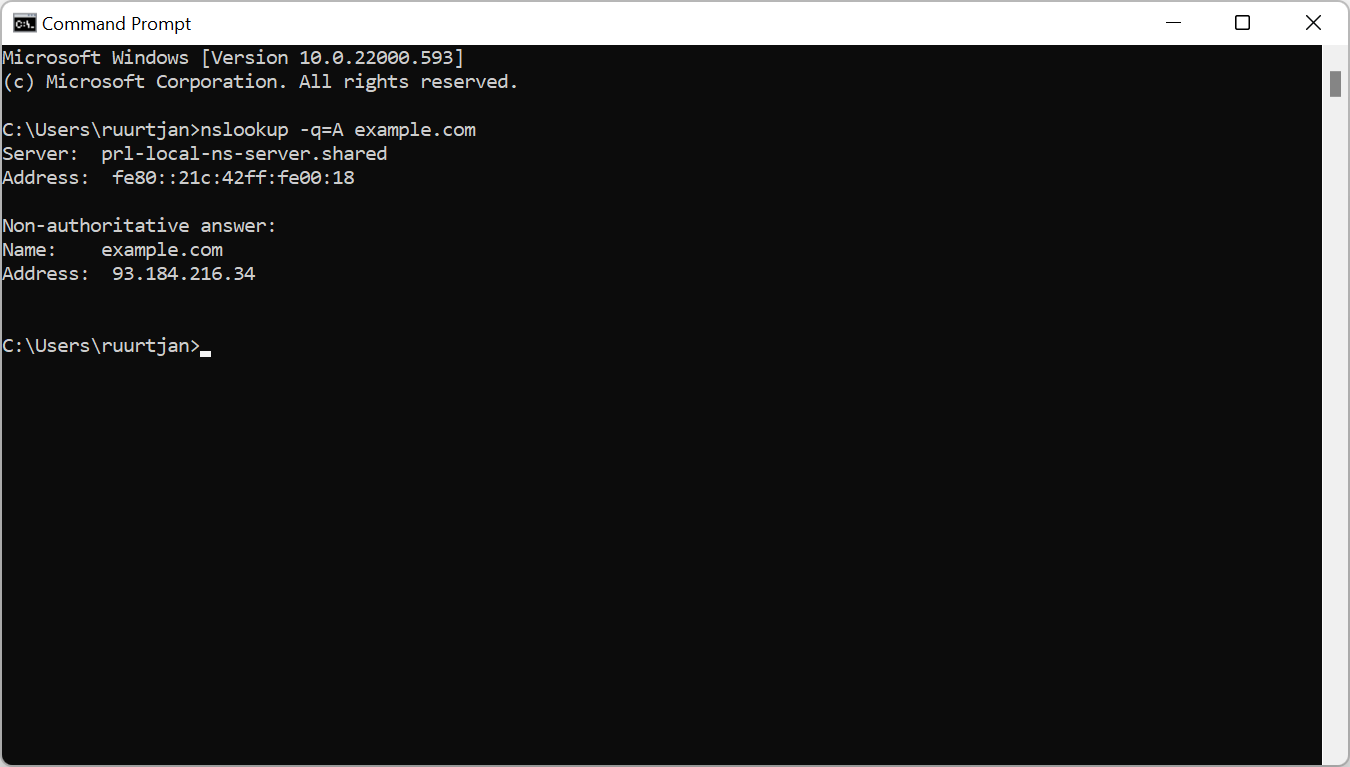
The A Record shows the IP address of a domain. This record maps the domain to its IP. Checking the A Record gives the host’s IP. Use a DNS management tool for this. It will list the IP address clearly. Look for the numbers in the A Record section. They are usually separated by dots. This is the IP address you need.
DNS lookup tools help find the IP address easily. Enter the domain name in the tool. The tool will show the IP address quickly. Many free tools are available online. They are easy to use. Some common tools include WhatsMyDNS and MXToolbox. Use them to find the web host’s IP.
Advanced Techniques
Discovering your web host’s IP address can enhance your site management skills. Use command prompts or online tools to identify it. This helps in troubleshooting and improving your website’s performance.
Using Traceroute
Traceroute is a useful tool. It helps you find the path data takes. You can find the web host IP address with it. Open your command prompt or terminal. Type traceroute followed by the website URL. Press enter. Watch the data path appear. Each line shows a server. The last line shows the web host’s IP. This is a simple way to trace paths.
Network Analysis Tools
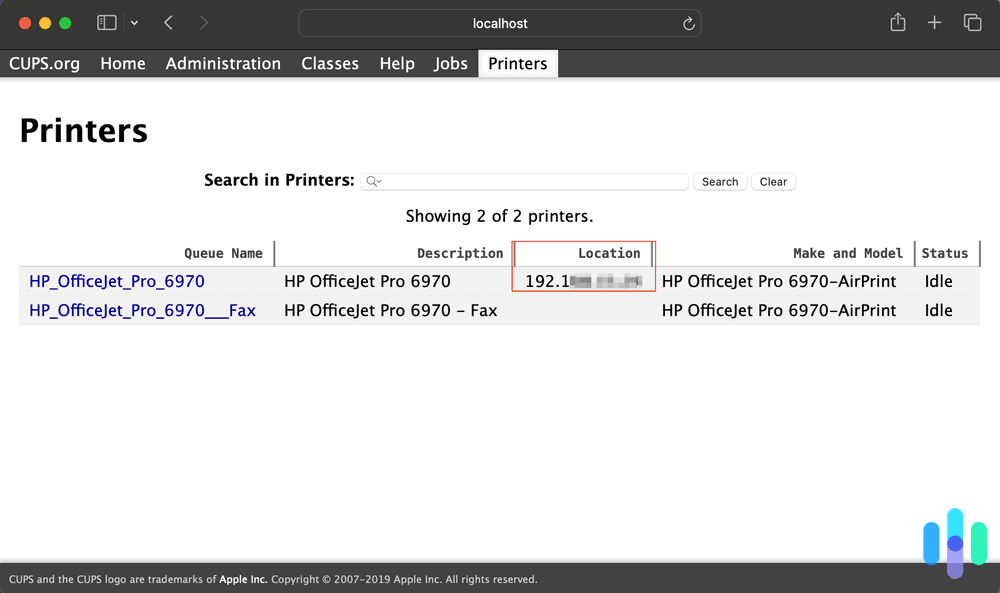
Many tools help find IP addresses. Some are free. Others cost money. Wireshark is a popular choice. It captures data packets. Use it to see IP addresses. Pingdom is another option. It monitors website performance. It shows IP addresses too. Choose a tool that fits your needs. These tools are helpful for learning. They make finding IPs easy.
Credit: www.security.org
Troubleshooting Common Issues
Discovering your web host’s IP address can help resolve website issues efficiently. Use tools like command prompt or online IP lookup services for quick identification. Understanding server location aids in troubleshooting connectivity problems.
Incorrect Ip Resolution
Websites can show the wrong IP sometimes. This causes trouble. Domains might have old IPs. Check DNS records for changes. Clear cache in your browser. This helps see updates. Use tools like Ping or Traceroute. They show real IP addresses. Update any wrong DNS settings. This ensures your site works smoothly.
Blocked Ip Address
An IP can get blocked by firewalls. This stops access to your site. Check server logs for blocked messages. Find out if your IP is blacklisted. Use online tools to check this. Contact your hosting support for help. They can unblock or change your IP. Keep your software updated. This prevents future blocks. Be sure your security settings are correct.
Credit: www.nslookup.io
Frequently Asked Questions
How To Find Ip Address Of Website Host?
Use the command “ping” followed by the website URL in the command prompt. This reveals the website’s IP address. Alternatively, use online tools like “WhatIsMyIPAddress” for easy lookup.
How Do I Find A Host Ip Address?
To find a host IP address, open the command prompt. Type “ping [hostname]” and press enter. The IP address will display in the results. Alternatively, use online tools like “WhatIsMyIP” for quick identification. Ensure the hostname is correct to avoid errors.
How Do I Find My Web Host?
To find your web host, check your email for hosting account information. Log into your domain registrar account, view DNS settings, and identify the hosting provider. Use online tools like WHOIS Lookup to gather details about your web host. Contact your website developer for assistance if needed.
How To Find Host Address From Ip Address?
Use a reverse DNS lookup tool to find the host address from an IP address. This process identifies the domain name associated with the IP. Many online tools are available for this purpose. Always ensure you have permission to conduct such lookups to avoid potential legal issues.
Conclusion
Finding your web host’s IP address is simple and important. It helps in troubleshooting issues. With the steps provided, you can locate it quickly. Remember to check your hosting dashboard. Use online tools if necessary. Knowing your IP address boosts your understanding of web hosting.
It’s a useful skill for managing websites. Keep practicing these methods. As you learn, it becomes easier. Soon, finding an IP address will be second nature. So, stay curious and keep exploring. Your web hosting knowledge will grow each day.


