
Are you struggling to identify the default font of your WordPress theme? You’re not alone.
Many website owners face this challenge, and knowing your theme’s default font is crucial for maintaining a consistent and professional look. Imagine the impact of perfect typography on your site’s readability and aesthetic appeal. It’s like giving your site a personality that speaks to your audience.
In this guide, you’ll discover simple steps to uncover your WordPress theme’s default font, unlocking the potential to craft a visually appealing and cohesive online presence. Stick around, because this knowledge could be the key to transforming your website into an engaging and memorable experience for your visitors.
Credit: support.cookiebot.com
Accessing WordPress Dashboard
Start by visiting your WordPress site. Enter your username and password. Click login to access the dashboard. If you forget your password, click the forgot password link. Follow the steps to reset it.
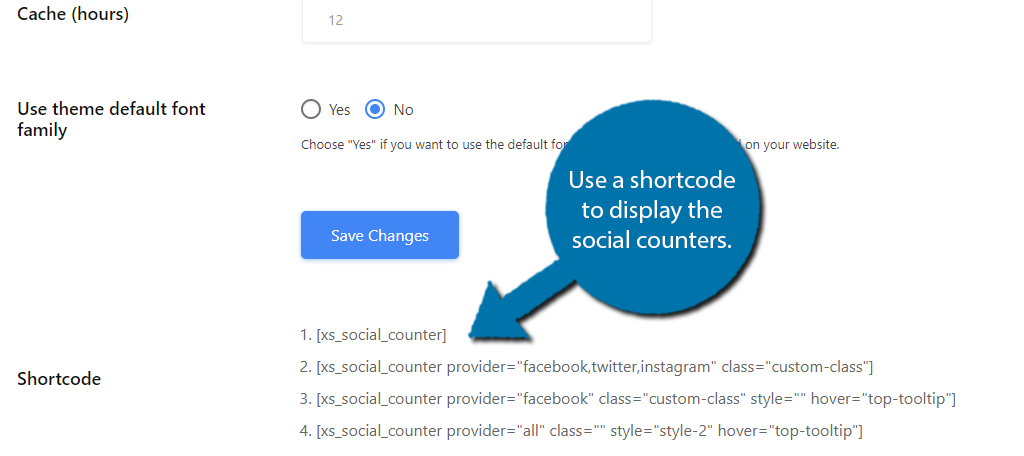
After logging in, find the Appearance tab. It’s on the left side menu. Click it to explore theme options. Themes control the look of your website. Check the Editor for code files. Here, you can find CSS files. Look for font settings in these files.
Credit: www.greengeeks.com
Identifying Theme Information
Finding the theme editor is easy. Go to the WordPress dashboard. Look on the left side. Find the Appearance option. Click on it. Then, select Theme Editor. You will see a list of files. These files belong to your theme. Look for the style.css file. This file has the font information. You can find the default font here.
Open the style.css file. Check the top part of the file. Theme details are written there. Look for font-family. This shows the default font. The font name is usually near it. Sometimes, there are many fonts listed. The first font is the default font. You now know the default font for your theme.
Exploring Css Files
Discovering the theme’s default font in WordPress involves inspecting CSS files. Navigate to the Appearance tab, select Customize, and access Additional CSS. Here, you can find font-family properties that define the default font style. This method offers a straightforward way to understand your theme’s typography settings.
Understanding Style.css
To find your theme’s default font, open the style.css file. This file controls your website’s look. First, locate the font-family property. It shows the font style used. Fonts are listed in order of preference. Sometimes, you may see a generic font like sans-serif as a fallback. If you don’t see font-family, search for @import or @font-face. These lines might load fonts from other places. Style.css can be long. Use the search function in your editor. This saves time and makes it easier. Remember, changes in this file affect your whole site. So, be careful with edits.
It’s a good idea to make a backup before changing anything. This ensures you can fix mistakes easily. Understanding your CSS helps you control your site’s appearance.
Utilizing Browser Developer Tools
Open your browser and go to your WordPress site. Right-click on any text and choose Inspect. A panel will pop up with lots of codes. Look for the word Computed on this panel. Click it. This will show the styles used on the text.
In the same panel, search for font-family. This will tell you the default font. Sometimes, there are many fonts listed. The first one is usually the main font. If it doesn’t load, the next one is used. This way, you can see all the fonts your theme uses.
Using Online Resources
Theme documentation helps find the default fontstyle guide section. Sometimes, font family is listed there. It’s easy to locate. Look for words like typography. They give font info. Read carefully. Documentation is very helpful.
Forums are great for answers. Many people ask about fonts. Search for font-related topics. Users share their findings. You might find your theme’s default font. Be patient while reading. Forums have many discussions. Ask questions if needed. Someone might help you. Forums are usually friendly.
Credit: thimpress.com
Testing And Implementing Changes
Discovering the default font in a WordPress theme involves checking the theme’s style. css file. Locate the font-family property to identify the default typeface. Use the WordPress Customizer for minor tweaks and adjust font settings directly without altering the code.
Previewing Adjustments
After changing the font, always check the preview. This helps you see how the text will look. Make sure the font is readable. Ensure it fits with your theme’s design. If something looks odd, go back. Adjust the font settings again. You want everything to look just right.
Saving Customizations
Once happy with the changes, save them. Look for the save or publish button. This keeps your new font settings. Without saving, changes might disappear. Always remember, saving is important. It makes your hard work last. Check the website again. Ensure everything looks as expected.
Frequently Asked Questions
How Do I Identify My Theme’s Default Font?
To find your theme’s default font, navigate to the Appearance menu in your WordPress dashboard. Click on Customize, then Typography. The default font is usually listed under the Body or Headings section. You can also check your theme’s documentation for detailed information.
Can I Change The Default Font In WordPress?
Yes, you can change the default font in WordPress. Go to the Appearance section, click Customize, and select Typography. Here, you can choose a different font for your site. Some themes may require additional plugins for more font options.
Where Are WordPress Theme Fonts Stored?
WordPress theme fonts are typically stored in the theme’s stylesheet (style. css) file. You can access this file through the Appearance menu, then click on Theme Editor. Look for font-family declarations to identify the fonts used by your theme.
Do All WordPress Themes Allow Font Changes?
Not all WordPress themes allow font changes by default. Some themes come with built-in typography options, while others require additional plugins. If your theme lacks font customization, consider using a plugin like Easy Google Fonts to expand your options.
Conclusion
Finding the default font in WordPress themes can seem tricky. With this guide, you now have the steps needed. Check your theme’s style. css file. Use the browser’s inspect tool. These methods help you identify fonts easily. It’s simpler than it appears at first.
Once you locate the default font, customizing becomes possible. Experiment with different fonts. Improve your website’s look. Enhance readability for your visitors. Take time to explore fonts that match your style. Small changes can make a big impact. Enjoy customizing your WordPress theme with confidence.


