
Imagine this: you’ve crafted the perfect landing page that captures attention, drives engagement, and converts visitors into customers. It’s visually stunning, packed with persuasive content, and designed to perfection.
But how do you seamlessly embed this masterpiece within your WordPress theme without losing its charm? The answer is simpler than you might think. In this guide, you’ll discover how to effortlessly integrate your landing page into your WordPress site, making it an intrinsic part of your online presence.
Whether you’re looking to boost your site’s functionality or enhance user experience, this step-by-step process will empower you to do just that. By the end of this article, you’ll have the know-how to make your landing page a seamless extension of your WordPress theme, ensuring a smooth user experience that keeps visitors engaged and eager to explore more. Ready to unlock the potential of your website? Let’s dive in!
Choosing The Right WordPress Theme
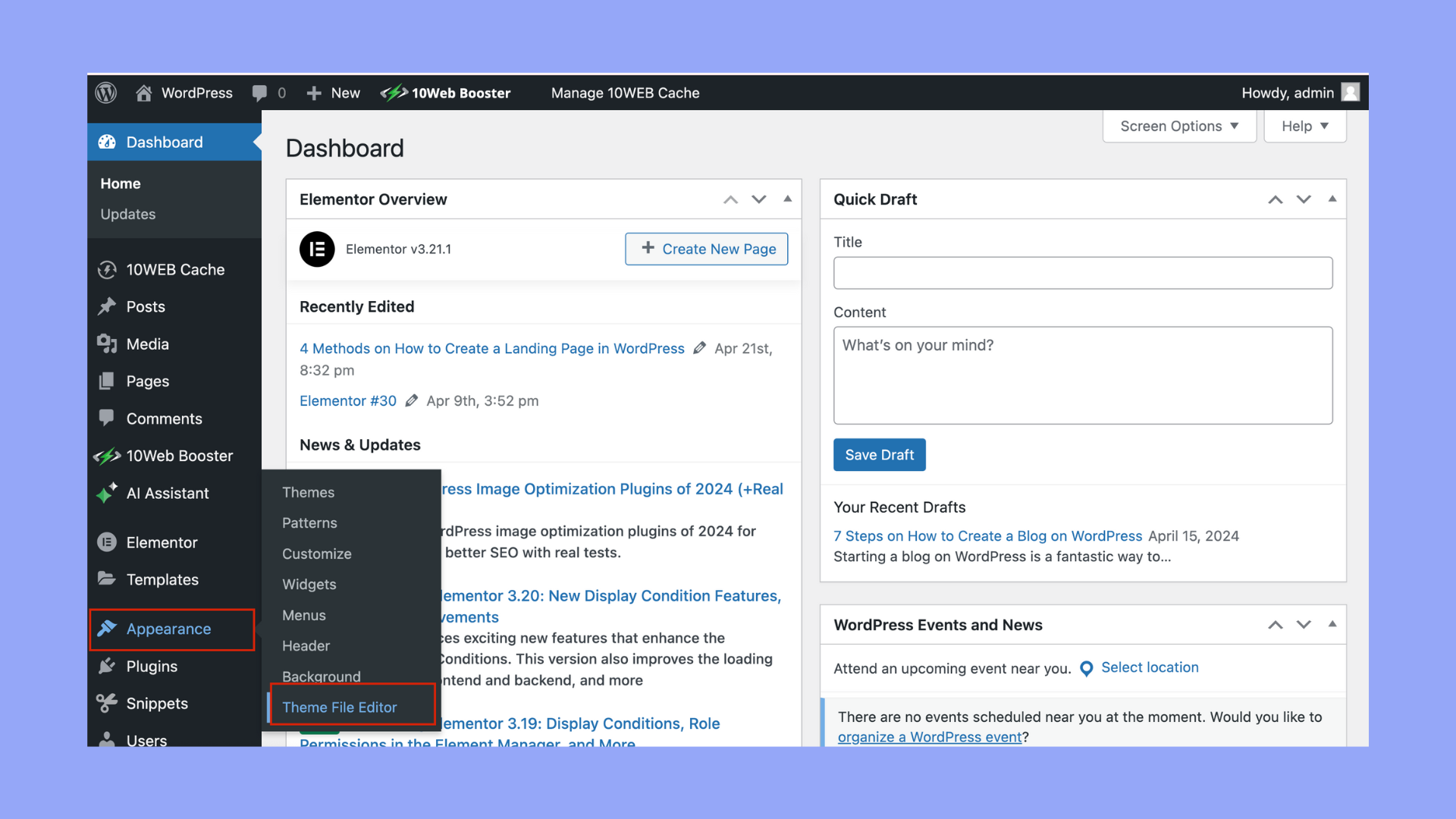
Identifying Theme Compatibility is key. Ensure the theme works with landing pages. Check the theme’s details. Review user comments for issues. Look for themes with strong support. A good theme will have regular updates. Themes should be easy to customize. Avoid themes with complex setups.
Evaluating Theme Features is important. Choose themes with customizable headers. Look for mobile-friendly designs. Themes should load quickly. Speed affects user experience. Check for SEO-friendly features. Good themes help you rank better. Plugins must work smoothly with the theme. Ensure it supports embedding easily.
Credit: 10web.io
Creating A Landing Page Template
First, open your WordPress theme folder. Look for the “Templates” directory. Create a new file. Name it “landing-page.php”. Open this file in a text editor. Add a simple comment at the top. This comment tells WordPress it’s a template. Use this code: php / Template Name: Landing Page / ?. Save your changes. Now, the new template is ready.
Start by writing basic HTML. Use tags to structure your page. Add headings, paragraphs, and images. Ensure everything is neat. Next, style your page with CSS. Use colors and fonts that match your brand. Add the CSS inside the “style.css” file. Make your landing page look good. Check your changes in the browser. Adjust the design as needed. Now, you have a custom landing page.
Integrating The Landing Page With Theme
Place your landing page template in the theme’s folder. This folder is called the theme directory. Use a text editor to add your HTML file. It should be saved with a `.php` extension. This helps WordPress understand the file. You can name it `template-landing.php`. Make sure the file is in the right place.
Open the `functions.php` file in your theme. This file lets you add new features. Add code to register your landing page template. Use the `add_filter` function. This function makes your template visible. It helps when you create a new page. Write clear code comments. These comments explain what your code does. They help others understand your changes.

Credit: taggbox.com
Using Page Builders
First, go to your WordPress dashboard. Click on “Plugins” in the menu. Then, click “Add New.” Type the name of the page builder plugin you want. Popular options are Elementor or Beaver Builder. Click “Install Now” next to the plugin. After installation, click “Activate” to turn it on. Now, the plugin is ready to use.
Open the page builder from your WordPress dashboard. Create a new page or edit an existing one. Use the drag-and-drop tools to add elements. Text boxes, images, and buttons are easy to place. Arrange them to suit your design. Save your work frequently to avoid losing changes. Preview the page to see how it looks. Make adjustments as needed. Once satisfied, publish your page.
Incorporating Seo Best Practices
Embedding a landing page requires smart SEO strategies. Choose a relevant keyword for your page. Use this keyword in the title and meta descriptions. Make sure your URL structure is clear and simple. Add alt text to images to help search engines understand them. Internal links will help visitors explore your site. Keep these links relevant and helpful.
Optimizing For Search Engines
Use short paragraphs for easy reading. Include bullet points when listing items. Ensure your content is unique and valuable. Avoid using too many keywords. Write naturally for your audience. Check your page load speed. Fast pages rank better in search results. Use tools to test and improve speed.
Ensuring Mobile Responsiveness
Many users browse on phones. Ensure your landing page is mobile-friendly. Use a responsive design that fits all screens. Test your page on different devices. Make sure buttons are easy to tap. Ensure text is easy to read without zooming. Use large fonts and avoid clutter. Keep images optimized for quicker loading.
Testing And Troubleshooting
Integrating a landing page into a WordPress theme involves testing and troubleshooting to ensure functionality. Check for compatibility issues with plugins and theme settings. Adjustments may be needed to maintain seamless design and user experience.
Previewing The Landing Page
Preview the landing page before it goes live. This helps you find any errors or design issues. Check if all images and buttons work. Ensure that text is readable and in the right place. Use different devices like a phone and a tablet. This ensures the page looks good everywhere.
Resolving Common Issues
Some landing pages may not load correctly. This could be due to plugin conflicts or theme issues. Try disabling unused plugins one by one. This helps find which plugin causes the problem. If the theme is the issue, try switching to a basic theme. Sometimes code errors cause problems. Check for mistakes in the code. Fixing small errors can make the page work well.
Launching The Landing Page
Publishing a landing page in WordPress is simple. Start by accessing your WordPress dashboard. Find the Pages option. Click on Add New. Enter a title for your page. Choose a suitable template. This is important for design. Click Publish to make it live. Your page is now visible to visitors.
Monitoring Performance Metrics
Tracking metrics helps improve your landing page. Use tools like Google Analytics. Measure visitor numbers. Check how long they stay. Observe which links they click. Understand visitor behavior. Adjust your page as needed. Better metrics means better page performance.

Credit: elfsight.com
Frequently Asked Questions
How Do I Embed A Landing Page In WordPress?
To embed a landing page in WordPress, use a page builder plugin like Elementor or WPBakery. These tools allow you to design custom pages without coding. Once your landing page is ready, integrate it with your theme using a shortcode or template file.
This process is straightforward and user-friendly.
Can I Use Any Theme For Embedding?
Yes, you can embed a landing page with any WordPress theme. Ensure your theme supports custom page templates. Most themes offer compatibility with popular page builders. This flexibility allows you to create engaging landing pages that match your site’s design.
Check theme documentation for specific instructions on integration.
Is Coding Required To Embed Landing Pages?
No coding is required to embed landing pages in WordPress. Page builders like Elementor simplify the process with drag-and-drop interfaces. They allow users to design and customize pages without technical skills. This approach is beginner-friendly and effective for creating professional-looking landing pages quickly.
What Plugins Help Embed Landing Pages?
Popular plugins like Elementor, WPBakery, and Beaver Builder help embed landing pages in WordPress. These tools offer intuitive interfaces for designing custom pages. They are compatible with most themes and provide features like responsive design and SEO optimization. Choose a plugin that suits your needs and expertise level.
Conclusion
Embedding a landing page in WordPress is simple. Follow these steps for success. Use quality plugins to enhance functionality. Customize themes to match your brand. Test the landing page for responsiveness. Ensure it loads quickly on all devices. Keep the design clean and focused.
A clear call-to-action boosts engagement. Regular updates improve performance. Analyze visitor data to refine strategy. This guide empowers you to embed landing pages easily. Your WordPress site will attract more visitors. Enjoy the benefits of a well-integrated landing page. Engage your audience effectively with these tips.
Your online presence becomes more dynamic and appealing.


