
Have you ever wanted to design your own WordPress theme but felt overwhelmed by the technicalities? You’re not alone.
Many people dream of creating a unique online presence but get lost in the maze of coding and design principles. Imagine having a website that not only stands out but also perfectly represents your brand and vision. The good news?
You don’t need to be a tech wizard to make this happen. With a few straightforward steps and the right guidance, you can craft a WordPress theme that is both stunning and functional. Dive into this guide, and by the end, you’ll have the tools and confidence to bring your dream website to life. Ready to transform your online space? Let’s get started!
Getting Started With WordPress Theme Design
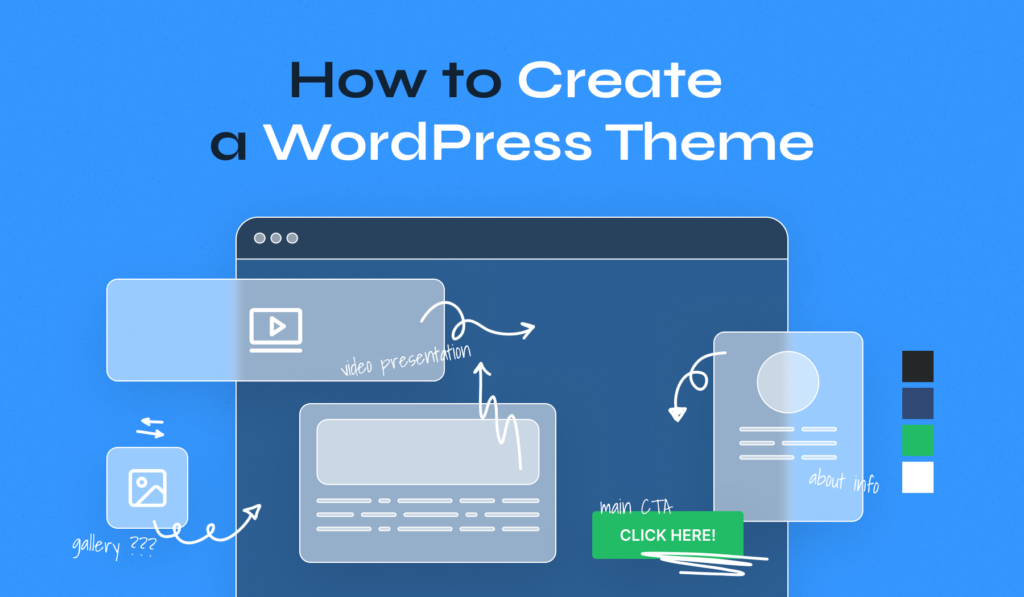
Creating your own WordPress theme can be fun. First, you need a clear plan. Think about the layout you want. Colors and fonts are important too. Use simple designs for a clean look. Start by learning some basic HTML and CSS. These are the building blocks. They help you shape the theme’s appearance. Make sure your theme is responsive. This means it looks good on phones and tablets. WordPress has a lot of tools to help you. Use the Theme Customizer to see changes in real time. Don’t forget to test your theme. Check it on different devices. Make sure everything works well. This way, your theme will be ready for everyone to use.
Credit: www.wpzoom.com
Tools And Resources Needed
Start with a code editor. Popular ones are Visual Studio Code and Sublime Text. They help you write code easily. Use Adobe Photoshop or GIMP for designing images. These tools make your theme look nice. FileZilla can transfer files. It’s simple and quick to use. Install XAMPP or Local by Flywheel. They create a place to test your theme. These are free and help learn easily.
WordPress Codex is a helpful site. It has many guides. YouTube offers many video tutorials. Watch and learn step-by-step. Stack Overflow is great for asking questions. Get answers from experts. GitHub has sample projects. They show real examples. Use ThemeForest for inspiration. See different themes and ideas.
Understanding WordPress Theme Structure
Creating your own WordPress theme starts with understanding its structure. Themes consist of template files, stylesheets, and functions. Familiarity with these elements helps in customizing layouts, styles, and features to suit your needs.
Theme Files And Directories
WordPress themes have many files. Each file has a job. The style.css file gives the theme its look. The index.php file is the main template file. All themes need these files. They live in a directory. The directory holds all theme files. This keeps them organized.
Key Components Of A Theme
Themes have key parts. The header.php file is for the top of the page. The footer.php file is for the bottom. The sidebar.php file is for side content. These files help structure a theme. They make sure everything is in the right place. Together, they create the full theme.

Credit: www.cloudways.com
Creating A Theme From Scratch
Begin by installing a local server like XAMPP or WAMP. This server helps run WordPress on your computer. Next, download and install WordPress from its official site. Create a new database for your WordPress site using phpMyAdmin. Now, move the WordPress files into the server’s directory. Finally, open your browser and navigate to localhost to complete the setup.
First, create a new folder in the wp-content/themes directory. Name it after your theme. Inside, create the style.css file. This file tells WordPress about your theme. Next, create the index.php file. It will be your main template file. Add more files like header.php and footer.php for better structure. Use simple HTML and CSS to style your theme.
Customizing Theme Design
HTML creates the structure of your theme. It is simple. Tags help organize elements. Use `
JavaScript adds magic to your theme. It makes it interactive. Buttons can click. Images can move. JavaScript controls these actions. Use JavaScript for slideshows. It creates dynamic effects. Keep scripts simple. Start with small changes. Build up as you learn. JavaScript is powerful. It brings life to your designs.
Adding WordPress Functionality
WordPress hooks are like magic. They help you add or change things. Use actions to add new code. Use filters to change existing code. Hooks let your theme do more. Place hooks in your theme files. You can find them in functions.php. Remember, each hook has a name. Use the right name for your task.
Custom templates make your site unique. They change how pages look. Start by making a new file. Name it with a Template Name at the top. Use HTML and PHP to build your template. Save it in your theme folder. You can select it in the WordPress editor. This way, each page can have a different style. Your website looks just the way you want.
Testing And Debugging Your Theme
Debugging tools in WordPress help find errors. They show messages when things go wrong. WP_DEBUG is a tool that shows error messages. Turn it on in the wp-config.php file. Error messages help fix problems fast. Debugging plugins also help. They show detailed error reports. This makes fixing easier.
Test your theme on different browsers. Each browser shows websites differently. Check your theme on Chrome, Firefox, and Safari. Make sure it looks good everywhere. Fix any display issues. Use tools like BrowserStack to test many browsers. Cross-browser compatibility is important. It ensures everyone sees your site correctly. Happy visitors mean a successful theme.
Preparing Theme For Launch
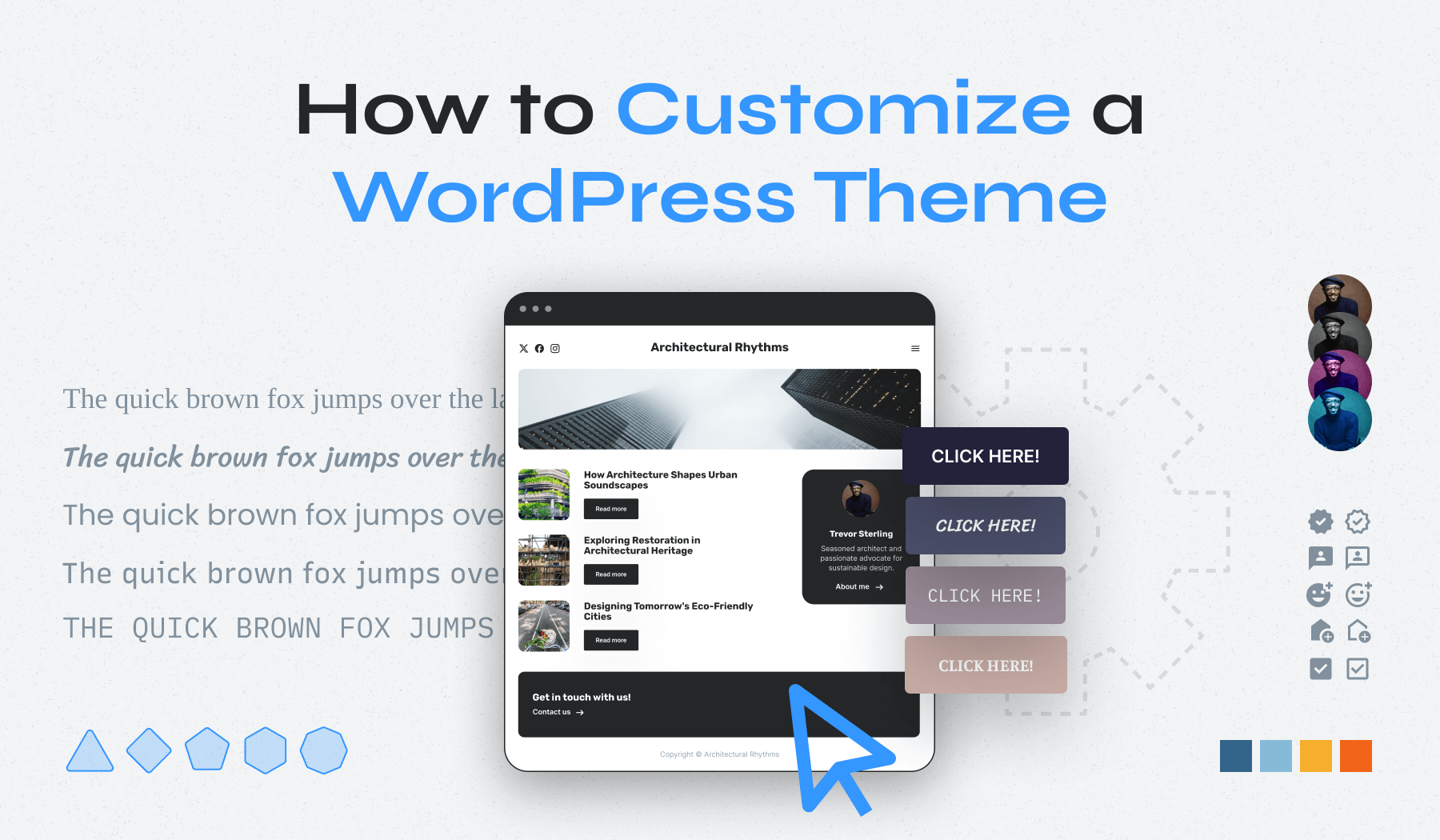
Crafting your own WordPress theme begins with sketching a clear design blueprint. Explore color palettes and font styles to create a unique look. Customize layout elements to enhance user experience and functionality.
Optimizing For Performance
Themes need speed for users. Slow themes lose visitors. Clean code helps. Remove unused plugins. Use caching tools. Images should be small. Compress them before upload. Minify CSS and JavaScript. This reduces load time. Check site speed with online tools. Faster sites rank better. Users stay longer on fast sites.
Ensuring Security Best Practices
Security keeps sites safe. Regular updates are important. They fix bugs and protect data. Use strong passwords. Avoid common words. Two-factor authentication adds extra security. Limit login attempts to prevent hacking. Backup data often. Store backups safely. Keep plugins and themes updated. Secure sites build trust with users.
Submitting Theme To WordPress Directory
Designing your own WordPress theme involves creativity and understanding of coding basics. Start by planning your theme’s layout and features. After designing, test thoroughly to ensure functionality and compatibility. Once ready, follow WordPress guidelines to submit your theme to their directory, reaching a wider audience.
Meeting WordPress Guidelines
Themes need to follow certain rules. These rules are called WordPress Guidelines. They keep themes safe and easy to use. Your theme must be secure and functional. It should work with all WordPress features. Test your theme well. It should not have any bugs. Good themes have clean code. They load fast and look nice. Make sure your theme is responsive. This means it looks good on phones and computers.
Submitting And Promoting Your Theme
First, you need a WordPress account. Go to the WordPress website. Then, find the theme submission page. Follow the steps to upload your theme. After that, wait for review. The WordPress team checks it. If it passes, it goes live. To let others know, share your theme online. Use your blog or social media. Tell people why your theme is special. People will notice and download it.
Credit: www.wpzoom.com
Frequently Asked Questions
Can I Create My Own WordPress Theme?
Yes, you can create your own WordPress theme. Use HTML, CSS, and PHP to design it. WordPress offers extensive documentation and tutorials. Familiarity with coding helps in customizing themes. Consider using a starter theme or a framework to simplify the process.
How Do I Create My Own Template In WordPress?
To create a custom template in WordPress, access your theme files. Duplicate an existing template file, rename it, and edit the code as needed. Save changes and upload the file via FTP. Choose your new template in the page attributes section when creating or editing pages.
Which Theme Builder Is Best For WordPress?
Elementor is the best theme builder for WordPress. It offers intuitive drag-and-drop functionality and extensive customization options. Users can create responsive designs effortlessly. Elementor supports advanced features like animations, custom widgets, and integrations. It caters to beginners and developers alike, ensuring a seamless website building experience.
Which Language Is Used To Develop A Theme In WordPress?
Themes in WordPress are developed using PHP, HTML, CSS, and JavaScript. PHP is the primary language. It handles server-side logic and interacts with WordPress core functions. HTML provides structure, CSS styles the design, and JavaScript adds interactivity. Mastery of these languages is essential for effective WordPress theme development.
Conclusion
Creating your own WordPress theme can be rewarding. It allows you to personalize your website. You control the design and functionality. Start with a clear plan and simple tools. Practice makes perfect. Experiment with layouts and colors. Always test your theme for responsiveness.
Make sure it works on all devices. Keep learning new techniques. The WordPress community offers many resources. Join forums and seek advice. Designing your theme boosts creativity. It enhances your web development skills. Your unique theme can make your site stand out.
Enjoy the process and keep exploring new ideas.


