
Are you looking to make a splash with your new website but not quite ready to launch? Customizing your WordPress theme with a coming soon plugin is a smart move.
It’s like giving your site a stylish under-construction sign that teases what’s to come while keeping your visitors curious and engaged. Imagine setting the stage for your brand with a captivating design that perfectly matches your vision, all before your main site goes live.
This not only builds anticipation but also establishes a connection with your audience early on. You’ll discover how to effortlessly customize your WordPress theme using a coming soon plugin. We’ll guide you through the process step-by-step, ensuring that your website launch is as smooth as it is exciting. Ready to captivate your audience from the get-go? Let’s dive in.
Choosing The Right Coming Soon Plugin
A good plugin should be easy to use. It should have a drag-and-drop builder. This helps in creating pages fast. Another feature is custom design options. This lets you match your site theme. Social media integration is also important. It helps share your page on platforms. Consider a plugin with email capture. This helps in collecting visitor emails. Check if it has responsive design. This ensures your page looks good on all devices.
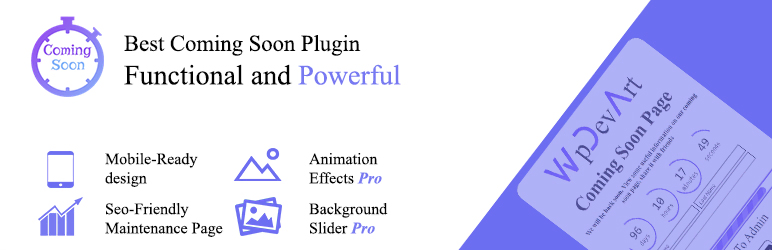
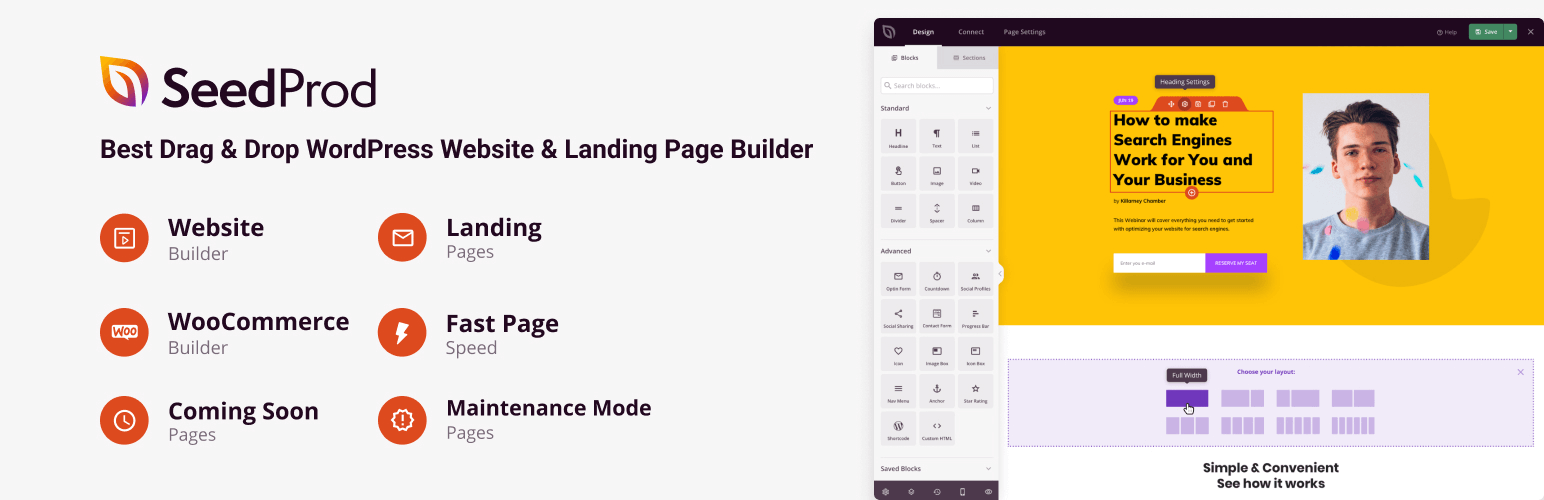
SeedProd is a top choice. It is known for its simplicity. Elementor offers great design features. It is easy to customize. Coming Soon & Maintenance Mode by WP Maintenance is user-friendly. It has many templates. UnderConstructionPage is another option. It offers quick setup. These plugins have good reviews. They are trusted by many users. Each has unique features. Choose one that fits your needs.
Credit: www.hostinger.com
Installing And Activating The Plugin
First, log into your WordPress dashboard. Navigate to the “Plugins” section. Click “Add New”. Search for your desired Coming Soon plugin. Check its details for compatibility. Click “Install Now” to start the installation process. Once installed, the button will change to “Activate”. Click it. The plugin is now active.
After activation, locate the plugin under “Installed Plugins”. Click “Settings” to configure. Customize the Coming Soon page as you wish. Adjust colors, text, and images. Preview your changes. Make sure everything looks good. Save settings. Your page is now live. Visitors will see this while your site is under construction.
Configuring Plugin Settings
Start by accessing the plugin’s dashboard. You’ll find the basic settings there. Choose a simple design for your page. Make sure to add a friendly message. Visitors will see this message while your site is in development. The color scheme should match your brand. Set the font style to be easy to read. Keep things neat and simple. A clear layout makes a big difference.
Dive into the advanced settings for more features. You can enable a countdown timer. This shows when your site will be ready. Add a contact form for feedback or inquiries. This keeps your visitors engaged. You can also add social media icons. This helps people connect with you. Make sure to save all your changes. Check your page often to see how it looks.
Design Customization
Start by choosing a theme style that fits your brand. Look for themes that are simple and easy to use. Many themes have pre-made layouts. These layouts can help you design quickly. Pick one that you like best.
Change the colors to match your brand. Use colors that look good together. Choose fonts that are easy to read. Make sure they are not too fancy. You can often find font options in the theme settings.
Upload your logo to the site. This helps people know your brand. Choose a background image or color that fits your style. Make sure it is not too busy. A simple background can make your site look neat.
Adding Content To Your Page
Headlines need to be catchy and clear. They tell readers what to expect. Use simple words and keep it short. Make sure the headline is easy to read. Ask a question if you can. It grabs attention quickly.
Pictures make your page look nice. Use clear and bright images. Videos can explain ideas better. Keep videos short and fun. Add a picture caption for each image. This helps the reader understand more.
Copy should be easy to read. Keep sentences short and simple. Use common words. Explain one idea at a time. Write as if talking to a friend. Make sure your message is clear and direct.
Integrating With Other Tools
Connecting Social Media Accounts is easy with a Coming Soon plugin. This tool lets you link social media profiles directly to your website. Visitors can find your Facebook, Twitter, and Instagram fast. This helps to grow your audience. More people will see your posts and interact with them. Social media buttons can be placed on the coming soon page. This way, users can connect with you even before your site is ready.
Email Marketing Integration is another great feature. A Coming Soon plugin allows you to collect emails from visitors. You can start building your mailing list right away. When your site is live, you can send newsletters to keep your audience updated. This is useful for sharing new content and promotions. Your visitors will feel connected to your brand.
Testing And Previewing
Customize your WordPress theme effortlessly with a Coming Soon plugin. Test changes safely while your site is under construction. Preview your design tweaks without affecting live users.
Checking Mobile Responsiveness
Every site should look good on phones. Mobile responsiveness is key. Open your site on a phone. Check if all parts are visible. Adjust fonts if they are too small. Images should fit the screen. Buttons should be easy to click. Test different devices. Tablets and small screens are important too. Ask friends to check on their phones. Their feedback helps.
Ensuring Cross-browser Compatibility
Websites should work on all browsers. Open your site in Chrome, Firefox, and Safari. Check if it looks the same. Some features may not work in all browsers. Fix any problems you see. Use online tools to check compatibility. They help find hidden issues. Testing on different computers helps too. Make sure everyone sees your site the same way. This makes it user-friendly.
Launching Your Coming Soon Page
A countdown timer can create excitement. It shows when your site goes live. Many plugins offer easy options. Choose a style you like. Set the end date and time. Make sure it’s accurate. Test the timer before publishing. This ensures it works well. Countdown timers can boost visitor interest. They build anticipation for your launch.
Once everything is set, it’s time to go live. Check all elements on your page. Make sure images and text are clear. Look at your page on different devices. Ensure it looks good everywhere. Finally, hit the publish button. Your coming soon page is now live. Visitors will see it right away. This starts the countdown to your site launch.
Monitoring And Updating
Customize your WordPress theme effectively with a coming soon plugin. Regularly monitor and update your site for best performance. Ensure your theme remains fresh and engaging for visitors.
Analyzing Visitor Data
Install a Coming Soon plugin on your WordPress site. It helps you to gather visitor data easily. This data shows who visits your site. Check how long they stay. See what they click on most. Use this data to improve your site. Make changes based on visitor actions. Better data means a better site.
Regular Content Updates
Keep your site fresh with regular updates. Add new posts or change old ones. Refresh images and texts. This makes visitors come back. Updated sites rank better on search engines. Always check for new trends. Update your site to match these trends. This keeps your site interesting.

Credit: wpmarmite.com
Credit: wordpress.org
Frequently Asked Questions
How Can I Customize A WordPress Theme?
Customizing a WordPress theme involves using the Theme Customizer. You can access it via the WordPress dashboard. It allows you to change colors, fonts, and layouts. You can also add widgets and menus. For advanced customization, consider editing the theme’s CSS or using a child theme.
What Is A Coming Soon Plugin?
A Coming Soon plugin creates a temporary landing page for your website. It’s useful during site development. It allows you to display a message or countdown timer. These plugins often include customization options. They help maintain visitor interest while you work behind the scenes.
Why Use A Coming Soon Plugin In WordPress?
Using a Coming Soon plugin offers multiple benefits. It maintains a professional appearance during site updates. It helps collect visitor emails for launch notifications. It prevents visitors from seeing incomplete pages. It can improve SEO by keeping search engines informed about site changes.
Can I Integrate Coming Soon Plugin With My Theme?
Yes, integrating a Coming Soon plugin is simple. Install and activate the plugin from the WordPress repository. Configure its settings to match your theme style. Adjust design elements like colors and fonts. It seamlessly works with most WordPress themes without conflicts.
Conclusion
Customizing your WordPress theme using a Coming Soon plugin is straightforward. This method helps build anticipation while working on your site. The plugin offers flexibility and ease for non-native speakers. You can change styles, add logos, and set countdowns easily.
It’s a smart way to engage visitors early. Use this approach for a seamless transition and enhanced user experience. Make your site ready while keeping visitors informed. This strategy ensures your website launch is smooth and effective. Explore options and tailor your theme with confidence.
Simple steps for great results.


