
Creating a WordPress theme from scratch might sound like a daunting task, but it doesn’t have to be. Imagine having full control over your website’s look and feel, without relying on pre-made themes that might not fully meet your needs.
Whether you want to express your unique style or build a theme for your business, learning to create a WordPress theme from scratch can be incredibly empowering. In this guide, tailored specifically for 2015 standards, you’ll discover the essential steps to bring your vision to life.
By the end of this article, you’ll understand the basics of theme development, from setting up your environment to coding the necessary files. If you’ve ever felt limited by existing themes, this is your opportunity to break free and create something truly your own. Ready to dive in and unleash your creativity? Let’s get started!
Planning Your Theme
Every theme has a goal. Decide what your theme will do. Is it for a blog or a shop? Knowing this is important. It helps in making choices later. Your theme should have a clear focus.
Draw your ideas on paper first. Start with the homepage. Think about where to place the header and footer. Then, decide on the sidebar and main content areas. Keep your design simple and neat.
Pick colors that match your theme’s purpose. Bright colors are fun. Dark colors feel professional. Use a color wheel for help. Choose a main color and a few others for accents.
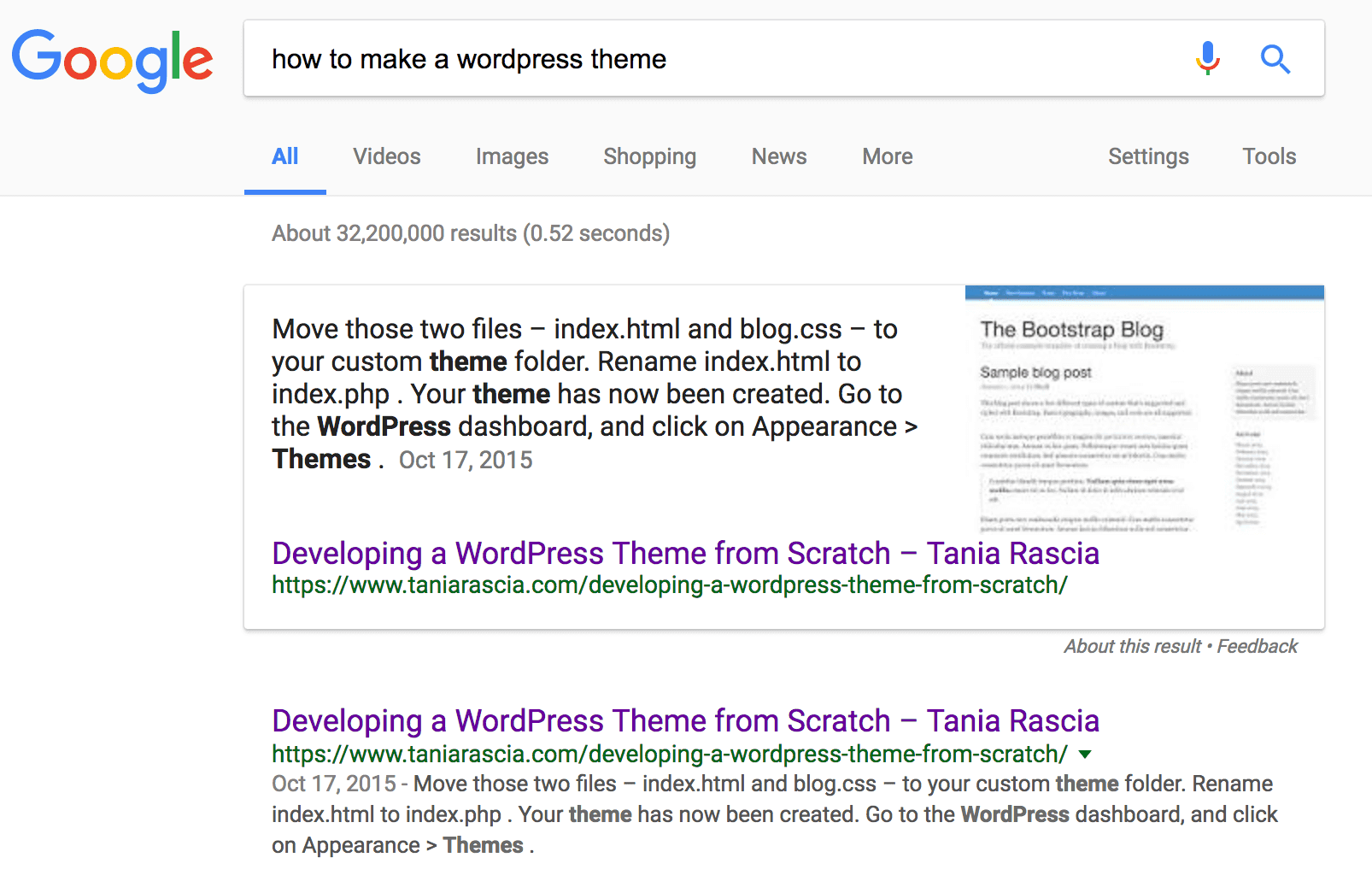
Credit: www.taniarascia.com
Setting Up Development Environment
Install WordPress on your local computer. First, download WordPress from the official site. Next, set up a local server. Use tools like XAMPP or MAMP. These tools help run WordPress locally. After that, unzip WordPress files. Place them in the server’s htdocs or www folder. Finally, create a database for WordPress. Use phpMyAdmin to do this.
Proper tools make work easier. Start with a code editor. Popular choices include Sublime Text and Visual Studio Code. Each has helpful features. Next, set up version control. Git is a good choice. It helps track changes. Then, consider using a browser developer tool. These help debug and test themes.
WordPress themes have many files. The style.css file is important. It controls the look. Then, there’s functions.php. This file adds features to your theme. Other files include index.php and header.php. Each file has a purpose. Learn the structure to build themes easily.
Creating Essential Files
Start with the style.css file. This file tells WordPress about your theme. Include the theme name, author, and description. Write CSS code to style your website. Make sure to save changes often. You can use colors and fonts to make it pretty.
Next, create the index.php file. This file displays your website content. Write PHP code to show posts and pages. Include HTML tags for structure. Test the file in WordPress. Make changes if needed. Keep the code simple and clean.
Build the header.php file first. This file appears at the top. Add the site title and menu. Use PHP to make it dynamic. Then, create the footer.php file. This file shows at the bottom. Include copyright info and links. Both files should connect with index.php.
Designing Theme Layout
Building a WordPress theme starts with HTML and CSS. Use HTML to create the basic layout. With CSS, style the theme. Make it look nice and clean. It’s like drawing a picture but with code. Use colors and fonts to make it pretty.
Responsive design is very important. It makes the theme look good on any device. Use media queries in CSS. They help the theme adjust to different screens. Always test on phones, tablets, and computers. This way, everyone can enjoy your theme.
Add custom fonts and icons to make the theme unique. Google Fonts is a great place to find free fonts. Icons can be found on sites like Font Awesome. They add style and personality. Remember to keep the design simple and easy to read.
Integrating WordPress Functions
The WordPress Loop is a powerful tool. It helps display posts on your site. You can show posts by dates or categories. It’s like a magic wand for your content. Learn to use it well. It can make your theme shine. With Loop, control what users see. It’s flexible and easy to use.
Dynamic menus are a key part of WordPress. They let users find what they need fast. You can create menus in the admin area. Then, add them to your theme. Use the wp_nav_menu function. This helps in displaying the menu on your site. Make sure it’s easy to navigate. Keep it simple and clear.
Widgets add extra features to your site. They can go in the sidebar or footer. First, register widget areas in your theme. Use the register_sidebar function for this. Then, drag and drop widgets in the admin area. They are easy to manage. Widgets can make your site more fun and useful.
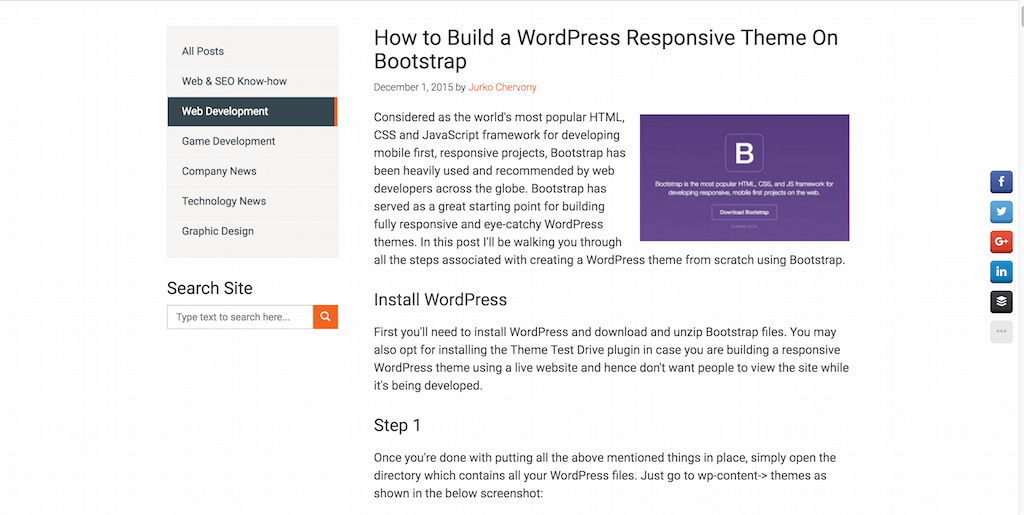
Credit: colorlib.com
Enhancing Theme With Plugins
Selecting Compatible Plugins is key for your WordPress theme. Choose plugins that work well together. Some plugins may not fit. Check the plugin details first. Look for recent updates and good reviews. This helps to avoid problems later.
Customizing Plugin Integration makes your theme unique. Adjust plugin settings to match your design. Use simple features to enhance looks. Some plugins offer extra styles. Test changes before applying.
Ensuring Plugin Compatibility is important. Make sure plugins don’t conflict. Conflicts can break your site. Always update plugins to the latest version. This keeps your site safe and running well. Backup your site before adding new plugins.
Testing And Debugging
Cross-browser compatibility is very important. Test your WordPress theme on different browsers. Try Chrome, Firefox, Safari, and Edge. Each browser shows pages differently. Ensure your theme looks good on all. This keeps users happy and your site professional.
Use tools to validate code standards. W3C validator is a good choice. It checks if your code is correct. Follow the rules for HTML, CSS, and JavaScript. Clean code reduces errors and improves performance.
Sometimes, things don’t work as planned. Troubleshooting common issues helps fix them. Check for missing files or wrong paths. Look for JavaScript errors in the console. Debugging tools can find hidden problems. Fixing bugs makes your theme strong and reliable.
Optimizing For Performance
Creating a WordPress theme from scratch in 2015 involves focusing on performance optimization. Efficient coding and streamlined design improve loading times, enhancing user experience and site speed.
Minifying Css And Javascript
Make files smaller by removing unnecessary spaces. This helps them load faster. Use tools like UglifyJS or CSSNano. They automate the process. Minified files look messy but work better. Smaller files mean quicker loading for users.
Leveraging Caching Strategies
Save files locally for faster access next time. Browsers can store data. This reduces load times for users. Use plugins like W3 Total Cache. They help manage cache easily. Caching improves site speed. Users get a faster experience.
Improving Load Times
Reduce image sizes without losing quality. Use image compression tools. They shrink file size. Less data means faster loading. Also, limit the number of plugins. More plugins slow the site down. Keep only essential ones.
Preparing For Launch
Creating a WordPress theme from scratch involves several key steps. Begin by setting up a local environment. Then, design the layout using HTML, CSS, and PHP files.
Finalizing Design Adjustments
Design changes are crucial before launch. Ensure all colors look good. Check fonts for readability. Make sure all images load fast. Buttons should be easy to click. Test on different devices. Each element must fit well on the screen.
Conducting User Testing
User testing helps find problems. Ask friends to test the theme. Get feedback on what works well. Note down any issues they face. Fix these issues quickly. Make sure the site is easy to use.
Deploying Theme To Live Site
Deploy the theme when ready. First, back up the current site. This keeps data safe. Upload the new theme files. Activate the theme. Check if everything works fine. Fix any errors you find.
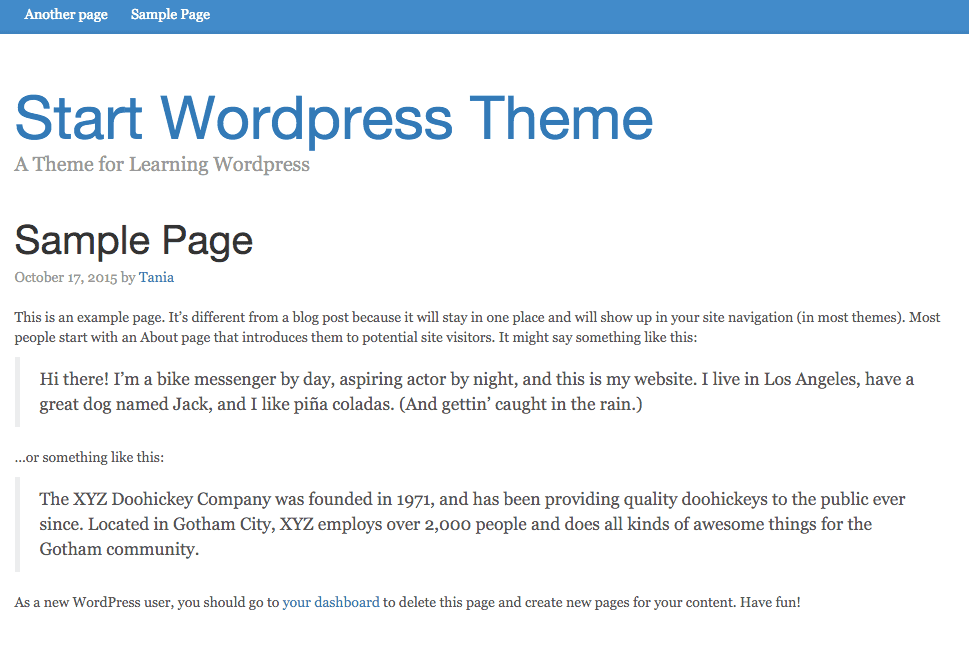
Credit: www.taniarascia.com
Frequently Asked Questions
How Do I Start Creating A WordPress Theme?
To start creating a WordPress theme, begin by setting up a local development environment. Familiarize yourself with WordPress theme structure and files. Create essential files like `style. css` and `index. php`. Use a simple HTML template and convert it to a WordPress theme.
Test your theme thoroughly.
What Tools Are Needed For WordPress Theme Development?
For WordPress theme development, you’ll need a code editor like Visual Studio Code. Install a local server environment like XAMPP or MAMP. Use browsers for testing and debugging. Familiarize yourself with tools like PHP, CSS, and HTML. Version control systems like Git are also recommended.
Can I Create A Theme Without Coding?
Creating a WordPress theme without coding is possible using theme builders like Elementor or Divi. These tools offer drag-and-drop functionality, allowing customization without code. However, for a unique theme, knowledge of HTML, CSS, and PHP is beneficial. Custom coding provides more flexibility and control.
How Long Does It Take To Build A Theme?
Building a WordPress theme from scratch can take a few days to several weeks. The timeline depends on your experience, complexity, and requirements. Simple themes are quicker, while advanced features require more time. Planning, design, and testing phases also impact the duration.
Conclusion
Creating a WordPress theme from scratch is rewarding. You learn coding skills. You understand WordPress deeply. This task enhances creativity. Building themes develops problem-solving abilities. It’s satisfying to see your design online. Start small and build confidence. Practice often. With patience, you will improve.
Each step offers valuable lessons. Keep exploring new ideas. Stay updated with WordPress trends. This journey boosts your web development skills. Enjoy the process. Create themes that reflect your vision. Share your work with others. Your unique themes can inspire many.
Embrace the challenge and grow.


