
Are you tired of using the same old WordPress themes that never quite fit your vision? Imagine having the power to design your website exactly the way you want it.
Creating your own WordPress theme might seem daunting, but it’s more achievable than you think. By crafting your own theme, you gain complete control over every aspect of your site’s appearance and functionality. Whether you want to make a striking first impression or ensure that your site stands out in a crowded digital landscape, designing your own theme puts you in the driver’s seat.
Don’t worry if you’re not a coding expert; we’ll walk you through the process with straightforward steps that even beginners can follow. Ready to unlock the potential of your website and turn your unique ideas into reality? Keep reading to discover how you can create a WordPress theme that truly reflects your style and meets your specific needs.
Getting Started With WordPress
A WordPress theme decides how your website looks. It includes design and layout. Themes have files like HTML, CSS, and PHP. These files work together. They create a website’s appearance and behavior. Each theme has a style.css file. This file tells WordPress about the theme. It includes the theme’s name, version, and author. Themes also have template files. These files decide how pages look. Examples are header.php and footer.php. You can change these files to change the theme. Learn theme basics to create your own theme.
Tools help in creating a WordPress theme. A good text editor is important. Editors like Atom or Visual Studio Code are popular. They help write and edit code easily. You also need a local server. It lets you test your theme on your computer. XAMPP and WAMP are common choices. Use these tools to build and test themes. They make the process simple. Choose tools that fit your needs. This makes theme creation easier and fun.

Credit: www.youtube.com
Setting Up Your Development Environment
First, install a local server on your computer. This helps you test your theme. Tools like XAMPP or MAMP are popular. They are easy to use. Follow the setup guide. It takes just a few minutes.
Next, choose a code editor. Code editors help you write code. Visual Studio Code is a great choice. It’s simple and free. Other options include Sublime Text and Atom. Pick one you like. Start coding right away!
Version control is important. It saves your work. Use Git for this. Create a repository on GitHub. Commit changes regularly. This keeps your project safe. You can revert to old versions easily. It’s a smart way to manage your theme development.
Creating A Basic Theme Structure
WordPress themes need some basic files. First is index.php. It is the main file. Then there is header.php and footer.php. These files hold the top and bottom parts of the page. The sidebar.php file is for side content. All these files work together.
The style.css file sets the look of your site. It tells how text and colors appear. At the top, add some information. Write the theme name, author, and description. This helps others understand your theme.
The functions.php file is like a toolbox. It adds features to your theme. With this file, you can add menus and widgets. You can also set up theme supports. This file is very important. It helps your theme do more.
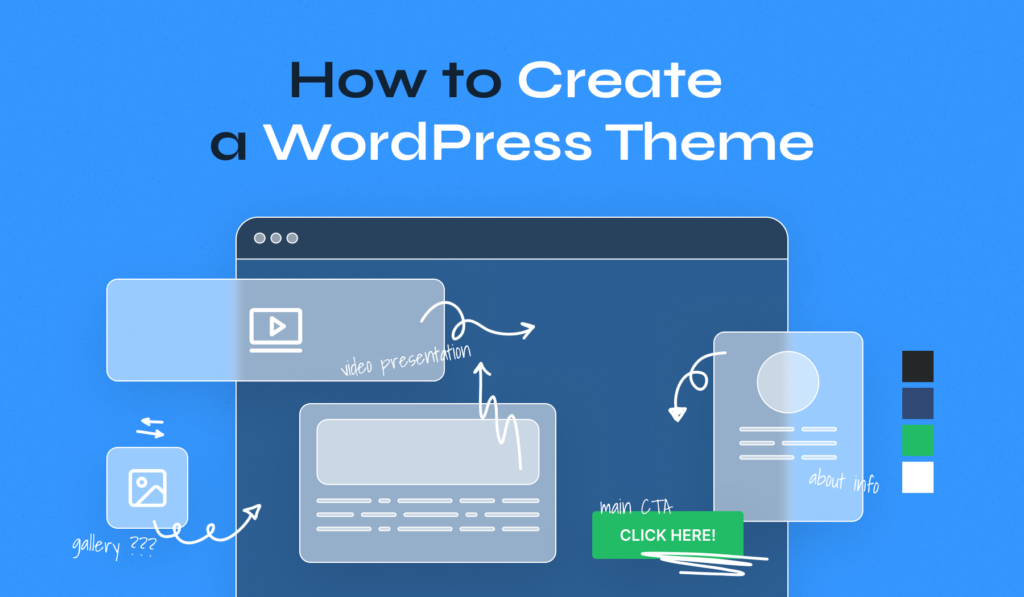
Credit: www.wpzoom.com
Designing The Theme Layout
Start with a simple logo and a navigation bar. Use a clear font for easy reading. Place the logo on the left side. The menu goes on the right. Use colors that match your theme. Keep the header not too big. This helps load the page faster.
Include important links in the footer. Add links for privacy policy and contact information. A small section for social media icons is good. Use simple text and design. The footer should not take much space. Make sure it looks the same on all pages.
A sidebar helps find information fast. Put recent posts and categories here. Add a search bar for quick search. Keep the sidebar clean and tidy. Avoid too many widgets. This makes the page load slowly. Use the same style as the rest of the theme.
Developing The Theme Templates
The homepage is the face of your site. Choose colors that match your brand. Add a logo at the top. Use easy-to-read fonts. Arrange sections logically. Showcase important content. Add images to make it lively. Ensure it loads quickly.
Each blog post deserves its own style. Include the title at the top. Add author’s name and date below. Show featured image before the text. Use headings to break up sections. Add a comment section at the end. Design for clarity and ease of reading.
Archives help visitors find old posts. Display posts by date or category. Include a search bar for easy access. Use simple lists or grids to show posts. Add page numbers for navigation. Ensure the design is clean and organized. Make it user-friendly.
Styling With Css
Creating your own WordPress theme with CSS lets you personalize design and enhance website aesthetics. Explore styles, colors, and layouts to reflect your unique vision. Use CSS to craft visually appealing and functional themes.
Using Css For Theme Design
CSS helps to design beautiful themes. Change colors and fonts easily. Make buttons look nice. Align text for clarity. Use CSS selectors to target specific elements. Create custom styles for different pages. Use CSS classes to group similar styles. Add background images to make it pretty.
Responsive Design Techniques
Websites must work on all devices. Use responsive design to achieve this. CSS media queries are very useful. Adjust layout for phones and tablets. Make text readable on small screens. Scale images properly. Ensure buttons are easy to click. Maintain user-friendly navigation. Test on various screen sizes.
Enhancing With Javascript
Creating your own WordPress theme becomes exciting with JavaScript. Enhance design with dynamic features and interactive elements. JavaScript helps in crafting a unique, engaging experience for your site’s visitors.
Adding Interactive Features
JavaScript brings your theme to life. Make buttons light up when clicked. Add sliders for image galleries. Use JavaScript for smooth scrolling effects. These features make your site engaging. Users love interactive sites.
Working With Jquery
jQuery is a JavaScript library. It simplifies coding tasks. Write less, do more with jQuery. Use it for animations and dynamic content. jQuery helps manage HTML events easily. It’s great for beginners. Many themes use it for cool effects.
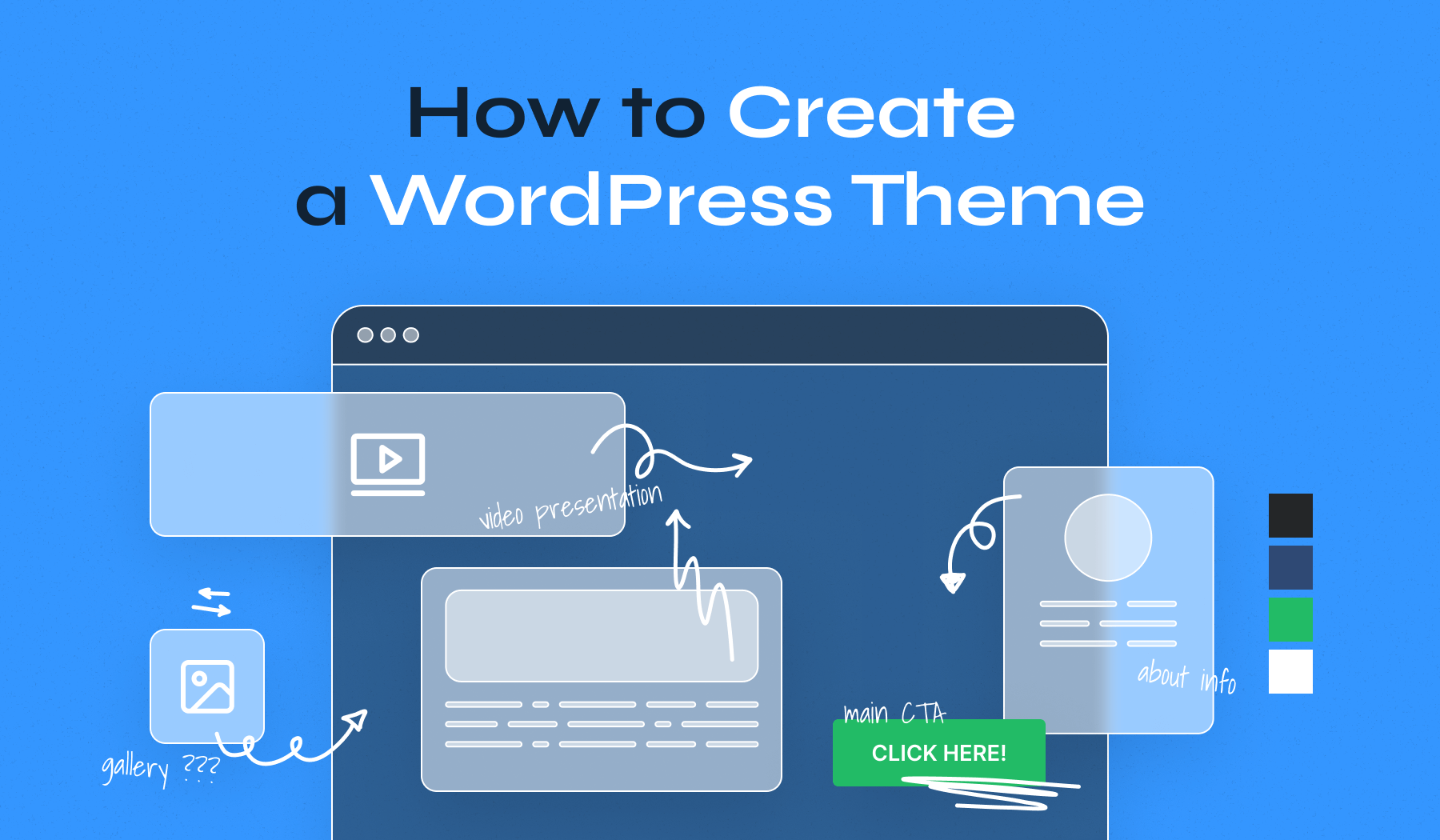
Credit: www.wpzoom.com
Testing And Debugging
Creating a WordPress theme requires testing and debugging to ensure functionality. Check each feature and design element for errors. Debugging tools help identify issues, making theme development smoother.
Ensuring Browser Compatibility
Websites should work on all browsers. Test your theme on popular browsers. Chrome, Firefox, and Safari are common choices. Check for design errors and broken links. Responsive design matters. Use tools to see how your theme looks on phones. Fix any display issues you find.
Using Debugging Tools
Debugging tools help find errors. Inspect Element in browsers is helpful. Use it to check HTML and CSS. It shows errors and warnings. PHP error logs can help with code issues. They show what’s wrong with your PHP code. Use them to find and fix bugs. Debugging is crucial. It makes your theme better and faster.
Customizing With WordPress Functions
WordPress hooks are powerful tools for theme customization. They let you add or change features. Use actions to run code at specific times. Use filters to change data. Hooks help in making your theme unique. You can add hooks in the functions.php file. This is part of your theme folder. Keep your code clean and organized. It makes changes easier later.
Widgets add functionality to your WordPress site. They can show menus, images, or text. To create custom widgets, use the WP_Widget class. This is a built-in WordPress class. You can find it in the WordPress core. Follow the steps to make your widget. First, define the class. Next, set up the widget options. Finally, add it to the widget area. Your site will have new features.
Finalizing And Launching The Theme
Final touches are crucial for your WordPress theme. Ensure all elements align with your vision. After final checks, launch confidently, sharing your creation with the world.
Optimizing For Performance
Speed is vital for a website. Slow websites lose visitors fast. Optimize images to reduce loading time. Use plugins for caching. Minimize CSS and JavaScript files. These steps enhance site performance. Test your theme on different browsers. Ensure it looks good everywhere. Mobile responsiveness is key. Everyone uses phones now. Your theme should adapt well. Check site speed with tools. Aim for quick load times. Faster sites rank better on search engines.
Preparing For Launch
Check everything twice before launch. Test all links and pages. Fix broken links promptly. Ensure all forms work well. Backup your theme regularly. Backups prevent data loss. Write a clear description for your theme. Include features and benefits. This helps users understand its value. Prepare documentation for users. Guide them on using your theme. This reduces support requests. Launch your theme with confidence. It is ready for the world.
Frequently Asked Questions
How Do I Start Creating A WordPress Theme?
Begin by setting up a local development environment using tools like XAMPP or MAMP. Familiarize yourself with WordPress theme structure and coding standards. Start with basic files like style. css and index. php, then expand by adding functions. php and templates.
Use WordPress Codex for guidance and best practices.
Which Tools Are Essential For Theme Development?
Key tools include a code editor like Visual Studio Code or Sublime Text, and a local server environment such as XAMPP. Version control systems like Git help track changes. Debugging tools, browsers, and WordPress-specific plugins enhance development efficiency and ensure code quality.
Can I Use A Theme Framework?
Yes, theme frameworks like Genesis or Underscores offer a solid foundation. They provide essential functionalities and design elements, speeding up development. Frameworks help maintain consistency across themes and offer customization options. Choose a framework that aligns with your design goals and coding preferences.
How Do I Ensure Theme Compatibility?
Follow WordPress coding standards and guidelines. Regularly test your theme on various browsers and devices. Utilize tools like Theme Check to identify potential issues. Ensure compatibility with plugins and WordPress updates by staying informed about changes in the ecosystem.
Conclusion
Creating your own WordPress theme can be rewarding. It gives your site a unique look. Start with a clear plan. Know your audience. Use simple code and design. Test your theme often. Make changes if needed. Keep your design clean and user-friendly.
Your theme should load quickly. Don’t forget mobile users. Responsive design is important. Learn from others. Join online forums and communities. They offer great advice. With patience and practice, you can succeed. Your custom theme will reflect your brand. Enjoy the process.
Happy designing!


