
Are you ready to unleash your creativity and give your website a unique look? Learning how to create a WordPress theme can be your ticket to standing out in the digital crowd.
Imagine having complete control over every pixel, every font, and every color on your site. It’s not just about aesthetics; it’s about crafting an experience that reflects your brand’s personality. In this guide from 2018, you’ll discover step-by-step instructions that demystify the process of theme creation.
Whether you’re a seasoned developer or a curious beginner, this article promises to make you look at WordPress in a whole new light. So, get ready to dive in and transform your ideas into a stunning, functional theme. Your dream website is just a few scrolls away!
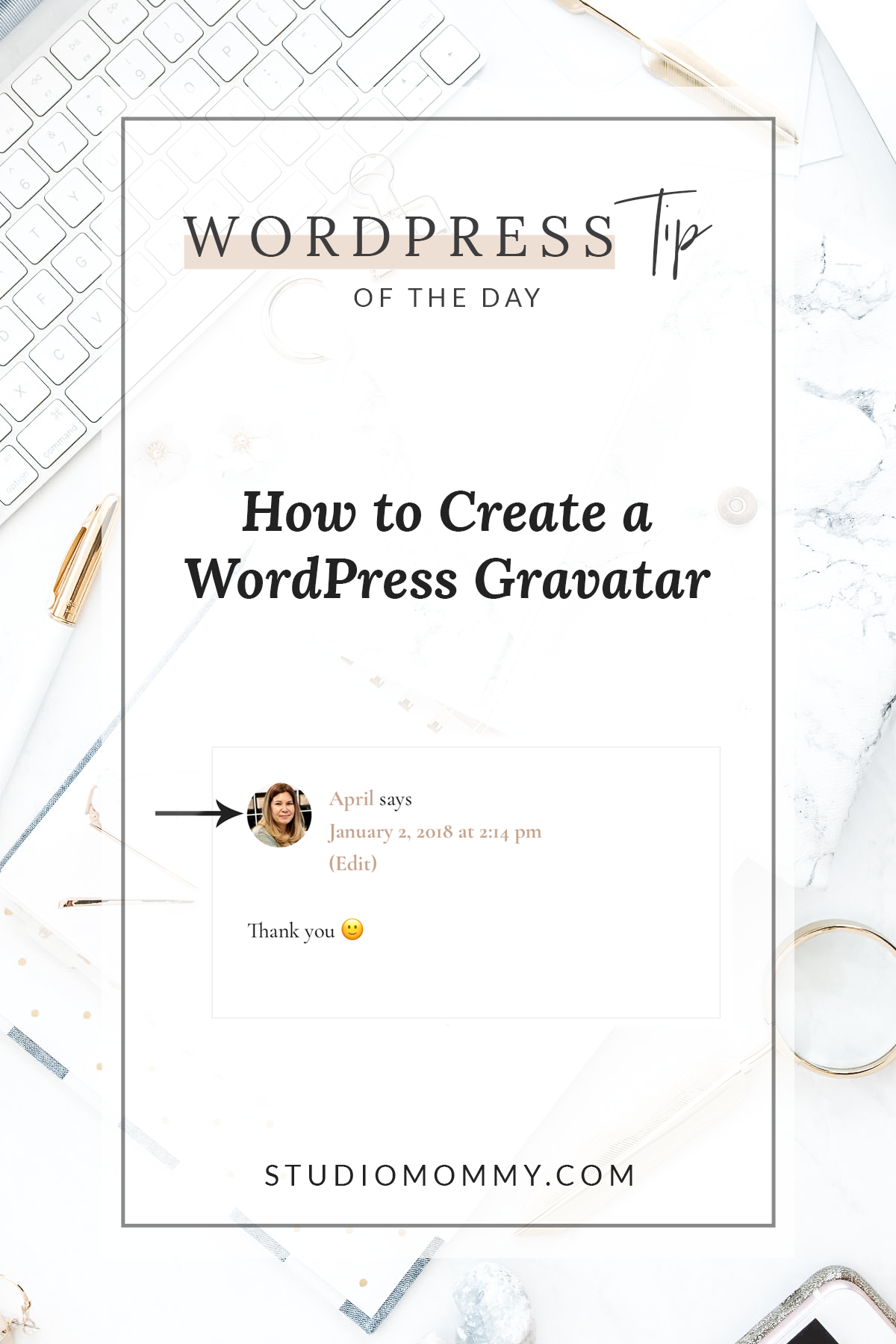
Credit: studiomommy.com
Getting Started
First, get a code editor like Visual Studio Code. It’s easy to use. Next, install WordPress on your computer. You need MAMP or XAMPP. These help run WordPress locally. Photoshop is helpful for design work. Don’t forget to use Git for version control. It helps track changes.
Install MAMP or XAMPP. These create a server on your computer. Then, download WordPress. Place it in the server folder. Open the server software. Start the server. Create a database for WordPress. Use phpMyAdmin for this. Connect the database to WordPress. Follow the setup guide. Now, your local site is ready.
Theme Design Basics
Themes change the look of your site. Templates control how pages appear. Every theme has a set of templates. Templates define the layout. They decide where text and images go. Templates can be reused on many pages. This makes design easy. A good theme has many templates. This helps make a site unique.
A clean user interface is very important. It helps people use your site easily. Use easy-to-read fonts. Choose colors that are friendly. Make buttons big enough to click. Menus should be simple. They guide users to find what they need. Images should load fast. This keeps visitors happy. A well-designed interface invites users to stay longer.
Creating Theme Files
Start with the style.css file. It holds the theme’s name and details. The index.php file is crucial. It serves as the main template. The functions.php file adds features and custom code. Don’t forget header.php and footer.php. They structure top and bottom parts. Use sidebar.php for side sections.
HTML builds the structure. CSS styles it. Use div and span tags to divide content. Classes and IDs help with styling. Add color with CSS. Change fonts and size easily. Borders and margins adjust layout. Make buttons and links stand out. Always test your changes.
Adding Dynamic Features
PHP adds dynamic functionality to your WordPress theme. It helps in creating interactive features. With PHP, you can build custom templates. These templates can show different content. Use PHP to display recent posts. Or add a featured image in your theme. PHP can also help create custom menus. These menus make navigation easy. PHP is powerful and makes your theme smart.
WordPress hooks are like shortcuts. They help in adding new features. Hooks can change parts of your theme. Use action hooks to add new code. This code can run at specific times. Use filter hooks to change data. Data like titles and content. Hooks make your theme flexible. They allow easy changes without touching the core code. Always test hooks to ensure they work well.
Responsive Design
Smartphones are everywhere. Websites must work on them. Responsive design makes websites fit all screens. Web pages look good on phones, tablets, and computers. CSS media queries help in this process. They change styles based on screen size. Mobile devices need finger-friendly buttons. Big buttons are easy to tap. Text must be clear and big enough. Small text is hard to read on small screens. Use flexible grids and layouts. This ensures everything scales well. Images should also be responsive. They should adjust size automatically. The website must load fast. Slow sites lose visitors quickly.
Test your website on different devices. This is crucial. Check it on various phones and tablets. Also test on different browsers. Each browser may show your site differently. Use tools like BrowserStack. They help in testing easily. Real device testing is also important. Simulators might not show real problems. Ask friends or family to check your site. Their feedback is valuable. Fix any issues they find. Keep testing even after launch. Regular checks ensure everything works well. Websites need constant attention.
Customizing With Plugins
Plugins add features to your WordPress site. Popular plugins can help with SEO, security, and design. Yoast SEO improves search engine settings. WooCommerce is used for online stores. Contact Form 7 adds forms to your site. Jetpack helps with security and speed. Always choose plugins with good reviews. Keep them updated for best performance.
Custom widgets make your site unique. Widgets can display recent posts, social media links, or weather updates. Creating a widget requires basic coding skills. Add your widget in the functions.php file. Follow WordPress guidelines for coding. Test your widget on different devices. Make sure it works on phones and tablets. A good widget makes your site more engaging.
Theme Testing
Creating a WordPress theme involves testing to ensure functionality and design compatibility. Theme testing checks how the theme performs across different devices and browsers. This process ensures that users experience consistent and reliable design.
Debugging Common Issues
Errors can happen. They need fixing. Look for broken links. Check for missing images. Review CSS styles. Ensure buttons work. Test on different browsers. See if your theme runs fast. Ask friends to test it. They find hidden bugs. Fix them quickly. Keep your theme clean. Make it easy to use.
Validating Code Quality
Quality code is key. Use tools to check it. Look for errors in HTML. Ensure CSS is neat. Check JavaScript for bugs. Follow coding standards. Make code easy to read. Validate your code often. It keeps your theme strong. Good code makes themes reliable. Users will trust your theme.

Credit: www.wpexplorer.com
Launching Your Theme
Crafting a WordPress theme in 2018 involves understanding design basics and coding skills. Start with a clear plan and choose the right tools. Customize colors, fonts, and layouts to match your vision.
Preparing For Deployment
Ready to share your theme? First, check all files and code. Make sure there are no errors. Test on different browsers. Ensure it looks good everywhere. Next, write a readme.txt file. Include all details about your theme. Explain how to install and use it. This helps users a lot.
Submitting To WordPress Repository
Go to the WordPress Theme Review page. Create an account if needed. Fill in all details about your theme. Upload your theme zip file. Wait for the review process. They will check if your theme follows the guidelines. Be patient. Approval can take some time. Once approved, your theme is live. Now everyone can download it!
Maintaining And Updating
Keeping your WordPress theme updated ensures better security and performance. Regular updates help fix bugs and improve features. Stay proactive by checking for theme updates frequently.
Handling User Feedback
Listening to user feedback is very important. Users often find bugs or have suggestions. Always read their comments or emails. This helps improve the theme. Respond to them kindly. Show them you care about their thoughts. Fix any reported issues quickly. This builds trust with your users. They feel valued and heard.
Providing Regular Updates
Regular updates keep your theme fresh. These updates fix bugs and improve features. It’s important for security too. Hackers often target outdated themes. Regular updates help prevent this. Always test your theme before updating. This ensures everything works well. Users appreciate a safe and reliable theme. Updating shows you care about quality.
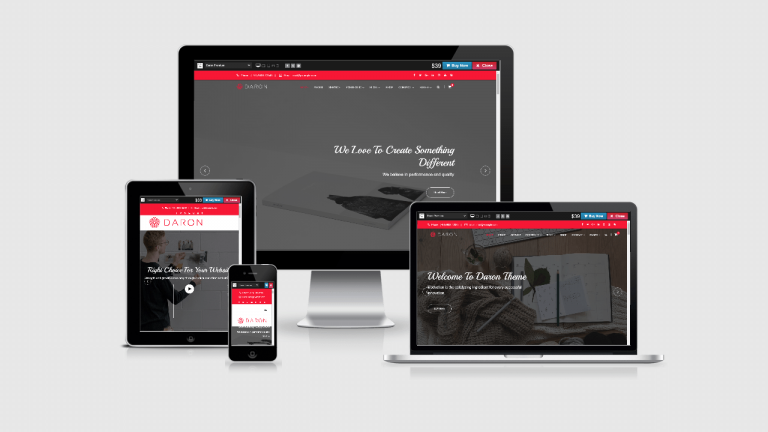
Credit: awplife.com
Frequently Asked Questions
What Is A WordPress Theme?
A WordPress theme is a set of files that define the look and functionality of your site. It includes templates, stylesheets, and scripts that control how content is displayed. Themes allow customization without altering core WordPress code, offering flexibility and creativity for site design and user experience.
How Do I Start Creating A Theme?
Begin by setting up a development environment with WordPress installed locally. Familiarize yourself with basic HTML, CSS, and PHP. Use a starter theme or boilerplate as a foundation. Create necessary theme files, like `style. css` and `index. php`, and customize to fit your design and functionality needs.
What Tools Are Needed For Theme Development?
You’ll need a text editor, like Sublime Text or VS Code, for coding. A local server environment, such as XAMPP or Local by Flywheel, is essential for testing. Familiarize yourself with design tools like Adobe Photoshop for graphics. Git can be useful for version control and collaboration.
Can I Use A Theme Framework?
Yes, theme frameworks offer pre-built features and structures to simplify development. They provide clean code, easy customization, and extendable functionalities. Using a framework can save time and effort, especially for beginners. Popular frameworks include Genesis, Underscores, and Beans.
Conclusion
Creating a WordPress theme can be fun and rewarding. You now know the basics to get started. Keep practicing and exploring different designs. Experiment with colors, fonts, and layouts. Remember, simplicity often works best for users. Focus on making your theme responsive and user-friendly.
Test it on various devices to ensure compatibility. Use the feedback to improve your design. Share your theme with the community for more insights. Enjoy the process and watch your skills grow. Happy coding!


