
Are you ready to launch your website and share your ideas with the world? Creating your own server for web hosting might sound daunting, but it’s simpler than you think.
Imagine having total control over your web presence—customizing, scaling, and securing it just the way you want. This guide will walk you through the process step-by-step, ensuring you grasp each concept without feeling overwhelmed. You’ll discover the secrets to setting up a server that’s reliable and efficient, saving you money and giving you peace of mind.
Intrigued? Let’s dive in and turn your web hosting aspirations into reality!
Credit: www.youtube.com
Choosing The Right Server Type
Dedicated hosting means you have your own server. Only your website uses it. This gives more control. It’s like having your own house. Shared hosting means many websites share one server. It’s like living in an apartment. Costs are lower with shared hosting. But you might have less speed. Choose dedicated hosting for big websites. Small sites can use shared hosting.
Cloud servers are online. They use the internet to work. You can change resources easily. It’s like a magical toolbox. Physical servers are real machines. You can touch them. They stay in one place. Cloud servers can grow fast. Physical servers are stable. Pick cloud servers for flexibility. Physical servers are great for control.
Setting Up Hardware And Software
Creating a server for web hosting involves installing hardware and software that efficiently manage data requests. Start with selecting reliable hardware components like a CPU, RAM, and storage devices. Install essential software such as an operating system and web server software to ensure smooth operation and security.
Selecting Hardware Requirements
Picking the right hardware is crucial for your server. A good server needs a powerful processor and enough RAM. Think about how many websites you will host. More sites need more resources. Hard drives should be fast and reliable. SSDs are a great choice. They help in quick data access. For small projects, a simple setup works fine.
Installing An Operating System
Choose an operating system that supports your server needs. Linux is popular for web servers. It is free and reliable. You can also use Windows, but it may cost more. Install the OS on your server hardware. Follow the instructions carefully. Set up user accounts and passwords. Keep your OS updated for best security.
Configuring The Server
Setting up a server for web hosting involves selecting the right hardware and installing the necessary software. Configure security settings to protect data and ensure smooth operations. Test the server to confirm it’s ready to host websites efficiently.
Setting Up A Web Server
Start by choosing the right web server software. Popular options are Apache and Nginx. Install the software on your computer. Check that the software is up-to-date. Next, configure the server settings. This includes setting up the root directory where your files will be stored. Make sure the server is running smoothly. Test the server by accessing it through a web browser. If you see your test page, it means the setup is correct.
Configuring Dns Settings
DNS settings help browsers find your server. First, get a domain name. Use a domain registrar like GoDaddy. Link the domain to your server’s IP address. This process is called DNS configuration. It tells browsers where to find your site. Check your DNS settings are correct. Use online tools to test them. If everything looks good, your site is accessible online.
Implementing Security Measures
Security is very important. Start by installing a firewall. This protects your server from threats. Next, use SSL certificates for encryption. SSL keeps data safe between users and your server. Regularly update software to patch vulnerabilities. Use strong passwords for server access. Limit user access to sensitive areas. These steps keep your server secure.
Selecting A Web Hosting Control Panel
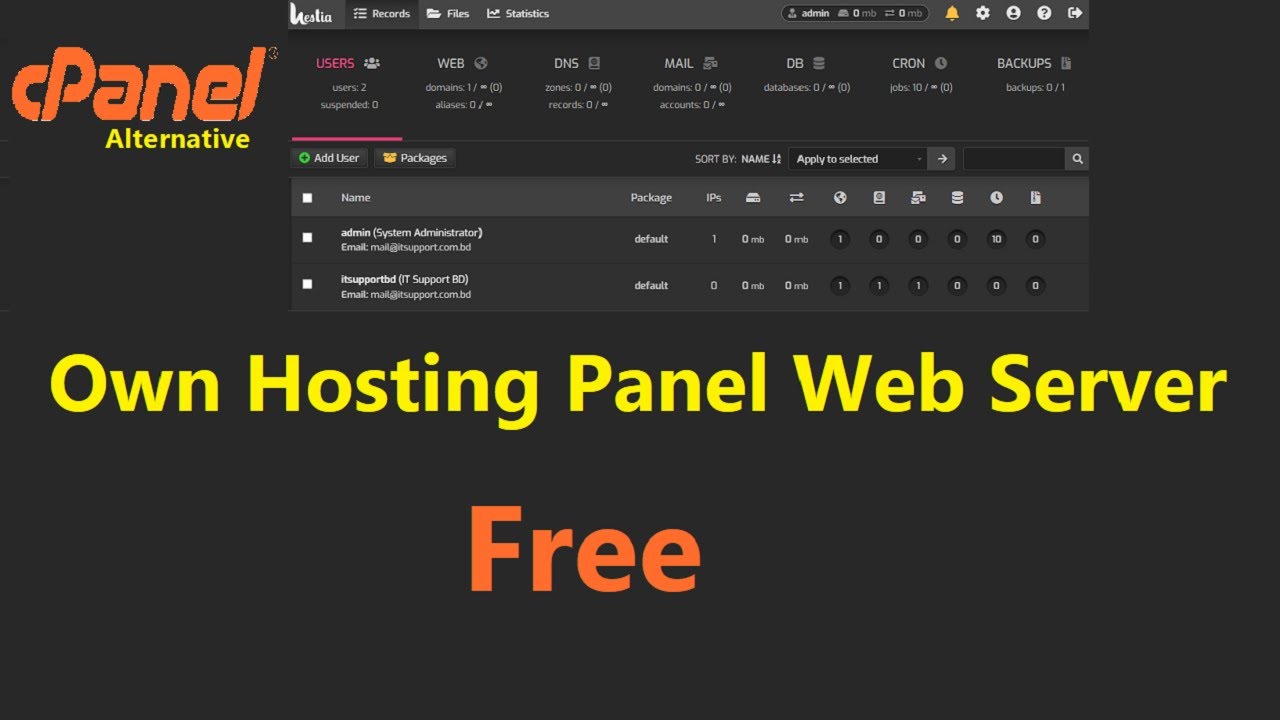
Choosing the right web hosting control panel simplifies server management for hosting. Control panels offer tools to manage files, databases, and domains efficiently. Explore options like cPanel, Plesk, and DirectAdmin to find the best fit for your hosting needs.
Cpanel Vs. Plesk
Choosing a control panel is important. cPanel is popular and easy to use. It is great for beginners. Plesk works on both Linux and Windows. It offers a clean interface. Both have strong support and features.
Open Source Alternatives
Open source options are free and flexible. Webmin is powerful and supports many systems. It is a bit complex for new users. ISPConfig is another option. It can manage multiple servers. These tools save money but need more setup.
Deploying Your Website
Set up a web hosting server by choosing reliable hardware and installing server software like Apache or Nginx. Configure security settings to protect your data and ensure a smooth website launch.
Uploading Files
First, prepare your website files. Keep them organized in folders. Use an FTP client to upload files. It makes the task easy. Connect to your server using your credentials. Start the upload process. Make sure all files are in the right place. Double-check file paths.
Some common FTP clients are FileZilla and Cyberduck. They are free to use. Choose one that you like. After uploading, test your website. Ensure everything works fine.
Database Integration
Websites often need a database. Set up a database on your server. Use a tool like phpMyAdmin. Create a new database. Set a strong password. It keeps your data safe.
Connect your website to the database. Update the configuration file with database details. Test the connection. Ensure data flows smoothly. Check if forms work. Fix any errors you find. Your website is now ready.

Credit: www.siteuptime.com
Monitoring And Maintenance
Regular monitoring and maintenance ensure your server runs smoothly and stays secure. Check system logs for unusual activities. Update software regularly to prevent vulnerabilities.
Performance Monitoring Tools
It’s vital to keep your server running smoothly. Use tools that check CPU usage, memory, and disk space. These tools help find problems early. Nagios and Zabbix are popular choices. They show data in easy charts. Alerts are sent if something goes wrong. This keeps your website fast and safe. Regular checks make sure everything works well.
Regular Security Updates
Security updates protect your server from bad guys. They fix weak spots in the system. Always keep your software up-to-date. This includes the operating system and applications. Set up automatic updates if you can. This saves time and keeps your server safe. Backup your data often. This way, you won’t lose important files. Regular updates and backups are key for a secure server.
Troubleshooting Common Issues
Creating a server for web hosting can present several common issues. Fixing connectivity problems and security settings is crucial for smooth operation. Ensuring proper configuration helps in avoiding downtime and maintaining website performance.
Handling Downtime
Downtime is a big problem for websites. It makes users unhappy. A reliable server is important. Check your server logs. Look for error messages. These messages show what went wrong. Restart your server if needed. Sometimes, a restart fixes problems. Use a website monitoring tool. It helps you know when downtime happens. Always keep a backup of your website data. Backups help you restore your site quickly.
Resolving Configuration Errors
Configuration errors can stop a server. These errors can be hard to find. First, check your server settings. Make sure they are correct. Look at your configuration files. These files have important settings. A small mistake can cause errors. Use a syntax checker. This tool finds mistakes in code. Fix any spelling mistakes. They can create big problems. Always save a backup before making changes. This keeps your data safe.
Credit: wegic.ai
Frequently Asked Questions
How Do I Create My Own Hosting Server?
Choose a reliable hardware and install a Linux server OS. Set up necessary software like Apache, MySQL, PHP. Configure DNS settings and secure your server with a firewall. Ensure regular backups and updates for optimal performance.
Do You Need A Server For Web Hosting?
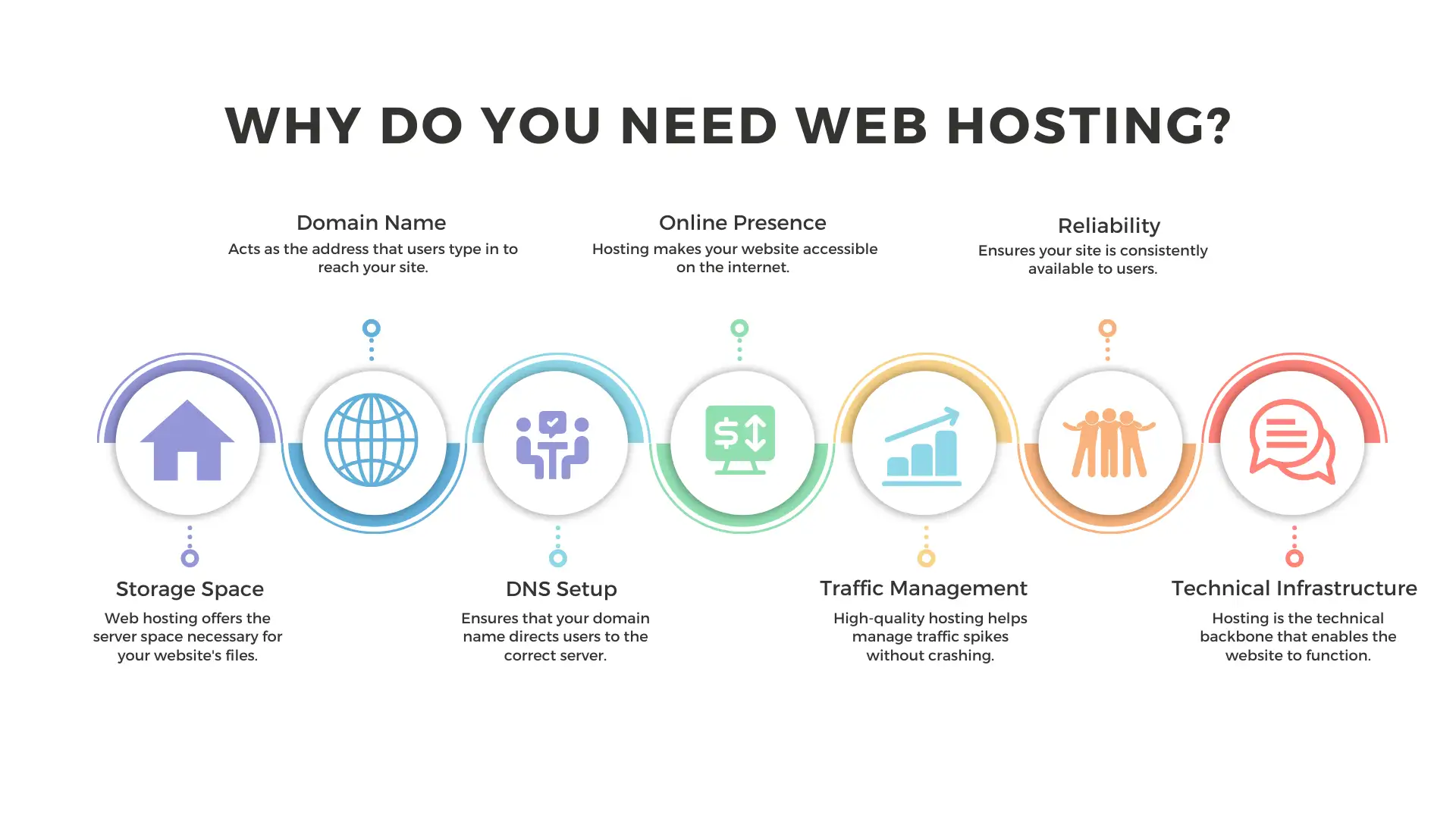
Yes, web hosting requires a server. Servers store and manage website data, making it accessible online. Choosing a reliable hosting provider ensures good performance and security. Options include shared, VPS, and dedicated hosting, each offering different levels of resources and control.
Can I Host A Web Server For Free?
Yes, you can host a web server for free using platforms like GitHub Pages or Netlify. These services provide limited resources and features suitable for small projects or personal websites. Always check their terms of service and resource limitations before choosing a platform.
How Much Does It Cost To Setup Your Own Web Server?
Setting up a web server costs between $100 and $500, depending on hardware and software choices. Hosting fees, security, and maintenance can add to the cost. Consider additional expenses for domain registration and potential professional assistance. Budget according to your specific needs and scalability requirements.
Conclusion
Setting up a server for web hosting might seem daunting at first. But with the right steps, it becomes manageable. Start with a reliable hosting provider. Choose suitable hardware and software. Secure your server to protect data. Keep updating and maintaining it regularly.
By following these steps, you can host your website effectively. Remember, practice makes perfect. The more you work on it, the easier it becomes. Enjoy the journey of learning and building. Happy hosting!


