
Are you dreaming of a website that not only looks stunning but also functions seamlessly? Imagine a platform where your creativity meets sophistication, all without breaking the bank.
Creating a premium website might sound daunting, but with WordPress and Elegant Themes, it’s easier than you think. Whether you’re launching a blog, an online store, or a professional portfolio, this combination offers the tools and flexibility you need to bring your vision to life.
You might be wondering, why WordPress and Elegant Themes? It’s simple—they offer a perfect blend of user-friendly design and powerful features. Think about the satisfaction of having a site that looks like it was crafted by a top-tier designer, yet is managed entirely by you. In this guide, we’ll walk you through the steps to transform your website from ordinary to extraordinary, ensuring every detail aligns with your brand’s identity and goals. Stay with us as we dive into the world of WordPress and Elegant Themes, showing you how to harness their full potential to create a premium online presence. By the end of this article, you’ll have the confidence and knowledge to build a website that not only captures attention but also keeps visitors coming back for more.
Choosing The Right Theme
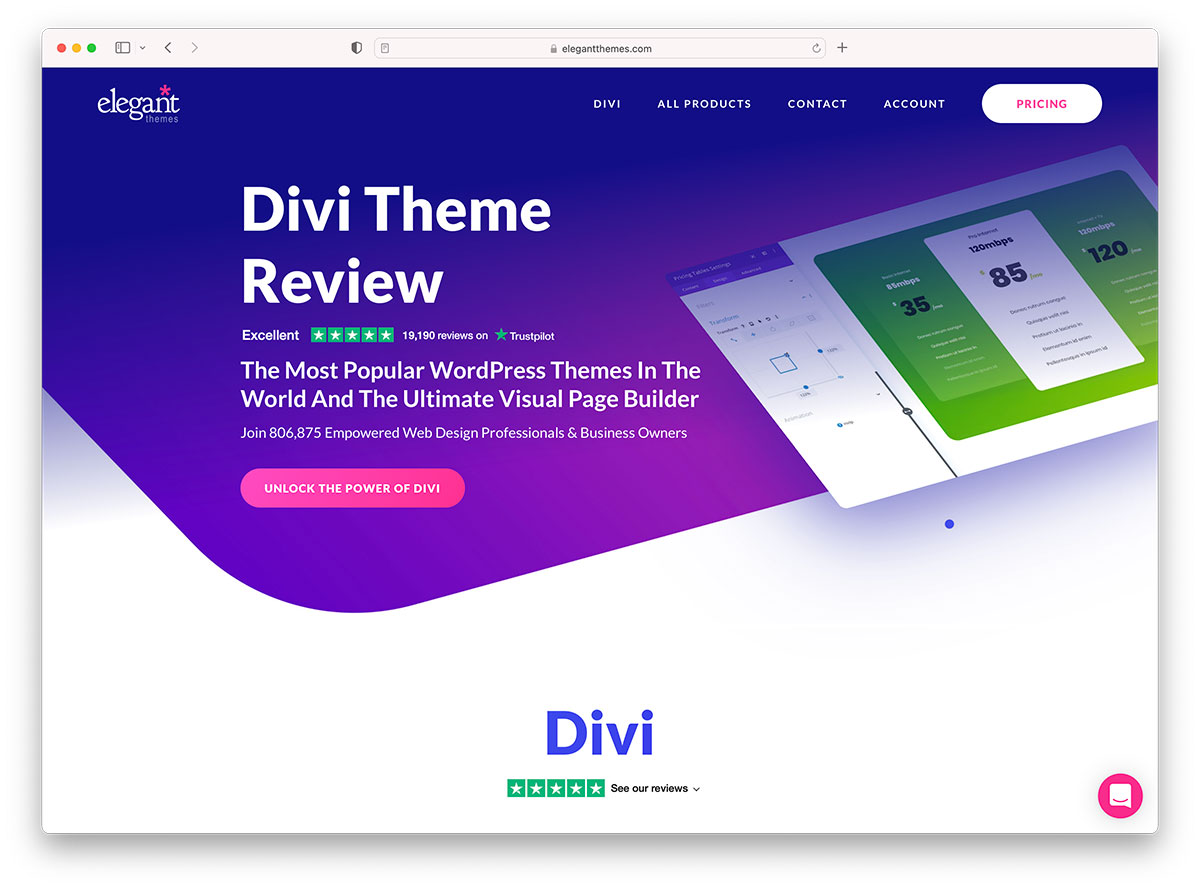
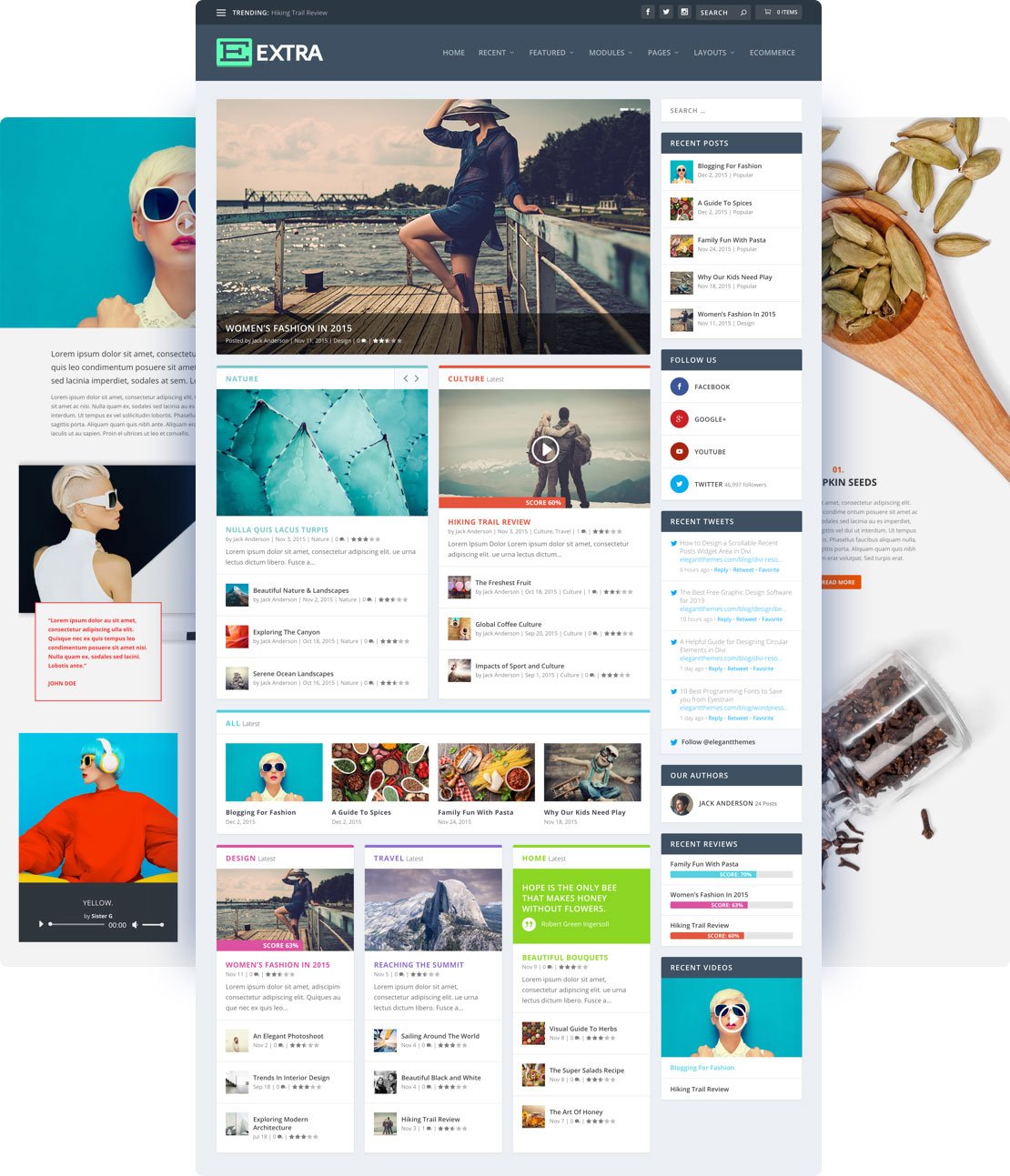
Elegant Themes offers many beautiful themes. Each theme is unique and stylish. Divi is the most popular choice. It’s easy to use and has many features. Extra is another great theme. It is perfect for blogs and magazines.
Nexus theme is fast and clean. It helps in creating a simple website. For photographers, Origin is a fantastic option. It focuses on images and galleries. Fable tells stories with style. It’s perfect for writers and storytellers.
Consider your website’s purpose first. A blog needs a different theme than a shop. Check if the theme is responsive. It should work on phones and tablets. Look for customization options. Colors and fonts should be easy to change.
Performance is important. A fast theme keeps visitors happy. Also, ensure the theme has good support. Help should be available when you need it. Read reviews and see what others say. This will guide your choice.
Credit: colorlib.com
Installing WordPress
Choose a reliable hosting provider for your website. Some options are Bluehost, SiteGround, and HostGator. These are popular and offer good support. Register your domain name. This is your website’s address. Make sure it’s catchy and easy to remember. After choosing your hosting plan, complete the purchase process. You will receive an email with your login details. Use these details to access the hosting control panel. Find the WordPress installer in the control panel. Click on it to start the installation. Follow the on-screen instructions carefully. Set up your WordPress website in minutes. Your hosting provider may offer a one-click install. This feature makes installation simple and quick. Look for this option to save time and effort.
Log in to your hosting account. Find the WordPress icon or section. Click to begin the installation process. Enter your website name. Choose a username and password. These will be your login credentials. Select your preferred language. Some providers allow multilingual support. Choose theme and plugins during setup. Many are free to use. Finish the installation by clicking “Install”. Wait for the process to complete. Once done, you can log in to your WordPress dashboard. Begin customizing your website. Add content, images, and menus. Make your site unique and engaging.
Installing Elegant Themes
Start by visiting the Elegant Themes website. Find your theme. Click the download button. Save the file to your computer. Remember the folder location. You’ll need it later.
Open your WordPress dashboard. Look for the Appearance menu on the left. Click on Themes. Select Add New. Then choose Upload Theme. Click the Choose File button. Locate the theme file you downloaded. Click Install Now. Once installed, click Activate. Your theme is now live!
Credit: www.elegantthemes.com
Customizing Your Theme
Elegant Themes offer many options. Use the Theme Customizer to change colors. Adjust the fonts for your site. Look at the live preview to see changes. This tool is easy to use. It helps make your website look unique. Navigate to the settings and explore. Change the layout if needed. Make sure the style fits your brand.
Add your own styles using Custom CSS. This feature allows more control. You can tweak the design. Just write your CSS code in the box. It updates your site instantly. Try simple changes first. Then, see how it looks. Use CSS to adjust margins and padding. Modify text size and color. Ensure to save your work regularly.
Building Pages With Divi Builder
Divi Builder makes it easy to create page layouts. It is a tool with many options. You can start with a blank page. Then, add different sections. Each section can have rows and columns. These help to organize your content. You can also add modules. Modules can be text, images, or buttons. Arrange them as you like.
Pre-made templates save you time. They are ready to use. Simply pick a template. Then, add your own content. Change colors and fonts if needed. You can also mix templates. Use parts from different ones. This makes designing fun and easy.
Enhancing Functionality With Plugins
Plugins make your website better. They add new features. Choose the right ones. They keep your site running smoothly. Essential plugins can help. They improve security, speed, and design. Some plugins add contact forms. Others help with SEO. Choose plugins wisely. Too many can slow your site.
Installing and Configuring Plugins is easy. First, go to the plugin section. Then, search for the plugin name. Click install. Finally, activate the plugin. Some plugins need settings. Go to the settings page. Follow the instructions. Make sure they work well. Check if they need updates. Keep your plugins current. This makes your site safe and fast.
Optimizing For Seo
Use keywords wisely in your content. They help search engines find your site. Place them in your titles and headings. Use them in the first 100 words of your text. Avoid keyword stuffing. It can harm your ranking. Write for people, not just for search engines. Make content clear and helpful. Use short sentences. This makes reading easy.
Add internal links to your site. They guide users to more info. They improve your site’s structure. Use external links too. Link to trusted websites. They add value to your content.
SEO plugins help improve your site. They offer tools for easy optimization. Yoast SEO is popular. It checks your content for readability. It suggests ways to improve. Another good plugin is All in One SEO Pack. It helps with meta tags and XML sitemaps. These plugins are easy to use. They guide you step-by-step. Always keep plugins updated. Updates fix bugs and improve features.
Ensuring Mobile Responsiveness
Crafting a premium website with WordPress Elegant Themes requires ensuring mobile responsiveness. Use themes that adjust to various screen sizes. This improves user experience and boosts search engine rankings.
Testing Mobile Views
Make sure your website looks great on phones. Use WordPress tools to check it. Look at how your site appears on different devices. Check on phones and tablets. Look for any parts that don’t fit. Are the buttons too small? Can you read the text easily? Fix anything that doesn’t look right. Doing this makes your site friendly for everyone.
Adjusting Mobile Settings
Go to the WordPress settings panel. Find options for mobile. Change settings to fit small screens. Make text larger if needed. Adjust images to fit better. Ensure menus are easy to use. Test your site again after changes. Keep tweaking until everything looks perfect. Happy users will stay longer on your site.
Securing Your Website
Explore how to create a premium website using WordPress Elegant Themes. Enhance your site’s appearance and security effortlessly. Transform your online presence with elegant design and secure functionality.
Implementing Security Measures
Security is very important for websites. Strong passwords keep hackers away. Use a password manager to store your passwords. Two-factor authentication adds extra safety. It requires a code sent to your phone. Regular updates to plugins and themes are crucial. Updates fix bugs and patch security holes. Install security plugins to protect your site. These plugins scan for threats and block them. Limit login attempts to stop brute force attacks. SSL certificates encrypt data between the server and users. Visitors feel safe on your site.
Regular Backups
Backups keep your data safe. They are important if something goes wrong. Use a plugin to automate backups. Store backups in a safe location like cloud storage. Daily backups ensure data is always fresh. Keep multiple copies of backups. This helps if one copy fails. Test your backups regularly. Ensure they work when needed. Having backups gives peace of mind.

Credit: m.youtube.com
Launching Your Website
Crafting a premium website with WordPress Elegant Themes is straightforward. Select a theme, customize design, and manage content effortlessly. Elevate your online presence with ease and sophistication.
Final Checks
Ensure all pages load correctly. Check images and links. Verify contact forms work. Review text for spelling mistakes. Test site on mobile devices. Check site speed. Confirm all plugins are updated. Ensure no broken links.
Publishing Your Site
Choose the right hosting provider. Select a memorable domain name. Set up WordPress with Elegant Themes. Customize theme settings. Add essential plugins for security. Optimize site for search engines. Preview website before going live. Make backup copies regularly.
Frequently Asked Questions
What Are Elegant Themes In WordPress?
Elegant Themes are premium WordPress themes that enhance website design. They offer customizable options and responsive layouts. These themes provide features like drag-and-drop builders, pre-designed templates, and advanced styling options. Using Elegant Themes can elevate your website’s aesthetic appeal and functionality, making it user-friendly and visually appealing.
How To Install Elegant Themes On WordPress?
To install Elegant Themes, first purchase a theme from their official site. Download the theme’s zip file. In your WordPress dashboard, navigate to Appearance > Themes > Add New. Upload the zip file, then activate the theme. Follow the setup instructions to customize your website using Elegant Themes.
Are Elegant Themes Worth The Investment?
Elegant Themes are worth the investment for their premium quality and features. They offer excellent design flexibility and customer support. Elegant Themes provide regular updates to ensure compatibility with WordPress. Investing in these themes can significantly enhance your website’s professional look and user experience.
Can Elegant Themes Improve Website Seo?
Yes, Elegant Themes can improve your website’s SEO. They are designed with clean code and fast loading times. Elegant Themes offer SEO-friendly features like header tags and image optimization. These elements contribute to better search engine rankings, increasing your site’s visibility and traffic.
Conclusion
Creating a premium website with WordPress and Elegant Themes is achievable. Start with a clear vision of your site’s purpose. Choose themes that align with your brand. Customize your site design to enhance user experience. Ensure your content is engaging and informative.
Regular updates keep your website fresh and relevant. Use plugins to add functionality without compromising speed. Remember, a well-designed site attracts and retains visitors. Focus on delivering value through your website. Your site reflects your brand, so make it stand out.
Aim for simplicity and functionality, ensuring ease of navigation for all users.


