
Imagine a digital space that perfectly showcases your creativity and skills, one that leaves a lasting impression on every visitor. You want your portfolio to stand out, to speak volumes about your work, and to be as unique as your fingerprints.
But how can you make this happen? Creating a custom WordPress theme for your portfolio could be the answer. It sounds technical, but don’t worry. This guide will show you how to craft a portfolio theme that is as unique as your talent.
You’ll discover simple, actionable steps to build a theme that not only reflects your personal brand but also captivates your audience. Ready to transform your digital presence and leave your mark? Let’s dive in.
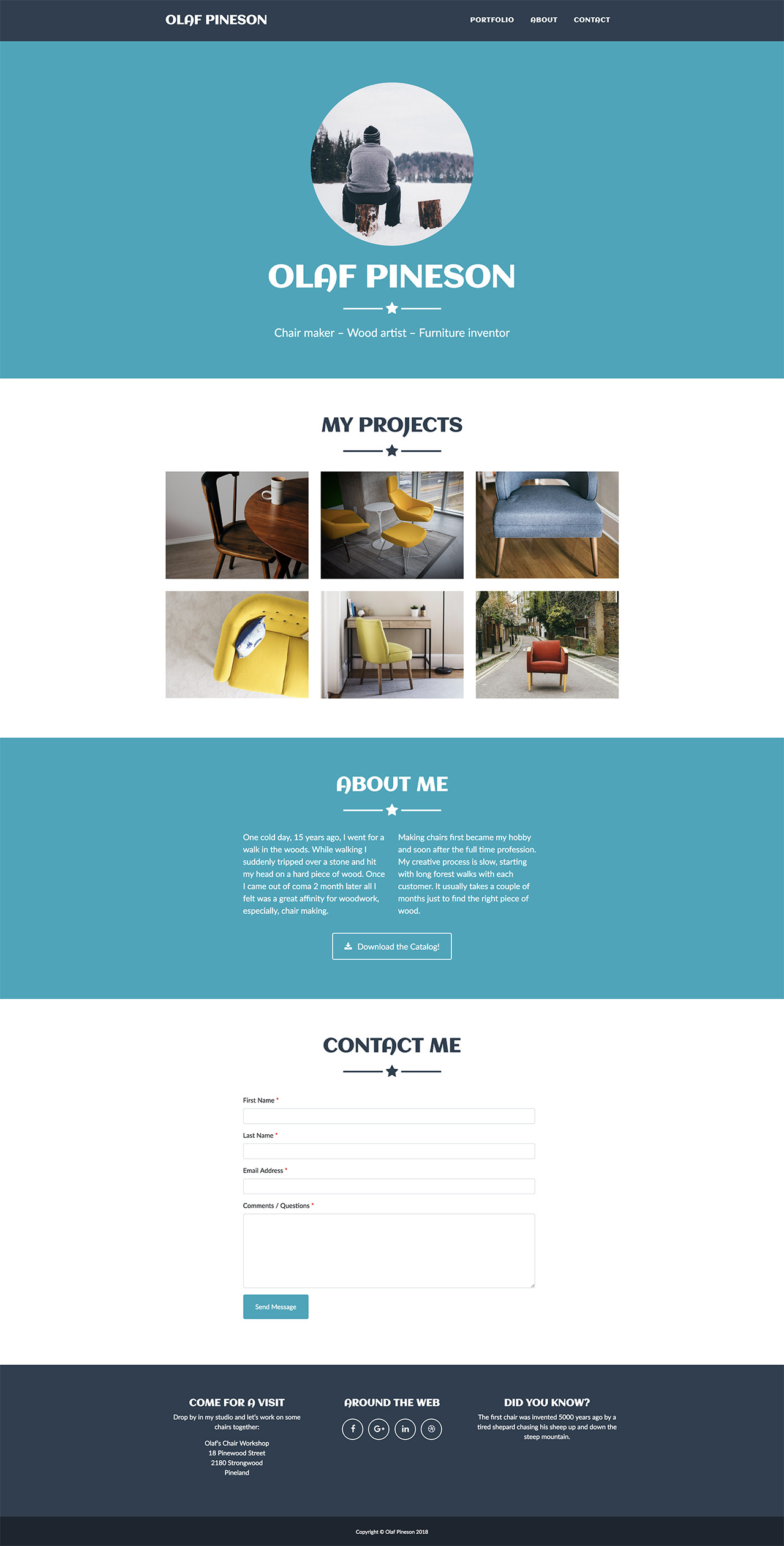
Credit: pinegrow.com
Setting Up The Development Environment
Creating a portfolio WordPress theme starts with setting up a development environment. Install WordPress locally using tools like XAMPP or WAMP. Use a text editor like VS Code to write and organize theme files efficiently.
Required Tools And Software
To create a WordPress theme, you need some tools. First, download and install a code editor. Editors like Visual Studio Code or Sublime Text work well. You also need a local server environment. Use XAMPP or WAMP for this. These help run WordPress on your computer. Lastly, install the latest version of WordPress. You can get it from the official website. These tools are free and easy to use. With them, you can start building your theme.
Installing WordPress Locally
To install WordPress, follow these simple steps. First, open your local server software. Start the Apache and MySQL services. Next, create a new database in phpMyAdmin. Give it a name you will remember. Now, unzip the WordPress file. Place it in the htdocs folder of your server. Open your web browser and type localhost/your-folder-name. Follow the setup guide to finish. Now you have WordPress running locally.
Understanding WordPress Theme Basics
WordPress themes have a unique structure. Each theme has a set of files. These files control the look of your site. The main file is called style.css. It holds the design rules. Another important file is functions.php. This file adds special features. Templates like header.php and footer.php help with layout. These files work together to build your site.
Template tags are powerful tools. They help display dynamic content. Tags like the_title() show post titles. the_content() shows post body. These tags make your site interactive. You can use get_template_part() to include templates. This keeps your theme organized. Tags ensure your content is always up-to-date.
Designing The Portfolio Layout
Picking a design style is very important. It sets the mood for your portfolio. Styles can be modern, minimal, or vintage. Each style gives a different feeling. Modern styles look fresh. Minimal styles are simple. Vintage styles feel classic. Choose a style that fits your work. Make sure it shows your personality. Good design attracts visitors. Keep the design clean and easy to read. Avoid too many colors. Stick to a few main colors. This keeps the design neat.
Wireframing helps plan your site. It is like a rough draft. Start with basic shapes. Draw squares for images and boxes for text. This helps you organize content. Decide where each piece goes. Keep important items at the top. This gets more attention. Use wireframes to test ideas. It is easier to change a wireframe. Plan your layout before building. This saves time later. A good wireframe makes the build easier.
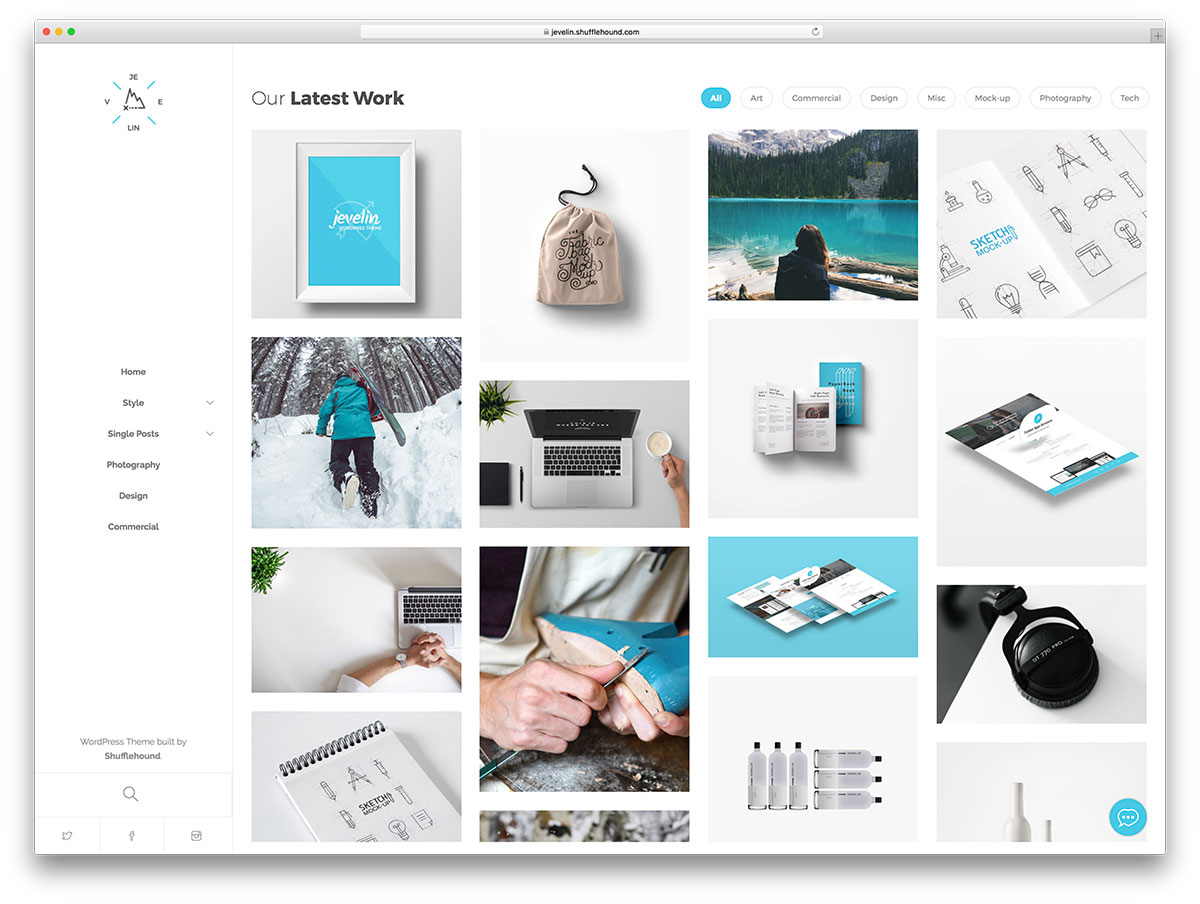
Credit: colorlib.com
Building The Theme Files
The style.css file is very important. It tells WordPress about the theme. Start with the theme’s header. This includes theme name, author, and version. Use comments to add this header. Below the header, write the CSS code. CSS styles the theme. It controls colors and fonts. Keep CSS clean and organized. This makes it easy to read. Use comments to explain sections. This helps others understand your code.
The functions.php file adds functions to the theme. It helps add features like menus and widgets. Start by opening a PHP tag. Write your functions inside this tag. Use simple functions for basic tasks. Add code to register menus. This lets users add navigation. Include code to add widgets. This makes the theme more flexible. Organize functions with comments. This helps keep the file neat.
Creating Custom Templates
Start with the header. Use HTML to make it. Add a logo. Include a navigation menu. Make sure links work. Next, design the footer. Add contact info here. Include social media links. Use simple colors and styles. Keep it clean and neat. Headers and footers set the tone. They help users navigate. Make them easy to read.
Begin with a plan. Decide on the layout. Use grids or columns. Add sections for images. Include a spot for text. Write clear titles. Add descriptions under photos. Keep them short. Use bold text for important info. Choose fonts that are easy to read. Make sure the page loads fast. Good design shows your work well. It makes a strong impression.
Integrating Custom Post Types
Custom Post Types help organize different content. They allow you to create unique sections on your site. For a portfolio, you might need sections for art, design, or writing. Use the register_post_type() function in WordPress. This function creates new types. You need to define labels, visibility, and capabilities. Each custom post type has its own settings. These settings make it fit your needs. Users can add content easily. It keeps your portfolio organized and neat.
Displaying your portfolio items is simple. Use a custom query to fetch items. Use the WP_Query class in WordPress. This class helps you get specific items. You can show them on any page. Add a loop to display each item. Include a title, image, and description. Ensure items look neat. Use CSS for styling. Make sure it looks good on all devices. This will make your portfolio user-friendly.
Enhancing Functionality With Plugins
Creating a portfolio WordPress theme becomes easier with plugins that enhance functionality. Customize layouts, integrate multimedia, and improve user experience effortlessly. Plugins offer flexibility to showcase work creatively while maintaining simplicity.
Choosing Essential Plugins
A strong portfolio theme needs the right plugins. Essential plugins help your site work better. They add features like contact forms and image sliders. Contact Form 7 is a popular choice. It lets visitors send you messages easily. Slider Revolution is great for showing images. It makes your site look lively. WooCommerce is useful if you sell things. It adds a store to your site. Choose plugins carefully to keep your site fast and secure.
Integrating Seo And Security Plugins
SEO plugins help your site show up in searches. Yoast SEO is a top pick. It helps with keywords and readability. All in One SEO Pack is another good option. It makes SEO easy for beginners. Security plugins keep your site safe. Wordfence Security protects against hackers. iThemes Security is also strong. It adds many safety features. Keep your site safe and visible with these plugins.

Credit: themeforest.net
Testing And Debugging
Websites must work on all browsers. Chrome, Firefox, and Safari are popular. Test your theme on each. Check how it looks and works. Some features may break. Fix them if needed. Each browser has quirks. Understand them for a better theme. Testing ensures users see your site correctly.
Devices come in many sizes. Phones, tablets, and computers are common. Your theme should fit all. Test on different screens. Resize your browser window. Look for any layout issues. Text should remain clear and readable. Buttons must be easy to press. Adjust design for each device. This makes your theme user-friendly.
Deploying The Theme
Make sure everything is ready before you launch your theme. Check if all files are correct. Double-check the design and content. Fix any errors or bugs. Your theme should look perfect. Fast and smooth is a must.
Choose a reliable server for your theme. Many options are available. Install WordPress on the server. Use an FTP client to upload files. Transfer the theme folder to the wp-content/themes directory. Activate your theme from the WordPress dashboard. Ensure everything is working well. Test the site on different devices. Fix any display issues.
Frequently Asked Questions
How Do I Start Creating A WordPress Theme?
To start, set up a local WordPress environment using tools like XAMPP. Familiarize yourself with PHP, HTML, CSS, and JavaScript. Create essential theme files like `style. css` and `index. php`. Customize with functions and templates. Utilize WordPress Codex for guidance.
Test thoroughly before deploying.
What Tools Are Needed For Theme Development?
You need a local server environment like XAMPP or MAMP. A code editor, such as Visual Studio Code, is essential. Version control systems like Git are helpful. Familiarity with PHP, HTML, CSS, and JavaScript is crucial. Utilize WordPress Codex for comprehensive resources and guidance.
Can Beginners Create WordPress Themes?
Yes, beginners can create WordPress themes with patience and practice. Start with basic HTML, CSS, and PHP knowledge. Use tutorials and documentation for guidance. Experiment with simple themes first. Gradually enhance your skills. Online courses and community support can be invaluable resources.
How To Customize A Portfolio Theme?
Customize by modifying `style. css` for design changes. Use WordPress Customizer for real-time edits. Add custom post types for portfolio items. Utilize page builders for layout adjustments. Integrate plugins for added functionality. Test changes thoroughly for responsiveness and performance.
Conclusion
Creating a portfolio WordPress theme can be straightforward. Start with clear goals. Choose a flexible theme framework. Customize with simple design elements. Focus on user-friendly navigation. Ensure your theme is mobile-responsive. Optimize images for fast loading. Test your theme on different devices.
Seek feedback from others. Make improvements based on feedback. A well-crafted portfolio theme can showcase your work effectively. It helps you stand out. Follow these steps for a successful portfolio theme creation. Enjoy the process and let your creativity shine.
Your unique style deserves to be displayed beautifully.


