
Are you ready to take your first step into the digital world without breaking the bank? Imagine having your very own corner of the internet, a place where your ideas, projects, or business can shine.
The great news is, you can get started with a free domain name and web hosting today. Yes, you read that right—free! No more excuses or budget constraints. This guide will walk you through simple steps to claim your free domain and hosting, so you can launch your website with confidence.
We’ll demystify the process, making it easy for you to understand and implement. Ready to unlock the potential of the web? Let’s dive in and discover how you can make your online presence a reality, without spending a dime.

Credit: www.youtube.com
Choosing A Domain Name
Think about what your website is about. Write down words related to it. Use words that are easy to remember. Make your domain name short and simple. Use words that tell what your site is about. Ask friends for ideas. They may think of words you didn’t. Try using online tools. These tools give you ideas for names.
Check if your chosen name is available. Use a domain checker tool. It tells if the name is taken. If taken, try another name. Add numbers or small words. This makes the name unique. Once you find a free name, remember it. You will need it later. Keep a list of all names you like. This helps if some are not available.
Registering A Free Domain
Many websites offer free domains. Some popular ones include Freenom and InfinityFree. These providers are easy to use. They offer domains like .tk, .ml, or .ga. These domains are free for a year. They might not be as professional. But they work well for small projects or personal sites.
First, choose a domain provider. Visit their website. Second, search for your desired domain name. Make sure it’s available. Third, click on the register button. You might need to create an account. Fill in your details carefully. Finally, follow the instructions to complete registration. Your domain is now ready to use.
Understanding Web Hosting
Web hosting comes in different types. Shared hosting is the most common. Many websites share one server. This is a cheaper option. VPS hosting gives more control. It is like having your own server. Dedicated hosting offers a whole server just for you. This is powerful but costs more. Cloud hosting spreads your website across many servers. It is flexible and reliable. Each type has its own benefits and costs. Choose based on your needs and budget.
Free hosting saves money. There are no monthly fees. It is great for beginners. You can try building a website without spending. Free hosting often comes with easy tools. These tools help you create websites quickly. But remember, free hosting has limits. It may have ads or less speed. For small projects, it works well.
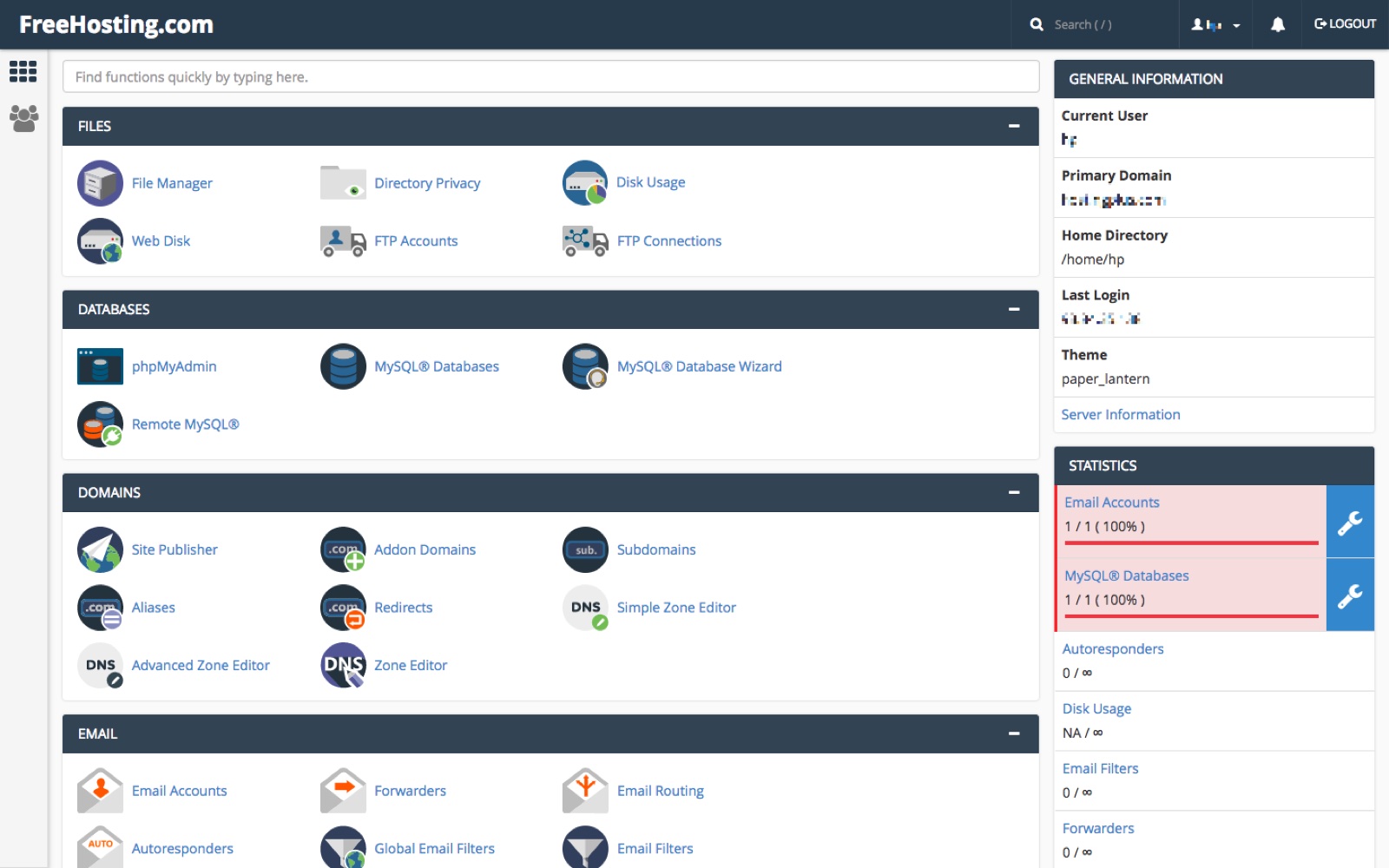
Credit: www.freehosting.com
Selecting A Free Web Hosting Service
Explore the realm of free web hosting services to kickstart your online presence. Secure a domain name effortlessly by choosing platforms that offer free registration. Compare options to find the service that meets your needs while keeping costs low.
Top Free Hosting Platforms
Some platforms offer free hosting. They are popular for beginners. You can try InfinityFree. It gives free web space and no ads. 000webhost is another option. It offers easy website building. Freehostia provides good features too. It has different hosting plans.
Choosing the right one is important. Look for enough storage. Check the bandwidth offered. Support for PHP and MySQL is essential. Make sure there is uptime guarantee. This keeps your site online. Some may show ads on your site. Avoid them if possible.
Compare features before deciding. A good choice makes your site better. Free hosting is a start. It helps you learn and grow.
Setting Up Your Website
Pick a domain name that fits your site. Make sure it’s easy to spell. Find a hosting provider that offers free services. Check if the provider lets you connect a domain. You can link your domain to hosting easily. Follow the steps given by the provider. Usually, you go to the domain settings. Enter the hosting details there. Save your changes. Wait for a few hours. Your site should connect. Now your domain points to your hosting.
A content management system (CMS) helps you create and manage your site. Choose a CMS that is free and easy to use. Popular CMS options include WordPress and Joomla. Look for the install option in your hosting account. Follow the steps to set up the CMS. Add your site’s name and details. Install themes and plugins to customize your site. Your site is now ready to publish. You can add pages and posts to your site. Remember to keep your CMS updated.
Customizing Your Website
Selecting the right template is important. Templates give your site its look. Some templates are simple. Others are fancy. Think about your site’s purpose. Simple templates are easier to use. Fancy templates need more work. Look for templates with good reviews. Try different templates to see what fits. Templates can be changed later. Pick a template that is easy to update.
Content makes your site interesting. Text, pictures, and videos are important. Text should be clear and short. Pictures should be bright and clear. Use videos to show more. Make sure everything is easy to see. Content should be updated often. Add new pictures and videos regularly. Media helps to tell your story. It makes the site fun. Check that all media loads fast.
Maintaining Your Website
Keeping your website fresh is important. Update your site often. Add new content or change old info. This keeps visitors happy. New info attracts more people. Regular updates also help in fixing bugs. Bugs can break your site. Fixing them keeps it working well. Always check for updates on plugins. Plugins help your site do more things. But they need updates too. This makes them safe and fast.
Watch how your website runs. Check loading speed often. Slow sites make visitors leave. Use tools to find problems. This helps make your site faster. Check the number of visitors too. More visitors mean your site is popular. Use this info to make your site better. Always look for errors. Fixing errors makes your site work better. A good site keeps visitors coming back.
Upgrading From Free To Paid Services
Create a free domain and web hosting to start your online presence without spending a dime. Upgrade to paid services later for more features and support. This step can enhance your website’s performance and security, offering a professional touch.
Advantages Of Paid Hosting
Paid hosting offers more features. Expect better speed and reliability. Your site can handle more visitors. No annoying ads. Get more storage space and bandwidth. Enjoy 24/7 support from experts. Your site is more secure. No need to worry about data loss.
When To Consider Upgrading
Your site is growing fast. More people visit each day. Free services can’t keep up. You want more customization options. Paid plans offer that. You need better security for your data. Paid hosting has stronger protection. You want a professional look. Free services often show ads. A paid plan removes them.
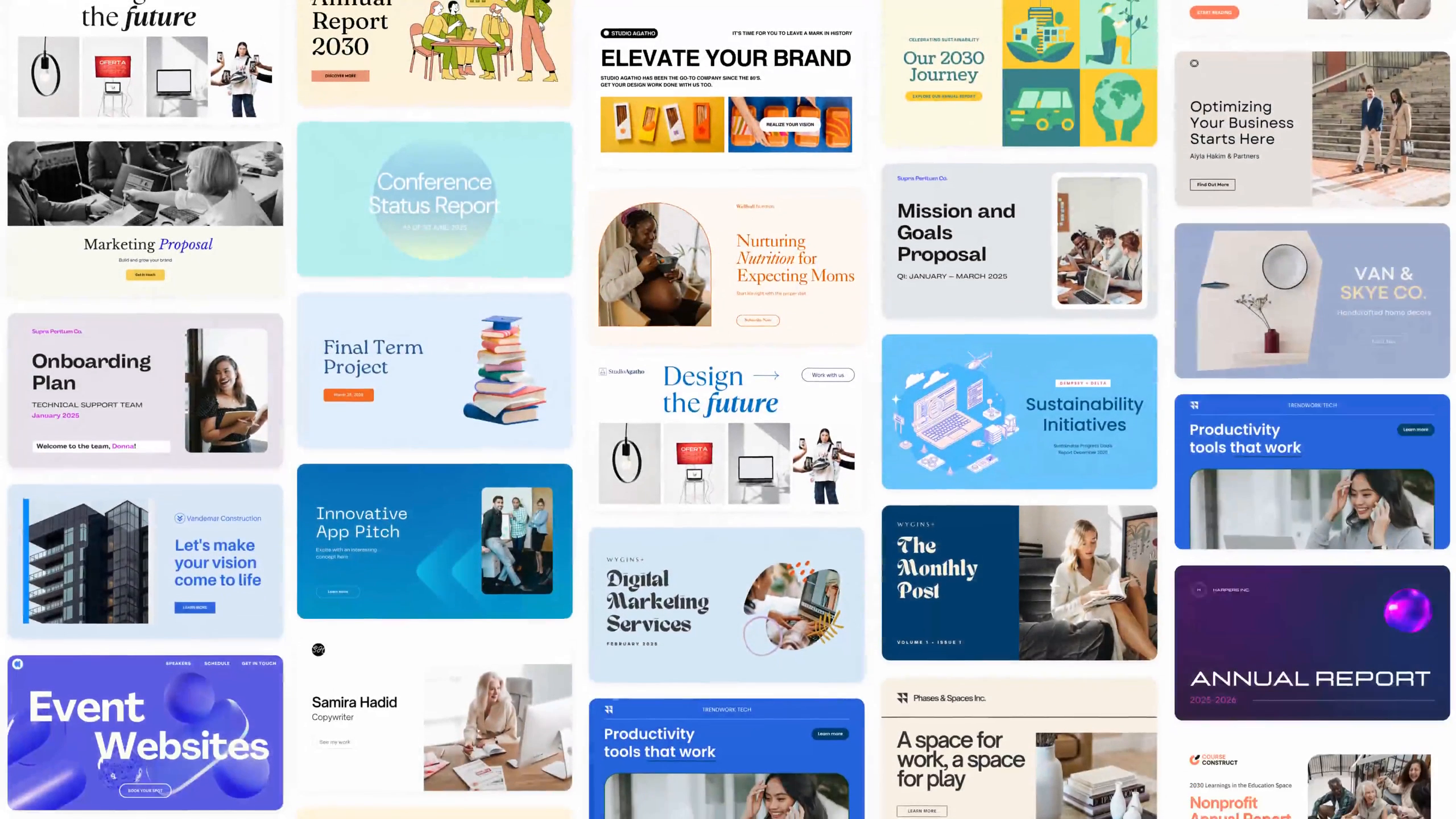
Credit: www.canva.com
Frequently Asked Questions
Can I Get Free Domain And Free Hosting?
Yes, some providers offer free domain and hosting plans with limited features. Research options like WordPress. com or InfinityFree. These plans often suit personal blogs or small websites. Always check terms and conditions before choosing a provider, as some may include ads or require upgrades for more features.
How To Get A Fully Free Domain?
Sign up with hosting providers like InfinityFree or AwardSpace. They offer free domains with hosting packages.
Is A Godaddy Domain Free?
GoDaddy domains are not free. You must purchase a domain through their website. Prices vary based on the domain extension and length of registration. Occasionally, GoDaddy offers promotional discounts for new domains. Always check their website for the latest deals and offers.
Is Google Domain Free?
Google Domains is not free. They charge an annual fee for domain registration. Prices vary based on the domain extension you choose. Google Domains offers features like privacy protection and email forwarding in their plans. Always check for any promotions or discounts they might offer.
Conclusion
Creating a free domain name and web hosting is achievable. Start by researching platforms that offer free services. Choose one that suits your needs. Make sure to compare options. Consider customer support and features. Focus on user-friendly interfaces. Free options may have limitations.
Keep this in mind. Prioritize your website’s purpose and goals. You can always upgrade later. Building a website is a journey. Take it one step at a time. Enjoy learning and creating. Your online presence is within reach. Stay motivated and explore possibilities.
Success is possible with dedication and patience.


