
Are you tired of the limitations of your current website platform? Do you want more flexibility and control over your site’s design and functionality?
Converting your website to a WordPress theme might just be the solution you’ve been searching for. Imagine having the power to effortlessly update your content, add new features, and customize your site’s appearance—all without needing to write a single line of code.
Sounds appealing, right? In this guide, you’ll discover the step-by-step process of transforming your existing website into a dynamic WordPress theme. You’ll learn how to maintain your brand’s unique style while leveraging the vast capabilities of WordPress. Whether you’re a seasoned developer or a complete beginner, this article will equip you with the knowledge and tools you need to make a seamless transition. Get ready to unlock the full potential of your website and captivate your audience with an enhanced online experience. Stay with us as we delve into the world of WordPress and explore how you can make your website more powerful, user-friendly, and future-proof.
Credit: jetpack.com
Benefits Of Using WordPress
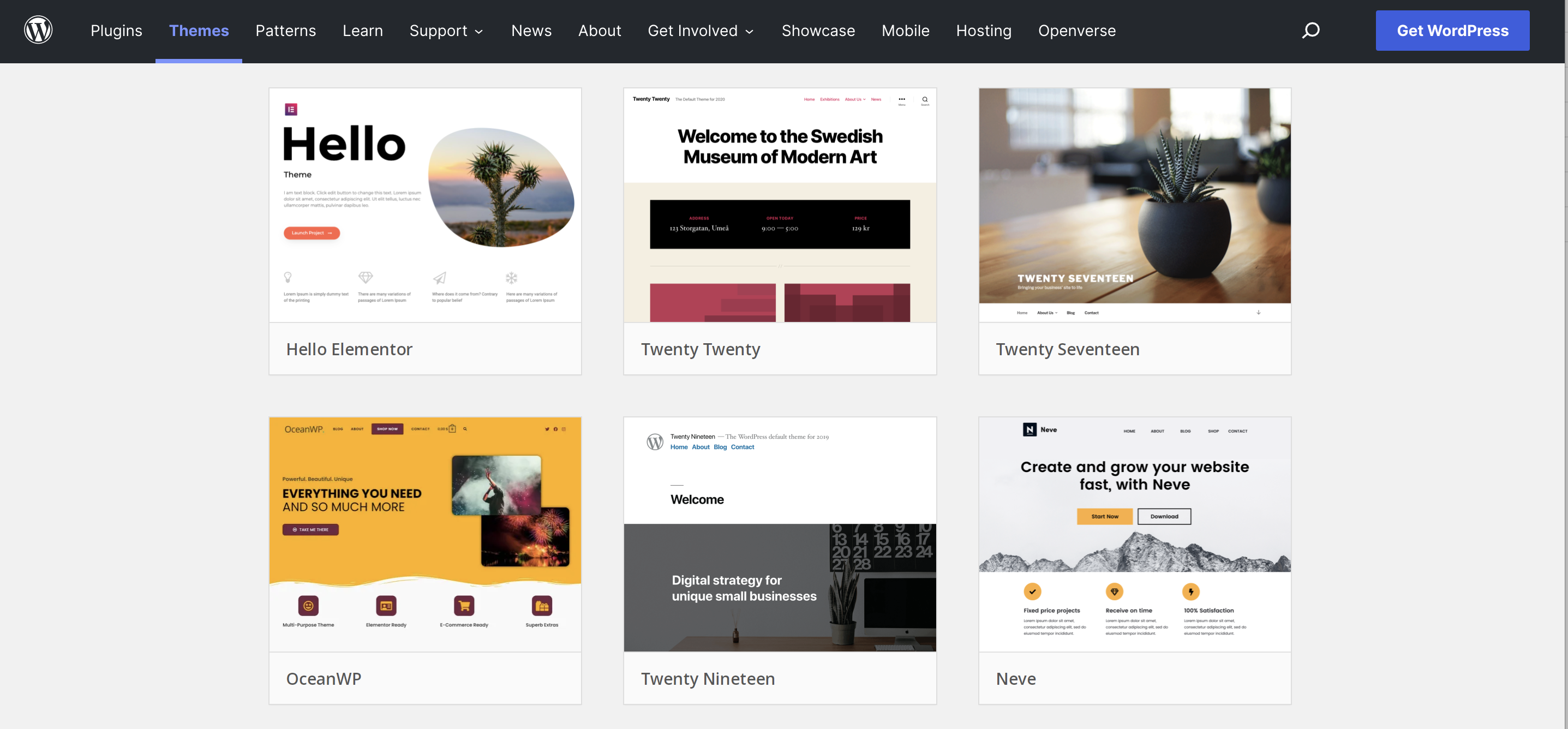
WordPress makes website creation easy. It is user-friendly. Beginners can use it. There are many themes available. You can choose one that fits your style. WordPress is also flexible. You can add new features with plugins. This makes your website more powerful.
Security is important for websites. WordPress offers strong security. It gets regular updates. This helps keep your site safe. Many people around the world use WordPress. It is the most popular platform. This means you can find a lot of help and support online. This makes solving problems easier.
Assessing The Existing Website
Each website has a unique structure. Look at the layout. The homepage might be complex. Other pages can be simpler. Check how pages connect. Are links easy to follow? Check the navigation menu. Does it help users? Find the main sections. They are important for conversion.
Features make a website special. Identify important ones. Forms for user contact are crucial. Look for image galleries. They show visual content. Check for video players. They might need special plugins. Don’t forget social media buttons. They help share content. Each feature must be noted. They will guide theme creation.
Setting Up WordPress Environment
Picking the right hosting provider is important. It affects your site’s speed. It can also impact security. Popular choices include Bluehost, SiteGround, and HostGator. They offer easy setups for WordPress. Check for good customer support. Look for providers with 24/7 assistance. Compare prices. Make sure they fit your budget.
Start by downloading WordPress from its official site. Most hosts offer a one-click install. This makes the process simple. Follow the instructions. Set up your site name and username. Don’t forget to create a strong password. Log in to your new WordPress site. Customize the settings. Explore the dashboard. Begin building your site.
Creating A Custom Theme
WordPress themes are built with many files. The main file is style.css. It contains theme details and styles. Each theme has a functions.php file. This file adds features to the theme. The index.php file is also vital. It controls the main layout. Every page uses it as a base.
Start by creating a new folder. Name it after your theme. Inside, add the style.css file. Add comments at the top. These comments describe the theme. Next, add the index.php file. This file will be the home of your theme. Then, create the functions.php file. This file will house all the extra features.
Converting Html To WordPress
The header and footer are key parts of any website. They hold important links and information. First, create header.php and footer.php files. Copy the HTML code from the original site. Paste it into these files. This way, WordPress uses them.
Update the links and scripts. Ensure they work within WordPress. Check paths for images and styles. Make sure they are correct. This process helps your website look consistent.
CSS styles make your website look nice. They control fonts, colors, and layouts. First, locate the CSS file in the original site. Copy the styles to a style.css file in your theme folder. WordPress reads this file for styling.
Ensure styles match the WordPress structure. Adjust any paths or classes. Check for any errors. This helps keep the site’s appearance intact. Proper CSS conversion is crucial. It ensures the site looks the same as before.
Integrating Dynamic Content
The WordPress Loop is a powerful tool. It helps display dynamic content. It fetches posts from the database. Each post is shown on the page. You can use it to show blogs, pages, and comments. The loop cycles through content one by one. It checks if there are posts available. If yes, it displays them on the site. It handles pagination too. The loop is simple but effective.
Custom post types allow you to add different content. They extend WordPress beyond blogs. You can create custom post types for products, events, or portfolios. Each type has its own format and style. You can add custom fields and taxonomies. They make content unique and organized. Developers use them to meet specific needs. Custom post types enhance site functionality.
Adding Widgets And Plugins
Choosing Essential Plugins is key for a successful WordPress site. Plugins add features to your website. Pick ones that help your site work better. Some popular plugins include Yoast SEO for better search results, Contact Form 7 for easy forms, and WooCommerce for online stores. Only add plugins you need. Too many can slow your site down. Always check reviews and updates before installing. This keeps your site safe.
Setting Up Widget Areas allows your site to be more fun. Widgets are small tools you can add. They might show recent posts, search bars, or calendars. You can add them to sidebars or footers. Find the widget area in the WordPress dashboard. Drag and drop widgets where you want them. Customize each widget. Make your site unique and easy to use. This helps visitors stay longer.
Credit: wpengine.com
Testing And Optimization
Transforming a website into a WordPress theme involves testing and optimization for a seamless user experience. Ensure all features function smoothly by checking compatibility and optimizing speed. Focus on responsive design to enhance accessibility across devices.
Ensuring Cross-browser Compatibility
Testing is very important. Each browser shows websites differently. Websites must work on all browsers. Chrome, Firefox, Safari, and Edge are popular. Use tools to test compatibility. BrowserStack and CrossBrowserTesting help. Fix problems you find. Make sure your site looks good everywhere. Users will have a better experience. Happy users stay longer.
Improving Page Load Speed
Fast websites are very important. Slow sites lose visitors. Use lightweight themes for speed. Optimize images. Small images load faster. Use tools like TinyPNG. Minimize code. CSS and JavaScript should be clean. Use plugins wisely. Too many plugins slow down sites. Test speed with Google PageSpeed Insights. Improve scores for better speed. Fast sites keep users happy.
Launching The WordPress Site
Ensure all links work. Broken links confuse visitors. Check every page and post. Make sure images load correctly. They should look clear and sharp. Test site speed. A slow site can lose visitors. Ensure your site looks good on all devices. Tablets, phones, and computers should display your site well. Confirm SEO settings are correct. Good SEO helps people find your site. Use simple, clear titles and descriptions.
Tell friends and family about the new site. Share it on social media. Use platforms like Facebook and Twitter. Ask people to visit and share your site. Write a short post about your site. Explain why it’s helpful. Use email to inform your contacts. Send a simple message with the link. Invite feedback. Positive comments can help improve your site. Engage with visitors. Reply to questions and messages.

Credit: docs.themeisle.com
Maintaining The WordPress Site
Transforming a website into a WordPress theme involves several steps. First, analyze the existing site structure and design. Next, create essential files like header. php and footer. php to match the original layout. Finally, integrate WordPress functions to ensure dynamic content and seamless user experience.
Regular Updates
WordPress often releases new updates. These updates fix bugs and add new features. Regular updates keep your site secure and fast. Always check for updates in the WordPress dashboard. Update plugins and themes too. Regular updates help avoid security risks.
Security Practices
Security is crucial for WordPress sites. Use strong passwords for all accounts. Change passwords often. Install security plugins to protect your site. These plugins help detect and block threats. Regularly back up your site. Backups save your data if something goes wrong. Limit login attempts to avoid hackers. Always use secure connections for transfers.
Frequently Asked Questions
What Is WordPress Theme Conversion?
WordPress theme conversion is transforming a website’s design into a WordPress template. This allows easy management and editing. It involves coding and sometimes using theme builders. This process helps in utilizing WordPress’s powerful CMS features for enhanced functionality and user experience.
How To Start Converting A Website?
Start by assessing your current website’s design and functionality. Gather all necessary files and resources. Choose a suitable WordPress theme as a base. Begin coding and customizing the theme to match the original design. Test thoroughly to ensure all features work correctly.
Can I Convert Any Website To WordPress?
Yes, you can convert most websites to WordPress. The complexity depends on the website’s design and functionality. Static HTML sites are easier to convert. Dynamic sites may require more coding and adjustments. Ensure compatibility with WordPress features for a smooth transition.
What Are The Benefits Of Conversion?
Conversion to a WordPress theme offers several benefits. It provides a user-friendly CMS for easy content updates. Enhances SEO through various plugins and features. Offers scalability and flexibility for future growth. Provides access to a vast library of themes and plugins.
Conclusion
Converting a website to a WordPress theme can simplify site management. It offers flexibility and ease in updating content. The process may seem challenging, but patience helps. Start with a clear plan and follow steps diligently. Use reliable tools and resources to ease the conversion.
Always test the new theme for functionality. Ensure your design aligns with your brand’s identity. With practice, the task becomes easier. Enjoy the benefits WordPress brings to your site. A new theme awaits, ready to enhance your online presence. Dive in and embrace the change.


