
Are you tired of managing a static website and looking for a more flexible solution? Converting your existing website into a WordPress theme might just be the game-changer you need.
Imagine having the power to easily update your content, add new features with plugins, and enhance your site’s design with just a few clicks. This transformation can not only save you time but also elevate your site’s performance and user experience.
In this guide, you’ll uncover the secrets of turning your static site into a dynamic WordPress theme. We’ll walk you through the process, step by step, ensuring you gain all the insights and tools needed to make the switch seamlessly. Whether you’re a seasoned developer or a curious beginner, by the end of this article, you’ll be equipped with the knowledge to make your website more interactive and user-friendly. Let’s dive in and explore how you can take your online presence to the next level with WordPress.
Benefits Of Converting To WordPress
WordPress is user-friendly and easy to navigate. Even beginners can use it. It offers many plugins and themes to customize your site. This makes your website look unique. WordPress is also very SEO-friendly. This helps your site show up in search results. You can easily update your content. This keeps your site fresh and current. WordPress is also mobile-friendly. Your site will look good on phones and tablets. This is very important today. Security is another benefit. WordPress has many tools to keep your site safe.
Support is available from a large community. You can find help if you have questions. WordPress is also cost-effective. Many features are free to use. This can save you money. Overall, WordPress makes managing a website easier and more efficient.
Preparing For Conversion
Check the design and layout of the current site. Note the colors and fonts used. Look at the navigation and content structure. Identify key features that need to stay. Understand the purpose and audience of the website. Make a list of important elements. This will help you later.
Collect all images and media files. Save HTML and CSS files. Gather JavaScript code if needed. Make sure you have access to the server. Check for backup options. Download any necessary plugins. Organize everything in a folder. This keeps things neat and ready for use.
Setting Up The Development Environment
Begin by setting up a local server. Tools like XAMPP or MAMP are helpful. They let you run WordPress on your computer. Download WordPress from the official site. Extract the files into the server’s htdocs folder. Open a browser and go to localhost/wordpress to install. Follow the steps to set up the database. Remember to save your database name, username, and password.
Select a text editor or IDE. Popular choices include Visual Studio Code and Sublime Text. These tools help you write and edit code. Use Git for version control. It tracks changes to your code. Consider using a local WordPress development tool like Local by Flywheel. It simplifies the setup and management of local WordPress sites.

Credit: www.wpzoom.com
Creating A Basic WordPress Theme
A WordPress theme needs a special structure. This structure helps WordPress know how to show your website. Themes have folders and files. These files work together. Each file has a job. Some files make the header, while others make the footer. WordPress needs all these parts to work right. Knowing this helps you build better themes.
Every WordPress theme needs some important files. These files are like the building blocks. The style.css file gives your site its look. The index.php file shows your content. Another file, functions.php, adds special features. Together, they make your theme work well. Having these files is key for any theme.
Converting Html To WordPress
Converting a website to a WordPress theme involves using HTML and PHP. First, divide the HTML files into different parts. You’ll need a header, footer, and main content area. Each part will be a separate PHP file. This process helps in organizing the theme efficiently.
WordPress functions make themes work properly. Use functions like get_header() and get_footer(). These functions call the header and footer files. Also, utilize dynamic_sidebar() to add widgets. WordPress functions ensure the theme is interactive. They help in displaying content dynamically.
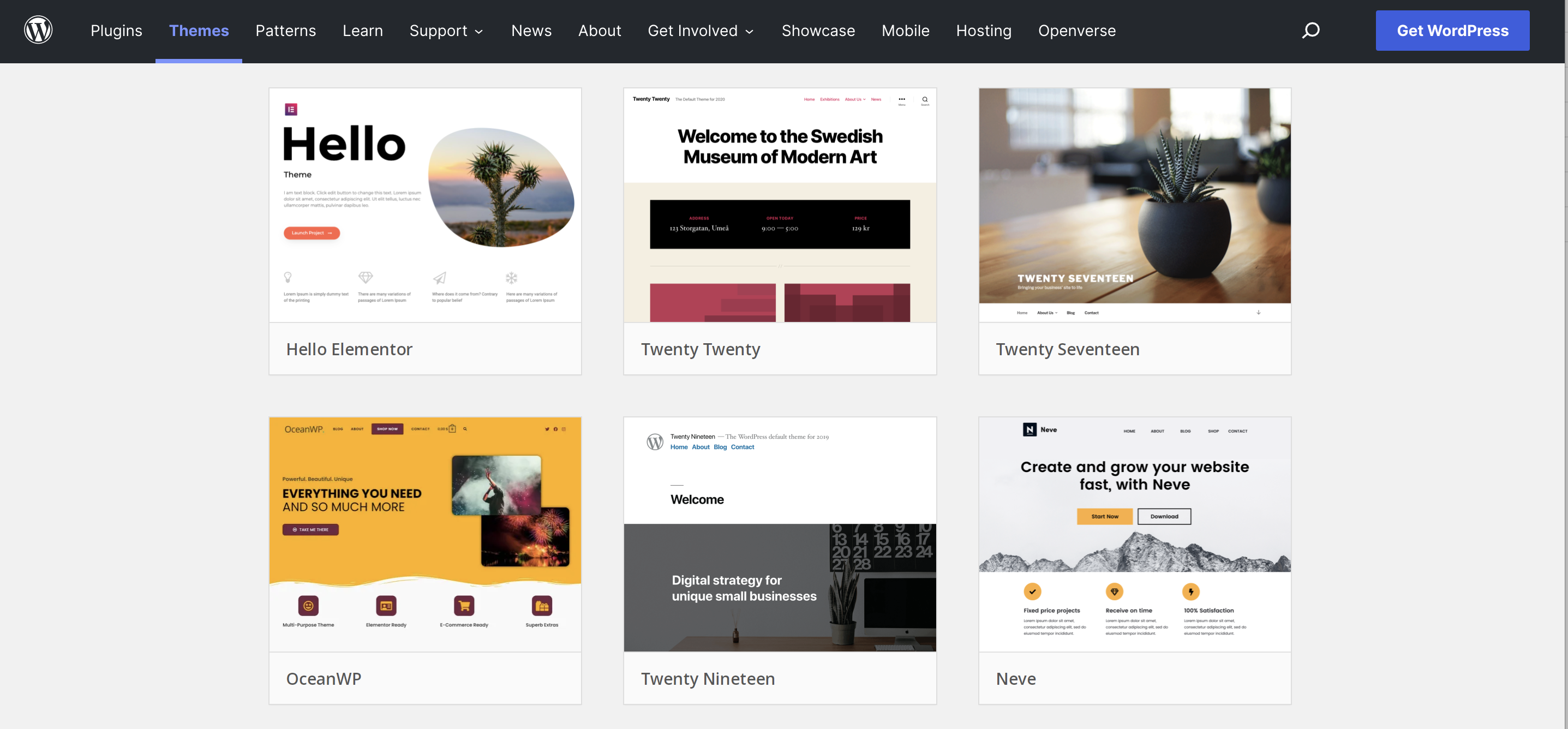
Credit: jetpack.com
Styling With Css And Javascript
Transforming a website into a WordPress theme involves styling with CSS and JavaScript. These tools help customize the design and enhance interactivity. They bring the theme to life, ensuring a unique and engaging user experience.
Integrating Existing Css
Use the same CSS from your old site. This makes things look familiar. Keep your styles neat and clear. Check that the styles work well with WordPress. Avoid messy code. Clean and organize the CSS files. Use CSS comments to explain tricky parts. This helps others understand. Ensure styles are responsive for all screens.
Handling Javascript Files
JavaScript adds cool features to your site. Move all JavaScript files to the WordPress theme folder. WordPress uses a special way to load scripts. Use the functions.php file to add scripts. Write a small code to link them. This helps with loading speed. Test scripts to make sure they work. Fix any errors you find.
Adding Dynamic Content
WordPress Loops help in displaying posts on a website. They make content dynamic and easy to update. You can show multiple posts or single posts. The loop decides what content to show. It checks each post and shows it if it fits the criteria. This makes your site flexible. By using loops, you can change how content appears. It’s efficient and saves time.
Incorporating Widgets and Menus enhances user experience. Widgets add useful tools to a site. They can show recent posts or social links. Menus help users navigate your site easily. Both widgets and menus are customizable. You can place them where you like. They make sites interactive and fun. Adding them is simple with WordPress. They improve the look and feel of your site.
Testing And Debugging The Theme
Validating Code and Performance is essential. It ensures your theme works. Check every line of code. Use tools to test the theme. Look for errors. Fix them quickly. Make your website load fast. Speed matters to users. Use a performance test. Check how fast your site is. Optimize code for better speed.
Fixing Common Issues can be tricky. Broken links confuse users. Check all links. Fix any broken ones. Images must load properly. Test image loading speed. Slow images frustrate users. Check for missing files. Missing files break the theme. Double-check your file paths. Ensure all files are present. Check for typos in code. Typos cause problems. Correct any typos you find. Make sure everything works smoothly.
Deploying The Theme
Transforming a website into a WordPress theme involves organizing files and styling elements. Ensure all design components are compatible with WordPress standards. Follow best practices for a smooth deployment process, making the theme functional and visually appealing.
Preparing For Live Environment
Make sure your theme is ready. Check all the files. CSS, JavaScript, and images must be in place. Test on a local server. Look for any errors. Fix them before uploading. This saves time later.
Create a backup of your website. This is important. You don’t want to lose any data. Backups help restore if anything goes wrong. Use a plugin for this. Many good options are available. Choose one that suits you.
Uploading To WordPress
Log in to your WordPress dashboard. Go to “Appearance” and then “Themes”. Click “Add New”. Then, click “Upload Theme”. Choose your theme file. Make sure it’s in .zip format. Click “Install Now”. Wait for it to complete. Then, click “Activate”. Your theme is now live.
Check your website. Make sure everything looks good. Test all the pages. Fix any issues you find. This ensures a smooth user experience.
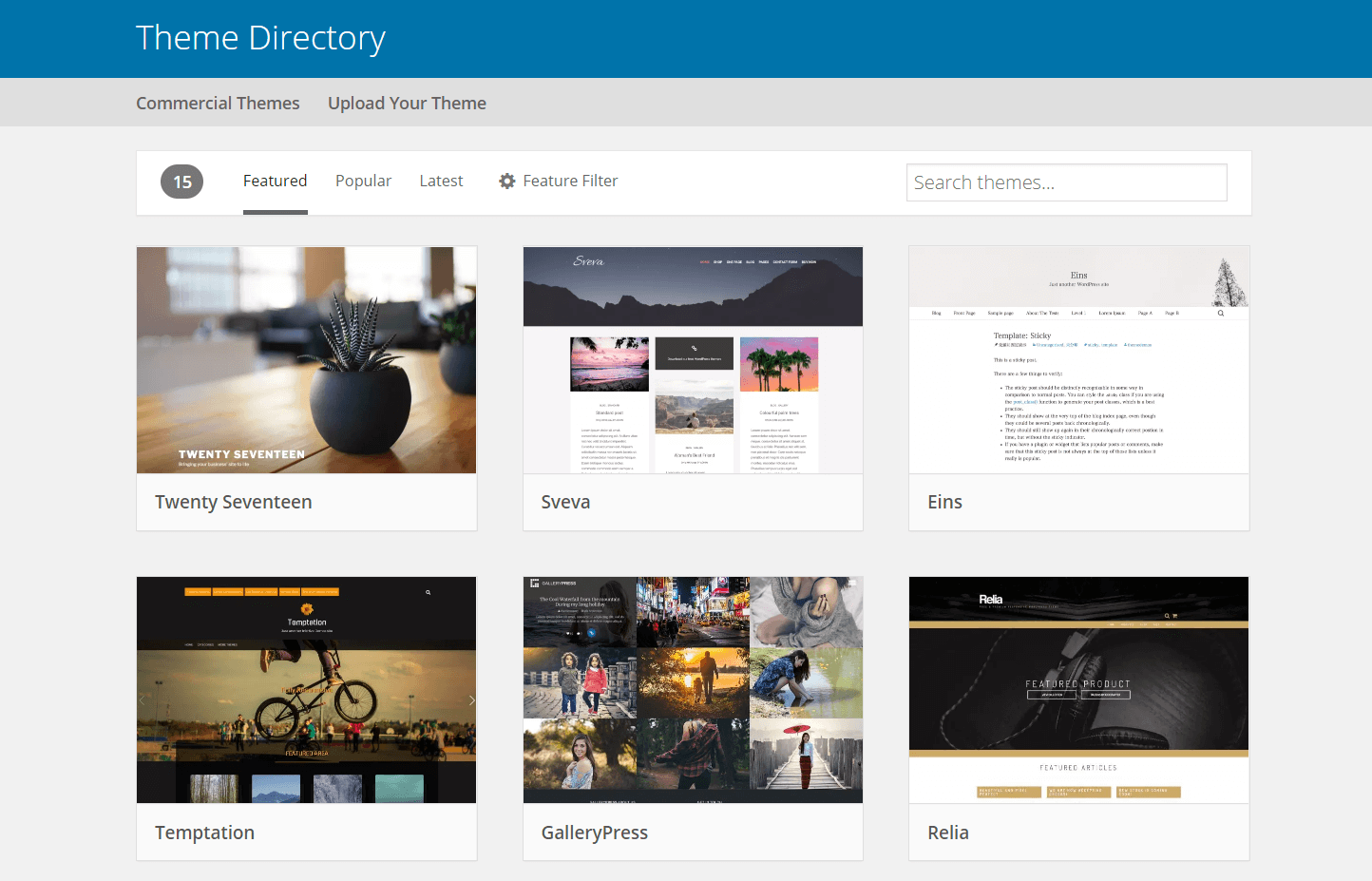
Credit: wpengine.com
Customizing And Enhancing The Theme
Transform your website with unique features. Add custom elements like image sliders, testimonials, or contact forms. These additions make your site special. Use plugins for easy integration. Choose reliable ones for better performance.
Customize design with color schemes and fonts. Create a style that matches your brand. Adjust layouts to improve user experience. Make sure navigation is simple.
Ensure your theme is responsive. It must look great on all devices. Test it on phones and tablets. Fix any layout issues quickly.
Adding Custom Features
Add new features to make your site different. Use plugins to add a calendar or photo gallery. These features keep visitors engaged. Widgets can display extra information.
Include social media buttons. Let users share content easily. Connect your site with your social profiles. It helps in reaching more people.
Consider adding a live chat feature. It allows visitors to contact you instantly. This improves communication and builds trust.
Optimizing For Seo
Make your site search engine friendly. Use keywords in titles and headings. Choose words related to your content. Write meta descriptions for each page. Summarize the page content clearly.
Ensure your images have alt tags. Describe what each image shows. This helps in better ranking. Create clean URLs with keywords. Avoid long and confusing links.
Improve loading speed. Compress images and use caching plugins. Fast sites rank better. Keep your content fresh and update regularly.
Frequently Asked Questions
What Is A WordPress Theme?
A WordPress theme is a collection of files that define the design and functionality of a WordPress website. It includes templates, stylesheets, and other components to create a cohesive look. Themes allow users to customize their website’s appearance without altering the core WordPress software.
How Do I Start Converting A Website?
Begin by analyzing the existing website’s structure and design elements. Identify key components, like layouts and functionalities. You can use tools or plugins to extract and convert these elements into WordPress-compatible files. Ensure compatibility with WordPress standards for seamless integration.
Is Coding Knowledge Necessary For Conversion?
Basic coding knowledge is helpful but not mandatory. WordPress offers various plugins and tools that simplify conversion. These resources provide a user-friendly interface for non-developers. However, understanding HTML, CSS, and PHP can enhance customization and troubleshooting during the conversion process.
Can I Use Existing WordPress Tools?
Yes, WordPress offers numerous tools and plugins to ease website conversion. Tools like Elementor and WPBakery help replicate design elements. Plugins can assist in transferring content, ensuring smooth transitions. These resources minimize coding requirements and streamline the conversion process.
Conclusion
Converting a website to a WordPress theme is straightforward. Follow the steps for a smooth transition. Customize the design to suit your needs. Ensure the theme is responsive and user-friendly. Test thoroughly before launching the site. Keep your audience in mind during the process.
Regularly update your theme for security and performance. This conversion can enhance your website’s flexibility and functionality. Remember, practice makes perfect. With patience and attention to detail, you’ll achieve great results. Happy converting!


