
Are you ready to launch your website but feeling stuck on how to connect your domain name with your web hosting? You’re not alone!
Navigating the digital landscape can be daunting, especially when you’re eager to get your site up and running. The good news? Linking your domain name to your web hosting is simpler than you might think. This guide is designed with you in mind, stripping away the tech jargon and breaking down the steps into easy-to-follow instructions.
By the end of this article, you’ll have the confidence and knowledge to make your website live, ensuring your online presence is just a few clicks away. Stick around, and let’s demystify the process together!
Choosing The Right Domain Name
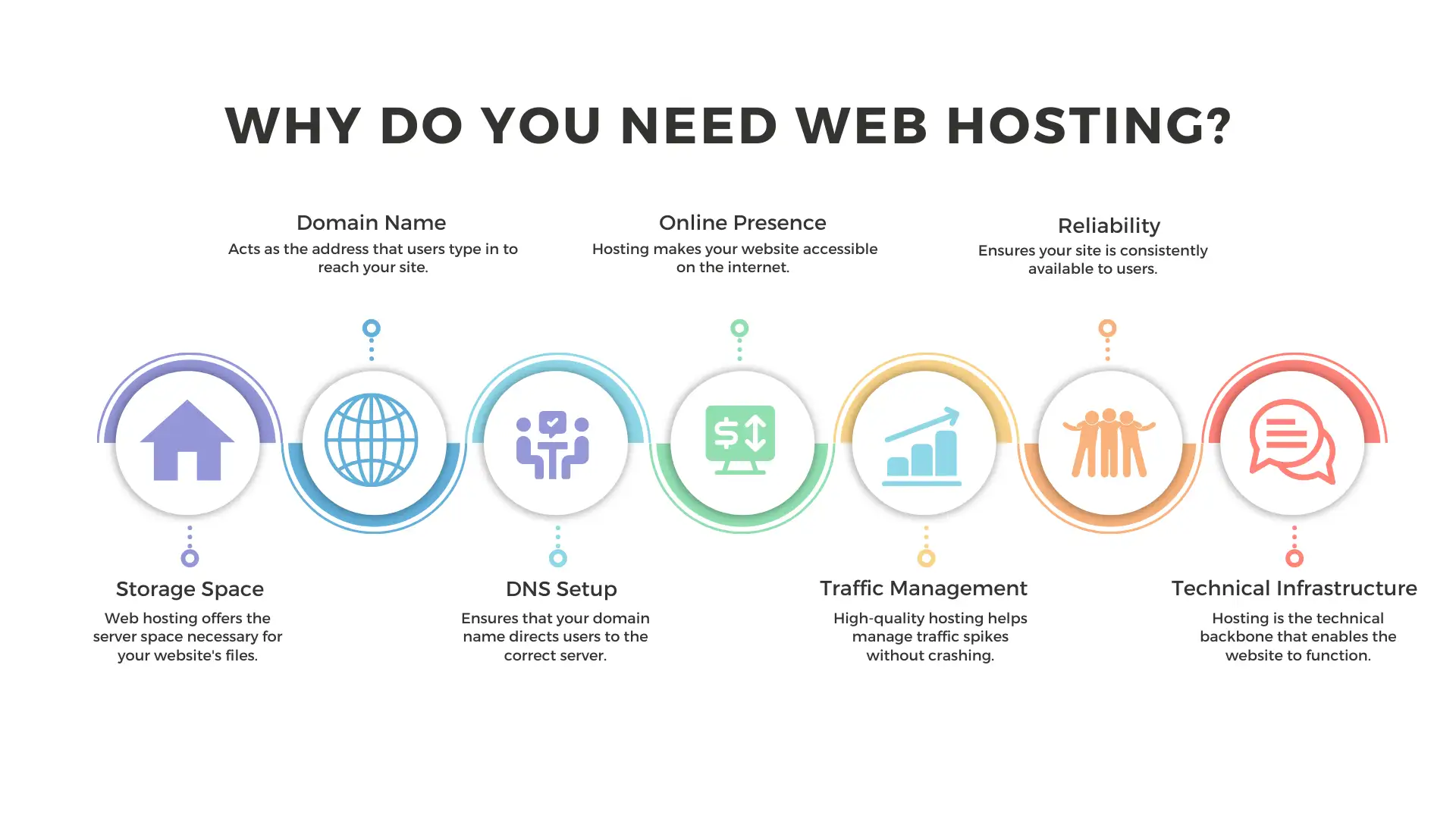
A domain name is your website’s address. It is like your house number online. People use it to find your site. A good domain name helps people remember your site easily. It also makes your site look more professional. Choose a name that matches your business or blog. This helps people understand what your site is about. A strong domain name can improve your site’s trustworthiness. It is important for your site’s success.
Keep your domain name short and easy to spell. Avoid complex words. Use simple words that people know. Choose a name related to your site content. This helps visitors know your topic. Check if the name is available. Avoid names already taken. You can use tools online to check this. Pick a name that is easy to remember. People should recall it easily. Avoid numbers and hyphens. They can confuse users. Make sure it is unique and catchy.
Registering Your Domain
Domain registrars help you buy your domain name. These companies offer many services. Popular choices are GoDaddy and Namecheap. Each has its own features.
Price and support can vary. Check them before you decide. You want a good deal. Make sure they have 24/7 support. This is important if you have issues later.
First, search for your desired domain. Make sure it is available. If not, try other names. Once you find one, add it to your cart. Next, fill in your personal information. This is required for the domain registration. Finally, choose the number of years you want to register it for. Pay the fee to complete the process.
Understanding Web Hosting
Connecting a domain name with web hosting involves pointing the domain’s DNS settings to the hosting server. This process ensures the domain directs visitors to the correct website content stored on the hosting server. Access your domain registrar’s control panel to update the DNS records with the hosting provider’s information.
Types Of Web Hosting
Web hosting comes in many forms. Shared hosting is the most common. It is like sharing a room with friends. VPS hosting offers more control. It is like having your own room in a shared house. Dedicated hosting is for big sites. You get the whole server to yourself. Cloud hosting is flexible. It uses many servers together.
Features To Look For
When choosing a host, check the uptime. It tells you how often the server works. Look for at least 99.9%. Check for customer support. You might need help. Is it 24/7? Look at the storage and bandwidth. You need enough space and speed. Also, see if there is a money-back guarantee. It is good if you change your mind.
Credit: m.youtube.com
Linking Domain To Hosting
First, visit your domain registrar’s website. Sign in with your account. Find the section called DNS settings or Domain Management. This is where you make changes.
Look for the option to manage DNS records. It might be under a tab or menu. Now, you can see all the DNS records for your domain.
Find the Name Servers section in your DNS settings. You’ll see a list of servers. These are usually set by your registrar. To connect to your hosting, you need to update these servers.
Enter the new name servers provided by your hosting provider. These are usually two or more addresses. Make sure to save the changes. It might take some time to update.
Testing And Troubleshooting
Connect your domain name to web hosting by updating DNS records. Ensure nameservers point to the host. Verify settings to troubleshoot issues.
Checking Domain Connectivity
Ensure your domain is connected to hosting. Use online tools for testing. Check if your website is accessible. Open a browser and enter your domain name. If the site loads, connectivity is fine. If it doesn’t, there might be a problem.
Resolving Common Issues
Common issues can cause connectivity problems. DNS settings might be incorrect. Verify DNS records are set properly. Propagation can take time. Wait for DNS changes to propagate. If issues persist, contact support. They can help resolve technical problems.
Credit: wegic.ai
Security Considerations
Ensuring security is crucial when linking your domain name to web hosting. Use strong passwords and enable two-factor authentication to protect your account. Regularly update software and monitor for any unusual activity to safeguard your website’s data and integrity.
Ssl Certificates
SSL Certificates are important for website safety. They encrypt data between the server and browser. This keeps information secure from hackers. SSL Certificates also build trust with users. They see a padlock icon and feel safe. Many hosting services offer free SSL Certificates. It’s easy to set up in your hosting account. Always check if your hosting plan includes an SSL Certificate. Without it, Google may flag your site as unsafe.
Protecting Domain Privacy
Protecting domain privacy is a smart step. Your personal details are hidden from the public. Domain privacy stops spammers from getting your email. It also keeps away scammers who want to steal your information. Many registrars offer domain privacy services. Sometimes, this service is free. Other times, there is a small fee. Always choose a registrar that values your privacy. Check their terms and services for privacy options.

Credit: www.youtube.com
Frequently Asked Questions
How To Connect A Domain To Web Hosting?
To connect a domain to web hosting, update your domain’s DNS settings. Enter your hosting provider’s nameservers in the domain’s settings. Wait for propagation, which may take up to 48 hours. Ensure both domain and hosting are active for successful connection.
Contact support if issues arise.
Does Web Hosting Include A Domain Name?
Web hosting typically doesn’t include a domain name. Many providers offer domain registration as an additional service. Check with your host for bundled packages that might offer both services together. Always verify the details of your hosting plan for domain inclusion.
How To Check If A Domain Is Connected To Hosting?
Use a WHOIS lookup to verify domain registration details. Check the nameservers to confirm hosting connection. Access your hosting dashboard to see domain status. Use online tools like MXToolbox to check DNS records for confirmation.
How Do I Point My Domain To Another Hosting Provider?
Update DNS settings in your domain registrar’s account. Change nameservers to those provided by your hosting provider. Save changes and allow propagation time.
Conclusion
Connecting your domain to web hosting is simple with these steps. Start by choosing a reliable hosting provider. Find your domain settings and look for DNS management. Enter the nameservers given by your hosting provider. Confirm changes, then wait for them to take effect.
Usually, this takes a few hours. After connecting, you can build your website. Remember, the domain is your online identity. Keep it safe and secure. Regularly update your settings and renew on time. These steps ensure your site runs smoothly.
Now, you can share your website with the world!


