
Do you ever feel stuck when trying to customize your WordPress website? You’re not alone.
Many users find themselves lost in the maze of themes and settings. The good news? There’s a straightforward way to connect directly to your WordPress theme and unlock its full potential. Imagine having the power to tweak every detail to match your vision perfectly.
No more settling for default designs or getting frustrated with limited options. This guide is here to help you navigate through the process seamlessly, ensuring you make the most out of your theme’s capabilities. Ready to transform your website into a masterpiece? Let’s dive in and discover how you can take control of your WordPress theme like a pro.
Choosing The Right Theme
Think about what your website should do. Is it for a blog or a shop? Write down your needs. This will help you pick the best theme. Themes can be for different uses. Some themes are good for pictures. Others are better for text. Choose wisely.
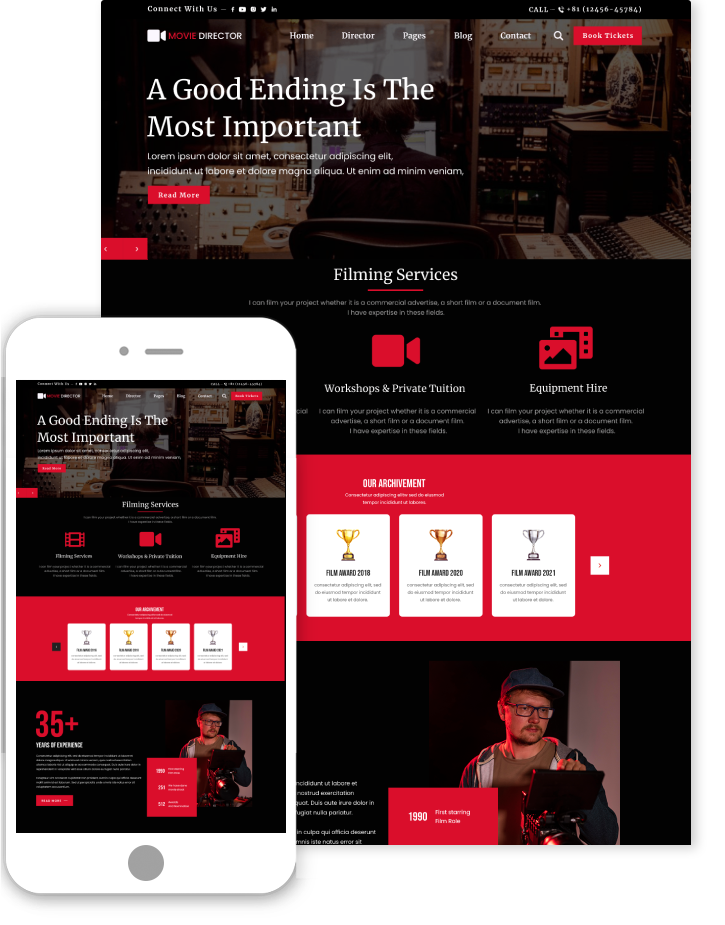
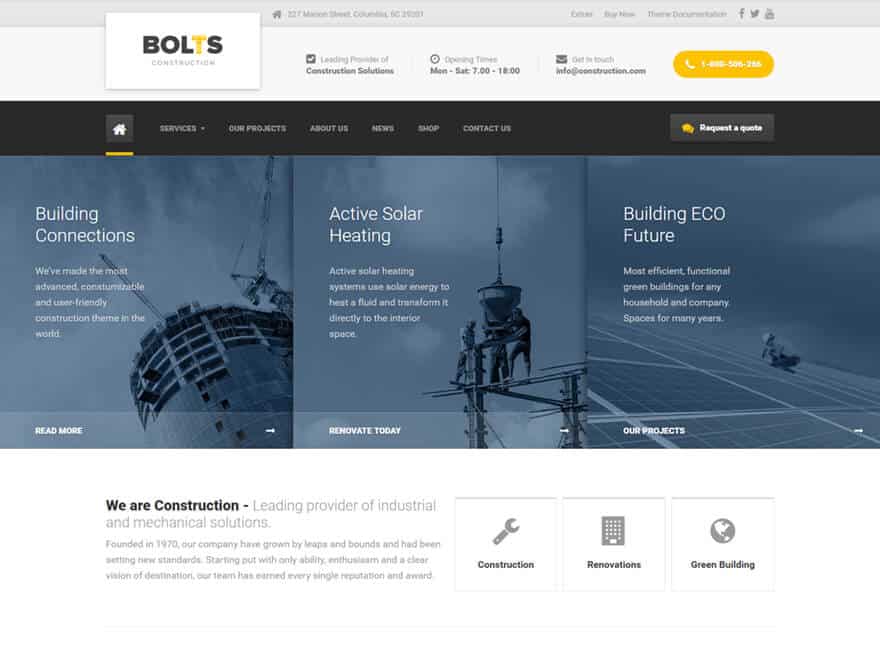
Go online to find theme marketplaces. These places sell many themes. Some are free, while others cost money. Check the reviews and ratings of each theme. This will tell you if people like it. Look at the demo to see how it works. Make sure it fits your needs.
Credit: www.themespride.com
Installing A WordPress Theme
Find the appearance option on the dashboard. Click on themes. You see many theme choices. Pick the one you like. Click install. Wait a few seconds. Press activate. Your new theme is ready. Enjoy your fresh look.
Download the theme zip file to your computer. Go to themes in the dashboard. Click add new. Find the upload theme button. Select your zip file. Click install now. After installation, press activate. Your theme is now live.
Customizing Theme Settings
Accessing the Customizer is easy. First, log into your WordPress dashboard. Then, look for the “Appearance” tab. Click on “Customizer” under it. The Customizer lets you change your theme. You can see changes in real-time. This is very useful. It helps you make your site look great. You can adjust colors, fonts, and more. Make sure to save your changes. This ensures your site stays updated.
Adjusting the layout and design is simple. Start by selecting “Layout” options in the Customizer. Here, you can change the site structure. You can choose different layouts. Maybe a single column or multiple columns. Design options let you change fonts and colors. Pick styles that match your brand. This will help your site look unique. Always preview your changes before saving. This way, you can see if it looks right.
Editing Theme Code
Connecting directly to WordPress themes involves editing the theme code. Access the WordPress dashboard, then navigate to Appearance > Theme Editor. Make changes carefully, as errors can affect your site.
Understanding Theme Files
Theme files are like a puzzle. Each file has a job. Style.css controls colors and fonts. Functions.php adds special features. Header.php and Footer.php are for the top and bottom parts. Always make a copy before changes. It’s a safety step. Mistakes can break your site. Know these files well. It helps in editing.
Using A Child Theme
A Child Theme is like a safe playground. It protects your main theme. Changes go here. The main theme stays safe. Start by creating a new folder. Add a style.css file. Link it to the main theme. Now, customize freely. Updates won’t erase your changes. It’s a smart way to edit. Always use a child theme for safety.
Integrating Plugins With Themes
Plugins add features to your site. Themes make your site look good. Combine them for a better site. Use plugins to add contact forms. Add social media links. Improve SEO. Plugins can make your theme more useful. Choose plugins that match your theme. Check for updates. Stay safe. Keep your site running smoothly. Plugins can bring new life to your site.
Compatibility is key for themes and plugins. Check plugin reviews before using them. Look for compatibility notices. Use plugins that match your WordPress version. Some plugins may break your theme. Check for conflicts. Find solutions online. Updates can fix issues. Regular checks keep your site healthy. Choose wisely. Keep your site safe and working well.
Credit: wptavern.com
Troubleshooting Common Issues
Resolving theme conflicts is a common task for WordPress users. Themes sometimes clash with plugins. This can break your website. First, disable all plugins. Then, re-enable them one by one. Check your site after each one. This helps find the problem plugin. If the issue persists, switch to a default theme. This can help identify if the theme is the problem. Remember to keep a backup of your site. It ensures you can restore it later.
Restoring a theme backup is a safe step. Go to your WordPress dashboard. Click on ‘Appearance’. Then, select ‘Themes’. Choose ‘Add New’ and upload your backup file. Activate your theme after uploading. Ensure everything looks right. Check your pages and posts. Backups protect your site from data loss. Always store them in a safe place. Regular backups keep your website secure.
Optimizing Theme Performance
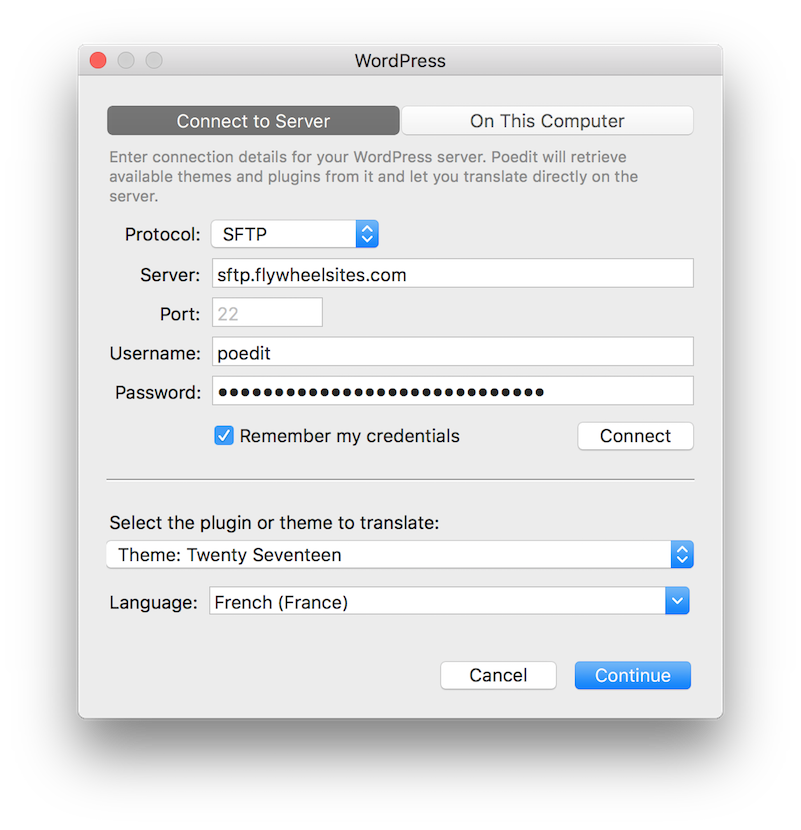
Direct connection to a WordPress theme enhances performance. Access theme files through FTP for efficient modifications. Ensure security measures are in place to protect your site.
Improving Load Times
Fast load times make users happy. Slow sites can be frustrating. To improve speed, reduce image sizes. Use compressed formats like JPEG or PNG. Minimize the number of plugins used. Every plugin adds load time. Use only necessary ones. Another tip is to use lazy loading. It delays loading images until needed. This helps pages load faster.
Implementing Caching Solutions
Caching saves time by storing data. It reduces server load and increases speed. Start with a caching plugin. Popular ones are W3 Total Cache and WP Super Cache. These plugins store a copy of your pages. They deliver cached pages to users quickly. Clear cache regularly to keep it fresh. Also, use browser caching. It stores elements locally. This reduces the need to download them again.
Credit: www.proteusthemes.com
Maintaining Theme Updates
Always keep a backup of your website. This is very important. Backups save your work. If something breaks, you can fix it. Use plugins to help. They make it easy. Store your backups safely. You can use cloud storage. Backup regularly for safety.
Updating themes keeps your site secure. New updates fix bugs. They add new features too. Before updating, check for backup. Backup your theme and plugins first. Update in a staging site. This is a safe place to test. If all works well, update the live site. Do not skip updates. They are important.
Frequently Asked Questions
How Can I Access My WordPress Theme Files?
Access your WordPress theme files through your hosting provider’s file manager. Navigate to wp-content/themes in the root directory. You can also use FTP clients like FileZilla for direct access. Ensure you have the correct permissions to edit these files for customization.
What Are The Steps To Edit A Theme?
To edit a theme, first locate it in wp-content/themes. Open the theme folder and identify the files you want to modify. Use a code editor to make changes. Always back up your files before editing to prevent data loss.
Can I Connect To WordPress Without Coding Skills?
Yes, you can use WordPress’s built-in Customizer for basic theme changes. The Customizer allows you to alter colors, fonts, and layouts easily. For more advanced features, consider using page builders like Elementor. These tools simplify customization without needing coding knowledge.
Is It Safe To Modify Theme Files?
Modifying theme files is safe if you back up your site first. Use a child theme to prevent losing changes when updating the theme. Always test changes in a staging environment before applying them to your live site to ensure stability.
Conclusion
Connecting directly to your WordPress theme simplifies customization. You gain control over your site’s design. It’s easier than you might think. Start by accessing your theme files. Make changes carefully. Save your work often to avoid mistakes. Regular backups help protect your site.
Explore different themes for diverse styles. Each offers unique features. Understanding your theme enhances your WordPress experience. Practice makes perfect. Small changes can make big impacts. Enjoy your personalized website. Your journey with WordPress themes begins now. Keep learning, keep exploring.
Your site can reflect your vision beautifully.


