
Choosing the right WordPress theme can feel like picking the perfect outfit for an important event. You want it to reflect your style, be comfortable to navigate, and leave a lasting impression.
With countless themes available, how do you decide which one is the best fit for your website? The answer lies in understanding your unique needs and knowing what to look for. In this guide, you’ll discover the key factors to consider when selecting a WordPress theme that not only looks stunning but also enhances user experience and boosts your site’s performance.
Ready to transform your website into a captivating digital space? Let’s dive in and simplify your decision-making process!

Credit: ladybossstudio.com
Importance Of A Good Theme
A good theme is the heart of your website. It decides how your site looks. Also, it affects how fast your site loads. A slow theme can make visitors leave. They might get bored waiting. A clean design helps users find things easily. It makes them happy.
Your theme should match your website’s purpose. A blog needs a simple look. An online store needs a theme that shows products well. Choose a theme that is responsive. It should work on phones and computers. This way, all users can enjoy your site.
Check if the theme gets updates. Updated themes have fewer bugs. They are more secure. Also, read user reviews. They tell you if the theme is good. A good theme makes your site shine.
Define Your Website’s Purpose
Your website’s purpose is very important. It helps in choosing the right theme. A business site needs a professional look. A fun blog can be more colorful. Think about what your site is for. Is it for selling? Or sharing ideas? This helps in picking the best theme.
Knowing your audience is key. Are they young or old? Do they like simple designs? Or something fancy? Understand their needs. This will help in choosing a theme they love. A theme that speaks to them.
Features make your site better. Think about what you need. Do you want a photo gallery? Or maybe a contact form? List the important features. Check if the theme supports these. This makes your website work well.
Prioritize Functionality
Choosing a WordPress theme can be tricky. Look for essential features that fit your needs. A good theme should support plugins. SEO-friendly design is important too. Make sure it has a fast load time. Slow sites lose visitors. Check if the theme updates regularly. New updates fix bugs and add features. A theme with a good support system is a plus. You may need help setting it up. Consider themes with customization options. This helps make your site unique.
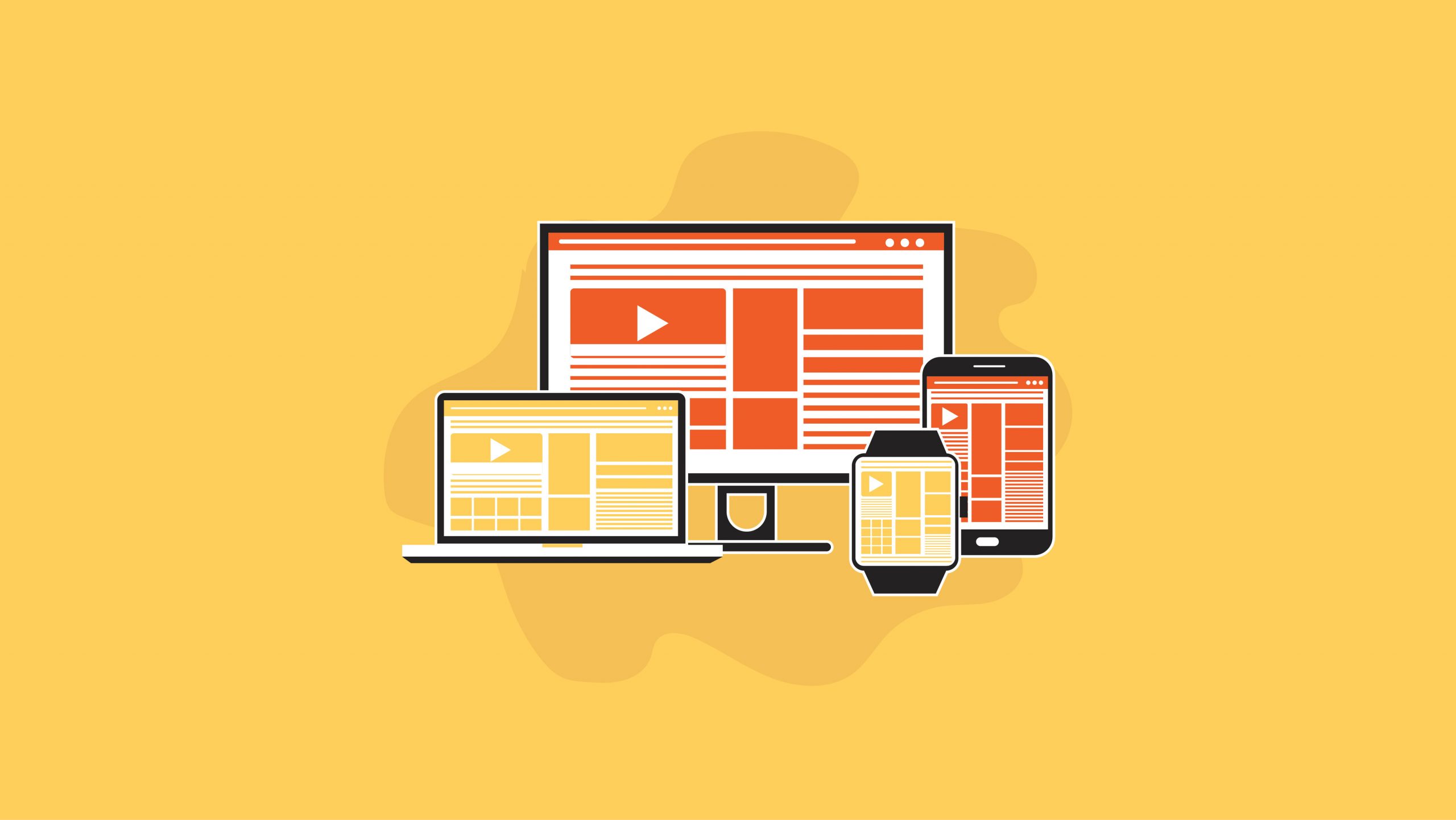
Many people use phones for browsing. Your theme must be mobile responsive. This means it looks good on all devices. A responsive theme adjusts content. It fits screens of different sizes. Try viewing the demo on your phone. See if the layout changes smoothly. If text is hard to read, pick another theme. Responsive themes improve user experience. This keeps visitors on your site longer. It also helps your site’s ranking. Search engines like Google prefer responsive sites.
Evaluate Design Aesthetics
A theme should look nice to your eyes. Colors and fonts must match your style. Check if images and text are clear. Is the layout neat? Good design makes users stay. Bad design can push them away.
Themes with easy-to-change features are great. Can you change colors? Can you add a logo? Look for drag-and-drop options. These make changes fast. A good theme lets you tweak it easily. This way, your site looks unique.
Consider Performance And Speed
Prioritize themes that optimize performance and speed for your WordPress site. A faster theme enhances user experience and boosts SEO rankings. Efficient code and lightweight design can minimize load times.
Impact On Loading Time
Themes affect your site’s loading time. A slow site frustrates users. They might leave your site. This can increase bounce rates. Faster themes improve user experience. They keep visitors on your site longer. Choose themes that load quickly. This will help your site perform better.
Seo Implications
Speed affects SEO rankings. Search engines prefer fast sites. They rank them higher. Slow sites get lower rankings. This makes them harder to find. A fast theme helps your SEO strategy. It boosts visibility on search engines. Choose themes with clean code. This improves speed and SEO. Fast themes attract more visitors.
Credit: www.elegantthemes.com
Check Compatibility
Ensure your theme supports essential plugins. Plugins add features to your site. Make sure the theme works well with popular plugins. This includes SEO tools and security plugins. Compatibility is key for smooth operation. Sometimes, themes may clash with plugins. This can cause issues. Check reviews to see if others faced problems. Good plugin support means fewer headaches.
Your theme should look good on all browsers. People use different browsers like Chrome, Firefox, and Safari. Check if the theme runs smoothly on all. Test your theme on multiple browsers. This ensures your site looks right for everyone. Some features may not work on certain browsers. Always verify compatibility to avoid this. Good browser support is essential for user experience.
Review Theme Security
Security is very important for your website. Choose themes with regular updates. Updates fix bugs and improve safety. Check if a theme gets updates often. This shows the developer cares about security. Avoid themes with rare updates. They might have security holes. Updated themes keep your site safe from hackers. Protect your data by staying updated. Always check the last update date before picking a theme.
Regular Updates
Themes with regular updates are more reliable. Developers who update often, fix problems quickly. This keeps your site running well. Regular updates also mean new features. You get new tools to make your site better. Always choose themes that get updated.
Reputable Developers
Choose themes from reputable developers. They offer better support. Their themes are tested for safety. Check reviews and ratings of developers. Trustworthy developers care about users. They listen to feedback and improve themes. Avoid themes from unknown sources. They might not be safe. Always trust known developers for secure themes.
Test Demo Versions
User Experience is crucial in a WordPress theme. Test the demo versions to see how users interact with the theme. Pay attention to loading speed. Slow themes frustrate users. Check if the theme is mobile-friendly. Many users browse on phones. A good theme should adjust to different screens. Look for clear fonts. Small or fancy fonts can confuse users. Make sure buttons and links are easy to find. Users should not struggle to navigate.
Navigation Ease is vital for a positive experience. Simple menus help users find information quickly. Avoid themes with complicated layouts. Users want straightforward paths. Check if the theme offers breadcrumbs. They show users where they are on the site. This feature is helpful. Ensure search bars are visible. Users should easily search for content. Good themes make navigation simple and intuitive.
Analyze Customer Support
Choosing the right theme means checking for strong support. Good themes offer 24/7 help. This is important if you need quick answers. Some developers provide live chat or email support. Always check their response time. Slow replies can be frustrating.
Availability Of Help
Many theme makers have helpful resources. Look for guides or tutorials. These can be very useful. They help you fix small issues yourself. Some themes also offer video tutorials. Watching a video can make learning easy.
Community Forums
Forums are a good place to learn. Many users share their experiences. They discuss common problems and solutions. You can ask questions too. Active forums mean lots of people ready to help. Check if the forum has moderators. They keep the conversation on track.
Budget Considerations
Free themes are simple and often limited. They work well for basic needs. Premium themes offer more features. They have better support and updates. They often look more professional.
Choosing between free and premium depends on your budget. Free themes save money. Premium themes may be worth the cost. They add value with more options.
Some themes need regular updates. Updates keep them safe and fast. Premium themes may have yearly fees. Free themes might have no extra charges. Think about future costs before choosing.
Changes to themes can cost extra. Premium themes may need fewer changes. Free themes might need more work. Plan your budget for the long run.
Read User Reviews
Reviews can show common problems in themes. Users often share their troubles. These might include slow loading times or poor mobile design. Check for repeated complaints. If many users have the same issue, it might be a problem. Also, some themes have incompatibility with plugins. Pay attention to these details.
Sometimes, themes get updates to fix problems. Reviews can tell if updates work. Look for themes with quick support. If users praise support, that’s a good sign. A theme with many issues is not worth it. Better to find one with fewer problems. This can save time and effort later.
Positive reviews also matter. Users share success stories when themes work well. They talk about easy setup and great design. Success stories show a theme’s true potential. People enjoy themes that look good and work smoothly. If users are happy, the theme might be a good choice. Happy users mean a reliable theme.
Reviews help find themes that stand out. Themes with many success stories are often trusted. They have been tested by many people. Look for themes with a high rating. Success stories can guide you to the best theme for your needs.

Credit: www.hostgator.com
Frequently Asked Questions
What Is The Best WordPress Theme For Beginners?
Choosing a theme depends on your needs. For beginners, look for themes with user-friendly interfaces and customizable options. Popular choices include Astra, OceanWP, and Neve. They offer simplicity, responsiveness, and fast loading times. These features help newcomers build attractive websites without extensive coding knowledge.
How Can I Customize My WordPress Theme?
Customizing a WordPress theme is easy with built-in tools. Use the WordPress Customizer to change colors, fonts, and layouts. Many themes offer drag-and-drop page builders, enhancing the customization experience. Explore theme settings to tweak elements like headers, footers, and widgets for a personalized look.
What Factors To Consider When Choosing A Theme?
Consider responsiveness, speed, and ease of customization. A responsive theme ensures your site looks great on all devices. Fast loading speeds improve user experience and SEO. Ensure the theme supports plugins and has good reviews. Compatibility with your site’s purpose is crucial for effectiveness.
Are Free WordPress Themes Reliable?
Free themes can be reliable if chosen wisely. Check for regular updates and positive user reviews. Reliable themes often come from reputable developers. They should offer essential features without limitations. Ensure the theme is secure and adheres to WordPress standards for optimal performance.
Conclusion
Choosing the right WordPress theme is crucial. It shapes your website’s look and feel. Focus on design, features, and compatibility. Ensure mobile responsiveness for better user experience. Check reviews for real user insights. Compare theme costs with your budget. Prioritize speed and performance for SEO benefits.
Consider customization options for unique branding. Test theme demos to visualize your site. Select a theme that aligns with your content. Make sure it supports essential plugins. Your theme should reflect your style and needs. A thoughtful choice leads to a successful online presence.


