
Are you worried about your WordPress theme’s safety? You should be.
The theme you choose is more than just a pretty face for your website—it’s the backbone of your online presence. A compromised theme can leave your site vulnerable to hackers, malware, and other security threats. But don’t stress! You can easily check if your WordPress theme is safe and secure, protecting both your content and your peace of mind.
In this guide, we’ll walk you through simple steps to ensure your theme is as solid as it is stylish. Stay with us, and let’s make your site a fortress against online threats, ensuring a smooth, worry-free experience for your visitors.
Credit: uk.wordpress.org
Importance Of Theme Security
Theme security keeps your site safe. Bad themes can have malware. They can harm your website. A safe theme protects your data. It keeps hackers away. Always check for theme updates. Updates fix security holes. Trusted sources are best for themes.
Look for reviews before choosing a theme. Happy users mean it’s likely safe. Use security plugins to scan your theme. Plugins find hidden threats. Always have a backup of your site. Backups save you if things go wrong. A secure theme means a safe site.

Credit: secure.wphackedhelp.com
Researching Theme Sources
The official WordPress repository is a safe place for themes. Themes here meet strict guidelines. They are checked for security issues. Developers follow rules to protect users. This makes themes less risky. Always check reviews and ratings. Users share their experiences. This helps in making good choices.
Choose themes from trusted third-party vendors. These vendors have good reputations. They offer support and updates. Regular updates fix security problems. Look for vendors with positive feedback. Ensure they have customer support. This helps if issues arise. Check their history and user reviews. This ensures trust and reliability.
Checking Theme Reviews And Ratings
Reading user feedback helps to know if a theme is safe. Look for both good and bad comments. Happy users often mean a theme is safe. But many bad comments can be a warning sign. Try to find themes with more good reviews than bad ones.
Experts often share their thoughts on themes. Their opinions can guide you. They know the best and worst themes. Check for expert reviews online. These reviews show if a theme is reliable. Trustworthy experts often give honest feedback. Always consider their advice.
Assessing Theme Updates And Support
Themes need updates to stay safe. Regular updates fix bugs and improve security. Developers should update themes every few months. Check the theme’s last update date. If it is more than a year old, it may not be safe. Frequent updates show that the theme is well-maintained. Always prefer themes with regular updates.
Good support is important for a theme. Check if the developer offers help. Look for a support forum or contact option. Some themes have email support. Others may have a live chat option. A theme with active support is a safer choice. Always choose themes with easy-to-reach support.
Analyzing Theme Code Quality
Some tools help check code quality. They find errors and warnings. Use a tool like W3C Validator. It checks HTML and CSS code. Another tool is JSHint. It checks JavaScript code. These tools help make code clean. Clean code runs better. It is safe and fast.
Bad code can hurt websites. Look for strange or hidden code. It can be scripts you don’t know. Use tools like Theme Check. This tool scans themes for bad code. Another tool is Wordfence. It finds malware and viruses. These tools keep your site safe. They protect from hackers.
Verifying Compatibility And Standards
The theme must work with the latest WordPress version. Look for themes that are regularly updated. Updates help keep your site safe. Check the theme’s changelog for updates. This shows the developer cares about security.
Good themes follow strict coding rules. These rules ensure the theme is safe and efficient. The theme should use valid HTML, CSS, and PHP. This helps avoid errors and keeps your site running smoothly. Look for themes with the official WordPress coding standards badge. This badge is a good sign.
Utilizing Security Plugins
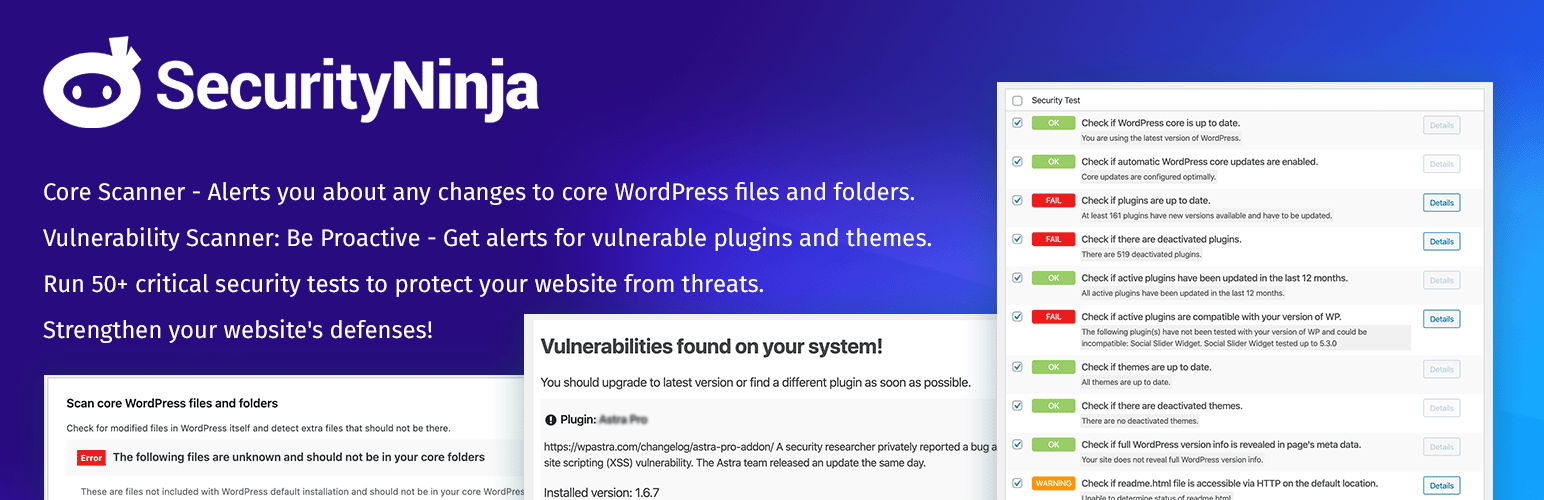
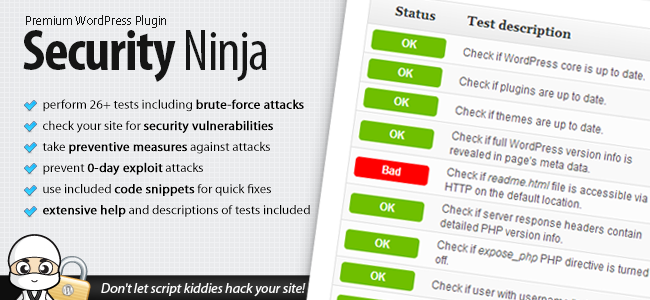
Installing the right security plugins is crucial. They protect your site. Wordfence, Sucuri, and iThemes are popular choices. Each plugin offers different features. Choose based on your needs.
Wordfence provides firewall protection. It also checks for malware. Sucuri offers a complete security package. iThemes focuses on backup and restore.
Always keep plugins updated. Outdated plugins can be risky. Regular updates fix bugs and enhance security.
Automated scans can identify theme vulnerabilities. These tools find hidden issues. They alert you to potential risks.
Use plugins like Theme Check. It reviews your theme’s code. Another option is Exploit Scanner. It looks for unusual files or code.
Set scans to run regularly. Weekly checks are a good start. This keeps your site safe.
Credit: www.wpexplorer.com
Performing Manual Security Checks
Always check the file and directory permissions of your theme. Files should have 644 permissions and directories should have 755 permissions. This keeps your files safe from hackers. Wrong permissions can let bad people change your files. This can break your site. Always keep a backup of your files. It helps if things go wrong.
Make sure your site uses SSL and HTTPS. These keep your data safe. SSL encrypts the data between users and your site. HTTPS shows your site is safe. You will see a padlock icon in the browser bar. This means your site is secure. Not using HTTPS can be risky. Hackers can steal your data. Always enable SSL for better safety.
Monitoring For Security Breaches
Ensuring your WordPress theme is safe involves checking for updates and reviews. Scan for vulnerabilities using security plugins. Verify the theme’s source and avoid downloading from unreliable sites. Regular monitoring helps protect against breaches and ensures a secure website.
Signs Of Compromise
Unusual activities on your WordPress site can indicate a security breach. Changes in website performance, like slow loading or frequent crashes, are common signs. Check for unauthorized user accounts in your dashboard. Unexpected content changes or missing files are red flags too.
Look for spammy links or pop-ups on your site. These can harm your site’s reputation. Sudden traffic spikes from unknown sources might indicate an attack. Regularly monitor your site’s error logs for suspicious entries.
Use security plugins to detect malware and vulnerabilities. Keep your theme and plugins updated. This helps to close security loopholes. Stay alert to ensure your site remains safe.
Frequently Asked Questions
How To Identify A Safe WordPress Theme?
To ensure a WordPress theme is safe, check for regular updates and user reviews. Verify that it’s from a reputable source. Use tools like Theme Check to scan for security vulnerabilities. Always back up your website before installing a new theme to prevent data loss.
Are Free WordPress Themes Secure?
Free themes can be secure if sourced from trusted developers or the WordPress repository. Always check user reviews and update frequency. Avoid downloading themes from unverified sites. Scanning the theme with security plugins can also help ensure its safety.
What Tools Check WordPress Theme Security?
You can use tools like Theme Check, WPScan, and Sucuri SiteCheck to analyze theme security. These tools check for outdated code, security vulnerabilities, and compliance with WordPress standards. Regularly scanning your theme helps maintain website safety.
Why Update WordPress Themes Regularly?
Regular updates fix security vulnerabilities and enhance theme performance. Updates also ensure compatibility with the latest WordPress version. Ignoring updates can lead to security risks and broken features. Always create a backup before updating themes to safeguard your data.
Conclusion
Ensuring your WordPress theme is safe is crucial. It protects your site from harm. Regularly update your theme. Stay alert to security threats. Use trusted sources for theme downloads. Check theme reviews before installing. Run security scans frequently. Backup your site regularly.
Avoid themes with poor ratings. These simple steps help safeguard your website. Protect your data. Keep your site secure. Stay informed on theme security practices. Make safety a priority. Your site deserves the best protection. Keep it safe, functional, and trustworthy.
Don’t leave your site vulnerable. Secure your WordPress theme today.


