
Are you feeling stuck with your current web hosting company? Maybe you’re frustrated with frequent downtime, slow loading speeds, or lackluster customer support.
Whatever the reason, deciding to change your web hosting company can feel daunting. But don’t worry—you’re not alone, and making the switch is easier than you might think. In this guide, we’ll walk you through the process step-by-step, ensuring a smooth transition for your website.
Imagine a faster site, better support, and more reliable service. Let’s get started on how you can transform your online presence by choosing a web host that truly meets your needs. Ready to unlock your website’s full potential? Keep reading, and you’ll learn exactly how to make the switch with confidence.
Reasons To Switch Hosting Providers
Your website is slow. Speed is crucial for visitors. A fast site keeps users happy. Downtime can hurt your business. Frequent outages are bad. You need a stable host. Customer service is poor. Good support is vital. You want help when needed.
Security matters. A safe site protects your data. Your current host lacks strong security. Features may be missing. Better tools can help your site grow. Other providers offer more. Cost is important. A cheaper host saves money. Switching can lower your bill.
Credit: diggitymarketing.com
Evaluating Your Current Hosting Needs
Check if your website loads fast. Slow websites lose visitors. Use online tools to test speed. Page speed is crucial. A fast site can boost user experience. Also, check the server uptime. High uptime means fewer site issues. This ensures visitors can always see your site.
Determine your storage needs. Websites with many images need more space. Text-only sites need less storage. Understand your bandwidth needs. Higher traffic requires more bandwidth. This prevents site crashes. Choose a plan that fits your needs. Not too big, not too small.
Security is key for online safety. Look for features like SSL certificates. They protect data between users and your site. Check if the host offers backups. Regular backups keep your data safe. Consider hosts with DDoS protection. This stops attacks that can crash your site. Always prioritize a host with strong security measures.
Researching New Hosting Options
Web hosting services vary. Shared hosting is the most common. It’s cost-effective but can be slow. VPS hosting offers better performance. It’s a bit more costly. Dedicated hosting gives full control. It’s best for big sites. Cloud hosting is flexible. It adapts to your needs. Choose based on your site’s needs.
Check multiple providers. Compare their features. Look at storage and bandwidth. Security is important too. Some offer free SSL certificates. Check their customer support. Is it 24/7? Prices vary a lot. Find one within your budget.
Reviews are helpful. Read what others say. Look for patterns in feedback. Positive reviews show satisfaction. Negative reviews highlight issues. Testimonials add trust. They show real user experiences. Trustworthy reviews guide your choice.
Backing Up Your Website
Switching web hosting involves careful planning. Ensure your website is backed up before migrating to avoid data loss. Consider compatibility and features of the new host for a smooth transition.
Choosing Backup Methods
Backing up your website is very important. It protects your data. You must choose a good backup method. There are many ways to do this. One way is to use a cloud service. Cloud services are easy to use. They store your data online. Another way is to use external hard drives. These keep your data safe at home. Both methods have benefits. Cloud services are accessible anywhere. Hard drives are offline and secure.
Data Security And Integrity
Data security is about keeping your information safe. No one should change your data without permission. This ensures data integrity. Always choose backup solutions that offer encryption. Encryption makes your data unreadable to others. Use strong passwords for your backup accounts. This adds another layer of protection. Regularly check your backups. Make sure all files are there and complete.
Preparing For Migration
Switching your web hosting company involves careful planning. First, back up all your website data. Next, choose a new host that suits your needs. Then, transfer your files and test your site before making it live.
Checking Domain Name Settings
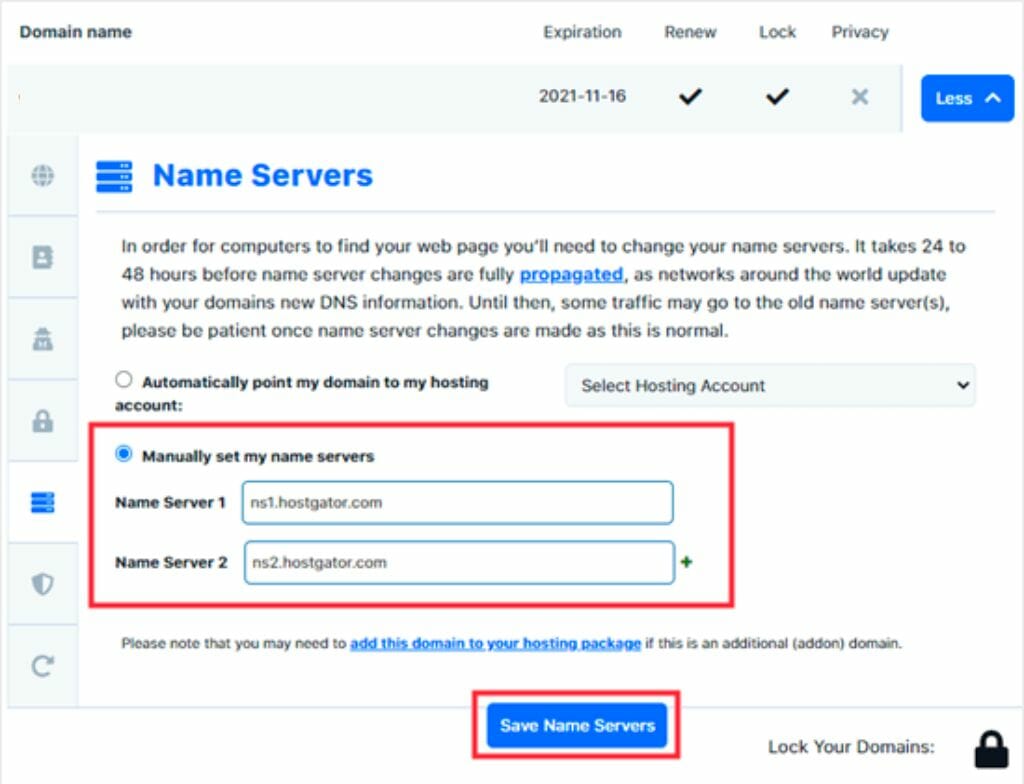
Ensure your domain name settings are correct. Visit your domain registrar’s website. Confirm your current settings. This prevents issues later. Double-check spelling in your domain name. Wrong settings can disrupt your website.
Updating Dns Records
Update your DNS records with the new hosting company. This connects your domain to your new server. Log into your domain registrar account. Find the DNS settings area. Replace old IP addresses with new ones. Changes may take up to 48 hours.
Informing Your Audience
Tell your audience about the change. Inform them via email or social media. This helps them know the reason for downtime. Communicate any benefits of the move. It reassures them. Keep them updated throughout the process.
Executing The Transfer
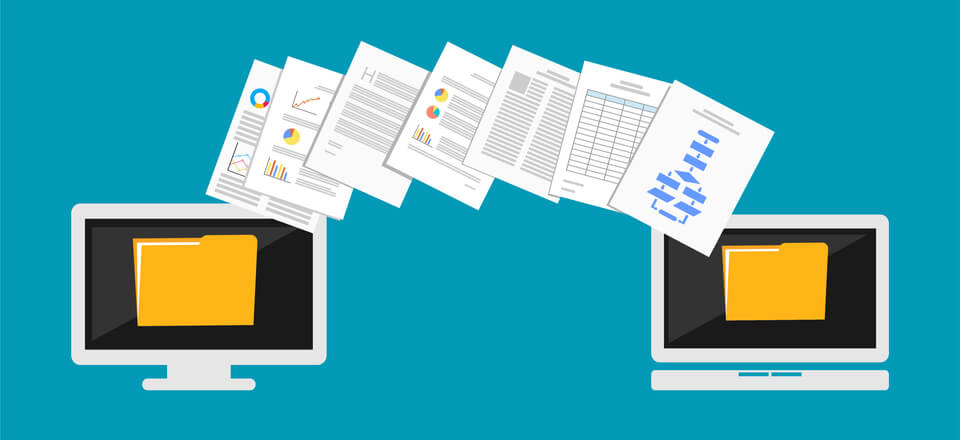
Start by backing up your website files. This keeps them safe. Use an FTP client to upload your files to the new host. Check that all files are in the right place. This step ensures your website looks the same.
Update your database settings. Use the new host’s details. Include the host name, username, and password. Test the connection to see if it works. This is important for your site to run.
Visit your website on the new host. Check if all pages work. Look for errors or missing parts. Ensure forms and links are correct. This ensures a smooth user experience.
Post-migration Checklist
Switching web hosting requires a post-migration checklist to ensure everything runs smoothly. Check website functionality, update DNS settings, and verify data transfer. Keep backups handy in case of issues.
Monitoring Performance
Check your website’s speed. Use tools like Google PageSpeed Insights. Ensure pages load fast. Slow sites can lose visitors. Keep an eye on server uptime. Downtime means your site is off. This can be bad for business. Regularly check site analytics. Look for unusual drops in traffic. This might show a problem.
Ensuring Ssl Certificate Setup
Make sure your site is secure. Look for a lock icon in the browser. It shows your site is safe. Visitors trust secure sites more. Check if the SSL certificate is active. Expired certificates can cause errors. Test different pages. Ensure they all show as secure.
Resolving Potential Issues
Look for broken links. They can frustrate visitors. Use tools to find them. Fix or remove bad links. Check for missing images. Broken images look bad on your site. Ensure all images load correctly. Review site content. Ensure everything displays as expected. Address any layout or formatting issues.
Credit: www.elegantthemes.com
Evaluating The New Host
Fast websites make users happy. Check if the host offers good speed. Uptime matters too. Ensure the host has strong uptime records. A host should have at least 99% uptime. A site should not be down often. This keeps visitors coming back.
Good support helps when issues arise. Check if support is available 24/7. Find out how quickly they respond. Read reviews about their service. Strong support can solve problems fast. This ensures your site runs smoothly.
Understand how much the service costs. Compare prices with other hosts. Check for any hidden fees. Look for flexible payment plans. It’s important to know the billing cycle. This helps manage your budget effectively.
Credit: www.wpbeginner.com
Frequently Asked Questions
Can I Switch Web Hosting Companies?
Yes, you can switch web hosting companies. Backup your site, choose a new host, and transfer files. Check domain settings and DNS records. Test your site after transfer to ensure functionality. Consider customer support and uptime guarantees when choosing a new host for seamless transition.
Can I Transfer My Website From One Host To Another?
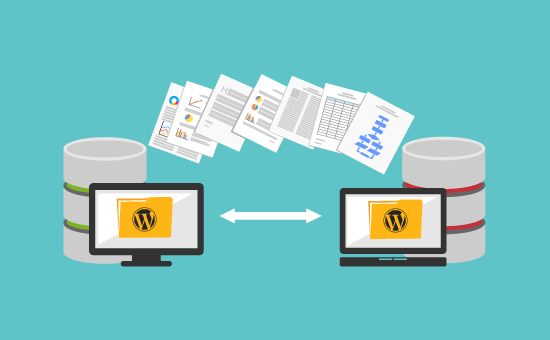
Yes, you can transfer your website to a new host. Backup your files, export databases, and update DNS settings. Follow the new host’s migration instructions for a seamless transfer. Ensure compatibility with the new hosting environment for optimal performance.
How Easy Is It To Change Website Hosting?
Changing website hosting is simple with proper planning. Backup your site and choose a new host. Follow the host’s migration instructions for seamless transition. Ensure DNS settings are updated to avoid downtime. Test the site thoroughly after migration. Always check compatibility and support options before switching hosts.
Can I Move My Website From Godaddy To Another Host?
Yes, you can move your website from GoDaddy to another host. Start by backing up files and databases. Transfer your domain name and update DNS settings. Choose a new hosting provider and upload your website files. Test your website to ensure everything works smoothly after the transfer.
Conclusion
Changing your web hosting company can feel overwhelming. But it’s doable. With careful planning, the process is simple. First, research new hosting options. Pick one that fits your needs. Then, make a backup of your website files. Move them to the new host.
Check everything works correctly. Finally, update your domain settings. This ensures smooth access to your site. Remember, patience is key. Take your time and follow each step. Soon, your website will be running on a better host. Enjoy improved performance and reliability.
Your online presence deserves it.


