
Are you eager to elevate your WordPress theme to a whole new level of customization? Imagine having the power to tailor your website’s appearance and functionality without touching a single line of code.
That’s exactly what you can achieve by building WordPress theme options. Whether you’re a seasoned developer or a curious beginner, creating theme options can transform the way you design and manage your site. In this guide, you’ll discover the step-by-step process to unlock this potential.
Get ready to engage your audience more deeply, enhance user experience, and make your website truly stand out. Dive in and learn how to turn your WordPress theme into a versatile tool that aligns perfectly with your vision.
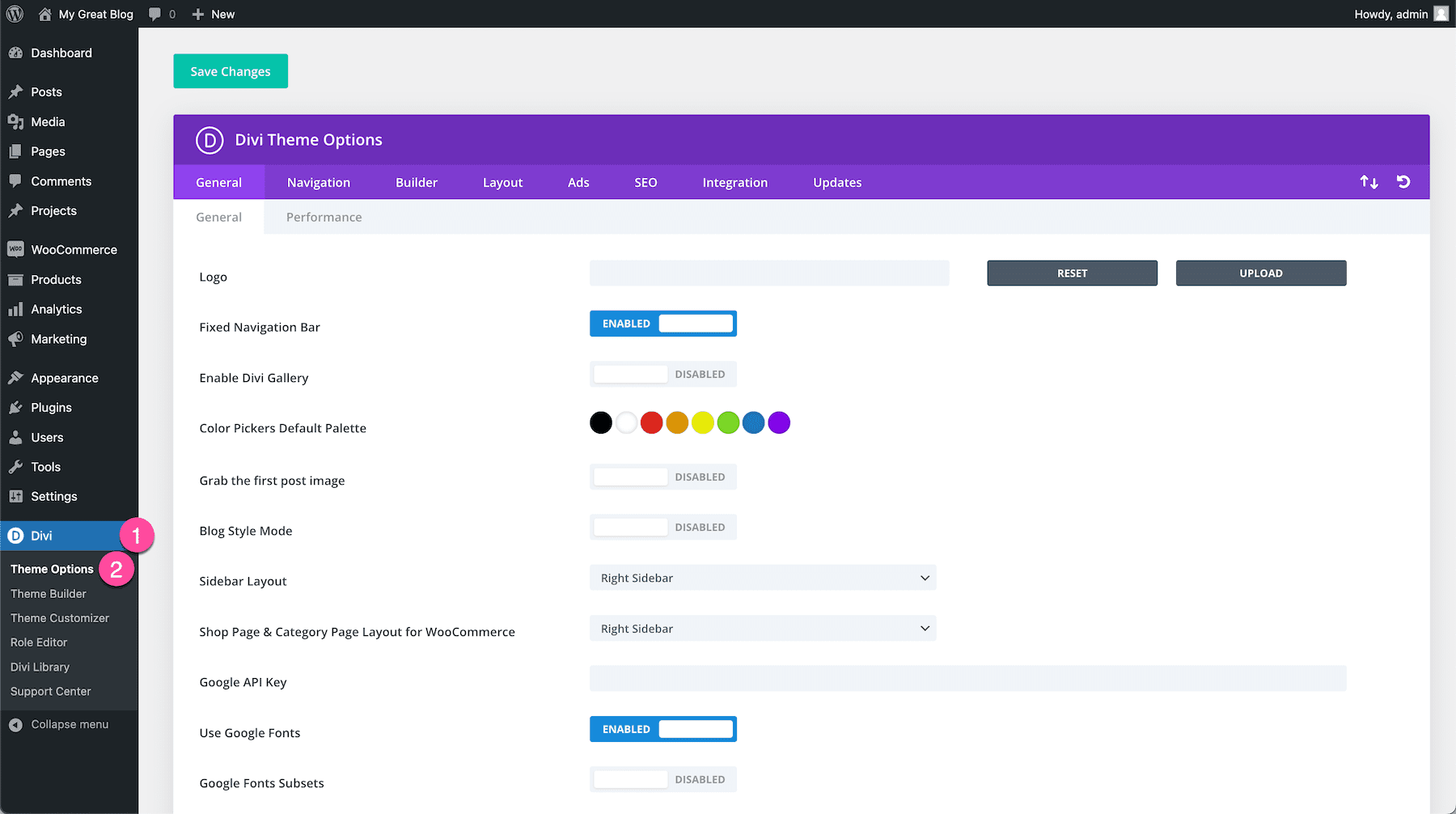
Credit: www.elegantthemes.com
Choosing The Right Tools
Plugins help make WordPress themes better. Advanced Custom Fields is a popular plugin. It adds custom fields to your theme. Redux Framework is another useful plugin. It gives you a simple options panel. Use it to change theme settings easily. Kirki is a great choice too. It helps build customizer options. Plugins save time. They make your theme work smoothly.
Frameworks give your theme a strong base. Genesis Framework is a trusted option. It offers a clean and secure foundation. Underscores is a popular starter theme. It’s simple and flexible. Bootstrap is another solid choice. It helps with responsive design. Frameworks help in creating mobile-friendly and fast themes. They are important for theme development.

Credit: webdesignerdepot.com
Setting Up The Development Environment
A local server is needed for development. Install software like XAMPP or MAMP. These tools create a local server on your computer. They include Apache, MySQL, and PHP. These are necessary for WordPress.
Start by downloading the software. Follow the instructions to set it up. Once installed, launch the software. Create a new database for WordPress. Now, your server is ready.
Download the latest WordPress package. Extract the files. Place them in the server’s root directory. Open your web browser. Enter localhost in the address bar. This starts the WordPress setup. Follow the steps carefully.
Enter the database name created earlier. Set a username and password. Complete the installation. WordPress is now installed locally. You can start developing themes.
Creating The Theme Structure
Organizing folders is crucial for a WordPress theme. A clean structure helps you find files quickly. Start by creating a main folder for your theme. Inside, make folders like assets, includes, and templates. The assets folder holds images and CSS files. The includes folder stores PHP files. The templates folder is for page layouts. Keeping your folders tidy makes work easier.
Every WordPress theme needs core files. The style.css file is important. It holds your theme’s style information. The index.php file is the main template file. It shows your content. The functions.php file is for custom functions. These files make your theme work. Make sure they are set up correctly.
Adding Custom Options
The Customizer API helps add options to your theme. It lets you change colors, fonts, and layouts easily. Users see changes live. This tool is simple and powerful. You can create unique designs. No coding skills are needed. Just follow the steps and enjoy.
A Theme Options Framework makes adding features easy. These frameworks offer many settings. Choose colors, fonts, and more. They save time and effort. Frameworks like Redux or Options Framework are popular. They are easy for beginners. Just install and start using. Create amazing themes with less effort.
Designing The Options Page
Creating a WordPress theme options page simplifies customization for users. Developers can add settings for colors, fonts, and layout. This enhances user control over website design without coding.
User-friendly Interface
Building a user-friendly interface is key. Make buttons big and easy to click. Use simple words. People like clear instructions. Colorful icons help users find things quickly. Keep the design clean. Too many options confuse people. Users should feel happy using your page. A good layout makes tasks easy. Consistency in design is important. Every part should look the same. Users should not search hard for things.
Organizing Options
Organizing options well is important. Group similar options together. Use headings to separate sections. A simple menu helps users find options. Make sure options are easy to understand. Use descriptions for each option. Short explanations help users know what to do. Avoid long texts. Use lists or tables for clarity. Users like neat and tidy pages. Logical order is important. Put important options at the top.
Saving And Retrieving Options
WordPress stores data using the database. It saves options in the wp_options table. Each option has a name and a value. This makes it easy to find. Use the get_option() function to fetch data. Use update_option() to save new data. Always keep data secure. Sanitize inputs before saving. This prevents bad data entry.
Templates use options to change how they look. Use get_option() to get your data. Place it in your template. This changes the look or content. Options help make themes flexible. They allow users to change settings. Always check if data exists. Use if (get_option()) to check. This avoids errors in your template.
Enhancing Theme Flexibility
Adding dynamic styles can make your theme more flexible. Users can change colors or fonts easily. This makes the theme look unique. Use CSS variables for easy customization. It helps in changing styles without much coding. You can create a color picker option. This lets users choose their favorite colors. It adds a personal touch to the theme. Make sure the options are simple to use. Everyone loves easy-to-use themes.
Custom widgets add special features to your theme. Widgets can show recent posts or popular tags. They can also display social media links. This helps in engaging users more. Custom widgets allow users to add their own content. This makes the website more lively. Widgets should be easy to drag and drop. Users enjoy customizing their space. Make sure they are simple to set up. A good widget enhances user experience.
Testing And Debugging
Building WordPress theme options involves testing and debugging to ensure functionality. Identify errors quickly to enhance user experience. Regular checks help maintain a smooth and error-free theme.
Browser Compatibility
A WordPress theme must work on all browsers. Different browsers show web pages differently. Test your theme on popular browsers. Chrome, Firefox, and Safari are some examples. Use browser tools to help with testing. Fix problems that appear. Keep your theme looking good everywhere.
Error Handling
Errors can make a theme break. Good error handling stops this. Use simple code to catch errors. Check your theme for mistakes. Debugging tools help find errors. Fix them quickly. This makes your theme reliable and stable.
Deployment And Updates
Keeping track of changes is crucial. Version control helps with this. It allows you to save different theme versions. This way, you can go back if needed. Using Git is a popular choice. It helps with collaboration too. Each change is noted and saved. This keeps your work safe and organized.
Updates ensure your theme stays fresh. They fix bugs and add new features. Regular updates are important. You should create a plan for them. Automated tools can help. These tools check for updates regularly. They alert you when something needs attention. This makes managing updates easy and efficient.
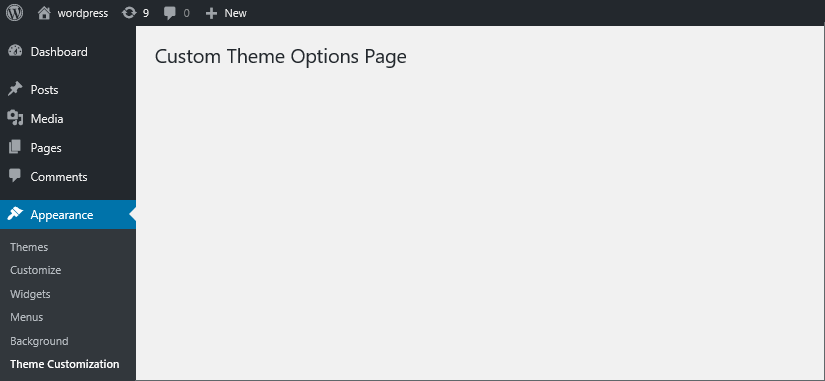
Credit: blog.templatetoaster.com
Frequently Asked Questions
What Are WordPress Theme Options?
WordPress theme options allow users to customize and control various aspects of their website. These options provide flexibility in design, layout, and functionality. They enable users to change colors, fonts, and layout settings without coding. Theme options enhance user experience by making customization intuitive and accessible.
How Do I Create Theme Options Page?
To create a theme options page, use the WordPress Customizer API. Start by adding a section, then define settings and controls. Use hooks like `customize_register` to integrate options into the customizer. This approach ensures a user-friendly interface for theme customization.
Why Are Theme Options Important In WordPress?
Theme options are crucial for enhancing user experience and personalization. They enable users to customize their sites easily, without coding. With theme options, users can modify design and functionality, ensuring their website aligns with branding and personal preferences. This flexibility is essential for non-developers.
Can I Add Custom Fields To Theme Options?
Yes, you can add custom fields to theme options using the WordPress Customizer API. This involves defining new settings and controls within the customizer. Custom fields provide users with more specific customization options, enhancing the personalization of their website’s design and functionality.
Conclusion
Building WordPress theme options can enhance your website’s functionality. Start with a clear plan. Use simple tools and follow best practices. Customize settings to meet user needs. Remember, regular updates keep themes secure. Testing ensures everything works smoothly. Documentation helps users understand your theme.
Stay patient and practice often. Soon, creating theme options becomes second nature. You’ll see improvements in user experience and satisfaction. Always keep learning and adapting. Your skills will grow with each project. Building successful themes takes time, but it’s worth the effort.


