
Have you ever wanted to create your own unique look for a WordPress site? Building themes for WordPress isn’t just for tech experts—it’s something you can learn to do with a bit of guidance.
Imagine having complete control over the design and functionality of your website, making it truly yours. Whether you’re a blogger aiming for a standout style or a business owner wanting a professional edge, crafting your own theme can set you apart.
Dive into this article to discover simple steps and strategies to bring your vision to life, and unlock the potential of your online presence. Your WordPress site can reflect your personality and goals, and it all starts with understanding how to build themes. Ready to create something amazing? Let’s get started!
Getting Started With WordPress Themes
Crafting themes for WordPress involves understanding coding and design basics. Start by learning HTML, CSS, and PHP. These skills help create engaging and functional designs. Explore WordPress documentation for theme guidelines and best practices. Experiment with different styles to find what works best for your audience.
Essential Tools And Software
Starting with WordPress theme building is simple. You need a few basic tools. A good text editor is essential. Many people use Visual Studio Code. It helps write clean code. A web browser is also necessary. This lets you test your theme. Google Chrome or Firefox works well. You’ll need a local server environment. XAMPP or MAMP are popular choices. They help run WordPress on your computer. Lastly, you will need an image editor. Photoshop or GIMP can help design graphics. These tools make theme development easier.
Understanding WordPress Theme Structure
WordPress themes have a special structure. They use PHP files. These files control the theme’s look. CSS files help style the theme. They change colors and fonts. JavaScript files add cool effects. Every theme has a functions.php file. This file contains important code. It helps your theme work right. Template files are also important. They decide how pages look. Knowing these files is key to building themes.
Setting Up A Local Development Environment
First, download a local server software. Popular options include XAMPP and WAMP. These tools help mimic a real server. They run on your computer. Install the software, then open it. Make sure Apache and MySQL are running. These are essential for WordPress. Check for green lights or “Running” status.
Download WordPress from its website. It’s free. Extract the files to the server’s directory. This is usually the htdocs folder. Open your browser and type “localhost/wordpress”. Follow the installation prompts. Create a database using the server’s control panel. Name it wordpress. Use this name during setup. Complete the process by entering site details.
Creating A Basic Theme
Start with a new folder. Name it after your theme. Inside this folder, you will create all your theme files. Every theme needs a style.css and index.php file. These are the key files.
The style.css file controls the look of your theme. It includes colors, fonts, and layout. The index.php file is the main template. It displays your content.
Keep your folder organized. Use subfolders for images and scripts. This makes it easy to find files later. A neat folder helps in theme building.
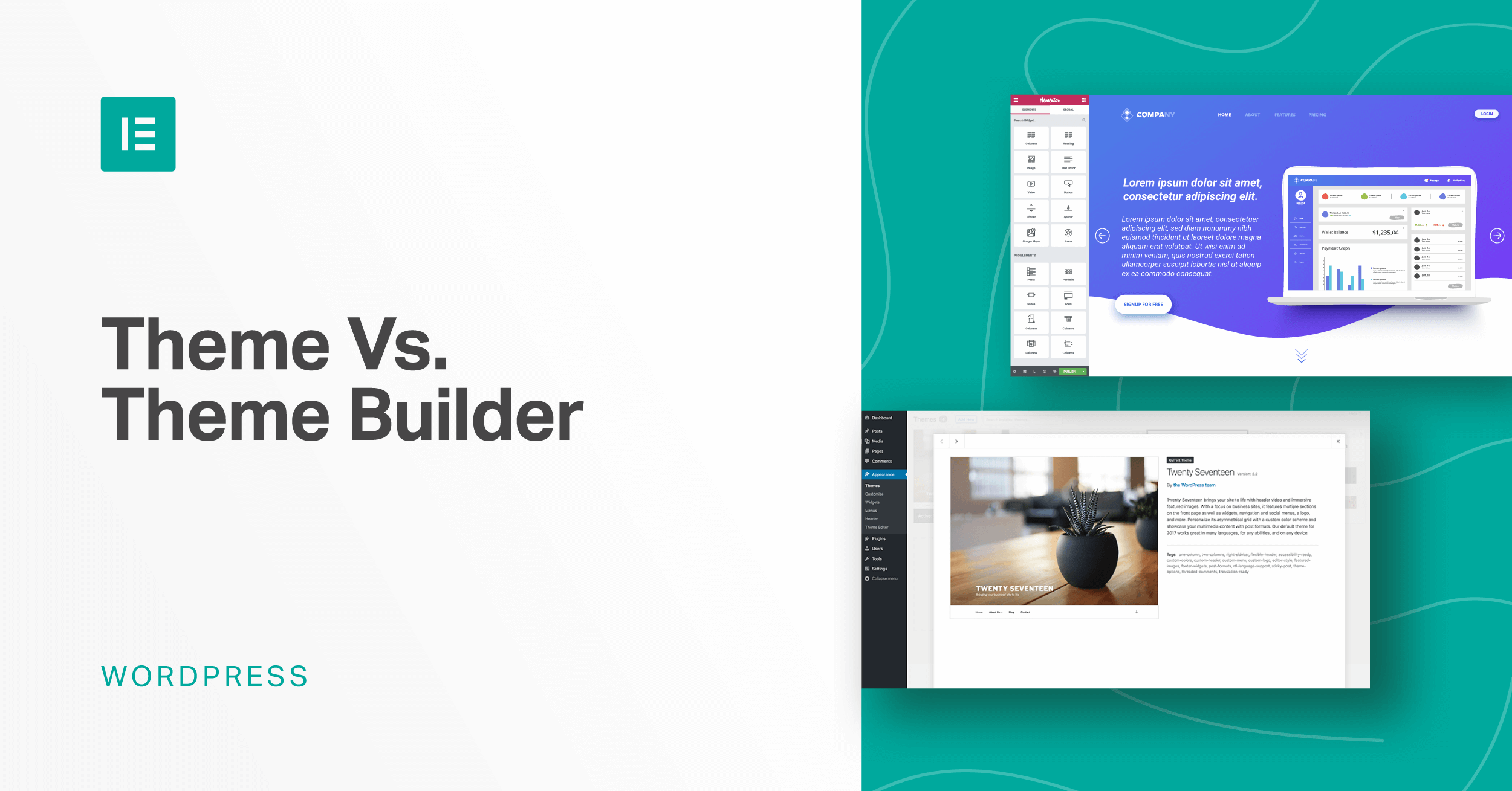
Credit: elementor.com
Incorporating Html And Css
Creating WordPress themes involves blending HTML and CSS. These tools shape the design and layout. With them, you customize appearance, ensuring a unique user experience.
Building The Html Framework
The HTML framework is the foundation of your WordPress theme. It organizes content. Think of HTML like the skeleton of your theme. Use div tags to create sections. You can add header and footer tags. These help structure the layout. Use nav tags for menus. Ensure each part has a clear role. You can make the theme responsive. Use meta tags for SEO. This helps search engines find your site. Keep the code clean and simple. It makes updates easier. Use comments to explain sections. This helps others understand your code.
Styling With Css
CSS styles your HTML framework. It makes your theme look nice. Use CSS to change colors. You can adjust font sizes. It lets you control spacing. CSS can hide or show parts of a page. You can use selectors like class or id. These help target specific elements. Use media queries for different screen sizes. This makes the theme responsive. Organize CSS into sections. Use comments to explain styles. This keeps your code neat. You can experiment with styles. Change them to fit your brand.
Adding WordPress Template Tags
Building WordPress themes involves integrating template tags to enhance functionality. These tags add dynamic elements, making themes more interactive and user-friendly. Using template tags effectively can transform a basic theme into a versatile, feature-rich design that caters to diverse user needs.
Understanding Template Tags
Template tags are small codes. They help display content in themes. These tags make themes dynamic. Use them inside your theme files. They fetch data from WordPress. The data can be a post title, author, or date. Tags make your site look good. They help show the right info. Some tags are easy to use. Others need a bit more work.
Common Template Tags To Use
- the_title(): Displays the post title.
- the_content(): Shows the main post content.
- the_excerpt(): Gives a short summary of the post.
- the_author(): Displays the name of the author.
- the_date(): Shows the date when the post was published.
Integrating Dynamic Content
The Loop is a key part of WordPress themes. It helps display posts. Each time a page loads, the Loop checks for new posts. It shows each post one by one. This keeps the content fresh. Using it is simple. Place it in your theme’s files. It will work on pages and posts. The Loop is flexible. You can customize it. Show only recent posts. Or show posts from a category. You decide how it works.
Posts and pages are stored in the database. They are shown using templates. Templates decide how they look. Use the Loop for posts. Use WordPress functions for pages. This makes it easy to show content. Update your templates to match your theme. Make sure everything looks good. The right templates make a big difference. They can help users find what they want. Keep your design simple. People like easy-to-read pages.
Enhancing With Widgets And Menus
Widgets are small tools for your WordPress site. They add extra features. You can create widget areas in your theme. First, open the functions.php file. Add code to register a new widget area. Choose a name for your widget area. This name helps you find it later. Place the widget area in your theme. Use the sidebar.php file. This file shows where widgets appear on your site. Now, you can add widgets. Use the WordPress admin panel. Drag and drop widgets into your new widget area.
Navigation menus help users find pages on your site. Create a menu using the admin panel. Go to Appearance > Menus. Add items to your menu. Items can be pages, posts, or links. Save your menu. Place the menu in your theme. Use the header.php file. This file controls where the menu shows. Add code to display the menu. Now, users can navigate your site easily.
Adding Theme Support Features
Custom headers give your site a unique touch. You can add images to the header area. Users will see these images at the top of your pages. It’s easy to change them from the WordPress dashboard. Backgrounds can be customized too. You can add colors or images. This makes your site look different from others. Both features help make your theme special.
Post thumbnails are small pictures for your posts. They show next to the post title. Thumbnails help make the page look nice. They give a quick preview of the post. You can set different formats for posts. Formats change how posts look. Some formats may show images, quotes, or links. These features give variety to your theme. They make your site feel lively.
Testing And Debugging
Themes should look good on all devices. Try your theme on phones, tablets, and computers. Use different browsers like Chrome, Firefox, and Safari. This helps make sure your theme works for everyone. It’s important to test on different screen sizes. Check for any design problems. Fix them before sharing your theme. This will make users happy. A theme should work well everywhere.
Sometimes themes have problems. These are called bugs. Bugs can make a theme not work right. Use tools to find bugs. Fix bugs to improve your theme. Look for missing images or broken links. Check if the layout is wrong. Make sure everything is working fine. Debugging makes your theme better. It helps users have a good experience.

Credit: www.youtube.com
Preparing For Theme Distribution
Check your code for errors and bugs. Use tools to find mistakes. Clean code is important. It helps people use your theme easily. Follow coding standards. It makes your theme better. People trust themes with good code. Your theme should work on all browsers. Test it. Make sure it is responsive. Good code means happy users. Check your theme on phones and tablets. It should look nice everywhere.
Choose a license for your theme. It tells people how they can use it. Make your license clear. Write documentation for your theme. It helps users. Explain how to install and use it. Use simple words. Make a guide with steps. Add pictures if needed. Good documentation means less questions. Help users understand your theme. A clear license and good docs make your theme popular.

Credit: yaycommerce.com
Frequently Asked Questions
Which Theme Builder Is Best For WordPress?
Elementor is widely considered the best WordPress theme builder. It offers drag-and-drop functionality, extensive customization, and responsive design tools. Users appreciate its user-friendly interface and powerful features, making it a top choice for creating stunning websites easily. Elementor’s popularity and active community support enhance its appeal to both beginners and professionals.
Can You Make Money Building WordPress Themes?
Yes, you can earn money by creating WordPress themes. Sell your themes on platforms like ThemeForest. Offer customization services to clients. Build a portfolio to attract customers. Utilize marketing strategies to boost visibility and sales. Ensure your themes are SEO-optimized and user-friendly for better engagement.
Which Language Is Used To Develop A Theme In WordPress?
WordPress themes are primarily developed using PHP, HTML, CSS, and JavaScript. PHP powers the dynamic content, HTML structures the pages, CSS styles the design, and JavaScript adds interactivity. Understanding these languages helps in customizing and creating unique themes tailored to specific needs.
How To Become A WordPress Theme Developer?
Learn HTML, CSS, JavaScript, and PHP. Study WordPress Codex and theme development standards. Practice by creating themes and customizing existing ones. Use development tools like Theme Check and Debug Bar. Publish and sell your themes on WordPress. org or marketplaces.
Conclusion
Creating a WordPress theme can be rewarding. Start with planning your design. Understand your audience’s needs. This ensures user-friendly themes. Learn coding basics. HTML, CSS, and PHP are essential. Use these skills to build custom features. Test the theme on different devices.
Make sure it runs smoothly. Keep your theme updated. This improves security and functionality. Remember, practice makes perfect. Try different ideas. Experimentation leads to unique designs. Building themes is a journey. Enjoy the learning process. Share your creations with the world.
Inspire others to build too. Your theme could be the next big hit!


