
Are you ready to take your WordPress skills to the next level? Imagine having complete control over every aspect of your website’s design, creating a unique theme that perfectly represents your brand or vision.
Building a WordPress theme from scratch might sound daunting, but it can also be an incredibly rewarding experience. In this guide, you’ll discover step-by-step instructions that break down the process into manageable parts. Whether you’re a seasoned developer or a curious beginner, you’ll gain insights that will empower you to craft a theme that’s both functional and beautiful.
Don’t just settle for off-the-shelf themes that don’t quite meet your needs. Dive in and learn how to build a WordPress theme from scratch—it’s easier than you think, and the results will be uniquely yours. Stay with us, because this could be the start of something amazing for your website!

Credit: belovdigital.agency
Setting Up The Development Environment
Start with a good code editor. Visual Studio Code is a great choice. It’s free and easy to use. Then, install Node.js. This helps with JavaScript tasks. Use Git for version control. It tracks changes in your code. A browser like Google Chrome is also necessary. It helps you test your theme. Don’t forget WordPress CLI. It speeds up WordPress tasks. These tools make your work smoother.
First, download XAMPP or MAMP. These create a local server. Install it on your computer. Then, download WordPress from its official site. Unzip the file into the server’s folder. Open your browser and type localhost/wordpress. Follow the setup steps. Choose a database name. Use phpMyAdmin to create it. Now, WordPress is ready locally. You can start building your theme.
Understanding WordPress Theme Structure
The heart of a WordPress theme lies in its core files. These files shape the look and feel of your site. Each file has a special job. The style.css file controls how your site looks. Think of colors and fonts. The index.php file is like a home page. It displays posts and pages. The functions.php file adds extra features. It acts like a toolbox. You also have the header.php and footer.php. These files show the top and bottom parts of your site. All files together build your site’s structure.
WordPress uses a special order to decide which file to show. This is called template hierarchy. It helps WordPress know which file to use. For example, to show a post, WordPress checks single.php first. If it’s missing, it looks for index.php. Pages follow a similar pattern. This hierarchy lets you customize each part of your site. Knowing the order helps you make smart changes. It’s like a map guiding WordPress.
Creating Basic Theme Files
Crafting basic theme files is essential for building a WordPress theme from scratch. Start with a style. css file to define your theme’s appearance. Include index. php to structure the main content layout.
Style.css And Functions.php
The style.css file is important for a theme. It holds all styles. It shows colors, fonts, and layout. Make this file first. The functions.php file adds features. It connects theme with WordPress. Add custom widgets here. Both files are vital for a basic theme.
Index.php And Other Templates
Index.php is the main template file. It shows the site’s content. Every WordPress theme needs it. Create other templates too. Like header.php and footer.php. These templates structure the site. They make the site look right. Templates are key for a complete theme.
Designing The Theme Layout
Crafting a WordPress theme layout involves selecting colors, fonts, and structure. Focus on user-friendly navigation and responsive design. Prioritize readability and accessibility to enhance user experience.
Using Html And Css
Start by creating the basic structure with HTML. Use simple tags like , , and . These tags help to organize the page. Apply CSS to style your layout. Choose colors and fonts that look good. Make sure the text is easy to read. Use classes and IDs to apply styles to specific parts. This helps to keep your code neat and tidy. Test your HTML and CSS to see the changes.
Incorporating Responsive Design
Make your theme work on all devices. Use media queries in your CSS. These help change the design for different screen sizes. Make buttons and text large enough for small screens. Check how your theme looks on phones and tablets. This ensures everyone can use your site. Keep testing and adjust as needed.
Integrating WordPress Functions
Custom loops and queries help display posts in different styles. Use WP_Query to fetch specific posts. For example, show only the latest five posts. Create a loop with while and have_posts(). This loop goes through each post one by one. Use the_post() to get post info. Include the_title() and the_content() to display post details. Custom loops make the theme unique and dynamic.
Hooks are special points in WordPress. They allow adding features without changing core files. Use actions and filters to extend theme functions. Actions let you execute code at specific points. Filters modify data before displaying it. To add a function during page load, use add_action(). To change post content, use add_filter(). Hooks make themes flexible and powerful.
Enhancing With Javascript
Creating a WordPress theme from scratch involves adding interactive features using JavaScript. It enhances user experience by making websites dynamic and engaging. Learn to integrate JavaScript for improved functionality and visual appeal in your custom WordPress theme.
Adding Interactivity
JavaScript makes your website interactive. Users like clicking buttons and seeing effects. First, add a small script for a button click. Next, use JavaScript to show or hide content. This makes the site fun. It’s also good for small animations. These animations catch the eye. Always test your scripts. Broken scripts can confuse users. Remember to keep scripts simple. Complex scripts may slow your site down.
Ensuring Compatibility
Different browsers see JavaScript differently. Always check your code on many browsers. Chrome, Firefox, and Safari are popular choices. Also, check on mobile devices. JavaScript should work well everywhere. Use tools to check for errors. Errors can break your site. Always update your JavaScript libraries. New updates fix old problems. These updates help with compatibility. They also make your code run faster. Simple code is key.
Testing And Debugging The Theme
Testing and debugging ensure the theme works properly. Fix errors and refine features for smooth functionality. Validate code, check compatibility, and optimize performance to enhance user experience on WordPress.
Common Errors And Fixes
Building a WordPress theme can have errors. A common error is a missing stylesheet. This happens when the style.css file is not in the theme folder. Make sure the file is named correctly. Another error is the white screen of death. This can occur if there are PHP errors. Check your code for mistakes.
Using Debugging Tools
Debugging tools can help fix errors. The WordPress Debugging Mode is useful. Turn it on by changing the wp-config.php file. Set define('WP_DEBUG', true); to see errors. The Browser Developer Tools can check CSS and JavaScript. Right-click and select ‘Inspect’ to use it. These tools can find and fix errors fast.
Credit: www.wpzoom.com
Optimizing For Performance
Crafting a WordPress theme from scratch enhances site performance. Focus on clean code and minimal plugins. Prioritize responsive design to ensure fast loading on all devices.
Minimizing Load Times
Fast websites make users happy. Slow sites lose visitors. Reduce image sizes before uploading. Use tools like TinyPNG or JPEGmini. Limit plugins. More plugins slow down your site. Choose lightweight ones. Enable caching. This saves data on users’ devices. Browsers load pages faster.
Optimize CSS and JavaScript. Minify and combine files. Use tools like CSSNano or UglifyJS. Choose a good hosting provider. Quality hosting boosts speed. Pick one with strong server performance. SEO best practices. Use alt tags for images. They help search engines understand content. Create clean URLs. Avoid complex structures. Use simple, clear words.
Preparing For Theme Launch
Check your theme for any errors. Use tools like Theme Check. This tool helps find missing elements. Ensure your theme follows the WordPress guidelines. Check for any broken links or images. Test your theme on different browsers. Make sure it looks good everywhere.
Go to the WordPress theme repository. Create an account if needed. Fill out all the required forms. Upload your theme files. Wait for the review process. Be patient, it can take time. If there are issues, fix them quickly. Keep improving your theme even after it’s live.
Credit: www.youtube.com
Frequently Asked Questions
What Tools Are Needed To Build A WordPress Theme?
To build a WordPress theme, you’ll need a code editor and an FTP client. Familiarity with HTML, CSS, and PHP is crucial. You may also want to install WordPress locally using software like XAMPP or WAMP for testing. These tools help streamline the development process efficiently.
How Do I Start Designing My Theme?
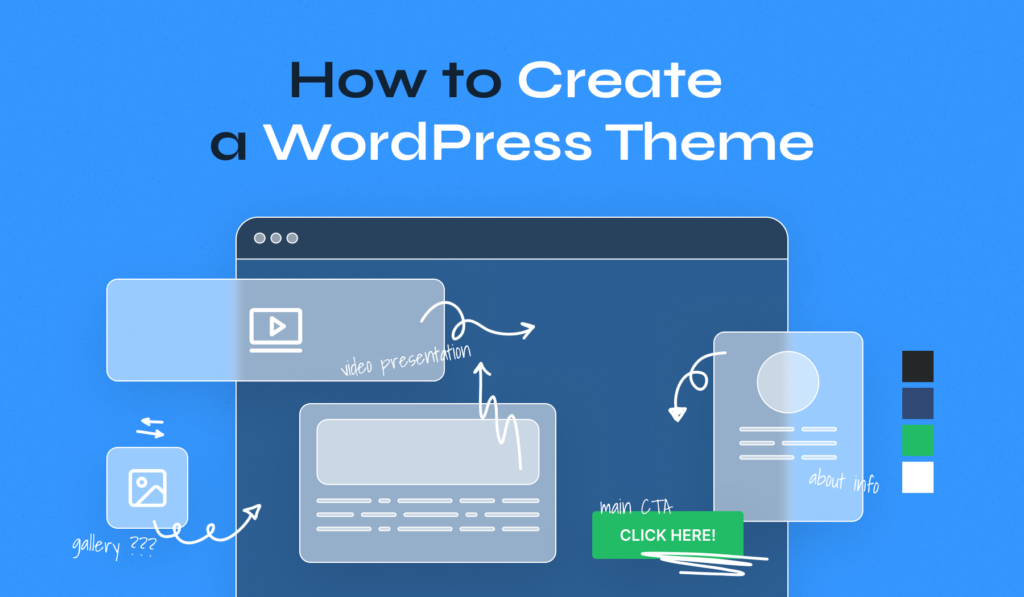
Begin by planning your theme layout and design elements. Sketch a wireframe for your pages. Use HTML for structure, CSS for styling, and PHP for dynamic content. Consider incorporating responsive design principles. This approach ensures your theme is both visually appealing and functional across devices.
Can I Use Starter Themes?
Yes, starter themes like Underscores or Sage can accelerate development. They provide a basic structure and essential files. Customize them according to your design needs. Starter themes are a great way to learn theme development while saving time and effort.
How Do I Ensure Theme Compatibility?
Ensure your theme is compatible by following WordPress coding standards. Test your theme on different browsers and devices. Validate your code using tools like W3C Validator. Use WordPress functions and hooks properly to enhance compatibility. Regular testing ensures a seamless user experience.
Conclusion
Creating a WordPress theme from scratch is rewarding. You gain full control. Design elements reflect your vision. Functionality matches your needs. The process strengthens coding skills. It enhances your understanding of WordPress. Challenges arise, but they build expertise. Each step brings learning opportunities.
Don’t rush; patience is key. Testing ensures quality. It prevents future issues. Enjoy the journey of creation. Your unique theme is your digital masterpiece. Share it proudly. Inspire others to create. Empower your online presence. Stand out with your custom design.
Embrace creativity and innovation. Your WordPress theme begins your digital story.


