
Are you ready to give your WordPress site a stunning makeover? Adding a premium theme can be a game-changer for your website’s look and functionality.
Imagine your site with a sleek design, responsive features, and the wow factor that keeps visitors coming back for more. You deserve a site that not only looks professional but also stands out from the crowd. In this guide, we’ll walk you through the simple steps to add premium themes to your WordPress site.
Whether you’re aiming for a modern, minimalist look or a vibrant, dynamic style, we’ve got you covered. Let’s dive in and transform your website into something extraordinary!
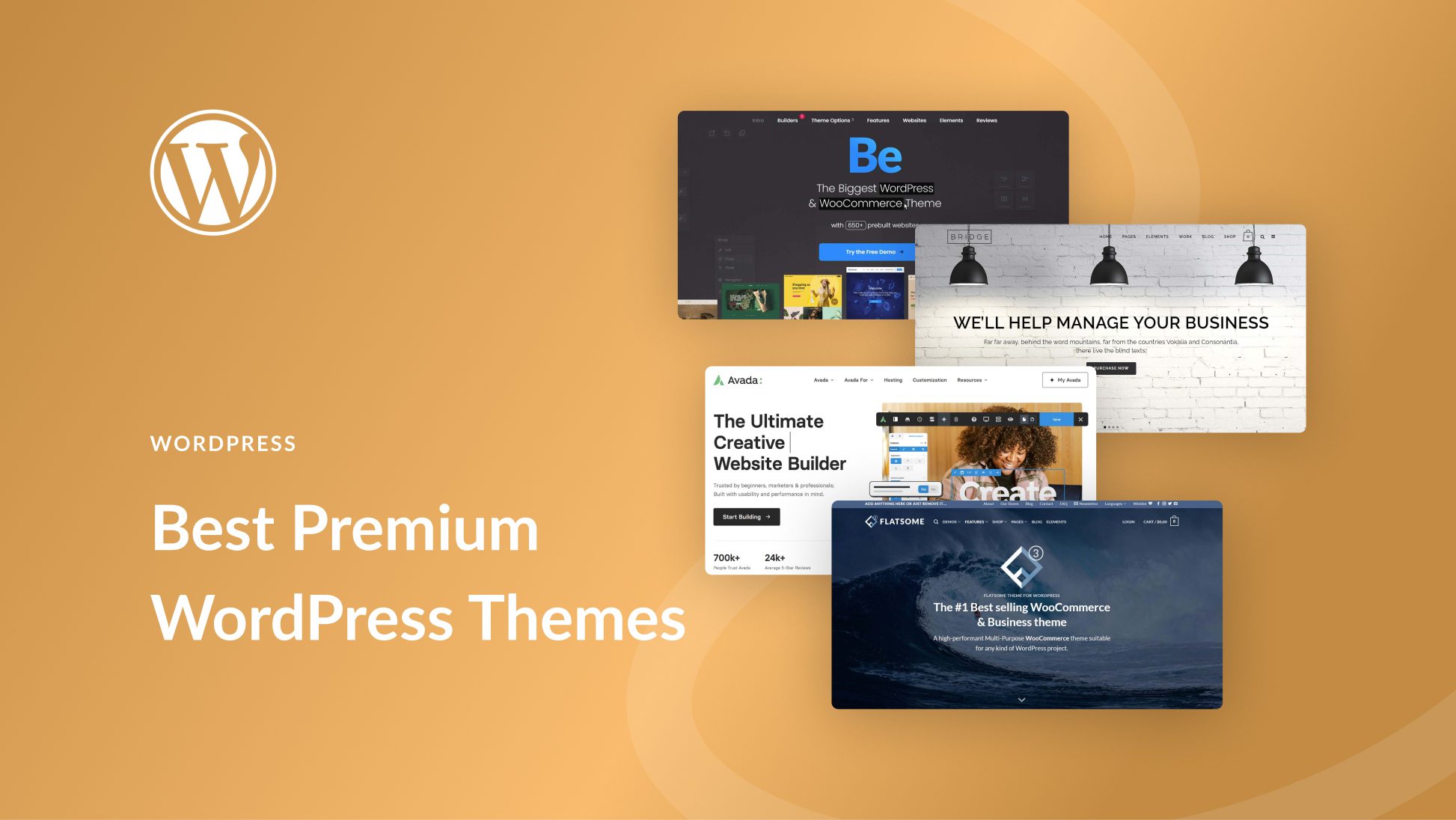
Choosing The Right Premium Theme
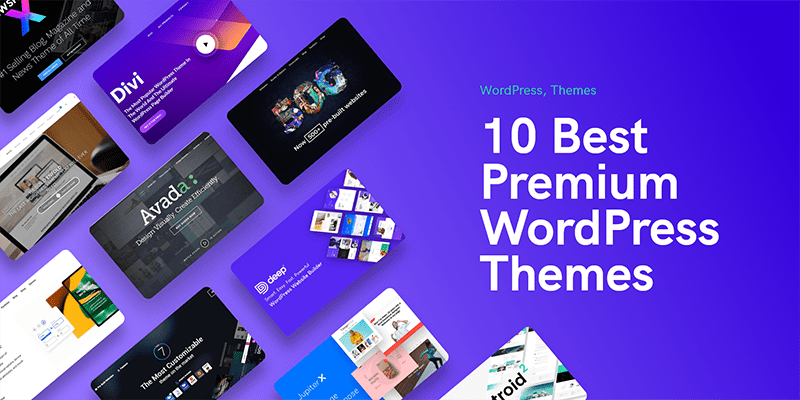
Picking a premium theme is important. Themes need to look good. They should fit your site’s style. Think about colors and fonts. These should match your brand. A good theme must also have useful features. These might include sliders, galleries, or widgets. They help to make the site interactive.
A theme must work with your current WordPress version. Some themes do not update often. This can cause problems. Check if the theme is regularly updated. Updates keep the site safe. They also fix bugs.
Purchasing A Premium Theme
ThemeForest and Elegant Themes are popular choices. They offer many themes. Thrive Themes and StudioPress also have good options. Check their collections. They provide quality themes.
Reviews help find the best theme. Ratings show user satisfaction. Many stars mean it’s good. Read comments too. People share their experiences there. Learn from them.
Downloading The Theme Files
Find the theme link in your account. Click it. This link takes you to a page. On this page, download the theme. Check your downloads folder. There is your theme file. It is usually in a ZIP format. Keep it safe.
Log into your account where you bought the theme. Look for the theme section. Find the download link there. It’s easy to spot. Click on it. The download starts. Now you have the theme files.
Open your downloads folder. Find the theme file. It’s a ZIP file. Right-click on it. Choose the “Extract” option. This unzips the file. You see a new folder now. It has all theme files. These files are ready to use.
Credit: www.elegantthemes.com
Installing The Premium Theme
Log in to your WordPress dashboard. Go to the Themes section under Appearance. Click Add New to start. Use the Upload Theme button. Choose your theme file. Ensure it is a .zip file. Click Install Now. Wait for the installation. Once done, click Activate. Your theme is now live. Enjoy your new look!
First, connect to your site with an FTP client. Go to the wp-content/themes folder. Upload the theme folder here. Don’t use a .zip file. After upload, go to your WordPress dashboard. Visit the Themes section. Find your new theme. Click Activate. Your site now uses the new theme. Check your site for changes. Make sure everything works well.
Activating The Theme
Start by logging into your WordPress dashboard. Find the Appearance tab on the left menu. Click it. A list of options will appear. Choose Themes from the list. This will open the themes page. Here, you will see your installed themes.
Look for the theme you want to use. Hover over it. You will see the Activate button. Click on it. Your theme will become active. Check your site to see the changes. If you don’t like it, you can choose another theme. Just repeat the steps. Always remember to save your changes.
Credit: webnus.net
Customizing The Theme
The Theme Customizer is easy to find. It is in your WordPress dashboard. Click on Appearance and then Customize. You can change colors, fonts, and backgrounds. This will make your website look unique. Preview changes instantly. No need to save first. Experiment and see what fits your style.
Using The Theme Customizer
Find the customizer under Appearance. Try changing fonts, colors, or layouts. Preview your changes live. You can adjust settings until satisfied. Save your changes when ready. This tool is simple and fun.
Installing Recommended Plugins
Plugins enhance your theme’s features. Some themes suggest plugins. These are usually helpful. Go to Plugins in your dashboard. Click Add New. Search for recommended plugins. Click Install Now. Activate them after installation. Keep plugins updated for best performance.
Ensuring Theme Performance
Adding premium themes to WordPress enhances site functionality and aesthetics. Simply download the theme file and upload it through the WordPress dashboard. Activate the theme to enjoy improved design and performance.
Testing Responsiveness
A good theme should look nice on all devices. Check your theme on phones, tablets, and computers. Make sure it looks good everywhere. If it doesn’t, it might need adjustments. A theme that is not responsive can make users leave your site. Use tools like Google’s Mobile-Friendly Test to help. This will show if your theme works well on phones.
Optimizing For Speed
A fast site keeps visitors happy. Slow sites can make people leave. Use plugins to make your site faster. Caching plugins can help. They store parts of your site for quick loading. Also, compress images to save space. This makes pages load faster. Check your site’s speed with tools like GTmetrix. Aim for a load time under 3 seconds.
Troubleshooting Common Issues
Installing premium themes on WordPress can be tricky. Common issues include file upload errors and theme activation problems. Resolving these often involves checking file permissions and ensuring compatibility with your WordPress version.
Addressing Theme Conflicts
Theme conflicts can occur often. Different themes may not work well together. This can cause problems on your site. Check for compatibility before installing a new theme. Read reviews and user feedback. Look for any conflict reports. Pay attention to plugin compatibility too. Update all themes and plugins regularly. This keeps everything running smoothly. If a conflict appears, try disabling other themes. This might solve the problem. Backup your site often. This helps avoid data loss during conflicts.
Seeking Support From Developers
Developers can offer valuable help. They fix theme issues quickly. Reach out to your theme’s support team. Most premium themes have dedicated support. They can assist with technical problems. Provide detailed info about the issue. Share screenshots if possible. This helps them understand the problem better. Be patient while waiting for a response. Developers can provide updates too. These updates often resolve conflicts. Always use the latest version of your theme.
Credit: www.upwork.com
Frequently Asked Questions
How To Install A Premium Theme On WordPress?
To install a premium theme, log in to your WordPress dashboard. Navigate to ‘Appearance’ > ‘Themes’ > ‘Add New’. Click ‘Upload Theme’ and choose your theme file. Once uploaded, click ‘Install Now’. Finally, activate the theme to apply it to your site.
Where Can I Find Premium WordPress Themes?
You can find premium WordPress themes on reputable marketplaces like ThemeForest, Elegant Themes, and StudioPress. These platforms offer a wide selection of high-quality themes. Always check reviews and ratings before purchasing to ensure the theme meets your needs.
Are Premium Themes Worth The Investment?
Yes, premium themes offer advanced features, customization options, and professional designs. They often come with reliable support and regular updates. Investing in a premium theme can enhance your site’s functionality and appearance, making it more appealing to visitors.
Can I Customize A Premium WordPress Theme?
Absolutely, premium themes typically come with extensive customization options. You can modify layouts, colors, fonts, and more using the built-in theme settings. Many themes also support page builders for easy customization without coding.
Conclusion
Adding premium themes to WordPress enhances your website’s look. It’s simple. Choose a theme you love. Download it. Upload through WordPress dashboard. Activate the theme. Customize it to match your brand. Enjoy improved aesthetics and functionality. Premium themes offer better support.
They have unique designs. They help with SEO. They improve user experience. Your site stands out. It’s more appealing. It’s easier to navigate. Make sure your theme fits your needs. Test it before going live. Keep your audience in mind.
Happy blogging!


