
Are you looking to elevate your WordPress site with a touch of sophistication and a dash of unique style? Adding a premium theme might just be the game-changer you need.
Imagine a website that not only looks stunning but also functions seamlessly, capturing your visitors’ attention at first glance. Premium themes offer you the perfect blend of aesthetics and functionality, helping your site stand out in the crowded online space.
But how do you go about adding one to your WordPress site? Whether you’re a seasoned developer or a complete newbie, this guide will walk you through the process step by step. You’ll discover the secrets to transforming your website into a visual powerhouse with ease, leaving a lasting impression on every visitor. Curious to know more? Stick around, and by the end of this article, you’ll have the confidence to upgrade your WordPress site effortlessly.
Choosing A Premium Theme
Think about what your website needs. Will you sell items or show photos? This helps in picking the right theme. Some themes are for online stores. Others work well for blogs or portfolios. Write down your must-have features. This makes choosing easier.
Many places offer premium themes. Sites like ThemeForest and Elegant Themes are popular. Check user reviews to see if people are happy. Look at how often the theme is updated. Themes that update often are usually better.
Make sure the theme works with your WordPress version. Check if the theme supports plugins you use. Some themes have special features like drag-and-drop builders. Verify if your theme of choice supports mobile devices. This is important for users on phones or tablets.

Credit: www.elegantthemes.com
Purchasing The Theme
Start by visiting the theme website. Find the account creation page. Enter your details like name and email. Choose a strong password. Confirm your email address. Now, your account is ready.
Licensing options are crucial. Look at the available plans. Choose the one that fits your needs. Check if updates are included. Review support details. Make sure you understand all terms.
Go to the theme’s checkout page. Enter your payment information. Double-check your billing details. Confirm the purchase. Wait for the confirmation email. Your theme is now purchased.
Downloading The Theme Files
Open your browser. Visit the theme seller’s website. Use your login details to access the account. Look for the section named “Downloads” or “My Themes“. Click on it to see the list of themes you purchased.
Check the WordPress version you are using. Find the theme version that matches your WordPress version. Always choose the latest version of the theme. This ensures the best features and security.
Click the download button next to your theme. Wait for the file to download completely. Save the file in a safe folder on your computer. It is usually a .zip file. Do not unzip it yet. You will need it for installation.
Uploading Theme To WordPress
Easily enhance your WordPress site by adding a premium theme. First, download your chosen theme as a zip file. Next, access your WordPress dashboard, navigate to ‘Appearance,’ click ‘Themes,’ then ‘Add New,’ and upload the zip file. Finish by activating the theme to enjoy its features.
Accessing WordPress Dashboard
First, log into your WordPress Dashboard. Enter your username and password. You will see the main screen. This is the dashboard. It lets you control your website.
Navigating To Theme Options
Find the “Appearance” tab on the left side. Click it to see more options. Now, click on “Themes.” This area shows your current theme. It also shows other themes you can use.
Uploading Theme Files
At the top, find the “Add New” button. Click it, then select “Upload Theme.” A new screen will appear. Click “Choose File” to find your theme. Select the theme file from your computer. Finally, click “Install Now.” Your theme will upload to WordPress. After uploading, click “Activate.” This will make the new theme live on your site. Ensure the theme is compatible with your version of WordPress.
Activating The Theme
Installing a premium theme on WordPress enhances your site’s appearance. Access the admin panel, navigate to “Appearance,” then “Themes,” and upload your theme file. After activating it, customize your site to match your vision effortlessly.
Locating Installed Themes
Find the Appearance option in your WordPress dashboard. Click on Themes under Appearance. You will see a list of all installed themes. Your premium theme should be there. Scroll until you find it. Double-check the name and version. Make sure it’s the correct theme.
Activating Your Premium Theme
Once you locate the theme, hover over it. Click on the Activate button. This makes your premium theme active. Your site will now use this theme. Check the front end of your site. Verify that the new theme is visible.
Verifying Theme Activation
Go to your site’s homepage. Look for changes in design. Ensure the theme works correctly. Check various pages. Look for any errors. Ensure all features are functioning. Confirm the theme is set up right. Look for missing elements. Fix anything that doesn’t look right.
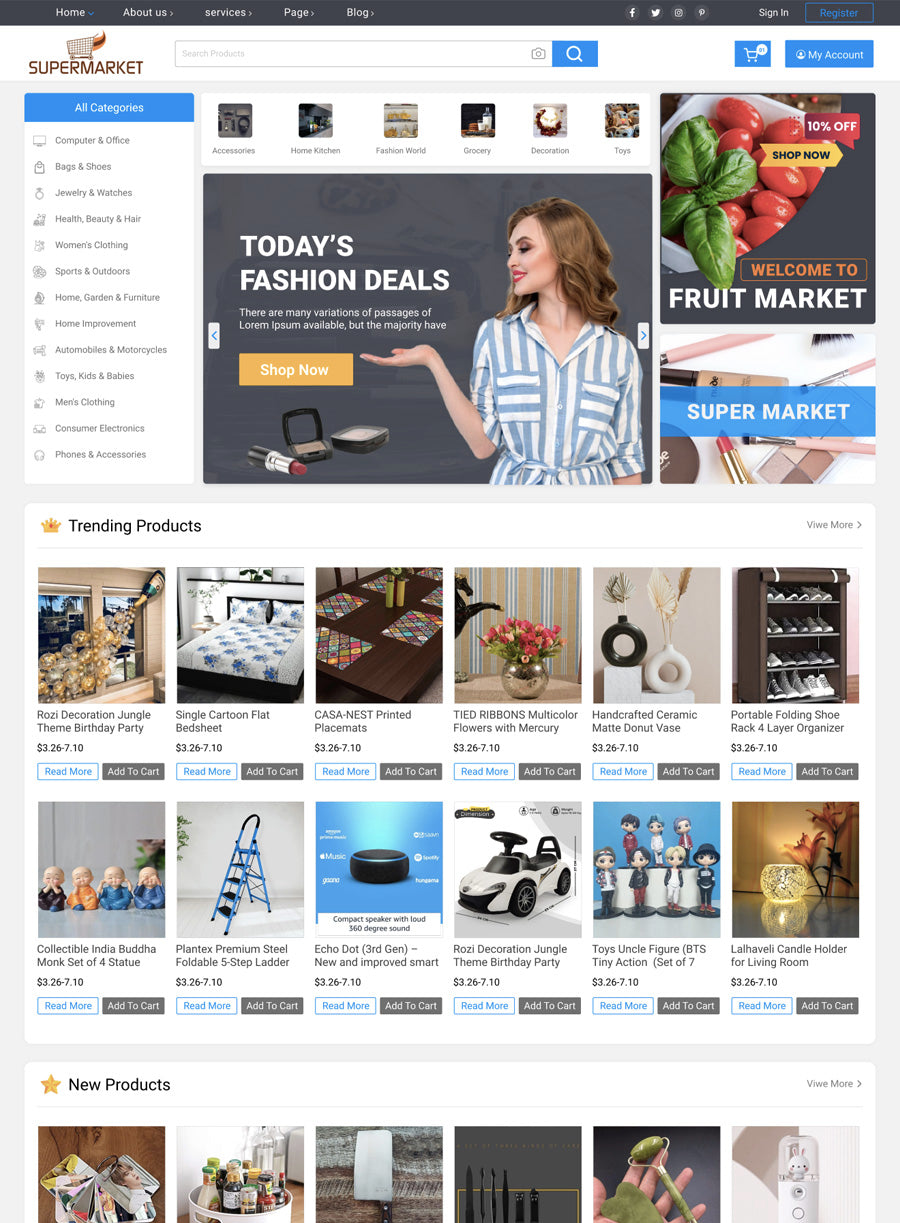
Credit: www.buywpthemes.net
Customizing The Theme
Enhancing your WordPress site with a premium theme involves a few simple steps. Navigate to the Appearance section, click on Themes, and select Add New. Upload your premium theme file, then activate it to transform your site’s look and feel.
Using Theme Customizer
Explore the Theme Customizer to make changes. It is easy to use. You can change colors, fonts, and other settings. Watch changes live as you make them. Try different combinations. Make your site look how you want.
Adjusting Layout And Design
Change the layout to fit your style. Move widgets around. Add or remove sections. Choose from different layout options. Make sure the design is clean and simple. This helps visitors find things easily. Adjust the design to match your vision.
Incorporating Brand Elements
Add your brand logo. Use colors that match your brand. This helps visitors remember your site. Add your brand’s unique elements. Make your site stand out. Keep everything consistent. This builds trust with your visitors.
Installing Required Plugins
Installing required plugins ensures your premium WordPress theme functions optimally. These plugins enhance features and provide essential tools for customization. Ensure compatibility to maintain seamless performance.
Identifying Essential Plugins
Plugins make your site better. They add new features. Some plugins are very important. Security plugins keep your site safe. SEO plugins help your site show in search results. Speed plugins make your site faster. Backup plugins save your data. Choose plugins that fit your needs.
Installing Plugins Via Dashboard
Installing plugins is easy. Open your WordPress dashboard. Find Plugins on the left menu. Click Add New. Use the search bar. Find the plugin you want. Click Install Now. Wait a few seconds. After installing, click Activate. Your plugin is ready to use.
Configuring Plugin Settings
Each plugin has settings. Find Settings or Options. Change settings to fit your needs. Some plugins have guides. Follow them for best results. Save changes after configuring. Check your site for improvements. Adjust settings if needed.
Troubleshooting Common Issues
Installing a premium theme in WordPress can sometimes lead to common issues. Check the theme compatibility with your WordPress version. Ensure file formats are correct before uploading. Verify activation steps and refresh the browser to see changes.
Addressing Compatibility Problems
Some themes might not work with your plugins. Check your plugins first. Deactivate one by one to find the problem. Make sure both theme and plugins are updated. Older versions might cause issues. Sometimes, switching to a default theme helps. It checks if the theme is the problem. If none of these work, consult the theme’s documentation. It often has solutions for compatibility issues.
Fixing Display Errors
Clear your browser cache. Sometimes old data causes display issues. Refresh the page after clearing. Check your custom CSS. There might be mistakes affecting the look. Adjust the screen size to see if it’s responsive. Try on different devices. This helps spot issues quickly. If problems persist, consider reinstalling the theme. Always backup your site before making big changes.
Seeking Support From Developer
Contact the theme developer for help. They know their product best. Provide details about your issue. Screenshots can help explain better. Check if they have a support forum. Other users may have similar issues. Read FAQs for quick solutions. Developers often update themes. Make sure you have the latest version installed.

Credit: webnus.net
Frequently Asked Questions
How Do I Install A Premium Theme In WordPress?
To install a premium theme, first purchase and download the theme package. Go to WordPress dashboard, click ‘Appearance’ then ‘Themes’, and select ‘Add New’. Upload the theme zip file, and activate it. Ensure the theme is compatible with your WordPress version for smooth functionality.
Can I Customize A Premium WordPress Theme?
Yes, premium themes often come with customization options. Use the WordPress Customizer or theme settings panel. You can adjust colors, fonts, layouts, and more. Check the theme’s documentation for specific customization instructions and ensure your changes enhance your site’s appearance.
What Are The Benefits Of Premium WordPress Themes?
Premium themes offer advanced features, regular updates, and customer support. They often have superior designs and better security. Investing in a premium theme can improve your site’s functionality and aesthetics, making it more appealing to visitors and search engines.
Are Premium Themes Compatible With All Plugins?
Most premium themes are compatible with popular plugins, enhancing functionality. However, check the theme documentation for specific plugin compatibility. Some themes might have limitations, so ensure your required plugins work seamlessly before purchasing.
Conclusion
You’ve learned the steps to add a premium theme to WordPress. This process enhances your site without complexity. Start by selecting a theme that suits your needs. Install and activate it through your WordPress dashboard. Customize settings to match your style.
Regular updates ensure security and functionality. Your site gains a professional look with minimal effort. Remember to backup your site before changes. Explore new features with confidence. Keep your design fresh and user-friendly. Enjoy the benefits of a polished website.
Your WordPress journey just got easier. Happy customizing!


