
Are you tired of making your readers scroll endlessly to find your recipe on your WordPress blog? Adding a “Jump to Recipe” button can change that instantly.
It’s a simple tweak that keeps your audience happy and coming back for more. You’ll learn exactly how to add a jump link to your recipes, making your site easier to navigate and boosting your user experience. Ready to make your recipes more accessible and keep your readers hooked?
Let’s dive in!
Benefits Of Jump To Recipe
Adding a jump to recipe link improves how visitors use your site. It helps people find the recipe fast. This small feature makes a big difference in the way users interact with your content.
Jump to recipe links guide readers straight to the important part. It saves time and keeps users happy. This simple tool also supports better navigation and helps your site rank well on search engines.
Enhancing User Experience
Users want quick access to recipes without scrolling. Jump to recipe links give them direct access. Visitors stay longer because they find what they need fast. This leads to happier readers and more repeat visits.
Improving Site Navigation
Jump links organize your content clearly. Visitors can skip long introductions and go straight to the recipe. This makes the site easier to use and less confusing. Clear navigation keeps users on your site longer.
Boosting Seo Performance
Search engines like sites that are easy to use. Jump to recipe links improve your page’s structure. They help search engines understand your content better. This can improve your rankings and bring more traffic to your site.

Credit: www.wptasty.com
Preparing Your WordPress Site
Before adding a jump to recipe feature, prepare your WordPress site properly. This step ensures smooth setup and better user experience. Setting up the right theme and plugins helps your site work well with recipe content. Follow these steps to get your site ready.
Choosing The Right Theme
Pick a theme that supports food or recipe blogs. It should have clean design and easy navigation. A good theme helps highlight your recipes clearly. Choose one that works well on mobile devices. This keeps your readers happy, no matter their screen size.
Check if the theme supports custom menus and anchor links. These features help create jump links to recipes. Avoid themes that are too complex or slow to load. Fast themes improve your site’s performance and user experience.
Installing Essential Plugins
Install plugins that add recipe and navigation features. A recipe plugin helps format your recipes neatly. Look for plugins with jump-to-recipe or table of contents options. These tools allow readers to jump directly to recipes.
Use a plugin that supports anchor links for smooth scrolling. Also, install a caching plugin to speed up your site. Keep plugins updated to ensure security and compatibility. Too many plugins can slow down your site, so choose wisely.
Creating The Jump To Recipe Link
Creating a jump to recipe link improves user experience on food blogs. It lets readers skip directly to the recipe section. This saves time and keeps your audience engaged. Setting up this link is simple and requires just a few steps. Follow along to learn how to create a smooth jump to recipe link.
Adding Anchor Tags In Your Post
Anchor tags mark the spot where the link jumps. First, find the recipe heading in your post. Add an anchor tag with an ID attribute to this heading. Use a simple ID name like recipe for easy reference. For example, change your recipe title to:
Delicious Chocolate Cake
This ID is the target for your jump link. It tells the browser where to scroll.
Customizing Link Text
Choose clear and inviting text for your jump link. Use phrases like “Jump to Recipe” or “See Recipe Below”. Make the link stand out by placing it near the top. For example:
Jump to RecipeThis link takes readers directly to the recipe section. Customize the text to match your blog style. Keep it short and easy to understand.
Credit: bootstrapped.ventures
Using Plugins For Jump To Recipe
Adding a “Jump to Recipe” link helps readers quickly find the recipe section. It improves user experience on food blogs. Plugins make this task simple and fast. They add the jump link automatically without coding. Using plugins saves time and avoids errors.
Top Plugins To Consider
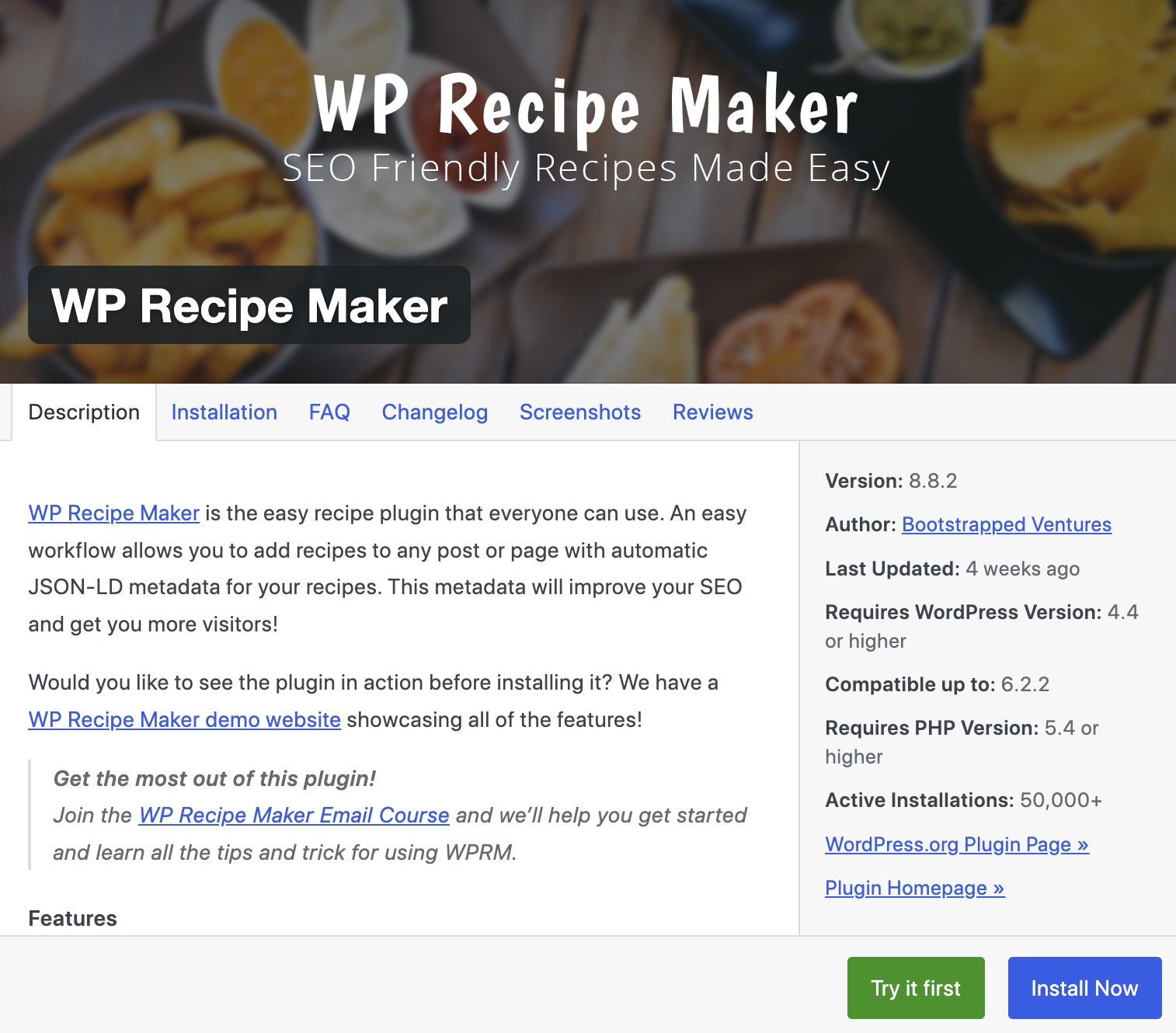
Several WordPress plugins offer jump to recipe features. “WP Recipe Maker” is popular and user-friendly. It creates recipe cards with a jump link. “Recipe Card Blocks by WPZOOM” also adds a jump feature. It fits well with the WordPress block editor. “Zip Recipes” helps organize recipes and adds jump links. These plugins support SEO and mobile-friendly designs.
Step-by-step Plugin Setup
First, install the chosen plugin from the WordPress dashboard. Activate the plugin after installation. Locate the plugin settings in the dashboard menu. Customize the jump link option according to your needs. Add a recipe using the plugin’s recipe editor. The jump to recipe link appears automatically. Test the link on your post to ensure it works. Adjust settings if the link does not jump correctly. Most plugins offer support guides for setup help.
Optimizing For Mobile Users
Optimizing the “Jump to Recipe” feature for mobile users is essential. Many visitors use phones to read recipes. A smooth experience keeps them engaged and happy. Mobile screens are smaller. Buttons and links must be easy to tap. The design should adjust to different screen sizes. This section covers key steps to make your jump links mobile-friendly.
Ensuring Responsive Design
Responsive design means your page looks good on all devices. Use flexible layouts and images that adjust to screen size. The “Jump to Recipe” link should be visible and easy to press. Place it near the top of the page for quick access. Use larger fonts and buttons for touch screens. Avoid clutter so users find the recipe fast.
Testing Jump To Recipe On Mobile
Test your jump link on several mobile devices. Check if the link scrolls smoothly to the recipe section. Make sure the recipe title is fully visible after jumping. Test on different browsers and screen sizes. Fix any broken links or scrolling issues. Regular testing improves user experience and keeps visitors coming back.
Credit: www.wpbeginner.com
Troubleshooting Common Issues
Troubleshooting common issues helps keep your jump to recipe feature working well. Small problems can stop users from reaching the recipe quickly. This section covers easy fixes for common troubles.
Fixing Broken Links
Broken links stop visitors from jumping to the recipe. Check the link’s URL to match the recipe’s ID exactly. Even one wrong letter breaks the link.
Use the HTML anchor tag with correct syntax. For example, Jump to Recipe must match the recipe’s anchor ID id="recipe".
Clear your site cache after fixing links. Old cache can show broken links even after you fix them.
Addressing Scroll Problems
Sometimes the page scrolls too far or not enough. This happens due to fixed headers covering the top part of the recipe.
Use CSS to add padding or margin above the recipe anchor. This ensures the recipe title is fully visible after scrolling.
Try adding a small script to adjust scroll position. This script moves the page up or down after the jump.
Frequently Asked Questions
What Is A Jump To Recipe Link In WordPress?
A jump to recipe link lets users quickly reach the recipe section. It improves user experience by saving scrolling time. This feature is especially useful for long blog posts with detailed content.
How Do I Add A Jump To Recipe Link Manually?
Create an anchor ID at the recipe section using HTML. Then, add a hyperlink at the top linking to that ID. This allows readers to jump directly to the recipe with one click.
Can WordPress Plugins Help Add Jump To Recipe?
Yes, plugins like “Recipe Card Blocks” offer built-in jump links. They simplify adding jump to recipe features without coding. Plugins also enhance recipe formatting and SEO.
Does Jump To Recipe Improve Blog Seo?
Yes, jump to recipe links improve user engagement and reduce bounce rates. Google values good user experience, which can boost search rankings. This feature also helps Google understand your page structure.
Conclusion
Adding a jump to recipe link makes your WordPress site easier to use. Visitors find recipes quickly without scrolling too much. This small change improves user experience and keeps readers happy. Try it on your blog today to see the difference.
Simple steps, big impact. Your readers will thank you.


