
Imagine your website visitors effortlessly browsing through your content without the need to click ‘Next’ or ‘Previous’. Sounds appealing, right?
This seamless browsing experience is exactly what infinite scroll offers. By integrating infinite scroll into your WordPress theme, you can captivate your audience, keep them engaged longer, and ultimately boost your site’s performance. But how do you get started? If you’re ready to transform the way your visitors interact with your content, you’re in the right place.
In this guide, we’ll walk you through the steps to add infinite scroll to your WordPress theme, ensuring a smoother and more engaging user experience. Ready to keep your readers scrolling? Let’s dive in!
Credit: scriptstown.com
Benefits Of Infinite Scroll
Infinite scroll makes web pages longer. It keeps loading new content. This means no more clicking to go to the next page. Users see more content without waiting. It feels smooth and fast.
Websites can keep people engaged longer. This is good for user experience. More time on the site can mean more sales. Visitors find it easier to discover new items or articles.
Infinite scroll works well on mobile devices. It suits touch screens perfectly. Users swipe up to see more. This is natural and easy. It fits with how people use phones and tablets today.
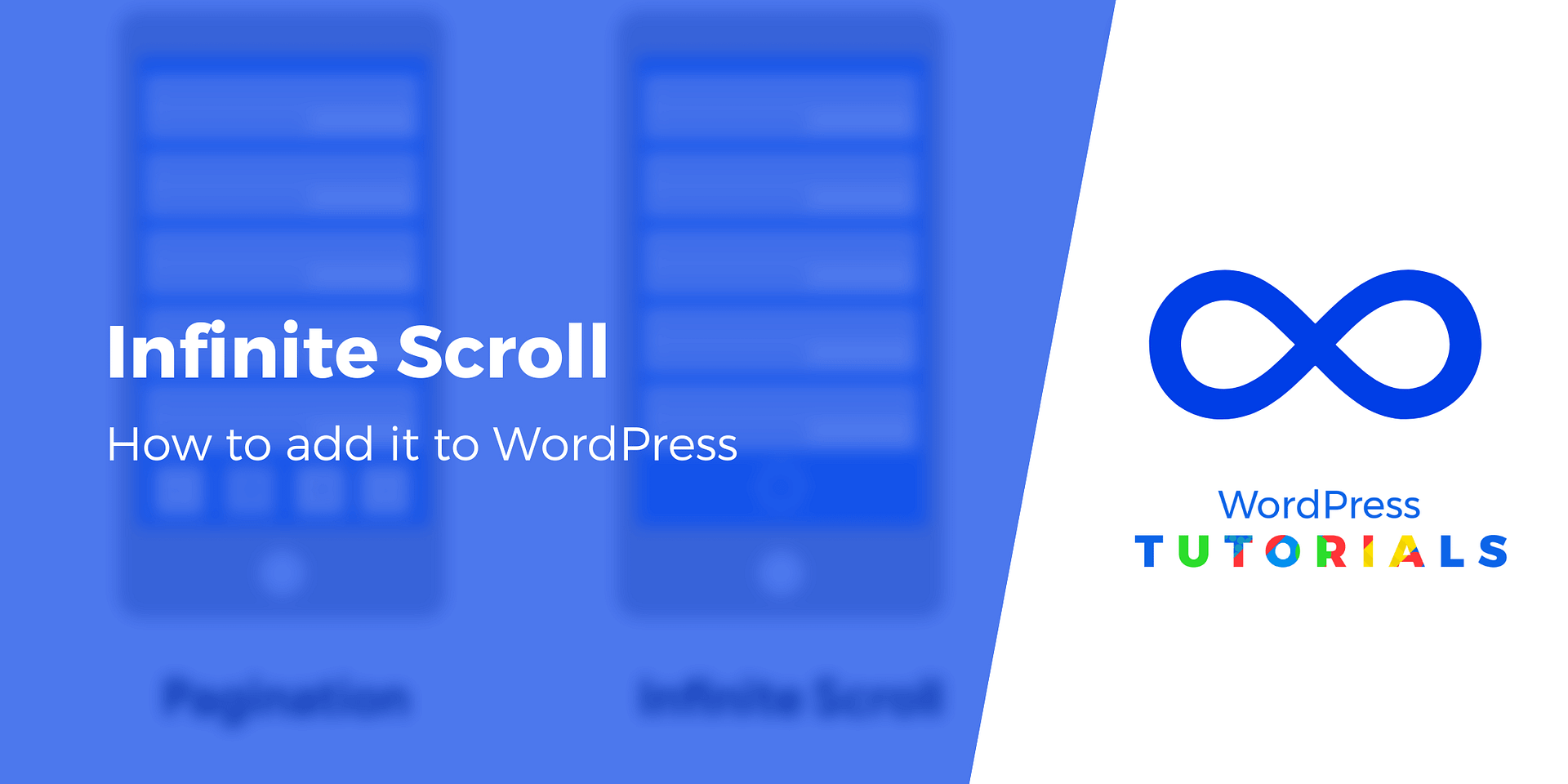
Credit: themeisle.com
Preparing Your WordPress Theme
Always backup your site before making changes. You need to save your data. This prevents loss. Use plugins like UpdraftPlus. It helps in easy backups. Store backups in a safe place. You can use Google Drive. Or Dropbox. Backup regularly. Always ensure your site is secure.
Choose a theme that supports infinite scroll. Not all themes do. Check the theme features. Read reviews. Make sure it’s responsive. A responsive theme works on phones. And tablets. Test the theme before using it. You need a theme that loads fast. Slow themes frustrate users. A good theme enhances user experience.
Using Jetpack For Infinite Scroll
First, go to your WordPress dashboard. Find the Plugins section. Click on Add New. In the search box, type Jetpack. Once you find it, click on Install Now. After installation, click on Activate. Now, Jetpack is ready to use.
Navigate to the Jetpack settings. Look for the Writing tab. Here, find the Infinite Scroll option. You can turn it on. Choose how you want your posts to load. Save your settings after changes. Now, your site will have a smooth scroll effect.
Customizing With Javascript
Enhance your WordPress theme by adding infinite scroll using JavaScript. This feature offers seamless navigation, automatically loading more content as users scroll down. Improve user experience by keeping visitors engaged without clicking through pages.
Adding Custom Scripts
To make your WordPress site scroll endlessly, add custom JavaScript. First, find the functions.php file in your theme folder. Open it and add a function to enqueue your JavaScript file. Use wp_enqueue_script() for this task. Create a new JavaScript file in your theme directory. Name it infinite-scroll.js. Open the file and add your infinite scroll code. This code will load more posts as users scroll down. Save all changes and check your site. If done right, your site will now scroll without stopping.
Testing Javascript Implementation
After adding your script, it’s time to test. Open your WordPress site in a browser. Scroll down and see if new posts appear. If they do, your script works! If not, check your code. Look for errors in the browser console. Fix any issues you find. Test again after making changes. Ensure your site functions smoothly. Make sure your users see new posts without clicking.
Integrating With Theme Files
Make changes in the template.php file. Find the correct section. Add the code for infinite scroll. Ensure it matches the theme structure. Double-check for errors. Test the code frequently. Use simple logic. Avoid complex loops. Save changes regularly. Work patiently. Code with care. Seek help if stuck. Follow online tutorials. Learn step by step.
Update the CSS file. Make sure styles fit the scroll. Keep design consistent. Adjust margins and padding. Avoid cluttered looks. Test on different screens. Check for responsiveness. Ensure smooth transitions. Use clear fonts. Bright colors are best. Avoid too many animations. Focus on user experience. Keep it simple. Use developer tools. Inspect elements. Make final tweaks. Review frequently. Ensure everything aligns.
Testing And Debugging
Implementing infinite scroll in a WordPress theme requires careful testing and debugging. Ensure smooth functionality by identifying and fixing errors. Enhance user experience by verifying seamless content loading.
Check Cross-browser Compatibility
Browsers can show websites differently. Test your site on popular browsers. Use Chrome, Firefox, Safari, and Edge. Ensure that the infinite scroll works fine. Some browsers may have unique issues. Look for any broken layouts or missing features. Use tools like BrowserStack for testing. It helps to check on different browsers and versions. Fix any issues you find. This will help all users enjoy your website.
Ensure Mobile Responsiveness
Many people use phones to browse the web. Ensure your website looks good on mobile. Check if the infinite scroll works smoothly. Test it on both Android and iPhone. Use tools like Google Mobile-Friendly Test. It shows how your site looks on phones. Make sure buttons are easy to press. Text should be easy to read. Fix any problems you see. This gives a better experience to mobile users.
Seo Considerations
Enhancing user experience with infinite scroll on your WordPress theme involves SEO considerations. Ensure fast loading times and maintain keyword optimization. Keep content structured to help search engines understand your site better.
Impact On Page Load Speed
Infinite scroll can affect page load speed. More content loads as users scroll. Faster speeds help SEO rankings. Slow loading pages frustrate visitors. This can increase bounce rates. Google prefers fast websites. Optimize images and scripts. Use caching plugins for better speed. Check your site’s speed regularly. A fast site improves user experience.
Handling Seo Metadata
SEO metadata is key for visibility. Meta titles and descriptions should be clear. Use relevant keywords. Infinite scroll might hide metadata. Ensure each section has unique metadata. This helps search engines find content. Good metadata boosts click rates. Regular checks are important. Keep metadata updated for new content. Users find content easier with correct metadata.
Alternatives To Infinite Scroll
Explore pagination and load more buttons as alternatives to infinite scroll. They enhance user experience and improve site performance. Both options offer a straightforward way to navigate content efficiently.
Pagination
Pagination divides content into pages. Users click to see the next page. This method saves browser memory. It is common in blogs and forums. Users find it easy to navigate. SEO benefits from pagination. Search engines can index pages separately. This increases visibility. Avoid long loading times with pagination. It is helpful for websites with large content. Users can bookmark specific pages. Pagination improves user experience. It is straightforward to implement. Many themes support pagination.
Load More Button
The Load More Button lets users control content. Users click to load more items. This is efficient for websites with lists. Users decide when to load more. It reduces initial page loading time. The button is easy to add with plugins. It is user-friendly and intuitive. Users see a small part first. Clicking loads more items without refreshing. This method keeps users engaged. It works well on mobile devices. Many themes offer this feature. It is a popular choice for e-commerce sites.
Credit: weplugins.com
Frequently Asked Questions
What Is Infinite Scroll In WordPress?
Infinite scroll automatically loads new content as users scroll down a webpage. It enhances user experience by providing seamless navigation. Instead of clicking “next” or “load more,” users keep scrolling for more posts. It’s particularly useful for blogs and news sites with extensive content archives.
How Do I Add Infinite Scroll To My Theme?
To add infinite scroll, install a plugin like Jetpack or Ajax Load More. After activation, configure settings to match your theme. Alternatively, customize your theme’s code using JavaScript and AJAX. Ensure compatibility with your site’s design and layout for a smooth user experience.
Does Infinite Scroll Affect Seo?
Infinite scroll can impact SEO if not implemented correctly. Ensure search engines can index all content. Use crawlable links or pagination as a fallback. Optimize load times to maintain site performance. Proper implementation balances user experience with SEO considerations.
Can Infinite Scroll Improve User Engagement?
Infinite scroll enhances user engagement by reducing friction in accessing content. Users enjoy continuous browsing without interruption. This can increase time spent on site and reduce bounce rates. However, it should be carefully integrated to maintain site usability and performance.
Conclusion
Infinite scroll improves user experience by keeping content flowing. It reduces page load times, keeping readers engaged longer. Implementing it on WordPress is straightforward with plugins and custom code. This enhancement can increase your site’s traffic and satisfaction. Users enjoy seamless browsing without interruptions.
Remember to test for compatibility with your theme. Ensure it works smoothly across devices. Infinite scroll can be your step toward a modern, user-friendly website. Keep experimenting with different features. Your site can become more appealing with little tweaks. Start enhancing your WordPress site today.


