
Imagine navigating a website with ease, knowing exactly where you are at all times. That’s the magic of breadcrumbs.
They not only enhance user experience but also boost your site’s SEO. If you’re wondering how to add breadcrumbs to your WordPress theme, you’re in the right place. This guide will walk you through the process step-by-step, ensuring that your visitors never feel lost again.
Breadcrumbs act like a GPS for your site, guiding users seamlessly through your content. Ready to make your website more intuitive and search-engine friendly? Let’s dive into the details and transform your WordPress site into a user-friendly haven.
Credit: aioseo.com
Understanding Breadcrumbs
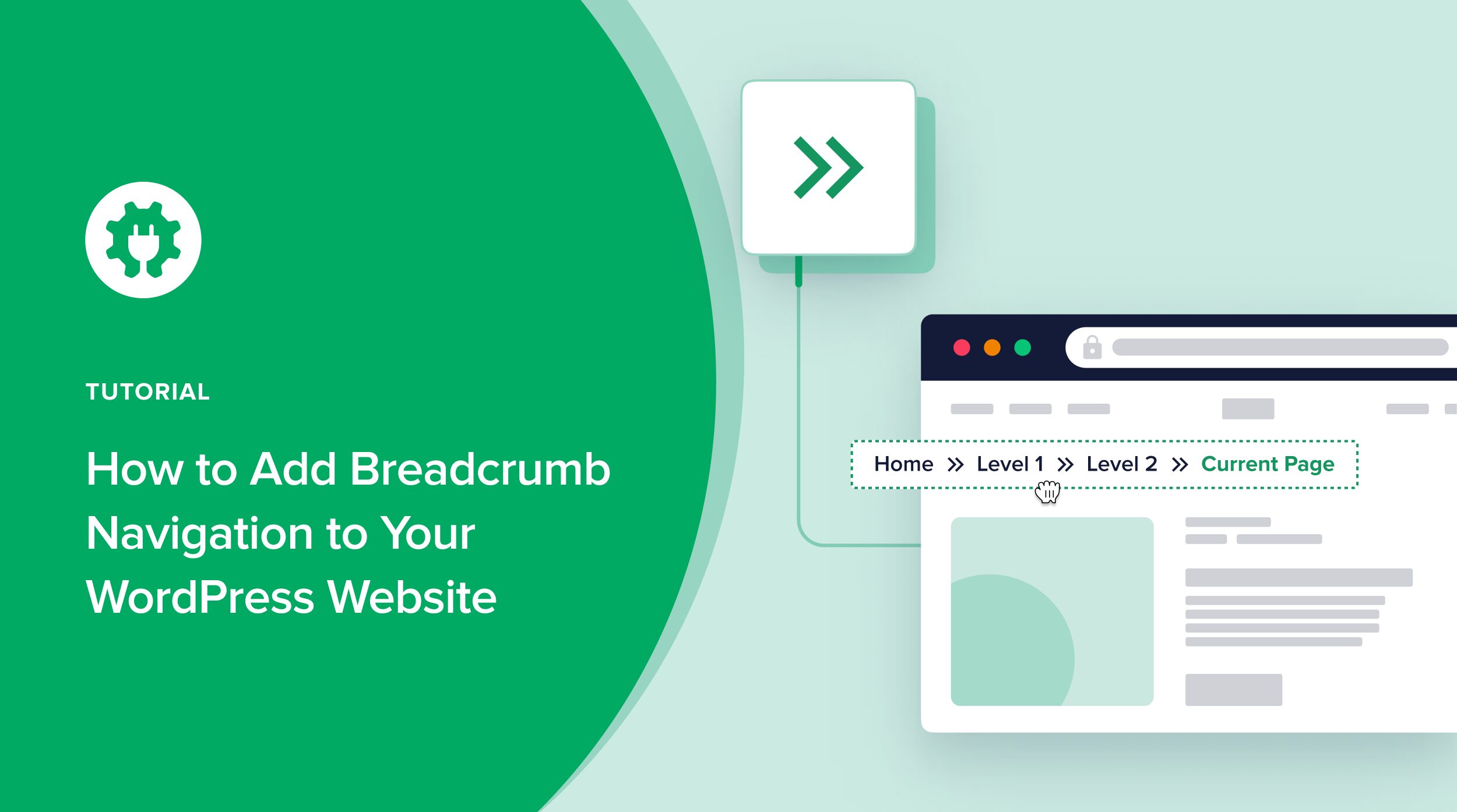
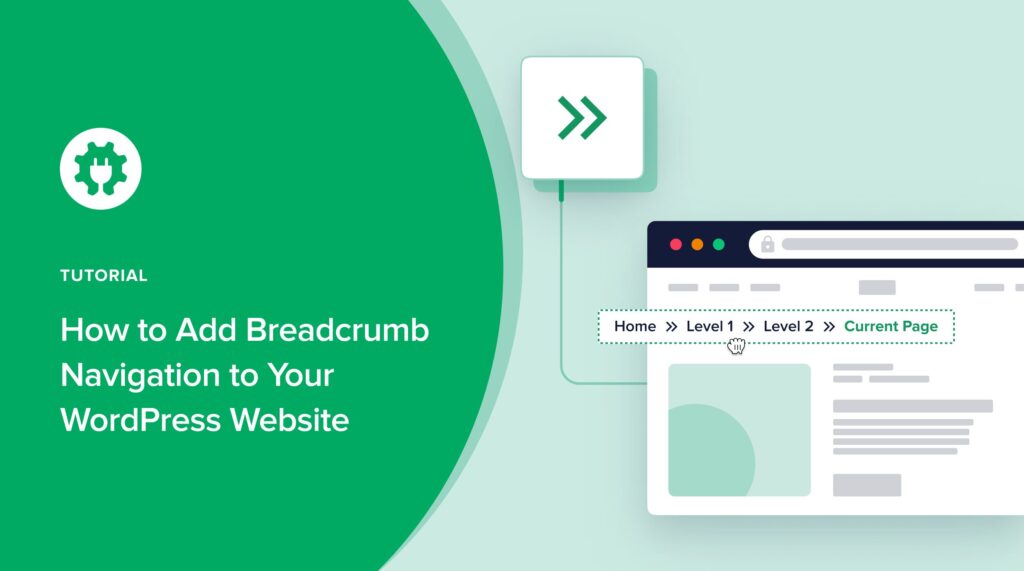
Breadcrumbs are small text paths. They show where you are on a site. They help users find their way back. This makes websites easy to use. They look like a trail of links.
Breadcrumbs improve SEO by adding keywords. Search engines use these to rank pages. They make navigation simple for users. Visitors find what they need quickly. They reduce the number of clicks. This keeps users happy. Happy users stay longer on sites. Longer visits mean better SEO results.
Choosing A Breadcrumb Plugin
Many popular plugins help add breadcrumbs to WordPress. Some top choices include Yoast SEO, Breadcrumb NavXT, and Rank Math. Each plugin offers unique features. Yoast SEO is known for its ease of use. Breadcrumb NavXT is perfect for customization. Rank Math provides detailed breadcrumb settings.
Factors To Consider
Compatibility with your theme is vital. Some plugins may not work with all themes. Check user reviews for feedback on plugin reliability. Look for plugins with regular updates. An active support team helps resolve issues quickly. Consider the plugin’s impact on site speed. Heavy plugins can slow down your website. Ensure ease of setup and use. Simple plugins save time and effort.
Installing A Breadcrumb Plugin
First, open your WordPress dashboard. Go to the Plugins section. Click on Add New. In the search bar, type “breadcrumb”. You’ll see many plugin options. Pick one that suits your theme. Click Install Now. Wait for the installation to complete. Then, click Activate. Your plugin is now active.
Go to Settings in your dashboard. Find the breadcrumb plugin options. Click to open them. Here, you can adjust settings. Choose how you want the breadcrumbs to appear. Set the display options. Some plugins let you pick colors. Others let you choose fonts. Make sure your changes are saved. Check your website to see the breadcrumbs. Adjust more settings if needed.
Adding Breadcrumbs Manually
Start by opening the WordPress dashboard. Go to the Appearance section. Click on Theme Editor. This is where you can find your theme files. Be careful while editing these files. Any mistakes can break your site.
Open the header.php file. This file loads at the top of your pages. Add the breadcrumb code here. This lets breadcrumbs appear on every page.
PHP code snippets are small pieces of code. They perform specific tasks. For breadcrumbs, use a simple PHP function. Add this function to your theme’s functions.php file.
This code will create a breadcrumb trail. It shows users where they are on your site. This improves navigation. Also, it helps with SEO by structuring your site better. Users and search engines will find your content easily.
Integrating Breadcrumbs With Page Builders
Many WordPress themes support breadcrumbs. It’s important to check if your page builder is compatible. Popular page builders like Elementor and Divi offer breadcrumb options. They help users find their way easily. Installing a breadcrumb plugin can enhance your site. Ensure the plugin works with your current builder. Check for compatibility to avoid issues. Having breadcrumbs improves navigation and user experience. It also boosts your site’s SEO. Breadcrumbs show the path users take. They’re helpful for long posts and pages. Make sure to test after installation. This helps ensure everything works smoothly.
Compatible Page Builders
Some page builders have breadcrumb features built-in. Elementor and Divi are examples. They allow easy integration. Using these builders makes adding breadcrumbs simple. You can customize them in just a few clicks. It’s important to choose a builder that fits your needs. Compatibility ensures a smooth installation process. Breadcrumbs are essential for good user experience. They make navigation easy. Users can find their way without getting lost. This improves site engagement. Testing is key to ensure everything works well. Check if the builder supports breadcrumb plugins.
Customizing Breadcrumb Appearance
Breadcrumbs should match your site’s look. Customizing them is easy with page builders. You can change colors, fonts, and sizes. This helps them blend with the theme. Make sure they are visible and easy to read. Proper customization enhances user experience. Test different styles to find what suits your site. Some plugins offer customization options. Use these to tweak breadcrumb appearance. Remember, a clean look is best. Avoid cluttered designs. Simple breadcrumbs are more effective. Users appreciate clear navigation paths. This leads to better site interaction.
Credit: aioseo.com
Testing Breadcrumb Functionality
Checking for Errors in your breadcrumbs is vital. These breadcrumbs help users find their way. Make sure all links work correctly. Click each breadcrumb to test. Check for any broken links or errors. Look at the URL structure. The URLs should be clear and simple. Check if the breadcrumb trail is visible on every page. Use a tool like Google Search Console. It helps find errors in breadcrumbs.
Ensuring Mobile Responsiveness is key. Breadcrumbs should work well on phones. Test how they look on different devices. Phones, tablets, and computers should show breadcrumbs clearly. Use responsive design techniques. They help breadcrumbs adjust to screen size. Check if the breadcrumb text is easy to read. Make sure users can tap on breadcrumbs easily. Test the breadcrumb layout on various screens. If needed, adjust the design for better user experience.
Enhancing Breadcrumbs For Seo
Schema markup makes breadcrumbs more visible to search engines. It helps improve your site’s SEO performance. Adding it to your WordPress theme is simple. First, locate the breadcrumb code in your theme files. Then, wrap it with the correct schema tags. This gives search engines more data about your site. The result? Better search engine rankings. A small change for a big benefit.
Breadcrumbs should reflect your site’s structure. Each link should be clear and accurate. This helps users and search engines understand the site’s hierarchy. Make sure each breadcrumb link points to the right page. Use descriptive names for each link. This increases user engagement and boosts SEO. Remember, simple and clear is best.

Credit: wpastra.com
Troubleshooting Common Issues
Sometimes, plugins can cause problems. Check all plugins you have. Deactivate them one by one. See if the breadcrumbs work. If they do, the last plugin is the problem. Update the plugin if a new version is available. Or find a similar plugin without issues. Always keep your plugins updated. This prevents many conflicts.
Breadcrumbs not showing right? Check your theme settings. Ensure breadcrumbs are enabled. Look at your CSS. Sometimes, styles can hide breadcrumbs. Use browser tools to inspect the page. This helps find CSS issues. Try a different theme if needed. Some themes do not support breadcrumbs well. Always backup your site before making changes.
Frequently Asked Questions
What Are Breadcrumbs In WordPress?
Breadcrumbs are navigational aids that help users track their location within a website. They display a trail of links from the homepage to the current page. This improves user experience and site navigation, making it easier for visitors to find their way around your WordPress site.
Why Use Breadcrumbs On A WordPress Site?
Breadcrumbs enhance user navigation by showing the path from the homepage to the current page. They improve SEO by providing better site structure for search engines. Additionally, breadcrumbs reduce bounce rates by encouraging users to explore more pages on your site.
How To Add Breadcrumbs Without A Plugin?
To add breadcrumbs without a plugin, edit your theme’s files. Insert breadcrumb code in the header. php or single. php file. Use WordPress functions like `get_breadcrumb()` to generate breadcrumb trails. Customize the code to match your site’s design and ensure it functions correctly.
Can Breadcrumbs Improve My Site’s Seo?
Yes, breadcrumbs can improve your site’s SEO. They create a structured navigation path, making it easier for search engines to understand your site’s hierarchy. Breadcrumbs also enhance user experience, which can lead to longer site visits and reduced bounce rates, indirectly benefiting SEO.
Conclusion
Breadcrumbs enhance navigation and user experience on your WordPress site. Adding them is straightforward, even for beginners. They help users track their path and find information easily. This simple feature boosts your site’s usability and SEO. Visitors appreciate the clear navigation.
Your content becomes more accessible, leading to better engagement. Implementing breadcrumbs can be quick and effective. Try it today and see the benefits for yourself. Make your site more organized and user-friendly. It’s a small change with a big impact.
Keep your audience in mind and improve their journey.


