
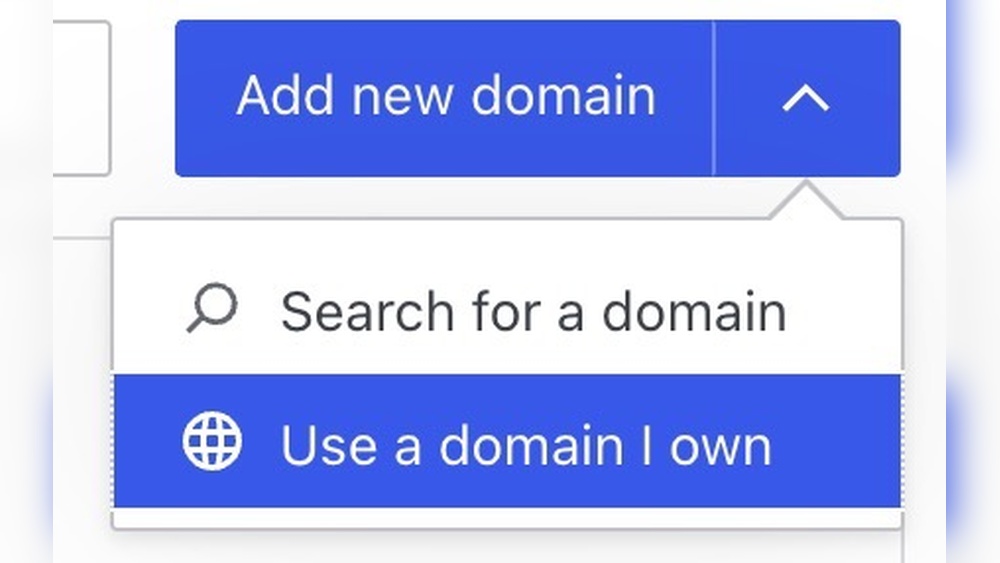
Are you ready to expand your online presence by adding a second domain to your WordPress site? Whether you want to manage multiple brands, create a new project, or simply keep your content organized, adding another domain can open up exciting possibilities.
But how do you do it without getting lost in complicated tech jargon? This guide will walk you through every step, making it simple and clear. By the end, you’ll have the confidence to connect that second domain and take your website to the next level.
Let’s dive in!

Credit: help.gohighlevel.com
Prepare Your Domains
Preparing your domains is the first step to add a second domain to your WordPress site. This step helps you organize and secure your new domain. It ensures a smooth setup process. Pay close attention to each part below to start right.
Choose Your Second Domain
Select a domain name that fits your website’s purpose. Keep it short and easy to remember. Avoid complex words or long phrases. Make sure it matches your brand or content.
Check Domain Availability
Verify if your chosen domain name is free to use. Use online tools like domain checkers for this. Avoid names already taken or trademarked. This step saves time and legal issues later.
Register The Domain
Buy your domain from a reliable registrar. Provide accurate contact details during registration. Choose a registration period that suits your needs. Secure the domain with privacy protection if possible.
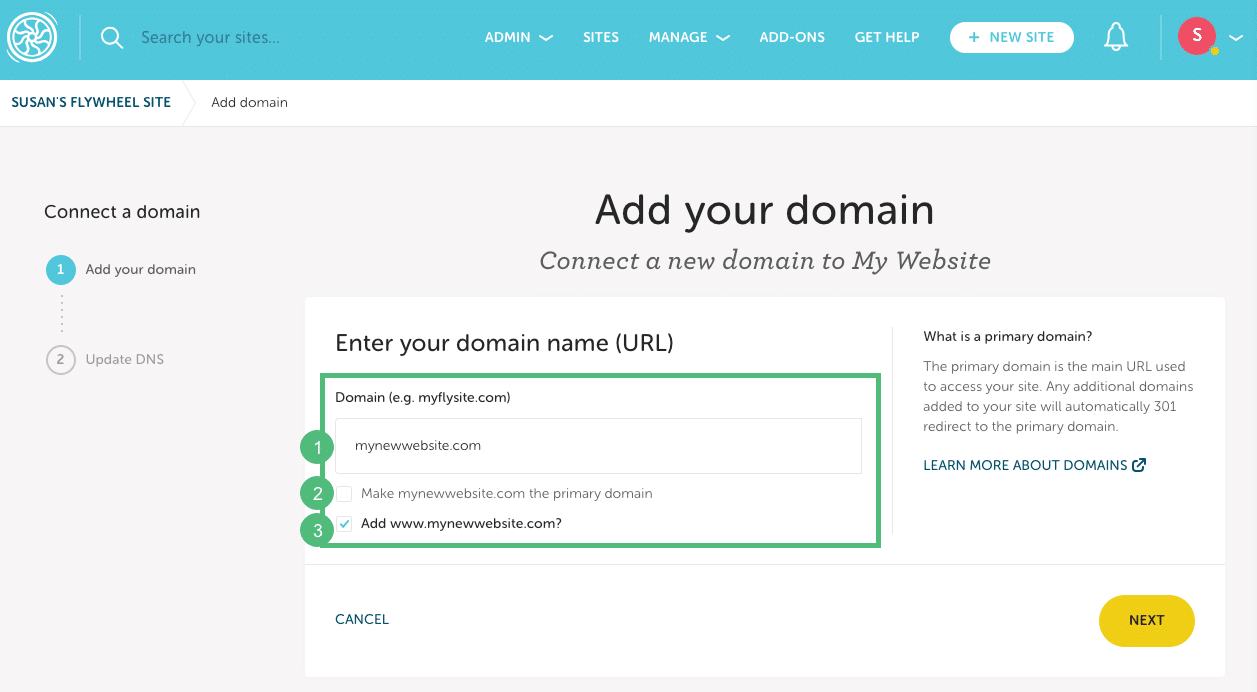
Credit: getflywheel.com
Set Up Hosting For Multiple Domains
Setting up hosting for multiple domains allows you to manage more than one website under a single hosting account. This saves money and simplifies site management. Before adding a second domain to WordPress, you must prepare your hosting environment. Proper setup ensures each domain works smoothly and securely.
Verify Hosting Plan Supports Multiple Domains
Check your hosting plan details to see if it supports multiple domains. Some basic plans only allow one domain. Upgrading may be necessary for adding more domains. Contact your hosting provider or check their website for this information.
Add Domain To Hosting Account
Log into your hosting control panel to add the new domain. Look for options like “Addon Domains” or “Domains.” Enter the domain name and set a folder for its files. This step links the domain to your hosting space.
Configure Dns Settings
Access your domain registrar’s dashboard to update DNS settings. Point the domain’s nameservers to your hosting provider. This action connects the domain to your hosting server. Wait a few hours for DNS changes to take effect.
Add Second Domain In WordPress
Adding a second domain to your WordPress site lets you expand your online presence. You can use multiple domains for different purposes. This helps to reach more visitors and organize your content better. The process involves a few key steps inside WordPress and your hosting setup. Follow these simple methods to link your new domain to your WordPress site effectively.
Use Domain Mapping Plugins
Domain mapping plugins make linking a second domain easier. These tools direct your new domain to your existing WordPress site. Popular plugins include “WordPress MU Domain Mapping” and “Mercator.” Install the plugin from the WordPress plugin directory. Activate it and follow the setup instructions. The plugin handles domain routing without complex coding. It works well for multisite or single site setups.
Configure Domain In WordPress Settings
Update your WordPress settings to recognize the new domain. Log in to your WordPress dashboard. Go to Settings, then General. Change the “Site Address (URL)” to your new domain. Save the changes carefully. This update tells WordPress to serve your site from the second domain. Check that your domain’s DNS points to your hosting server. This step is crucial for proper domain connection.
Set Up Ssl Certificate For New Domain
Secure your second domain with an SSL certificate. SSL encrypts data and builds trust with visitors. Most hosts offer free SSL via Let’s Encrypt. Request an SSL certificate for your new domain. Install it through your hosting control panel or ask support. After installation, force HTTPS by updating your .htaccess file or using a plugin. This ensures all traffic to your second domain stays secure.
Manage Content For Multiple Domains
Adding a second domain to WordPress can sometimes cause issues. These problems may slow down your site or stop it from working properly. Troubleshooting these common issues helps keep your site smooth and safe. This section covers easy fixes for frequent problems you might face.
Fix Dns Propagation Delays
DNS changes take time to spread across the internet. This process is called propagation. It can take from a few minutes to 48 hours. During this time, your new domain may not work correctly. Be patient and avoid making many changes at once. Use online tools to check if your DNS has fully updated.
Resolve Ssl Errors
SSL errors can block visitors from accessing your site. They happen if the SSL certificate is missing or not set up right. Use a free SSL certificate, like Let’s Encrypt, for your second domain. Make sure the certificate covers both domains. Clear your browser cache after installing SSL to avoid old error messages.
Handle Plugin Conflicts
Plugins can cause conflicts with your second domain. Some plugins may not support multiple domains well. Deactivate all plugins, then activate them one by one. Check your site after each activation. This helps find which plugin causes the issue. Update or replace the problematic plugin to fix the conflict.
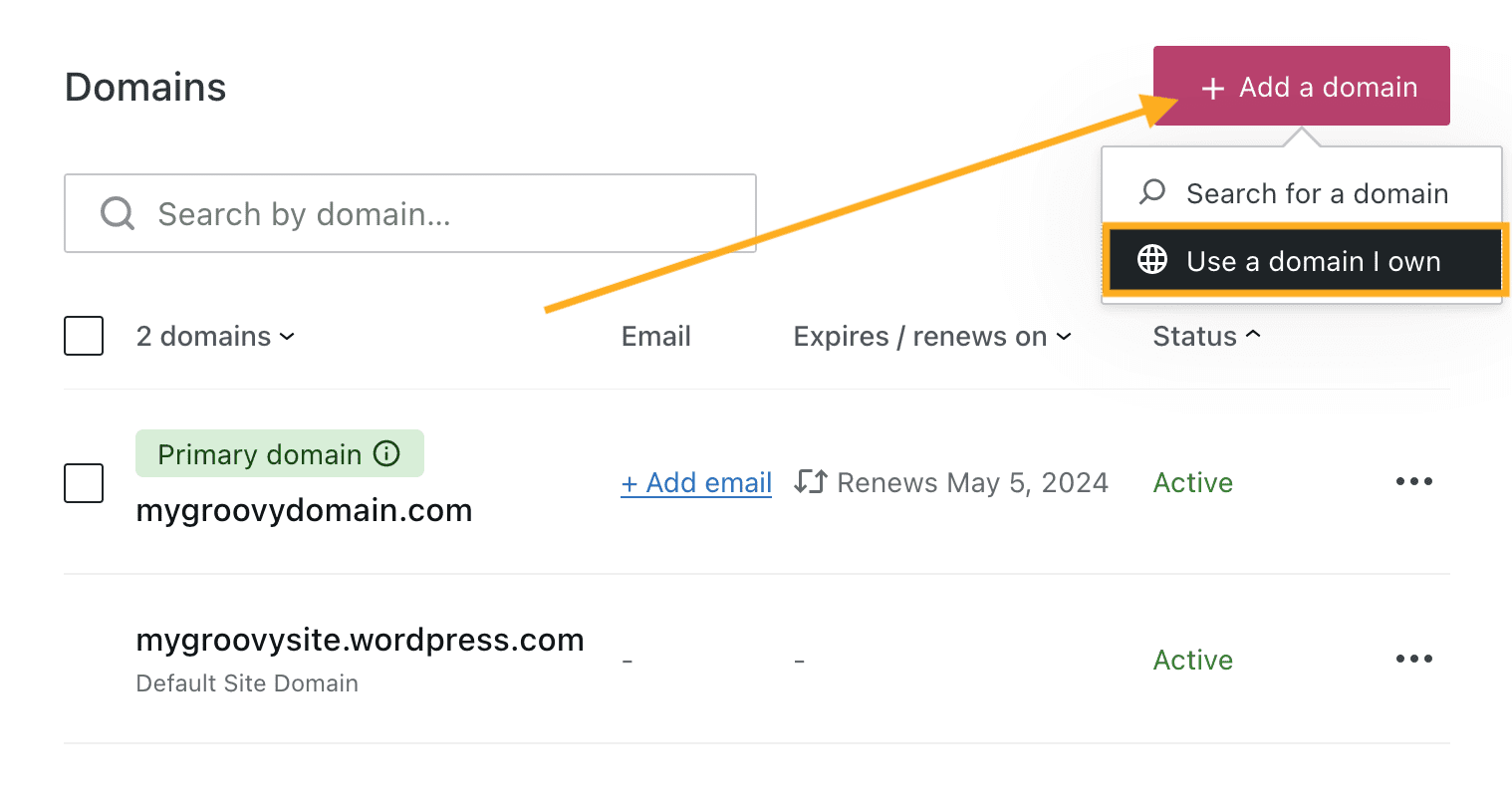
Credit: wordpress.com
Frequently Asked Questions
How Do I Add A Second Domain To WordPress?
To add a second domain, update your hosting settings to point the new domain to your WordPress folder. Then, configure WordPress multisite or domain mapping plugins to manage multiple domains easily.
Can I Use Different Content For Each Domain In WordPress?
Yes, by using WordPress multisite or domain mapping plugins, you can create unique sites with different content under one WordPress installation.
Do I Need A Separate Hosting Plan For A Second Domain?
No, most hosting plans allow multiple domains. Ensure your hosting supports multiple domains or multisite setups for smooth operation.
How Do I Redirect A Second Domain To My Main WordPress Site?
Use 301 redirects in your hosting control panel or WordPress plugins to forward visitors from your second domain to your main site seamlessly.
Conclusion
Adding a second domain to WordPress is simpler than it seems. You just need to follow clear steps and stay organized. This helps you manage multiple sites from one dashboard. Keep your domains connected properly to avoid issues. Regularly check your settings to ensure everything works well.
This way, your online presence grows smoothly and safely. Start today and enjoy managing more than one website easily.


