
Are you ready to transform your website with a unique look? Creating your own WordPress theme might sound daunting, but it’s surprisingly easy.
Imagine having complete control over your site’s design, without the need for complex coding or hiring a professional. This guide will show you simple steps to make a WordPress theme effortlessly. You’ll learn how to personalize every detail to match your vision and brand.
Whether you’re a seasoned blogger or just starting out, this article is packed with practical tips to help you create a theme that stands out. Dive in, and discover how you can bring your ideas to life with ease.
Getting Started
Choosing the right tools makes theme creation easy. Start with a good code editor. Atom and Visual Studio Code are popular choices. They are easy to use. They help you write code better. You also need a tool to check your work. Use XAMPP or MAMP for this. They help you see your theme locally. These tools are free. They work well for beginners.
A local environment is like a practice area. First, install your chosen tool. Then, create a new database. This is where your theme will live. After that, download WordPress. Put it in the right folder. Open your browser and type “localhost”. Follow the steps to set up WordPress. Now, you can start making your theme. This makes testing easy and safe. You can make changes without breaking your site.
Understanding WordPress Structure
WordPress themes consist of many files and templates. These files control how your site looks. Each file has a special role. For example, style.css handles the design. It changes colors and fonts. The index.php file is crucial. It displays your main page content. Templates like header.php and footer.php define top and bottom parts of the site. Easy to manage! You can edit these files to change your site. Just open them in a text editor. Then, save your changes. Your site updates instantly.
WordPress follows a hierarchy to load files. It starts with the most specific ones. If a file is missing, WordPress checks the next one. For example, it first looks for single-post.php for posts. If missing, it uses index.php instead. This system makes editing simple. You can control what users see. Just choose the right file to edit. Hierarchy helps keep files organized. Beginners find it easy to learn. It ensures your site runs smoothly.
Designing Your Theme
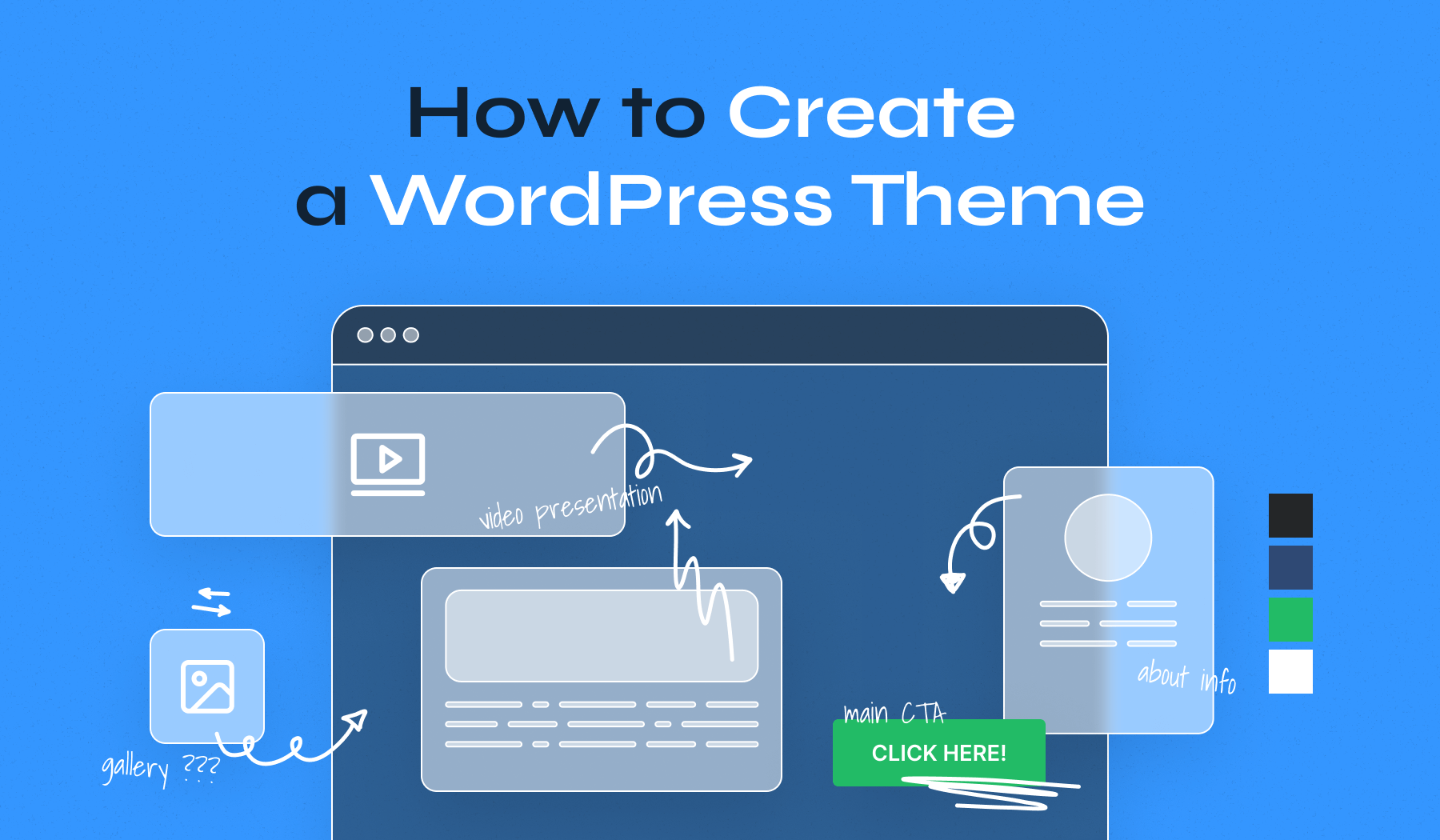
Start with a simple sketch. This is your mockup. Draw your homepage first. Think about where each part will go. Use rectangles and lines. Keep it simple. Add boxes for text and pictures. This shows where things will be. It helps you see your ideas. Use pencil and paper. It’s easy to change things. You can also use online tools. But paper is faster. Your mockup is your guide. It helps you build your theme.
Choose fonts that are easy to read. Simple fonts are best. Try Arial or Verdana. These are clear and easy. Pick two or three colors. Colors should match. Use a color wheel to help. Choose a main color. Then pick a second color. This is your accent color. Use it for buttons or links. Your colors should look good together. They make your site look nice.
Credit: www.elegantthemes.com
Coding The Theme
Start with HTML. It is the backbone of your theme. Use it to set up the basic structure. Add headings, paragraphs, and lists. Next, use CSS to make it look nice. Change colors and fonts. Give your theme a unique style. Both are important for good design.
PHP makes your theme dynamic. It adds power to your theme. Use PHP to fetch content from the WordPress database. Display posts, pages, and comments. Create loops for repeating elements like blog posts. With PHP, you can make your theme smart and interactive. It’s like magic for your website.
Adding Functionality
Custom widgets make your theme special. They add unique features to your site. You can create custom widgets using simple codes. These codes help you show different content. Like images, text, or links. Widgets can be placed in sidebars or footers. They help make the site interactive. Users find it easy to navigate. A few lines of code can do magic. Custom widgets are important for user engagement. They make your site look professional.
Plugins and extensions enhance your theme. They add extra features without coding. This is useful for beginners. Plugins can add forms, galleries, or even shops. Extensions make your theme work better. They are easy to install and use. Many free plugins are available online. Choose the ones that fit your needs. Plugins help in managing site functions. They save time and effort. Extensions improve site performance.
Credit: www.wpzoom.com
Testing And Debugging
Browser compatibility is very important. Your theme must work on all browsers. This includes Chrome, Firefox, and Safari. You should also test on Edge and Opera. Some features may not work the same. So, check your theme on each one. Look for errors or bugs. Fix them right away. The goal is a smooth user experience.
Design must be responsive. It should look good on all devices. This means desktops, tablets, and phones. Use tools to resize your browser. Check if everything fits well. Text should be readable. Images must not break. A good design will make users happy. More visits to your site can happen this way. Always keep testing and improving.
Optimizing For Performance
Creating a WordPress theme is simple with the right tools. Focus on performance by using lightweight design elements and clean code. This approach ensures faster load times, enhancing user experience and search engine rankings.
Minifying Css And Javascript
Minifying makes files smaller. Smaller files load faster. This boosts website speed. Remove spaces and comments in code. Use tools like CSSNano or UglifyJS. They make minifying easy. Faster websites keep users happy. Search engines love quick sites.
Image Optimization
Big images slow websites down. Use small images for faster loading. Tools like TinyPNG or JPEGmini help shrink images. They keep quality good. Use WebP format for images. It’s smaller and faster. Optimized images save space and speed up sites. Fast sites rank better.
Credit: neilpatel.com
Deployment And Maintenance
Creating a WordPress theme involves deployment and maintenance. Ensure smooth operation by regularly updating plugins and themes. Address issues quickly to keep the website running efficiently and securely.
Exporting The Theme
To export your WordPress theme, follow these steps. First, go to your dashboard. Find the theme you want to export. Click on it. Look for the “Export” option. Follow the instructions on your screen. Save the exported file on your computer. This file contains all your theme settings. It’s useful for backups. Make sure to keep it safe. You can import it later if needed. Exporting is quick and easy. It helps manage your theme better.
Regular Updates
Updating your theme regularly is important. It keeps your site secure. Check for updates in your dashboard. Install them promptly. Updates fix bugs and improve functions. They also enhance security. Set reminders for updates. This helps you not miss them. Some themes update automatically. Confirm this option in settings. Regular updates ensure your theme works well. Keep your website safe and efficient.
Frequently Asked Questions
Is It Hard To Make A WordPress Theme?
Creating a WordPress theme can be challenging for beginners. It requires knowledge of PHP, HTML, CSS, and JavaScript. Using starter themes and frameworks can simplify the process. Practice and patience enhance skills over time, making theme development easier. Many online tutorials and resources are available to guide you.
Which Theme Builder Is Best For WordPress?
Elementor is a top choice for WordPress theme building. It offers a user-friendly interface and extensive customization options. Divi also stands out for its versatility and robust design features. Both provide excellent support and regular updates, making them ideal for creating professional and responsive websites.
Is WordPress Theme Development Easy?
WordPress theme development can be easy with basic coding skills in HTML, CSS, and PHP. Beginners might find it challenging initially, but numerous tutorials and resources are available online. Practice and experience make the process smoother over time.
How Do I Create My Own Template In WordPress?
To create a WordPress template, access your theme folder via FTP. Create a new PHP file. Add the necessary HTML and WordPress template tags. Save the file, then activate it in the WordPress admin panel. Ensure your template has unique content and structure for better SEO performance.
Conclusion
Creating a WordPress theme is simpler than you think. With the right tools, anyone can do it. Start with a clear plan for your design. Then, use WordPress theme builders. They make the process easy. Follow the steps carefully. Don’t rush.
Test your theme before launching. Ensure it works well. Remember, practice makes perfect. Keep learning and improving your skills. Soon, you’ll create themes with ease. Share your creations with others. Enjoy the satisfaction of building something unique. Your WordPress journey can be fun and rewarding.
Happy designing!


