
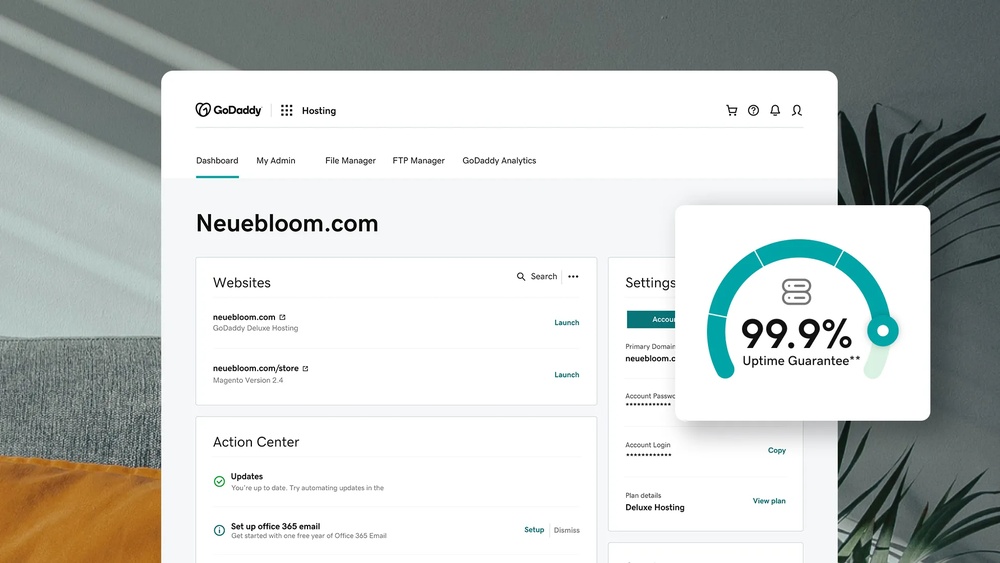
Are you wondering how many domains you can host with GoDaddy? Whether you’re starting a new project or managing multiple websites, knowing your hosting limits is crucial.
You want to make the most of your GoDaddy plan without running into unexpected restrictions. You’ll discover exactly how many domains you can host, what factors affect this number, and tips to get the best value for your money. Keep reading to unlock the full potential of your GoDaddy hosting!
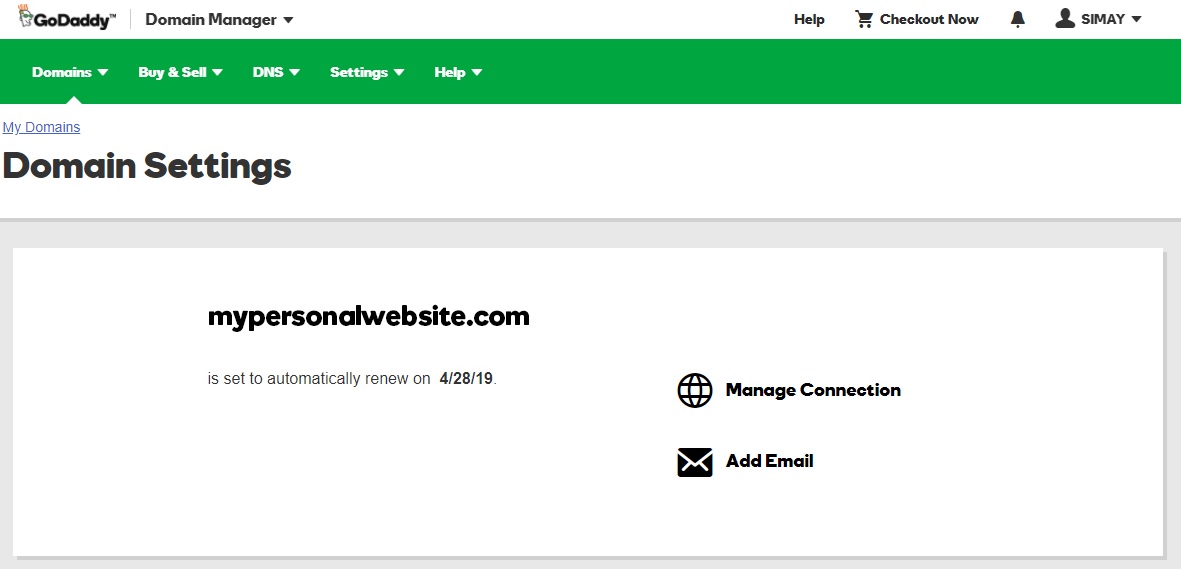
Credit: www.godaddy.com
Godaddy Hosting Plans
GoDaddy offers a variety of hosting plans to suit different needs. Each plan allows hosting a certain number of domains. Understanding these limits helps you choose the right plan for your websites. The plans range from basic shared hosting to more powerful VPS and dedicated server options. Let’s explore these plans and their domain hosting capacities.
Shared Hosting Limits
Shared hosting is ideal for small websites and beginners. GoDaddy’s basic shared hosting plan lets you host one domain only. Higher-tier shared plans allow hosting multiple domains. For example, the Deluxe and Ultimate plans support hosting unlimited domains. These plans share server resources with other users. This makes them affordable but limits performance on busy sites. Shared hosting is best for simple sites with moderate traffic.
Vps And Dedicated Options
VPS (Virtual Private Server) plans provide more power and control. These plans let you host many domains without strict limits. You get dedicated resources, so your sites run faster. VPS plans suit growing websites needing more speed and security.
Dedicated server plans offer the highest performance. You have full control over the server and can host unlimited domains. These plans are ideal for large businesses or high-traffic sites. Dedicated servers come with better hardware and enhanced security features.
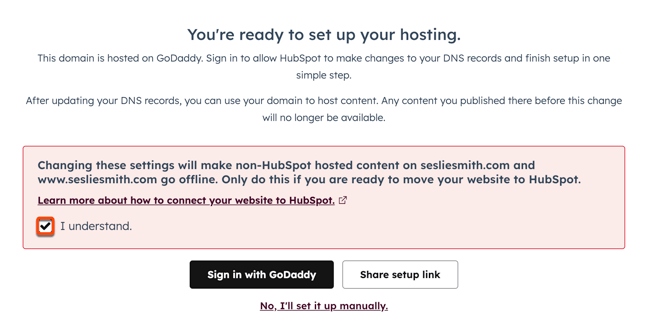
Credit: knowledge.hubspot.com
Domain Hosting Capacity
Domain hosting capacity is important for anyone managing websites. It shows how many domains you can host under one account. Knowing this helps you plan your online presence and manage costs.
GoDaddy offers different plans with varying limits on the number of domains. Some plans allow hosting just one domain, while others support multiple domains. This flexibility suits small blogs and growing businesses alike.
Number Of Domains Per Plan
GoDaddy’s basic hosting plan usually supports one domain. This is perfect for simple websites or beginners. The standard plans often allow hosting multiple domains. This means you can run several websites under one account. Higher-tier plans can host unlimited domains. These plans are ideal for web developers or businesses with many sites.
Addon Domains Explained
An addon domain is a secondary domain hosted on your main hosting account. It acts like a separate website with its own content. You don’t need to buy a new hosting plan for each addon domain. Addon domains help save money and manage websites easily. GoDaddy allows addon domains on most shared hosting plans. You just need to check your plan’s limit before adding domains.
Factors Affecting Hosting Limits
Hosting multiple domains on GoDaddy depends on several important factors. These factors set the limits on how many websites you can manage under one hosting account. Understanding these helps you plan your website needs better and avoid issues later.
Storage And Bandwidth
Storage is the space available on the server for your website files. Each domain uses some storage for images, videos, and web pages. If you host many domains, storage fills up faster.
Bandwidth is the amount of data your sites send and receive. More visitors use more bandwidth. Hosting many domains with high traffic can reach bandwidth limits quickly.
Check the storage and bandwidth limits in your GoDaddy plan. Choose a plan that fits your expected website size and visitor numbers.
Performance Considerations
Hosting many domains on one account can affect site speed. Server resources like CPU and RAM are shared among all sites. More domains mean more resource use, which may slow down your sites.
Sites with heavy content or high traffic need more resources. If your hosting plan has limited resources, your sites might load slowly or face downtime.
Choose hosting plans that offer enough resources. This keeps your sites fast and reliable even with multiple domains.
Managing Multiple Domains
Managing multiple domains on GoDaddy can feel complex without the right tools. Organizing your domains is key to saving time and avoiding errors. With proper management, you can easily control all your websites from one place.
Using the features available in your hosting account helps simplify domain handling. Clear organization keeps your projects on track and reduces confusion.
Using Cpanel Features
cPanel makes managing many domains easier. It allows you to add new domains quickly. You can set up subdomains and redirects with just a few clicks. The file manager helps keep your website files organized. Email accounts linked to each domain are easy to create and manage. Backups and security settings keep your sites safe. This control panel is user-friendly for beginners and experts.
Domain Organization Tips
Start by listing all your domains in one place. Group domains by project or client. Use clear and consistent naming for folders and emails. Keep track of renewal dates to avoid losing domains. Use spreadsheets or domain management tools for records. Regularly review your domains and remove unused ones. This approach saves money and improves efficiency.
Upgrading Hosting For More Domains
Managing multiple domains on GoDaddy requires the right hosting plan. Upgrading your hosting allows you to add more domains smoothly. This helps your websites run well and stay organized. Knowing when to upgrade and which plans to choose makes managing domains easier. Let’s explore how to scale your hosting effectively.
When To Upgrade
Notice slow website loading times? Adding more domains may cause this. If your current plan limits the number of domains, it’s time to upgrade. Running many sites on a single plan can strain resources. More visitors and data needs also signal a need to upgrade. Choose a plan that fits your growing web presence.
Best Plans For Scalability
GoDaddy offers plans designed for hosting many domains. Business hosting and VPS plans handle more sites with better speed. These plans provide more storage and bandwidth. They also offer tools to manage domains easily. Pick a plan that grows with your website needs. This keeps your domains secure and fast.
Alternatives To Godaddy For Domain Hosting
Many people choose GoDaddy for domain hosting. Still, some want other options. Different hosts offer various features and prices. Exploring alternatives helps find the right fit for each need.
Choosing the best host depends on budget, ease of use, and support. Some hosts might allow more domains or provide better tools. Knowing these differences makes the decision easier.
Other Popular Hosts
Namecheap is a popular choice for domain hosting. It offers affordable prices and free privacy protection. Bluehost is known for easy website setup and good customer service. HostGator provides flexible plans with unlimited domains. DreamHost stands out with strong security features and a simple interface.
Comparing Features And Limits
Some hosts limit the number of domains you can register. Others offer unlimited domains at higher price points. Privacy protection often comes free or as an add-on. Customer support varies from live chat to phone and email. Storage and bandwidth limits affect website performance. Check renewal fees to avoid surprises later. Choose a host that matches your domain needs and budget.
Maximizing Your Hosting Potential
Maximizing your hosting potential with GoDaddy means using your resources smartly. Hosting multiple domains on one account can save money and effort. The key is to keep your websites fast, secure, and easy to manage. This section shows how to optimize your hosting setup and protect your sites.
Optimizing Resource Usage
Monitor your storage and bandwidth regularly. Avoid overloading your server with too many large files. Use caching to reduce load times for visitors. Compress images and files to save space. Choose lightweight themes and plugins for faster performance. Delete unused files and backups to free up space. Keep your databases clean by removing old data. Spread your domains evenly to prevent any one site from slowing down. These steps help keep your hosting smooth and efficient.
Security Best Practices
Secure your domains with strong, unique passwords. Update all software, themes, and plugins often. Use SSL certificates for all your websites to protect visitor data. Set up firewalls and malware scans regularly. Limit login attempts to avoid hacking attempts. Back up your sites frequently and store copies safely. Monitor your sites for unusual activity or errors. Separate critical sites from less important ones if possible. Good security keeps your domains safe and your visitors confident.

Credit: www.godaddy.com
Frequently Asked Questions
How Many Domains Can I Host On Godaddy?
GoDaddy allows hosting multiple domains depending on your hosting plan. Shared plans usually support 1-25 domains. Higher-tier plans like Business or VPS let you host unlimited domains. Check your specific plan details for exact limits and upgrade if needed for more domains.
Does Godaddy Support Hosting Multiple Domains On One Account?
Yes, GoDaddy supports hosting multiple domains on a single hosting account. Plans like Deluxe, Ultimate, and Business enable hosting several domains. This helps manage websites efficiently without buying separate hosting for each domain. Always verify your hosting plan features before purchasing.
Can I Host Unlimited Domains On Godaddy?
GoDaddy offers unlimited domain hosting on select plans like Ultimate and Business hosting. Unlimited means no set limit on hosted domains, but resource usage must comply with terms. For unlimited hosting, choose plans designed for multiple websites and high traffic.
Do I Need Separate Hosting For Each Godaddy Domain?
No, you don’t need separate hosting for every domain if your plan supports multiple domains. Hosting multiple domains on one account saves cost and simplifies management. However, if domains require unique resources, separate hosting might be beneficial.
Conclusion
GoDaddy lets you host multiple domains depending on your plan. Shared hosting usually supports one or a few domains. VPS and dedicated servers allow many more domains. Choose the plan that fits your website needs and budget. Managing several domains is easy with GoDaddy’s tools.
Always check your plan’s limits before buying. This helps avoid extra fees and technical issues. Hosting multiple domains can grow your online presence. Start simple and upgrade as your websites grow. Keep your domains organized for better control and success.


