
Imagine having a website that perfectly reflects your brand, style, and vision. Sounds ideal, right?
With WordPress, you have the power to transform your site with just a few clicks. But how easy is it to make changes to a WordPress theme? Whether you’re a seasoned web designer or a curious beginner, understanding the simplicity and flexibility of WordPress theme customization can open up a world of possibilities.
Picture yourself effortlessly tweaking colors, fonts, and layouts to make your site uniquely yours. In this blog post, we’ll demystify the process and show you how seamless it can be to tailor your WordPress theme to suit your needs. Stick around to discover the tricks and tips that can make your website stand out without breaking a sweat.
Choosing The Right Theme
Picking a theme is an important step. The right theme makes your site look good. It also helps users find information easily. Consider the design. Is it clean? Is it simple? A cluttered design confuses visitors. Responsiveness is key. The theme must work on phones and tablets. Check for customization options. Can you change colors and fonts? This adds a personal touch. SEO-friendly themes help your site rank better. Fast loading speeds are crucial too. Nobody likes to wait for a page to load. Lastly, check if the theme supports plugins. Plugins add extra features to your site.
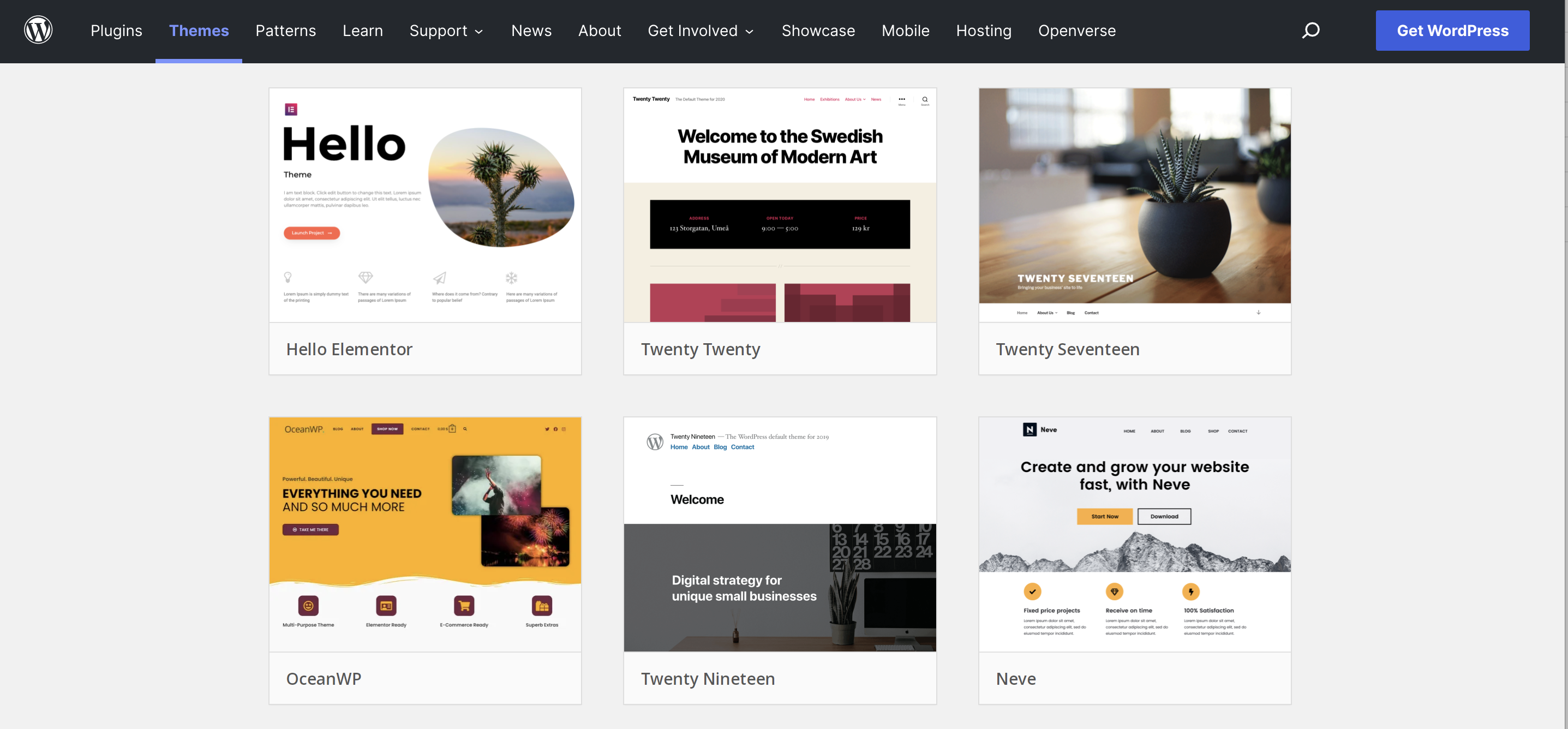
Some themes are popular for good reasons. Astra is lightweight and fast. It offers many customization options. OceanWP is another favorite. It’s great for beginners. It works well with plugins. Divi offers a drag-and-drop builder. This makes designing easy for everyone. GeneratePress is known for its speed. It also supports many plugins. Neve is good for small businesses. It’s easy to set up and use. All these themes are easy to change. They help create a unique website.
Credit: jetpack.com
Basic Customization
WordPress themes offer straightforward customization options. Users can easily adjust colors, fonts, and layouts with intuitive tools. Even beginners find it simple to personalize themes without coding.
Using The Theme Customizer
The Theme Customizer is a simple tool in WordPress. It helps you make changes to your theme. You can change colors, fonts, and background images. You see the changes in real-time. It’s like magic! Just click and watch the magic happen. No coding needed. It’s perfect for beginners. You can also add a logo. The logo
Editing Theme Settings
Editing theme settings is simple. Go to the WordPress dashboard. Click “Appearance”. Then, click “Theme Settings”. You can change layout and header settings. Pick what you like best. You can also change footer settings. It’s easy to add social media links. Just paste your link in the box. You can turn features on or off. Explore the settings without fear. If you make a mistake, you can fix it. Just click “Reset” to go back. Enjoy making your site unique!
“`Advanced Customization
Child themes are like a copy of your main theme. They let you change things without breaking the original theme. This way, you can update the main theme anytime. Your changes stay safe. To create a child theme, make a new folder. Then, add a style.css file. This file tells WordPress about your child theme. You can also add a functions.php file. This file helps you add more features.
Custom CSS changes how your website looks. You can change colors, fonts, and sizes. Use the WordPress Customizer to add your CSS. It’s easy. Just go to Appearance, then Customize. Find the Additional CSS section. Type your changes there. Remember, CSS is like a set of rules. It tells the website how to look. You can make your site unique with CSS.

Credit: docs.themeisle.com
Utilizing Plugins For Theme Changes
Plugins are like magic tools for your website. They help change your theme easily. Elementor is a popular plugin. It makes your site look pretty. Yoast SEO helps with search engines. It makes your site easy to find. There is also Jetpack. It adds many cool features. These plugins are free or cost a little. They are easy to use. Even for beginners.
Some plugins make your theme do more things. WooCommerce lets you sell things online. Contact Form 7 adds forms for messages. WP Super Cache makes your site fast. These plugins add power to your theme. They make your site better. You can find them in the plugin store. They install with one click.
Troubleshooting Common Issues
Changing a WordPress theme is easy with user-friendly interfaces. Navigate to Appearance, select Themes, and customize your choice. Troubleshooting common issues involves checking compatibility with plugins and ensuring your theme supports desired features.
Error Handling
Errors can happen with any WordPress theme. Always check the error messages. Look for missing files or wrong codes. Fixing errors is like solving puzzles. Update plugins regularly to avoid problems. Disable plugins one by one to see which causes trouble. Check your PHP version. Some themes need specific versions. Keep backup copies of your theme. It helps to restore things if you mess up. Don’t panic when errors appear. Follow steps calmly.
Backup And Restore
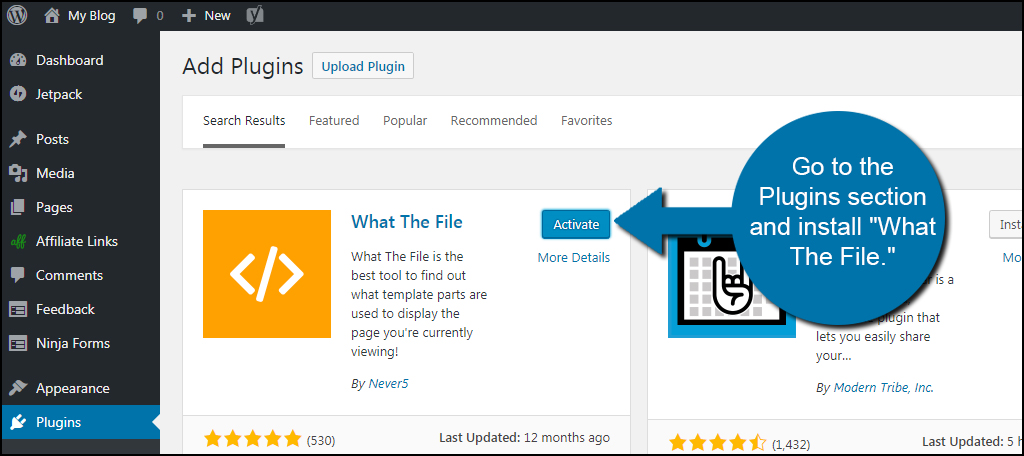
Backing up is very important. Always save a copy of your theme. Use plugins to make backups easy. Restoring a theme is simple with a backup. Click restore and your theme is back. Save settings and custom changes. This helps when you need to restore. Back up your database too. It stores all your data. Use plugins like UpdraftPlus for safe backups. Keep backups on cloud storage. This makes it easy to access anytime.
Credit: www.greengeeks.com
Best Practices For Theme Modification
Changing a WordPress theme can be simple with a little knowledge. Customize elements like colors, fonts, and layouts easily. Utilize built-in tools and plugins for a smoother experience.
Maintaining Theme Integrity
Change themes carefully to keep them working well. Always back up your theme before making changes. This helps if something goes wrong. Use a child theme for changes. It keeps the main theme safe. Don’t change the core files of the theme. This can break it. Try using custom CSS for style tweaks. It’s safer and doesn’t touch the core.
Regular Updates
Keep your theme updated. New updates fix bugs. They add new features. Regular updates improve security. They keep your site safe. Always check for theme updates. Set reminders if needed. Updates keep your theme working smoothly. They enhance performance. They ensure compatibility with plugins.
Exploring Professional Help
Changing a WordPress theme is simple. Access the dashboard, navigate to ‘Appearance’, then ‘Themes’. Choose a new theme and click ‘Activate’. Customization options allow further tweaks, enhancing your site’s look.
Hiring A Developer
Hiring a developer can make theme changes easy. Developers know the ins and outs of WordPress. They can customize themes to fit your needs. Hiring someone skilled can save you time. You don’t have to learn coding yourself. Developers often work quickly and efficiently. This can be a cost-effective choice. They ensure themes look professional. Your website can stand out with unique designs. A developer can offer advice on best practices. This helps keep your site running smoothly. Consider hiring a developer for more complex changes. This can be a wise investment.
Community Support
WordPress has a strong community support system. Many users offer help and advice online. Forums are full of tips and tricks. You can find answers to common problems. Community members often share tutorials. These can guide you through simple theme changes. Support is available for both beginners and experts. It’s easy to ask questions and get feedback. This makes learning new skills fun and easy. Community support can be a valuable resource. You can connect with others and learn together. This helps build confidence in making theme changes.
Frequently Asked Questions
Is It Easy To Change WordPress Theme?
Changing a WordPress theme is simple. Navigate to the “Appearance” section in the dashboard. Choose a new theme and activate it. Always preview before activating to ensure compatibility with your content. Back up your site to avoid data loss during the change.
Check for theme-specific settings and adjustments.
Can I Edit A WordPress Theme?
Yes, you can edit a WordPress theme. Use the WordPress Customizer for basic changes. For advanced edits, access the theme files via FTP or the built-in theme editor. Always create a child theme to ensure updates don’t overwrite your changes.
Is It Easy To Customize WordPress?
Yes, customizing WordPress is easy. It offers user-friendly themes and plugins. You can modify layouts, colors, and features without coding.
Can I Change WordPress Themes Without Losing Content?
Yes, you can change WordPress themes without losing content. Themes only affect design and layout. Always back up your site before switching themes to ensure safety. After changing, review your site for any customization adjustments needed. Content such as posts and pages remain intact.
Conclusion
Changing a WordPress theme is simpler than you think. Explore theme options, and choose one that suits your needs. Customize it through the WordPress dashboard. Colors, fonts, and layouts can be adjusted with ease. Use plugins to extend functionality. Always back up your site before making changes.
Experiment without fear; you can always revert. Seek help from online communities if needed. Enjoy the creative freedom WordPress offers. With practice, you’ll become more confident. Your website will reflect your unique style. Embrace the process and make your site shine.


