
Ever wonder how your favorite websites are always just a click away? It’s all thanks to web hosting.
If you’re new to the digital landscape, the concept of web hosting might seem like a mystery. But don’t worry, it’s simpler than you think. Imagine your website as a house. Just like a house needs land to sit on, your website needs space to exist on the internet.
That’s where web hosting comes in. As you dive into this article, you’ll discover how web hosting acts as the foundation for your online presence. We’ll break down the essentials in a way that’s easy to grasp. By the end, you’ll have a clear picture of how web hosting works and why it’s crucial for your website’s success. So, are you ready to unlock the secrets of web hosting? Let’s get started!
Web Hosting Basics
Web hosting keeps websites online. It stores files on a server. Visitors see your site through their browsers. Without hosting, your site cannot be seen. It’s like renting space on the internet. Hosting gives you a spot to show your website.
There are important parts in web hosting. First, there is the server. It stores all your files. Next, bandwidth is needed. It lets data move from the server to users. Then, there’s storage space. It holds all the website’s files. Lastly, the domain name acts like a street address. It helps users find your website easily.

Credit: calhoun.edu
Types Of Web Hosting
Shared hosting is like living in an apartment. You share space with others. It is cheap and easy to use. Many websites use one server. Resources are shared. Good for small sites.
VPS hosting is like owning a condo. You get more space. It is more secure than shared hosting. The server is split. Each user has a part. Good for medium sites.
Dedicated hosting is like owning a house. You get the whole server. More control and power. Best for large sites. It is expensive but fast. No sharing with others.
Cloud hosting is like living in many places at once. Many servers help you. It is flexible and reliable. Good for growing sites. You pay for what you use.
Domain And Hosting Relationship
The Domain Name System or DNS is like a phonebook. It helps people find websites. Each domain name has a special number. This number is called an IP address. DNS turns the domain name into this IP address. So, your computer can find the website.
For example, you type www.example.com. DNS changes it into numbers like 192.0.2.1. Now, your computer knows where to go. This makes finding websites very easy.
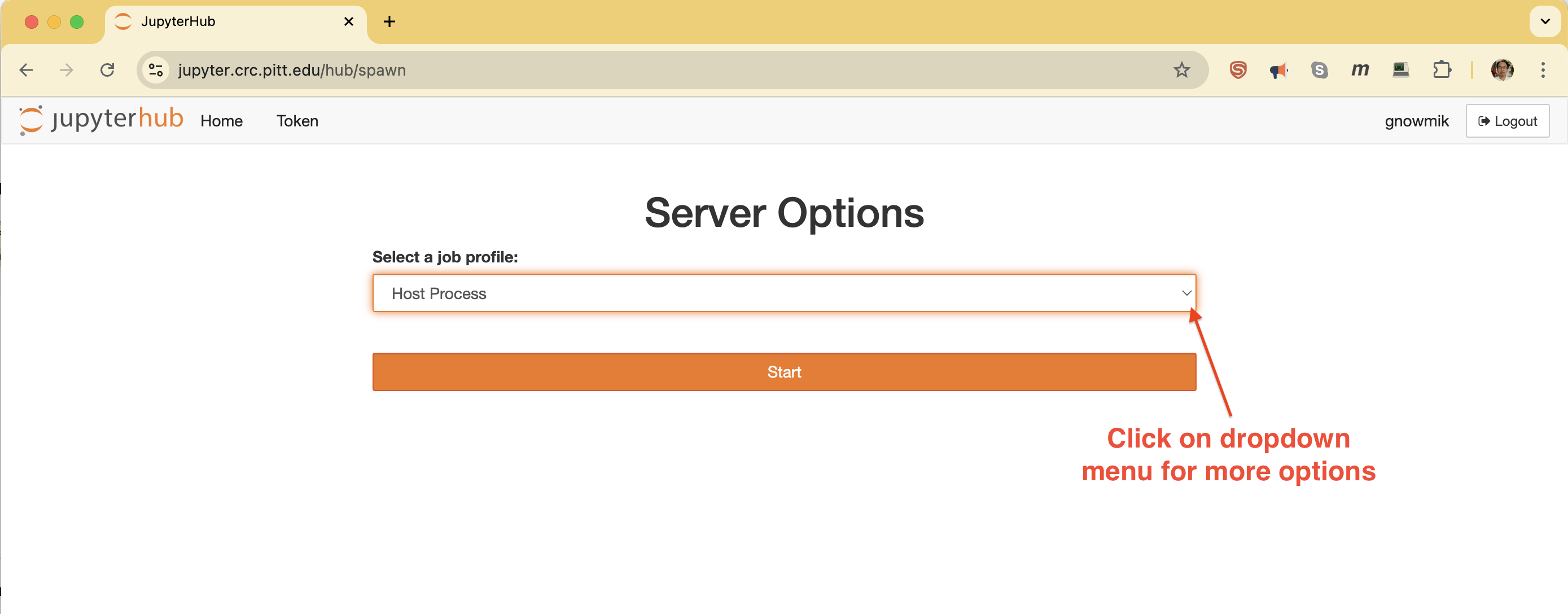
Domains and hosting work together. Think of a domain as a website’s address. Hosting is the website’s house. When you buy a domain, you need hosting too. Hosting keeps all the website files safe. Visitors use the domain to see these files.
When you type a domain, it goes to the hosting server. This server sends back the website to your screen. This is how you see the website. It’s a teamwork between domain and hosting. Both are important for a website.
Credit: crc-pages.pitt.edu
Choosing A Web Host
Picking a web host is important. It keeps your website online. Think about cost first. Some are cheap. Others are expensive. Speed matters too. Fast hosts keep visitors happy. Support is crucial. You need help when things go wrong. Check for reliability. A stable host is best. Look at features. Some hosts offer free domains and emails. Choose what fits your needs.
| Provider | Price | Speed | Support |
|---|---|---|---|
| Host A | $5/month | Fast | 24/7 |
| Host B | $10/month | Very Fast | 24/7 |
| Host C | $3/month | Moderate | Limited |
Setting Up Your Website
A domain is your website’s name on the internet. It’s like your home address. You need to pick a good name. It should be easy to remember. Use a trusted domain registrar to buy it. Make sure the name is not taken. Once done, your domain is yours. Keep it safe.
A Content Management System (CMS) helps build your site. WordPress is a popular choice. It’s user-friendly and free. First, download the CMS. Then, upload it to your hosting server. Follow the instructions to set it up. Now, you can start adding content. Change the design with themes. Make your site unique.

Credit: www.alamy.com
Managing Web Hosting
Web hosting involves storing your website’s files on a server, making them accessible online. It works by renting space on a server from a hosting provider. This service ensures your site runs smoothly and remains available to users worldwide.
Control Panels
Control panels help manage web hosting accounts. They provide a user-friendly interface. You can add or remove websites easily. Manage email accounts with a few clicks. Control panels offer tools to monitor website performance. They make website management simple and efficient. Popular control panels include cPanel and Plesk. These panels support multiple languages. Even beginners find them easy to use.
Security Measures
Security is vital for web hosting. Protect your website from hackers and viruses. Use strong passwords for all accounts. Regular updates keep your software safe. Enable firewalls to block unwanted access. Use SSL certificates for secure connections. Backup your data frequently. This ensures you can restore it if needed. Choose a host with strong security measures. This keeps your website safe.
Troubleshooting Common Issues
Web hosting works by storing website files on servers, making them accessible online. Common issues include slow loading times, server downtime, and domain errors. Troubleshooting involves checking server configurations, reviewing hosting plans, and ensuring proper domain settings.
Server Downtime
Server downtime means your website is not working. Visitors can’t see your pages. This can happen for many reasons. Power failure can cause downtime. Hardware problems can also stop servers. Maintenance is necessary but may lead to downtime. Check server status regularly. Use tools to monitor uptime. Report downtime to your host quickly. Ask them for solutions. Reliable hosts help fix downtime fast. Choose hosts with strong support.
Performance Optimization
Websites should load fast. Slow websites lose visitors. Optimize images to speed up loading. Minimize code to enhance performance. Use fewer plugins. Caching helps in storing data temporarily. It makes websites faster. Upgrade servers for better speed. Check your website speed. Use online tools for speed tests. Improve speed to keep visitors happy. Fast websites lead to more visits.
Future Of Web Hosting
Web hosting is changing fast. New technologies make things better. Faster servers and smarter systems help websites work well. These advancements make websites load quickly. This keeps visitors happy. Better security protects data from bad people. Using cloud technology is common now. It helps in handling more traffic. It also saves costs. These changes are important for businesses.
Many new trends are coming in web hosting. One is green hosting. This means using energy smartly. It helps the earth. Another trend is edge computing. It brings data closer to users. This makes websites fast. AI technology is also helping. It improves customer support and makes systems smarter. Watching these trends helps you stay updated. They are shaping the future of web hosting.
Frequently Asked Questions
How Does The Web Hosting Work?
Web hosting stores your website files on a server. It allows users to access your site online. Hosting providers offer space and bandwidth for your website. You choose a plan based on your needs. Reliable hosting ensures fast loading times and uptime, enhancing user experience and SEO.
How To Web Hosting Step By Step?
Choose a reliable hosting provider. Select a suitable plan. Register a domain name. Set up your hosting account. Upload website files. Configure settings.
What Is Web Hosting For Dummies?
Web hosting stores your website files on servers, making them accessible online. It’s essential for website visibility and functioning. Choose reliable hosting for speed and security, ensuring smooth user experiences. Understand different hosting types like shared, VPS, and dedicated to find the best fit for your website needs.
What Are The Three Types Of Web Hosting?
The three types of web hosting are shared hosting, VPS (Virtual Private Server) hosting, and dedicated server hosting. Shared hosting is cost-effective. VPS hosting offers better control and scalability. Dedicated server hosting provides maximum performance and security. Choose based on your website’s needs and budget.
Conclusion
Web hosting acts as a home for websites. It stores your site data. Makes it accessible online. Choosing the right web host is crucial. It affects your site’s speed and security. Look for reliable customer support. Consider your budget. Understand the types of hosting available.
Shared, VPS, and dedicated hosting have different benefits. Match your needs with the right type. Good hosting enhances user experience. It builds your online presence effectively. Start your web hosting journey with confidence. Remember, a stable host is key to success.
Keep learning. Stay informed. Make wise choices for your website’s growth.


