
Are you looking to create a stunning, fast, and responsive website using WordPress and Elementor? If you want complete control over your design without any unnecessary frills, the Hello theme is your perfect solution.
This lightweight theme, specifically designed to work seamlessly with Elementor, offers you the flexibility and speed you need to stand out online. We’ll guide you step by step on how to get the Hello theme up and running on your WordPress site.
By the end, you’ll have the tools to turn your creative vision into a reality. Don’t miss out on unlocking the full potential of your website—read on to discover how to make the Hello theme work for you!

Credit: wordpress.org
Introduction To Hello Theme
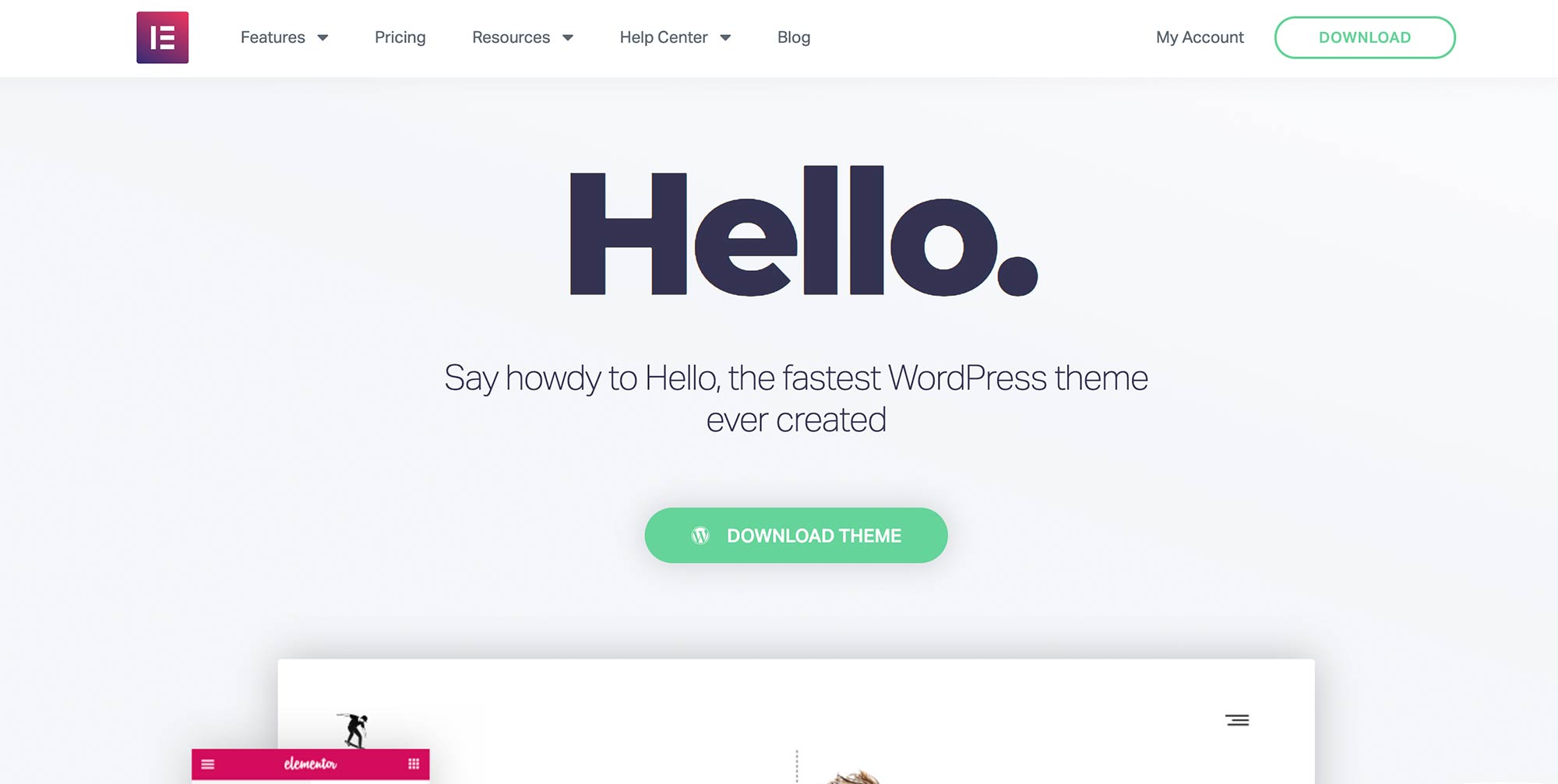
Hello Theme is a free theme for WordPress. It works well with Elementor. Many people use it for building websites. This theme is very lightweight and fast. It helps websites load quickly.
Hello Theme has a simple design. This makes it easy to customize. You can change colors, fonts, and layouts. The theme is compatible with most plugins. This makes it flexible for different uses.
Many website builders prefer Hello Theme. It gives a clean look to websites. Users find it easy to learn and use. This makes it a popular choice for beginners.
Features Of Hello Theme
Hello Theme is very light. It loads quickly. This helps your website run fast. Fast websites are good for users. They also help with search rankings.
You can change many things in Hello Theme. It gives many customization options. You can change the colors. You can change the fonts. It is easy to make your site look unique.
Hello Theme works well with Elementor. Elementor is a popular page builder. You can create pages easily. Drag and drop is simple. No need to code.
Benefits Of Using Hello Theme
Improved Loading Speed is a key benefit of the Hello Theme. Your site loads faster because the theme is lightweight. Faster websites make visitors happy. They don’t like waiting for slow pages.
Enhanced Flexibility allows you to design freely. Add any feature you want. The theme works well with Elementor. You can create designs that are unique. Be creative!
SEO Optimization helps your site rank better on Google. The theme is clean and simple. Search engines find it easier to read. This helps more people find your site.
Installing Hello Theme
Accessing the Theme Repository is easy. Go to your WordPress dashboard. Click on Appearance. Then click Themes. You will see the Add New button at the top. Click it. A search bar will appear. Type “Hello Theme” in the search bar.
Downloading Hello Theme is simple. Once you find the theme, click the Install button. The theme will download in seconds. You will see a message confirming the download.
Activating the Theme is the last step. Click the Activate button. Your site will now use Hello Theme. Visit your site to see the new look. It should be clean and fast. Enjoy the new theme!
Setting Up Hello Theme With Elementor
Begin by installing the Hello Theme on your WordPress site. Next, add the Elementor plugin. This tool is very helpful. It allows you to design your site easily. Drag and drop features make it simple. Choose layouts and colors. Create pages quickly with Elementor.
Use Elementor’s tools to change your site’s look. Adjust fonts, colors, and backgrounds. Make it unique. Choose templates that fit your style. Add images and text blocks. Make sure everything looks neat. Keep it simple and clean. This helps visitors understand your site better.
Elementor lets you add many widgets. Include image galleries and contact forms. Add social media links. These features engage visitors. Use sliders for images. Include buttons for actions. Make your site interactive. This enhances user experience.

Credit: wordpress.org
Troubleshooting Common Issues
Themes may clash with each other. Always use one theme at a time. Check if plugins are causing issues too. Disable them one by one. Identify the faulty plugin. Update all themes and plugins regularly. This ensures smooth operation.
Sometimes the layout looks odd. Check settings in the Elementor panel. Adjust the width and height. Ensure all sections are aligned. Use padding and margin tools. These help in positioning elements correctly.
Slow websites are annoying. Optimize images to load faster. Use caching plugins to boost speed. Always update WordPress and plugins. These updates often improve performance. Keep the number of plugins to a minimum.
Tips For Maximizing Hello Theme
Hello Theme has many advanced features. These features make your website look great. Use widgets to add fun elements. Drag and drop items easily. Add custom designs for a fresh look. Try using different layouts. This can change how your site feels. Adjust settings to fit your needs.
Updates are important for security. Keep your theme updated. New updates bring new features. They fix bugs too. Check for updates often. Update your plugins too. This helps your site run smoothly. Don’t forget to back up before updating. This saves your work.
A good user experience is key. Make sure your site loads fast. Users don’t like slow sites. Use clean designs. Simple is best. Make sure links work. Broken links frustrate users. Test your site on phones. Many people use mobile devices. Keep the design easy to use.
Credit: wpmarmalade.com
Frequently Asked Questions
How To Install Hello Theme In Elementor?
To install the Hello theme in Elementor, go to your WordPress dashboard. Navigate to Appearance > Themes, click “Add New. ” Search for “Hello Elementor,” then click “Install” and “Activate. ” This lightweight theme pairs perfectly with Elementor, enhancing design flexibility and site performance.
Is The Hello Elementor Theme Free?
Yes, the Hello Elementor theme is free. You can download it from WordPress. org. It’s lightweight and fast, perfect for building websites. Suitable for Elementor page builder. Great for developers and designers. It provides a clean slate for customization. Ideal for creating high-performance websites.
Which Is Better, Astra Or Hello Elementor?
Astra is highly customizable and lightweight, ideal for diverse websites. Hello Elementor is perfect for Elementor users, offering seamless integration. Choose Astra for versatility and Hello Elementor for Elementor-focused design.
What Is The Difference Between Hello Elementor And Woodmart?
Hello Elementor is a lightweight theme optimized for speed and Elementor compatibility. Woodmart is a feature-rich, multipurpose theme offering extensive design options and WooCommerce integration.
Conclusion
Exploring Hello Theme with Elementor enhances your WordPress experience. Installation steps are straightforward. Customize layouts effortlessly, reflecting your brand’s style. Enjoy the seamless integration with Elementor’s widgets. Your website will look clean and professional. No coding skills needed. Boost site speed with optimized performance.
User-friendly interface ensures ease of use. Ideal for beginners and experienced users alike. Discover creative possibilities with Hello Theme. Make your site stand out. Elevate your online presence today. Embrace simplicity and efficiency. Get started and see the results. Your perfect WordPress site awaits.
Happy designing!


