
Choosing the right web host for your site can feel overwhelming, but it doesn’t have to be. You want your website to run smoothly, load quickly, and be secure.
But with so many options out there, how do you know which web host is the best fit for your specific needs? Imagine having a site that not only performs well but also aligns perfectly with your goals, whether it’s a personal blog or a bustling e-commerce platform.
This article will guide you through the essentials of determining the perfect web host for your site. You’ll learn how to avoid common pitfalls, optimize your site’s performance, and ensure you’re getting the best value for your money. Keep reading to discover how you can make an informed decision that will benefit your site in the long run.
Web Hosting Basics
Choosing the right web host is important. A web host stores your site’s data. It helps people access your site. Think of it as your site’s home. Different types of hosting exist. Shared hosting is a good start. Many sites share one server. It’s cheaper and easy for beginners. Dedicated hosting gives your site its own server. It’s more secure but costs more. Cloud hosting uses multiple servers. It keeps your site online even if one server fails. Pick the hosting based on your needs and budget.

Credit: www.hostinger.com
Types Of Web Hosting
Shared hosting is a simple way to host a site. Many websites share one server. This makes it cheaper. But, it can be slow at times. Good for small websites.
VPS stands for Virtual Private Server. It is like having your own small server. More control than shared hosting. It is faster and more reliable. Good for medium-sized websites.
Dedicated hosting means one server for one site. It is very fast and secure. You have full control. Best for large websites. But, it costs more.
Cloud hosting uses many servers. If one server fails, others help. It is flexible and can grow easily. Perfect for busy websites. It can handle lots of visitors.
Assessing Website Needs
Websites with high traffic need strong servers. A powerful server helps the website stay fast. Small websites might need a basic plan. Check the average visitors each month. Choose a host that can handle this number. Always plan for a little more traffic.
Storage is important. Websites with many images or videos need more space. Text-based sites use less storage. Find out how much data your site will have. Some hosts offer unlimited storage. This is a good choice for growing sites. Always look at your current needs and possible growth.
Good technical support is very helpful. Problems can happen anytime. Make sure the host offers 24/7 support. They should have a chat or phone option. Read reviews to see how good their support is. Always choose a host with fast and friendly help.
Evaluating Hosting Features
Uptime is crucial. It shows how often a site is online. Reliability means your site works every time. A good host keeps your site running. Check for high uptime percentages. 99.9% uptime is ideal. Small downtimes can hurt your site. Choose wisely.
Security keeps your site safe. Look for SSL certificates. They protect data. Firewalls stop attacks. Backup plans are essential. They save your site from loss. 24/7 monitoring is important. It catches threats early. Secure hosts protect your data.
Scalability means your site grows easily. More visitors need more resources. Some hosts offer easy upgrades. Flexible plans help when traffic spikes. Resource limits matter. Ensure your host can expand when needed. Growing sites need scalable options.
Budget Considerations
Choosing a web host involves assessing budget needs. Consider monthly fees and additional costs. Match hosting features with site requirements for efficiency.
Cost Vs. Value
Choosing a web host isn’t only about cost. It’s about value. Cheap plans may lack important features. Some hosts offer unlimited bandwidth. Others might charge extra for it. Balance the initial price with the services they provide. Is there good customer support? Does the plan include SSL certificates? These are important factors. A higher price might mean better service. But not always. Look for what your site really needs.
Hidden Fees
Some web hosts have hidden fees. They might surprise you later. Be sure to check the terms. Look for fees on renewals. Also, check for costs on cancellations. Sometimes, they charge for site migrations. These extra costs can add up. Always read the fine print. Understanding fees helps in choosing the right host.
User Reviews And Reputation
Customer feedback is very important. It tells if a web host is good. Happy customers often share their positive experiences. They talk about good support and fast service. Unhappy customers share problems. They mention slow sites and bad support. Reading these reviews helps a lot. It shows what you might face with a host.
A host’s reputation is key. Good reputation means many trust the host. It often has awards and praises. Bad reputation means many complaints. This might mean poor service. It’s important to check both sides. This helps in making a smart choice.
Choosing The Right Host
Every website needs a strong host. Some sites need more storage and speed. Others need security features. Think about your website’s purpose. Is it a blog or an online store? Blogs need different tools than stores. Choose a host that matches your needs.
Compare hosts side by side. Check their prices. See what features they offer. Look at reviews from other users. Reviews tell you a lot about a host’s reliability. Pick a host that fits your budget and needs. This choice is important for your site.

Credit: www.wpbeginner.com
Credit: www.elegantthemes.com
Frequently Asked Questions
How To Tell What Web Host A Site Is Using?
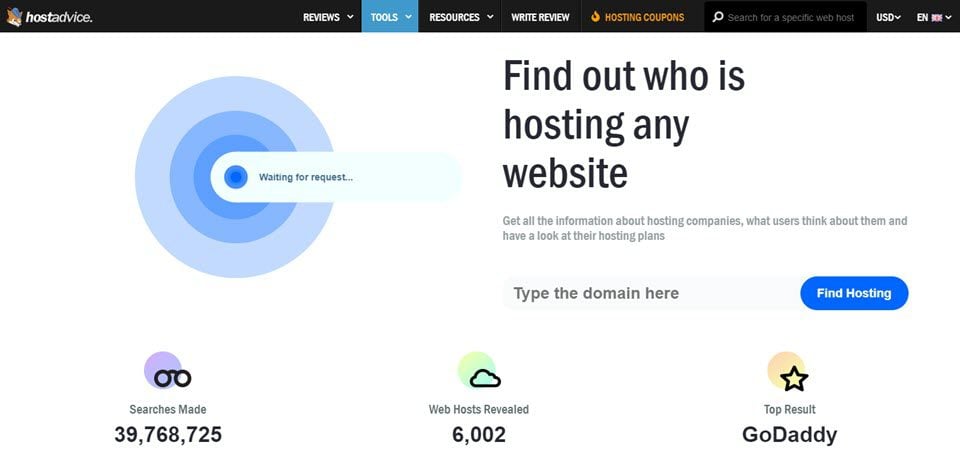
Use online tools like “WhoIsHostingThis” to identify a website’s hosting provider. Check the site’s DNS records using “DNS Checker. ” Inspect page source or use browser extensions for hosting details. Search IP address on “Whois” for server info. Review website footer for hosting information.
How Do I Find The Domain Host Of A Website?
Use WHOIS domain lookup services like who. is or ICANN to identify a website’s host. Simply enter the domain name to view host details. Alternatively, check the website’s footer or contact page for hosting information.
How Do I Find Out What Platform A Website Is Hosted On?
Use tools like BuiltWith or Netcraft to identify a website’s hosting platform. Inspect page source for clues. Check WHOIS data for hosting information. Consider contacting website support for details. Utilize browser extensions for quick analysis.
What Is Your Website Host?
Our website is hosted by Bluehost, known for reliable and fast hosting services. They provide excellent customer support and user-friendly features, ensuring optimal performance and uptime for our site. Bluehost is a trusted choice for many businesses and individuals seeking quality web hosting solutions.
Conclusion
Choosing a web host is crucial for your site’s success. Consider your needs carefully. Check for reliability and speed. Look at customer support options. Compare pricing plans. Read user reviews for honest opinions. Test uptime guarantees to ensure availability. Evaluate security features for protection.
Consider scalability for future growth. Make sure the host matches your site goals. A good host supports your site’s performance and security. Invest time in research to find the best fit. Your site’s host can impact user experience. Choose wisely to ensure success.


