
Are you ready to build your own website without spending a dime? Using WordPress for free is easier than you think, and it gives you powerful tools to create a site that stands out.
Imagine having full control over your content, design, and features—all without any upfront cost. You’ll discover simple steps to start your WordPress site for free, avoid hidden fees, and make the most of what this platform offers. Keep reading, and you’ll be surprised at how quickly you can turn your ideas into a professional-looking website.

Credit: kinsta.com
Choosing The Right WordPress Platform
Choosing the right WordPress platform is the first step to creating a website. WordPress offers two main options. Each has different features and limits. Picking the right one affects your site’s look, control, and cost. Understanding these differences helps you decide which fits your needs best.
WordPress.com Vs WordPress.org
WordPress.com hosts your site for you. It is easy to start with no setup needed. The free plan includes basic tools and a WordPress subdomain. You cannot install custom plugins or themes here. Good for blogs or simple sites.
WordPress.org lets you download the software for free. You must find web hosting and a domain name yourself. This option gives full control over your site. You can add any plugin or theme you want. Ideal for those who want more freedom and growth.
Pros And Cons Of Free Plans
Free plans on WordPress.com offer quick setup and zero cost. They include basic security and maintenance. But they show WordPress ads on your site. Storage space and customization options are limited. You cannot use custom domains without paying.
With WordPress.org, the software is free, but hosting costs apply. You get full control and flexibility. No forced ads appear on your site. You must manage updates and backups yourself. This option suits users ready to learn more about website management.
Setting Up Your Free WordPress Site
Setting up your free WordPress site is simple and fast. It lets you create a website without spending money. Follow the steps below to start your own blog or website today.
Creating A WordPress Account
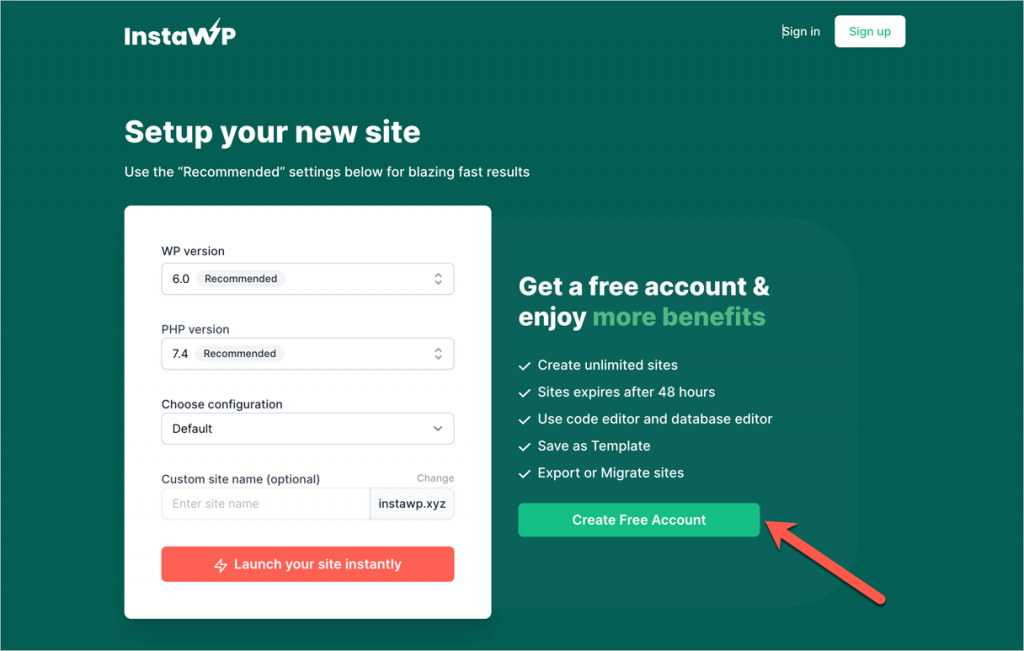
First, visit the WordPress.com website. Click the “Get Started” button. Enter your email, username, and password. Choose a strong password for security. Verify your email to activate the account. Now, your WordPress account is ready for use.
Selecting A Free Domain Name
Next, pick a domain name for your site. Use your name or a keyword related to your topic. WordPress offers free domains with “.wordpress.com” at the end. For example, “yourname.wordpress.com.” Keep it short and easy to remember. This helps visitors find your site easily.
Picking A Free Theme
Choose a free theme to control your site’s design. WordPress has many free themes to select from. Look for a clean and simple style. Themes affect how your website looks on phones and computers. Change themes anytime to match your style or content.
Customizing Your Website
Customizing your WordPress website lets you create a unique online space. It shapes how visitors see and use your site. You can change colors, fonts, layouts, and add useful features. This part of WordPress is simple and free. It helps your site stand out and work better for you.
Using The WordPress Customizer
The WordPress Customizer is a built-in tool. It lets you change your site’s look in real time. You can adjust colors, backgrounds, and site identity. See the changes live before saving them. It also helps set menus and widgets easily. No coding needed. Just click and pick options.
Adding Essential Plugins For Free
Plugins add extra functions to your site. Many useful plugins are free in the WordPress library. You can add contact forms, SEO tools, or security features. Installing plugins is simple. Go to the plugin section, search, and click install. Activate it and adjust settings to suit your needs.
Design Tips For Beginners
Start with a clean and simple theme. Avoid clutter; keep your pages easy to read. Use colors that match your brand or style. Choose fonts that are clear and easy on the eyes. Add images to make content more engaging. Test your site on phones and tablets for mobile friendliness.
Credit: essential-blocks.com
Creating Content On WordPress
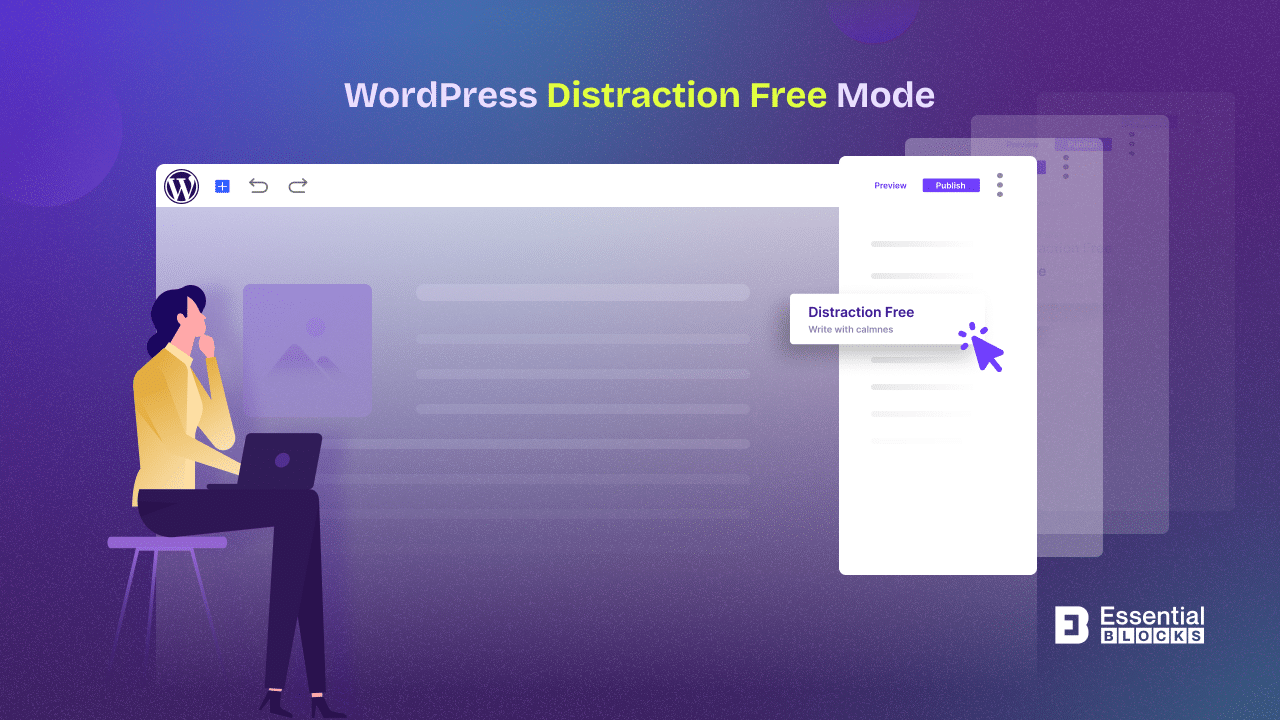
Creating content on WordPress is simple and fun. This platform gives you tools to share your ideas easily. You can write posts, build pages, and add images or videos. All these help you make your site look good and work well for visitors.
Writing And Publishing Posts
Start by clicking “Add New Post” in your WordPress dashboard. Write your title and content in the editor. Use short paragraphs and simple words to keep readers interested.
You can add headings, lists, and links to make your post clear. After writing, click “Publish” to share it online. You can also save drafts to edit later.
Organizing Pages And Menus
Pages help you create important parts of your site, like About or Contact. Add new pages by choosing “Add New Page” in the menu. Keep page titles clear and easy to understand.
Menus guide visitors through your site. Arrange pages in menus from the Appearance > Menus area. This makes your site easy to explore and use.
Using Media Effectively
Images and videos make your content more attractive. Upload media files by clicking “Add Media” in the editor. Use clear and relevant pictures to support your text.
Resize images to keep pages fast and avoid slow loading. Add alt text to describe images. This helps search engines understand your content better.
Managing Your Free WordPress Site
Managing your free WordPress site is key to keeping it safe and running smoothly. Regular care helps your site load faster and keeps visitors happy. It also protects your site from security risks and data loss.
Simple steps can make managing your site easier. Focus on updates, performance checks, and backups. These tasks keep your site healthy and reliable.
Handling Site Updates
WordPress and its plugins get updates often. These updates fix bugs and improve security. Always install updates quickly. This prevents hackers from exploiting old software.
Check your dashboard regularly for update notices. Use the one-click update button to save time. Keep your themes updated too. Outdated themes can cause errors.
Monitoring Site Performance
Site speed affects user experience and search rankings. Use free tools to check your website’s loading time. Watch for slow pages and fix issues fast.
Reduce image sizes and limit plugins to improve speed. Choose a simple theme designed for fast loading. Monitor your traffic to understand visitor behavior.
Backing Up Your Website
Backups save your site data in case of problems. Use free WordPress plugins to schedule regular backups. Store backups safely on cloud or your computer.
Test backups by restoring them on a test site. This ensures your backup files work correctly. Backups protect your work from accidental loss or hacking.
Credit: ultimateblocks.com
Growing Your Audience Without Cost
Growing your audience on WordPress does not require spending money. You can reach more people by using smart, free methods. Focus on making your site easy to find and interesting to visitors. Engage with readers and share your content on popular platforms. These simple steps help your blog grow steadily without any cost.
Seo Basics For WordPress
SEO helps your site appear in search results. Use clear titles with keywords that describe your content. Write short, simple sentences and use headings properly. Add tags and categories to organize posts. Use WordPress plugins like Yoast SEO to guide you. Optimize images by adding descriptions and reducing file size. A well-structured site attracts more visitors from search engines.
Promoting On Social Media
Social media platforms bring many potential readers. Share your posts on Facebook, Twitter, and LinkedIn. Write a short, catchy message to invite clicks. Join groups related to your blog’s topic. Post regularly but avoid spamming. Use free scheduling tools to save time. Social media helps spread your content to a wider audience quickly.
Engaging With Readers
Respond to comments on your blog to build trust. Ask questions to encourage interaction. Use simple language to make readers feel welcome. Add polls or quizzes to make your site fun. Show appreciation for feedback and share useful replies. Regular engagement keeps readers coming back and recommending your blog.
When To Upgrade From Free Plans
Using WordPress for free is a great way to start your website. But free plans have limits. At some point, you might need more features. Knowing when to upgrade helps you grow your site smoothly. This section explains the signs you should watch for before moving to a paid plan.
Limitations Of Free WordPress
Free WordPress plans give basic tools. You get a limited number of themes and plugins. Customization options are very small. Your website address includes “wordpress.com.” This looks less professional. Storage space is also limited, so you cannot add many files. Ads may appear on your site, which you cannot control. These limits can hold back your growth.
Benefits Of Paid Plans
Paid plans remove many restrictions. You can use your own domain name. This makes your site look more credible. More themes and plugins become available. You get more storage for images and videos. Ads are removed, giving your visitors a clean experience. Paid plans offer better support and security. These benefits help your website perform well and attract visitors.
Choosing The Right Upgrade
Consider your website needs before upgrading. Think about your budget and goals. Start by listing features you want. Compare different paid plans carefully. Some plans fit blogs, others suit online stores. Pick one that matches your current needs. You can always upgrade again later. This way, you pay only for what you need now.
Frequently Asked Questions
How Can I Start A Free WordPress Website?
You can start a free WordPress website by signing up at WordPress. com. Choose a free plan, select a theme, and customize your site easily.
What Are The Limitations Of Free WordPress Plans?
Free WordPress plans have limited storage, no custom domain, and ads displayed. You also have restricted plugin and theme options.
Can I Use Plugins With Free WordPress?
No, the free WordPress. com plan doesn’t support third-party plugins. Plugin use is available only on paid plans or self-hosted WordPress. org.
How Do I Get A Free Domain With WordPress?
Free WordPress sites get a subdomain like yoursite. wordpress. com. Custom domains require upgrading to a paid plan or buying separately.
Conclusion
WordPress offers a simple way to build a free website. You can choose themes and add plugins easily. It helps you share your ideas or start a blog without cost. Just follow the steps and explore its features. Keep your site updated and secure for the best results.
Start small, learn as you go, and enjoy creating online. WordPress makes website building easy and affordable for everyone.



