

Are you thinking about starting a website with WordPress but wondering if WordPress.org provides hosting for your site? It’s a common question that can save you time, money, and hassle if you know the answer upfront.
Understanding how WordPress. org works with hosting is key to getting your website up and running smoothly. Keep reading, and you’ll discover exactly what WordPress. org offers—and what you need to do to get your site online without surprises.
WordPress.org Basics
WordPress.org is a popular platform for building websites. It offers a free content management system (CMS) that anyone can use. This CMS allows full control over website design and features.
Many beginners and experts choose WordPress.org for its flexibility. Users can customize their sites with themes and plugins. It is important to understand what WordPress.org provides and what it does not.
What WordPress.org Offers
WordPress.org provides the WordPress software for free. This software helps you create and manage your website content easily. You can use any theme or plugin without restrictions.
It gives full control over your website files and data. You can modify the code, add custom features, and optimize your site. The software is open-source, meaning anyone can contribute to it.
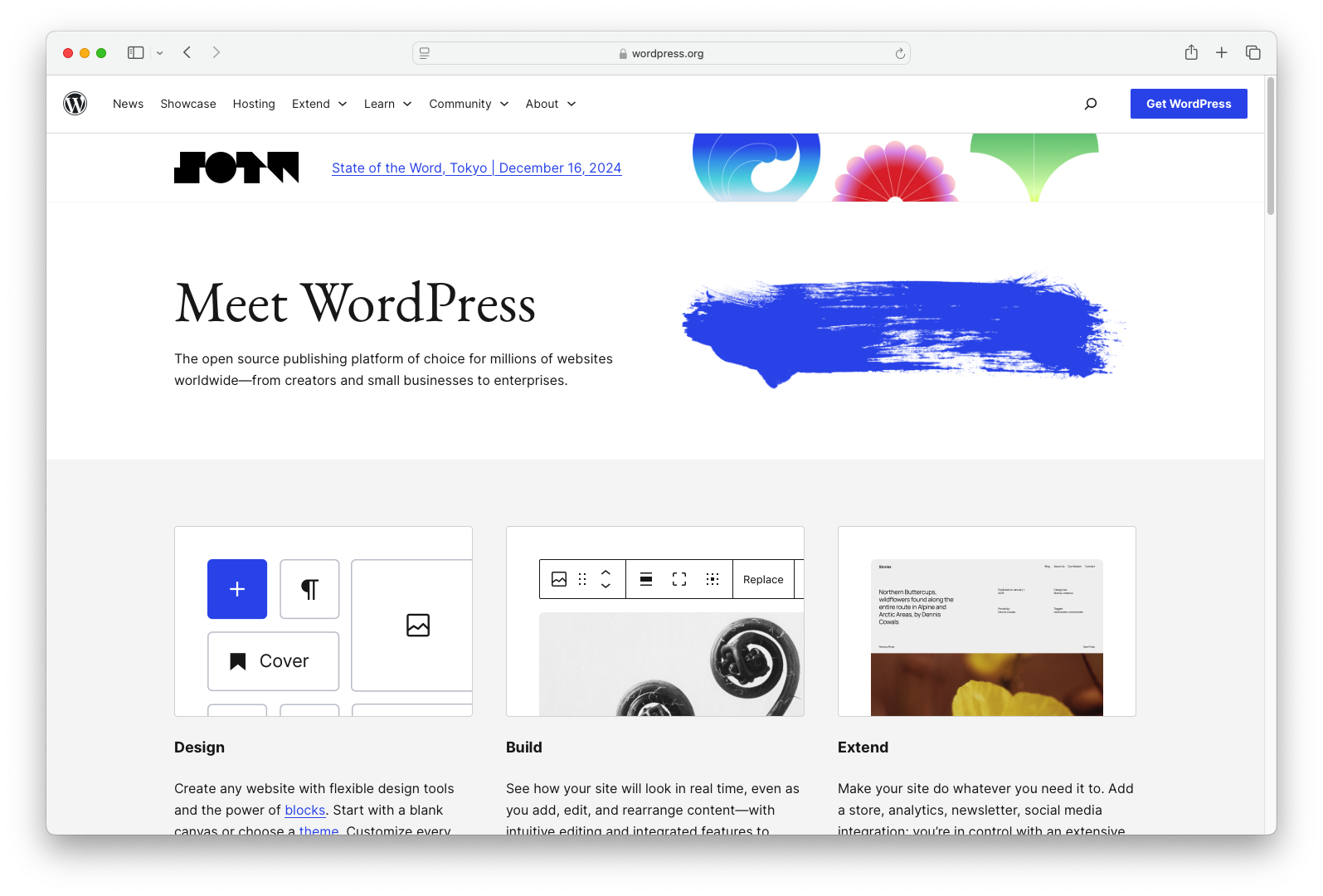
However, WordPress.org does not provide hosting services. You must buy hosting separately to make your website live on the internet. Hosting is where your website files are stored and accessed by visitors.
Difference Between WordPress.org And WordPress.com
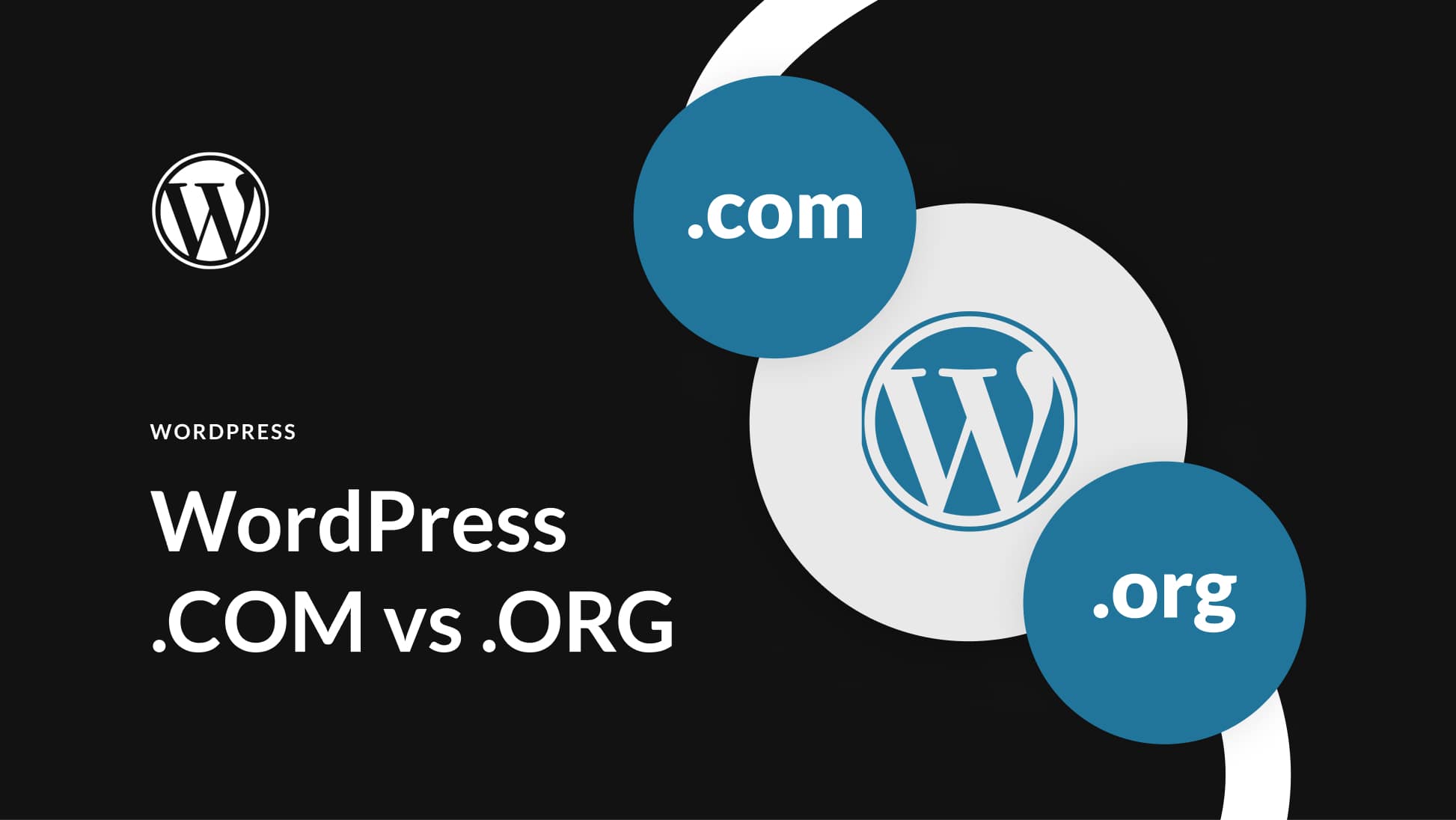
WordPress.org and WordPress.com are different platforms. WordPress.org is self-hosted, meaning you handle hosting and site management. WordPress.com is a hosted service that manages hosting for you.
WordPress.org offers full control and flexibility. You can install any plugin or theme and customize your website deeply. WordPress.com has limited customization options, especially on free plans.
With WordPress.org, you own your website and data completely. WordPress.com controls your site and data on their servers. This affects how you can use and monetize your site.
Credit: www.inmotionhosting.com
Hosting And WordPress.org
WordPress.org is a popular platform for building websites. Many people wonder if WordPress.org provides hosting services. The answer is no. WordPress.org offers the software, but you need separate hosting to publish your site online. Understanding hosting helps you make the right choices for your website.
Self-hosting Explained
Self-hosting means you own the website files and control the server. WordPress.org lets you download the software for free. You install it on your own web host. This gives you full control over the design, plugins, and features. You pay hosting companies to store your site data and show it to visitors.
With self-hosting, you manage updates and backups. You can customize your site without limits. Many businesses and bloggers use self-hosting for flexibility and power. It requires some technical skills or learning but offers great freedom.
Role Of Web Hosts With WordPress.org
Web hosts provide the space where your website lives online. They store your files on servers that run 24/7. Web hosts handle traffic, security, and performance. Choosing a reliable host keeps your site fast and safe. Some hosts offer easy WordPress installation tools.
Hosts also manage server issues and backups, easing your workload. They offer different plans based on your site’s size and needs. Web hosts are essential partners for your WordPress.org website. They bring your site to life on the internet.
Choosing The Right Host
Choosing the right host is a key step for a successful WordPress site. Your hosting affects speed, security, and uptime. A good host keeps your site fast and available to visitors. A poor host can cause slow loading and frequent downtime. Understanding what to look for helps you pick a reliable provider.
Factors To Consider
Start by checking server speed and reliability. Look for hosts with strong uptime guarantees, ideally 99.9% or higher. Security features like SSL certificates and firewalls are important. Consider customer support quality and availability. Hosting plans should offer easy WordPress installation. Make sure the hosting can handle your site’s traffic needs. Pricing should be clear with no hidden fees. Backup options and scalability are also vital for growth.
Popular Hosting Providers For WordPress
Many hosts specialize in WordPress. Bluehost offers user-friendly interfaces and good support. SiteGround is known for fast servers and solid security. HostGator provides affordable plans and easy setup. WP Engine focuses on managed WordPress hosting with excellent performance. DreamHost offers flexible plans with a strong reputation. These providers suit different budgets and needs. Choose one matching your site size and goals.
Credit: www.hostinger.com
Setting Up Hosting For WordPress.org
Setting up hosting for WordPress.org is a key step in creating your website. Unlike WordPress.com, WordPress.org does not offer hosting services. You must choose a web host and set it up yourself. This gives you full control over your site and its features.
Choosing the right hosting and domain is important. Hosting keeps your website online. A domain is your website’s address on the internet. Both must work well together for your site to run smoothly.
Domain Registration
Start by registering a domain name. This is the web address visitors use to find your site. Many hosting providers offer domain registration services. You can also use separate domain registrars. Choose a simple and memorable domain name. Make sure it matches your brand or website purpose.
Registering a domain usually costs a small yearly fee. Keep your contact details updated with the registrar. This helps avoid losing your domain name.
Installing WordPress On A Host
After registering your domain and buying hosting, install WordPress. Most hosts offer easy, one-click WordPress installation. This saves time and avoids technical errors.
Manual installation is also possible. Download WordPress from WordPress.org, then upload files to your server. Create a database and connect WordPress to it. Follow the installation prompts to finish setup.
Once installed, you can log in to your WordPress dashboard. From here, customize your site, add themes, and plugins.
Common Myths About WordPress.org Hosting
Many people have wrong ideas about WordPress.org and hosting. These myths cause confusion for beginners. Understanding the facts helps you choose the right platform.
WordPress.org Hosting Misconceptions
One common myth is that WordPress.org provides hosting. It does not. WordPress.org offers free software for building websites. You must find a separate hosting service to make your site live.
Some believe WordPress.org hosting is expensive. The software is free. Hosting costs depend on the provider you select. You can find affordable plans that suit small sites.
Another false idea is that WordPress.org hosting limits customization. The platform lets you install themes and plugins freely. You control your site’s design and features completely.
Separating Fact From Fiction
WordPress.com and WordPress.org are often confused. WordPress.com is a hosting service with limitations. WordPress.org is software you install on your own host.
Choosing hosting is your responsibility with WordPress.org. This gives you freedom but requires some technical steps. Many hosts offer easy WordPress installations to help.
Good hosting improves site speed and security. Your choice affects your website’s success. Research providers before committing to one.
Benefits Of Self-hosting With WordPress.org
Self-hosting with WordPress.org offers many benefits for website owners. It gives you full control over your site and lets you customize everything. You can create a unique online space that fits your needs perfectly. This freedom helps your site grow and stand out from others. Self-hosting also opens up many ways to make money from your website. It gives you options that are not available on other platforms.
Full Control And Customization
WordPress.org lets you control every part of your website. You can choose your hosting provider, themes, and plugins. This means your site can look and work exactly how you want. You can add new features anytime without limits. Your website is your own, not tied to any company’s rules. You decide what content to publish and how to organize it. This level of control helps you build a professional and personal website.
Monetization Opportunities
Self-hosting gives you many ways to earn money from your site. You can run ads and keep all the profits. Selling products or services is easy with many e-commerce plugins. You can also accept donations or memberships. No restrictions limit how you make money. You can try different methods to see what works best. This freedom helps your website become a strong source of income.
Potential Challenges With Hosting
Hosting a WordPress.org website means handling more than just content. It comes with certain challenges. These challenges affect how smoothly your site runs and how much effort you must put in. Understanding these issues helps you prepare better for managing your site.
Technical Responsibilities
With WordPress.org, you get no automatic hosting. You must find and manage your own hosting provider. This means setting up servers, installing software, and updating regularly. You must also handle security measures to protect your site from threats. Backing up data is your job too. These tasks need some technical knowledge or help from experts.
Cost Considerations
Hosting your WordPress.org site is not free. You pay for server space, bandwidth, and extras like security or backups. Prices vary widely depending on the service and features. Cheap hosting might save money but can cause slow loading or downtime. Good hosting costs more but improves performance and reliability. Budget carefully to avoid surprises and ensure smooth operation.
Credit: www.elegantthemes.com
Tips For Successful WordPress.org Hosting
Successful hosting of a WordPress.org site needs careful planning and regular care. Good hosting means your site runs fast and stays online. It also means your site stays safe from hackers and data loss.
Following simple tips helps keep your WordPress.org site healthy. Focus on backup plans and strong security rules. These steps protect your work and visitors.
Backup Strategies
Always keep copies of your website data. Backups save your content if your site breaks or is hacked. Use plugins or hosting tools for automatic backups. Store backups in different places, like cloud storage or a local drive. Check backups often to be sure they work well. Regular backups give peace of mind and save time.
Security Best Practices
Secure your WordPress.org site to stop hackers. Use strong passwords and change them often. Keep WordPress, themes, and plugins updated. Outdated software has security holes. Limit login attempts and use two-factor authentication. Choose a hosting provider with good security features. Monitor your site for suspicious activity daily. These steps help keep your site safe and trusted.
Frequently Asked Questions
Does WordPress.org Offer Web Hosting Services?
No, WordPress. org does not provide web hosting. It offers free, open-source software you can install on any hosting provider. You must purchase hosting separately to run a WordPress. org website.
How Is WordPress.org Hosting Different From WordPress.com?
WordPress. com includes hosting and maintenance. WordPress. org requires you to find your own hosting provider. This gives you full control over your site.
Can I Use Any Hosting With WordPress.org?
Yes, WordPress. org works with almost all web hosting companies. Choose a host that supports PHP and MySQL for best compatibility.
Why Do I Need Separate Hosting For WordPress.org?
WordPress. org software needs server space to operate. Hosting companies provide this space and manage server resources for your site to run smoothly.
Conclusion
WordPress. org does not provide hosting services directly. You must choose a hosting provider to run your site. This gives you more control and flexibility with your website. Many hosting companies offer plans tailored for WordPress. Picking the right host affects your site’s speed and security.
Remember, WordPress. org offers the software only, not the server space. Understanding this helps you build your website the right way. Take time to research hosts before deciding. Your website’s success depends on this important choice.


