
Are you wondering if WordPress handles web hosting for you? If you’re planning to build a website, this question might be on your mind.
Understanding how WordPress works with web hosting can save you time, money, and headaches down the road. You’ll discover the truth about WordPress and hosting—what it offers, what it doesn’t, and how to choose the best option for your site.
Keep reading to make sure you get your website set up the right way from the start.

Credit: www.siteground.com
WordPress Hosting Options
WordPress offers several hosting options to suit different needs. Each option has its own features and control levels. Understanding these helps you choose the best fit for your website.
Some options include hosting provided by WordPress itself. Others require you to find your own hosting service. Some services handle all technical tasks for you.
WordPress.com Hosting
WordPress.com provides hosting with easy setup. It manages servers, security, and backups for you. This option suits beginners or small blogs. You get limited customization but less hassle. The basic plan is free, with paid upgrades available.
Self-hosted WordPress.org
WordPress.org offers free software to install on any web host. You must buy hosting separately from providers like Bluehost or SiteGround. This gives full control over your site. You can customize themes and plugins without restrictions. It requires more technical skills but offers great flexibility.
Managed WordPress Hosting
Managed hosting focuses only on WordPress sites. It provides faster performance and better security. The provider handles updates, backups, and technical support. This option saves time and reduces technical worries. It usually costs more than regular hosting but adds value.
Shared Hosting For WordPress
Shared hosting is a popular choice for WordPress users. It means your website shares a server with many other sites. This option keeps costs low and is easy to manage. Many beginners start with shared hosting because it offers good value. It provides the basic tools needed to run a WordPress site smoothly.
Benefits Of Shared Hosting
Shared hosting is affordable, making it perfect for small sites. Hosting providers handle server maintenance and security. You do not need technical skills to get started. Most plans include one-click WordPress installation. It offers enough resources for low to medium traffic websites. Customer support is usually available to help with issues.
Limitations To Consider
Sharing a server means you share resources like CPU and memory. High traffic on other sites can slow your website down. Customization options may be limited compared to other hosting types. Security risks increase because many sites are on the same server. Shared hosting may not support large or complex WordPress sites. Upgrading to a better plan may be necessary as your site grows.
Popular Shared Hosting Providers
Many companies offer shared hosting optimized for WordPress. Bluehost is known for easy WordPress setup and good support. SiteGround provides strong security and fast loading times. HostGator offers flexible plans with user-friendly control panels. DreamHost includes a custom dashboard and automatic updates. These providers balance cost and features well for beginners.
Vps And Dedicated Hosting
VPS and dedicated hosting offer powerful options for WordPress websites. These hosting types provide more control and better performance than shared hosting. They suit sites with growing traffic or special needs.
When To Choose Vps
VPS stands for Virtual Private Server. It splits one physical server into several virtual servers. Each VPS acts like its own small server. Choose VPS if your site needs more speed and resources. It works well for medium-sized websites. VPS also adds better security and uptime. It handles traffic spikes better than shared hosting.
Dedicated Servers For WordPress
Dedicated hosting means you get a whole server just for your site. No sharing with others. This gives full control over server settings. Ideal for large websites with high traffic. Dedicated servers offer more power and storage. They provide the best performance and reliability. You can customize the server to fit your site’s needs perfectly.
Performance And Control
Both VPS and dedicated hosting improve site speed. Faster loading times help visitors stay longer. They reduce downtime and errors. You get better control over security settings. Choose the server resources you need. These hosting types allow installing custom software. They help manage backups and updates easier. Overall, VPS and dedicated hosting support growing WordPress sites better.
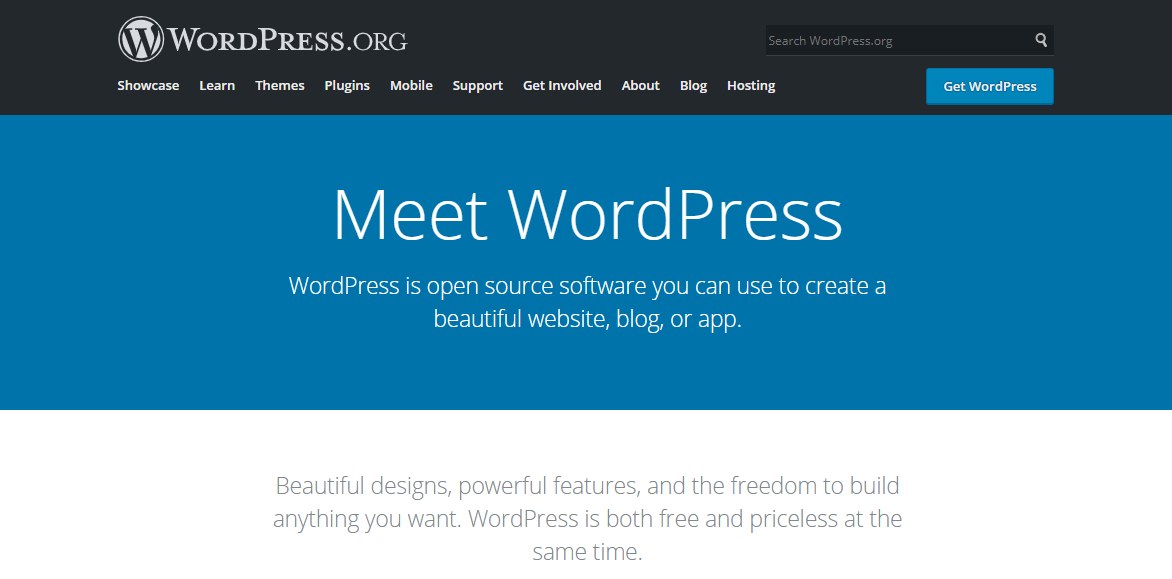
Credit: www.hostinger.com
Cloud Hosting Solutions
Cloud hosting solutions offer a modern way to host websites. They use many servers working together. This setup shares resources to provide better speed and uptime. Cloud hosting is popular for WordPress sites that need reliability and power.
Using cloud hosting means your website stays online even if one server fails. The cloud stores data across multiple locations. This helps handle traffic spikes and keeps your site fast. Many WordPress users choose cloud hosting for these strong benefits.
Advantages Of Cloud Hosting
Cloud hosting improves website speed and reduces downtime. It offers strong security by spreading data across servers. Users pay only for the resources they use. This makes cloud hosting cost-effective and efficient for small and large sites.
Top Cloud Providers
Leading cloud hosts include Amazon Web Services, Google Cloud, and Microsoft Azure. These companies offer powerful tools to manage WordPress sites. They provide easy setups, strong support, and global server networks for fast delivery.
Scalability And Flexibility
Cloud hosting allows websites to grow easily. Adding more resources takes just a few clicks. It adapts to traffic changes without slowing down the site. This flexibility helps WordPress sites handle growth smoothly and affordably.
Key Hosting Features For WordPress
Choosing the right hosting for WordPress is very important. It affects how fast your site loads, how safe it is, and how easy it is to fix problems. Good hosting makes your site work better and keeps visitors happy. Here are the main features hosting should have for WordPress.
Speed And Performance
Fast loading sites keep visitors longer. Hosting with good servers helps your site load quickly. It uses caching to save copies of pages. This reduces wait times for users. Hosting close to your audience also speeds up delivery. A fast site improves user experience and search rankings.
Security Measures
WordPress sites need strong security. Hosting should provide firewalls to block attacks. It should scan for malware regularly. Automatic updates keep software safe from threats. Secure hosting uses SSL certificates for encrypted data. These measures protect your site and visitors.
Backup And Support
Backups are vital in case of data loss. Hosting with daily backups saves your site’s information. Support teams help fix issues quickly. They offer advice and solve technical problems. Reliable hosting gives you peace of mind and safety.
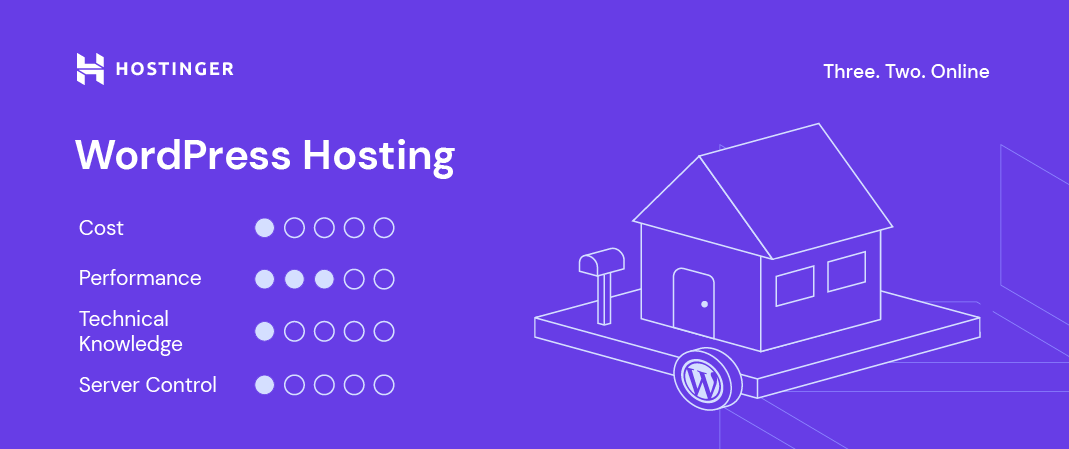
Credit: www.hostinger.com
Cost Comparison Of Hosting Types
Choosing the right hosting type affects your website and your budget. Comparing costs helps you find the best fit. Hosting prices vary widely based on features and support. Understanding these differences saves money and avoids surprises.
Budget Hosting Options
Shared hosting is the cheapest choice. Several websites share one server. This keeps prices low. Ideal for small blogs or new sites. Limited resources can slow down larger sites. Basic plans often include free domain and SSL.
Value Vs Price
Cheap hosting may lack speed or security features. More expensive plans offer better performance and support. Managed WordPress hosting costs more but handles updates and backups. Weigh features against price. Sometimes paying a bit more saves time and trouble.
Long-term Expenses
Initial low cost can grow with add-ons and renewals. Extra features like backups, security, and email often cost extra. Renewal rates are usually higher than first-term prices. Consider total cost over years, not just the starting fee. Choose plans that fit your budget over time.
Migrating To A New WordPress Host
Migrating to a new WordPress host can improve your website speed and security. It gives you a chance to find better service and support. The process might seem hard at first. Careful planning makes the move easier and safer. Below are key points to help you migrate smoothly.
Migration Tools And Plugins
Several tools make WordPress migration simple. Plugins like Duplicator, All-in-One WP Migration, and UpdraftPlus help copy your site. They move files, databases, and settings quickly. These plugins reduce errors and save time. Choose a plugin that fits your skill level and site size.
Common Challenges
Moving a WordPress site can face hurdles. Broken links and missing images often occur. Downtime during migration can hurt traffic. Database errors and plugin conflicts may also arise. These problems cause frustration and lost visitors. Planning and testing can reduce these risks.
Tips For A Smooth Transition
Backup your website fully before starting. Use a staging site to test the new host. Check all links and images after migration. Update your DNS settings carefully. Keep your old host active for a few days. This ensures your site stays live and visitors stay happy.
Choosing The Right Host For Your Site
Choosing the right host for your website is one of the most important steps in creating a successful online presence. The web host affects your site’s speed, security, and uptime. Picking a host that fits your needs can save time and money. It also ensures your visitors have a smooth experience. Understanding your site’s needs, growth plans, and the host’s support system helps make a smart choice.
Assessing Your Site Needs
Start by knowing what type of site you want. A blog, portfolio, or online store has different demands. Consider the size of your site and the files you will upload. Some hosts offer more storage than others. Think about the technical features you need, like databases or email accounts. Choose a host that matches your current requirements.
Growth And Traffic Considerations
Plan for future growth. Your site might get more visitors over time. A host with scalable plans helps your site handle more traffic. Check if the host allows easy upgrades without downtime. Look for bandwidth limits to avoid extra charges. A good host supports your site as it grows.
Support And Reliability
Reliable support is crucial for any website owner. Choose a host that offers 24/7 customer service. Fast and helpful support solves problems quickly. Check the host’s uptime guarantee to avoid frequent outages. A reliable host keeps your site online and secure. This builds trust with your visitors.
Frequently Asked Questions
Does WordPress Provide Web Hosting Services?
WordPress. com offers managed hosting for websites. However, WordPress. org is a free CMS software requiring separate hosting. Choose hosting based on your needs.
Can I Host A WordPress Site For Free?
WordPress. com offers free basic hosting with limitations. For full control, self-hosting via providers like Bluehost or SiteGround is recommended.
What’s The Difference Between WordPress.com And Hosting?
WordPress. com includes hosting and site management. Hosting alone means buying server space, then installing WordPress manually or via providers.
Is WordPress Hosting Suitable For Beginners?
Yes, WordPress hosting is user-friendly. Managed hosting services offer easy setup and maintenance, making it ideal for beginners.
Conclusion
WordPress itself does not offer web hosting services. It is a platform for building websites only. To make a site live, you need a separate web host. Many hosts support WordPress and make setup easy. Choosing the right hosting affects your site’s speed and security.
Understand your needs before picking a host. This helps your website run smoothly and stay online. WordPress and hosting work together to create your web presence. Keep these points in mind for a successful site.


