

Are you worried that adding WordPress plugins might be making your website slower? You’re not alone.
Many website owners wonder if those handy tools are actually harming their site’s speed and user experience. The truth is, plugins can either help or hurt your site’s performance depending on how you use them. You’ll discover which plugins can slow your website down and how to keep your site running smoothly without giving up the features you need.
Keep reading to learn the simple steps that can boost your site’s speed and keep your visitors happy.
Credit: www.techzine.eu
Impact Of Plugins On Site Speed
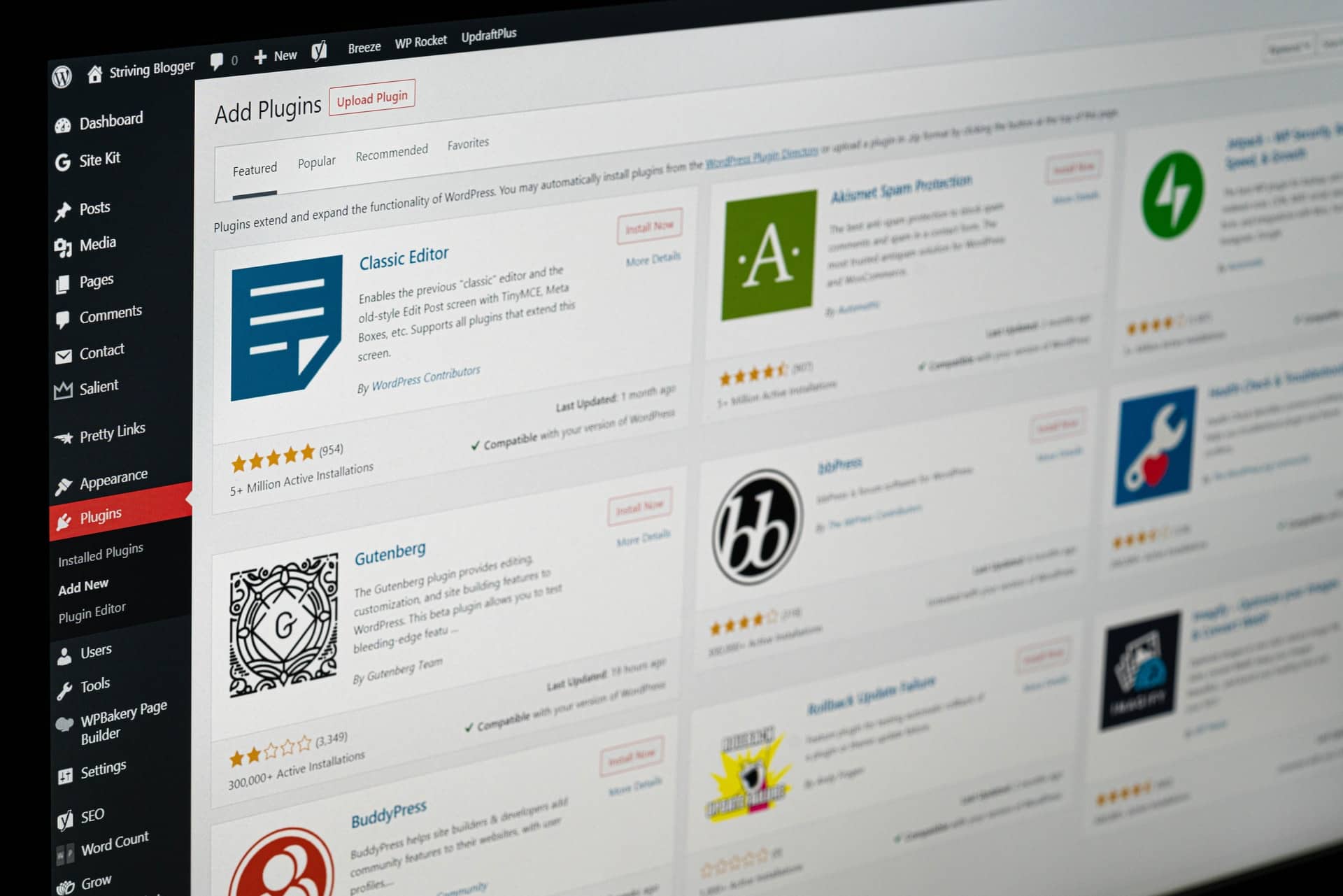
Plugins add great features to WordPress sites. But they can also affect how fast your site loads. The speed of a website is very important for user experience and search rankings. Slow sites lose visitors quickly. Understanding how plugins impact site speed helps you choose and manage them better.
How Plugins Affect Load Times
Each plugin adds extra code to your site. This code runs when someone visits your pages. More code means more time to load. Some plugins add scripts or styles that slow the page. Others make extra requests to the server. These actions increase the time it takes to show the page.
Some plugins load only when needed. Others run on every page. Plugins that run everywhere can slow down the entire site. Too many plugins can cause delays and poor performance. Testing load times with and without plugins helps spot slow ones.
Resource Usage By Plugins
Plugins use server resources like CPU and memory. Heavy plugins demand more from your hosting. This can cause slower responses and timeouts. Plugins that run background tasks add to the load. Tasks like backups or scans use resources often.
Resource-heavy plugins can slow down the site for all visitors. Shared hosting is more affected by this. Choosing lightweight plugins can reduce resource use. Monitoring resource use helps keep your site fast and stable.
Types Of Plugins That Slow Sites
Many WordPress plugins can slow down your website. Not all plugins affect speed the same way. Some types are known to cause more delays and performance issues. Understanding these plugin types helps you choose wisely and keep your site fast.
Heavy Visual And Animation Plugins
Plugins that add large images, slideshows, or animations use more resources. They increase page load time by requiring more data to download. Visitors may wait longer for the page to show fully. These plugins also increase browser work to display effects smoothly.
Poorly Coded Plugins
Some plugins have inefficient or outdated code. They run slow or cause errors on your site. This can increase server load and slow down page loading. Poor coding may also conflict with other plugins or themes. This creates more delays and site instability.
Plugins With External Requests
Plugins that fetch data from outside servers add extra loading steps. Each external request takes time to complete. Slow third-party servers or many requests can cause noticeable lag. This affects the overall speed and user experience on your site.
Measuring Plugin Performance
Measuring plugin performance is key to keeping your WordPress site fast. Plugins add useful features but can also slow down your site. Testing how each plugin affects speed helps you keep the site running smoothly.
Regular checks on plugin speed impact save time and improve user experience. Knowing which plugins cause delays lets you make smart choices about which to keep or remove.
Tools To Test Speed Impact
Many tools can measure plugin effects on site speed. Tools like GTmetrix and Pingdom show overall site performance. They highlight slow loading times and areas needing improvement.
Query Monitor is a plugin that tracks database queries and hooks. It helps identify plugins that use heavy resources. Another tool, P3 (Plugin Performance Profiler), measures plugin load times directly inside WordPress.
Identifying Slow Plugins
After testing, look for plugins with long load times or high resource use. Disable plugins one by one and test speed again to see changes. This process points to plugins causing slowdowns.
Focus on plugins that handle big tasks, like sliders or backups. These often use more resources. Replace slow plugins with lighter alternatives or remove those not essential.
Credit: wpbrigade.com
Optimizing Plugin Usage
Plugins add useful features to WordPress websites. But too many plugins can slow down your site. Optimizing plugin usage helps keep your website fast and smooth. Careful choices and good habits improve performance without losing functionality.
Choosing Lightweight Plugins
Pick plugins that use less code and fewer resources. Lightweight plugins load quickly and do not strain your server. Check plugin reviews and ratings for speed feedback. Avoid plugins with many unnecessary features you won’t use.
Limiting Number Of Plugins
Each plugin adds extra files and processes to your site. Too many plugins increase page load time. Use only essential plugins that add real value. Deactivate and delete plugins you do not need. Combine features when possible to reduce plugin count.
Regular Updates And Maintenance
Update plugins often to fix bugs and improve speed. Outdated plugins can cause slowdowns and security risks. Remove unused plugins to keep your site clean. Regular checks help catch performance issues early. Well-maintained plugins keep your website running smoothly.
Alternatives To Plugins
Plugins can add many functions to a WordPress site. Yet, too many plugins can slow down your site. Choosing alternatives can help keep your site fast and smooth. These options can reduce plugin load and improve performance.
Custom Code Solutions
Custom code is a way to add features without plugins. You can write simple scripts for small tasks. This method uses less server resources than plugins. It keeps your site light and fast. You can hire a developer or learn basic coding yourself. Custom code is tailored to your site’s needs. It avoids extra features that slow down the site.
Using Theme Features
Many WordPress themes have built-in features. These can replace the need for plugins. Features like sliders, SEO tools, or contact forms come with some themes. Using these avoids extra plugin installation. It helps keep your site simpler. Check your theme settings before adding new plugins. Using theme features reduces conflicts and speeds up your site.
Third-party Services
External services can handle tasks outside your site. Examples include email marketing, forms, and analytics. These tools work on their own servers. They do not add load to your site. You just embed their code or connect via APIs. This method keeps your website fast and responsive. Services like Google Analytics or Mailchimp are common choices.
Common Myths About Plugins And Speed
Many website owners worry that plugins always slow down their WordPress sites. This fear comes from common myths that spread online. Plugins can affect speed, but not all plugins do. Understanding these myths helps you choose and use plugins wisely.
All Plugins Slow Down Sites
Not every plugin makes your website slow. Some plugins are very light and well-coded. They add useful features without adding much load. The problem comes from poorly coded plugins or those with too many features. Quality matters more than quantity in plugins.
More Plugins Always Mean Slower Sites
Having many plugins does not always reduce speed. A few bad plugins can slow your site more than many good ones. Each plugin adds some load, but the impact varies. Focus on using only necessary plugins and keep them updated.
Credit: wp-eventmanager.com
Frequently Asked Questions
Do WordPress Plugins Always Slow Down Websites?
Not all WordPress plugins slow websites. Well-coded, lightweight plugins have minimal impact on speed. However, poorly optimized or excessive plugins can reduce performance significantly.
How Many Plugins Are Too Many For WordPress?
There is no fixed limit, but using 20+ plugins may affect speed. Quality matters more than quantity. Remove unused or redundant plugins regularly.
Which Plugins Cause The Most Website Slowdown?
Plugins with heavy scripts, many database queries, or frequent external requests slow sites. Examples include page builders, sliders, and social media feeds.
Can Plugin Updates Improve Website Speed?
Yes, plugin updates often include performance improvements and bug fixes. Keeping plugins updated enhances security and can boost website speed.
Conclusion
WordPress plugins can affect website speed in many ways. Some plugins add extra code that slows down your site. Others run tasks in the background, using more resources. Choosing only the plugins you need helps keep your site fast. Regularly update and delete unused plugins to avoid problems.
Test your site speed after adding new plugins to see the impact. A fast website improves user experience and search rankings. Balance features with performance for the best results. Keep your site simple and efficient to attract more visitors.


