
Are you thinking about starting a WordPress website but wondering if you really need a domain name? You might be asking yourself, “Can’t I just use a free web address and save some money?” The truth is, your domain name is more than just a web address—it’s the first impression your visitors get and a key factor in building trust.
If you want your site to look professional, attract the right audience, and grow over time, understanding the role of a domain name is crucial. Keep reading to discover why a domain name matters and how it can make or break your WordPress site’s success.
Why Domain Names Matter
Choosing a domain name matters a lot for your WordPress site. It shapes how people see your website. It also affects how easy your site is to find online. A good domain name helps you build trust and stand out. Below are some key reasons why domain names are important.
Role In Website Identity
Your domain name is your website’s address on the internet. It tells visitors who you are in just a few words. A clear and simple domain name makes your site easy to remember. It acts like a digital business card. Without a domain name, your site can feel less real or trustworthy.
Impact On Branding
The domain name plays a big role in your brand image. It reflects your business or blog’s personality. A strong domain name matches your brand and helps people recognize you. It creates a consistent look across your site and marketing materials. This builds confidence and loyalty among visitors.
Seo Advantages
Search engines use domain names to understand your site’s topic. A relevant domain name can improve your rankings in search results. It also helps users guess what your site is about before clicking. A good domain name with keywords can attract more visitors. This boosts your site’s visibility and traffic over time.

Credit: blogvault.net
WordPress Hosting Options
Choosing the right hosting for WordPress affects your website’s control and growth. Hosting options vary between WordPress.com and WordPress.org. Each offers different ways to manage your domain name. Understanding these differences helps you decide what fits your needs.
Hosting impacts your website’s speed, security, and customization. It also affects how you connect your domain name. Let’s explore the hosting options and domain handling for WordPress.com and WordPress.org.
WordPress.com Vs WordPress.org
WordPress.com is a hosted platform. It manages the server and technical setup for you. You get a website quickly without worrying about maintenance. But, customization options are limited unless you pay for higher plans.
WordPress.org is self-hosted. You must find your own web hosting provider. This option gives full control over your website and domain. You can install any themes or plugins and customize freely.
WordPress.com suits beginners who want easy setup. WordPress.org fits users who want full control and growth potential.
Domain Handling In Each
On WordPress.com, you can use a free subdomain like yoursite.wordpress.com. To use a custom domain, you must upgrade to a paid plan. WordPress.com manages the domain for you, including renewals and DNS settings.
With WordPress.org, you buy your own domain from a registrar. You connect it to your hosting provider. You control DNS settings and renewals yourself. This freedom adds responsibility but allows full ownership.
In summary, WordPress.com handles domains with less effort but less control. WordPress.org requires more work but offers full domain management.
Using A Free WordPress Subdomain
Using a free WordPress subdomain means your website address will look like this: yoursite.wordpress.com. It is a quick way to start a blog or website without buying a domain name. This option is popular for beginners and those testing ideas. It lets you focus on content without extra costs.
This setup is hosted by WordPress.com. You get basic features and easy setup. No technical skills are needed to create your site. You can use many free themes and plugins available on WordPress.com.
Pros And Cons
Free WordPress subdomains are easy to use and set up fast. No money needed to start your site. Hosting and security are handled by WordPress. You get basic tools to write and publish content.
On the downside, your site name includes “wordpress.com,” which looks less professional. Branding is harder with a subdomain. Some advanced plugins and themes are not allowed. You cannot run ads freely or use all marketing tools.
Limitations To Consider
Free subdomains limit your control over the site. You cannot install custom plugins or themes outside WordPress.com rules. Storage space and bandwidth are limited compared to paid plans.
Your site might show WordPress ads. You have no choice to remove them. SEO options are basic and less flexible. This can slow growth and visibility on search engines.
Changing to a custom domain later is possible but needs extra steps. It may cause loss of some traffic or rankings if not done carefully.
Benefits Of A Custom Domain
Choosing a custom domain for your WordPress site brings many benefits. It helps shape your online identity and sets your site apart from others. A custom domain makes your website easier to find and remember. Below are key advantages of using a custom domain name.
Professional Appearance
A custom domain gives your site a polished look. Visitors see your website as serious and trustworthy. It shows you care about your brand. A unique domain name looks cleaner than a generic web address. This small detail boosts your site’s overall image.
Better Control And Ownership
With a custom domain, you fully control your website’s name. You decide how to use and manage it. This control means you keep your web identity even if you change hosting providers. It also allows easier setup for email addresses linked to your domain.
Enhanced Credibility
People trust websites with custom domains more than free ones. A personalized domain builds confidence in your content or business. It shows you invest in your online presence. This trust can lead to more visitors and loyal followers.
How To Choose The Right Domain
Choosing the right domain name is a key step for your WordPress site. It shapes your brand and helps visitors find you easily. A good domain makes your site look professional and trustworthy. Spend time picking one that fits your site’s purpose and audience. Here are some tips to guide your choice.
Selecting A Memorable Name
Pick a name that is short and easy to remember. Avoid complex spellings or long words. The name should reflect your site’s content or business. Use simple words that people can spell correctly. A memorable name helps users return to your site.
Domain Extensions Explained
The extension is the ending of your domain, like .com or .net. The most common is .com, trusted by many users. Other extensions like .org or .blog target specific types of sites. Choose an extension that matches your site’s goal. New extensions can be useful but may confuse visitors.
Checking Availability
Always check if the domain name is free before deciding. Use domain search tools to see if your chosen name is taken. If unavailable, try slight variations or add keywords. Avoid names that are too similar to popular brands. Secure your domain as soon as you find one available.
Registering Your Domain Name
Registering your domain name is the first step to creating your WordPress website. It gives your site a unique address on the internet. A good domain name helps visitors find your site easily and makes your site look professional. Choosing the right registrar and understanding the costs can save you time and money.
Top Registrars To Consider
Several companies offer domain registration services. Popular options include GoDaddy, Namecheap, and Google Domains. These registrars provide easy tools to search and buy domain names. They also offer customer support to help you with any issues. Choose a registrar with a good reputation and clear pricing.
Registration Costs And Renewal
Domain prices vary depending on the extension and registrar. Most domains cost between $10 and $20 per year. Some special extensions cost more. Remember, you must renew your domain yearly. Missing renewal can cause you to lose your domain. Watch out for hidden fees during checkout.
Privacy Protection Options
When you register a domain, your contact details become public. This information is listed in the WHOIS database. Privacy protection hides your personal details from the public. Many registrars offer this service for an extra fee. It helps reduce spam and keeps your information safe.
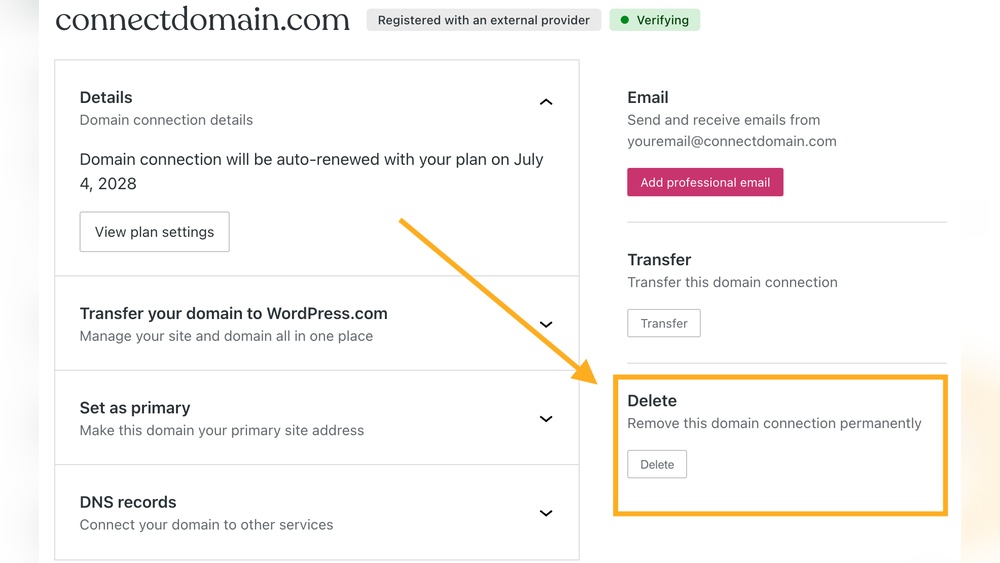
Linking Domain To WordPress Site
Linking your domain to a WordPress site is a key step for online presence. It connects your website address with your WordPress content. This connection helps visitors find your site easily. Setting this up correctly improves your site’s professionalism and credibility.
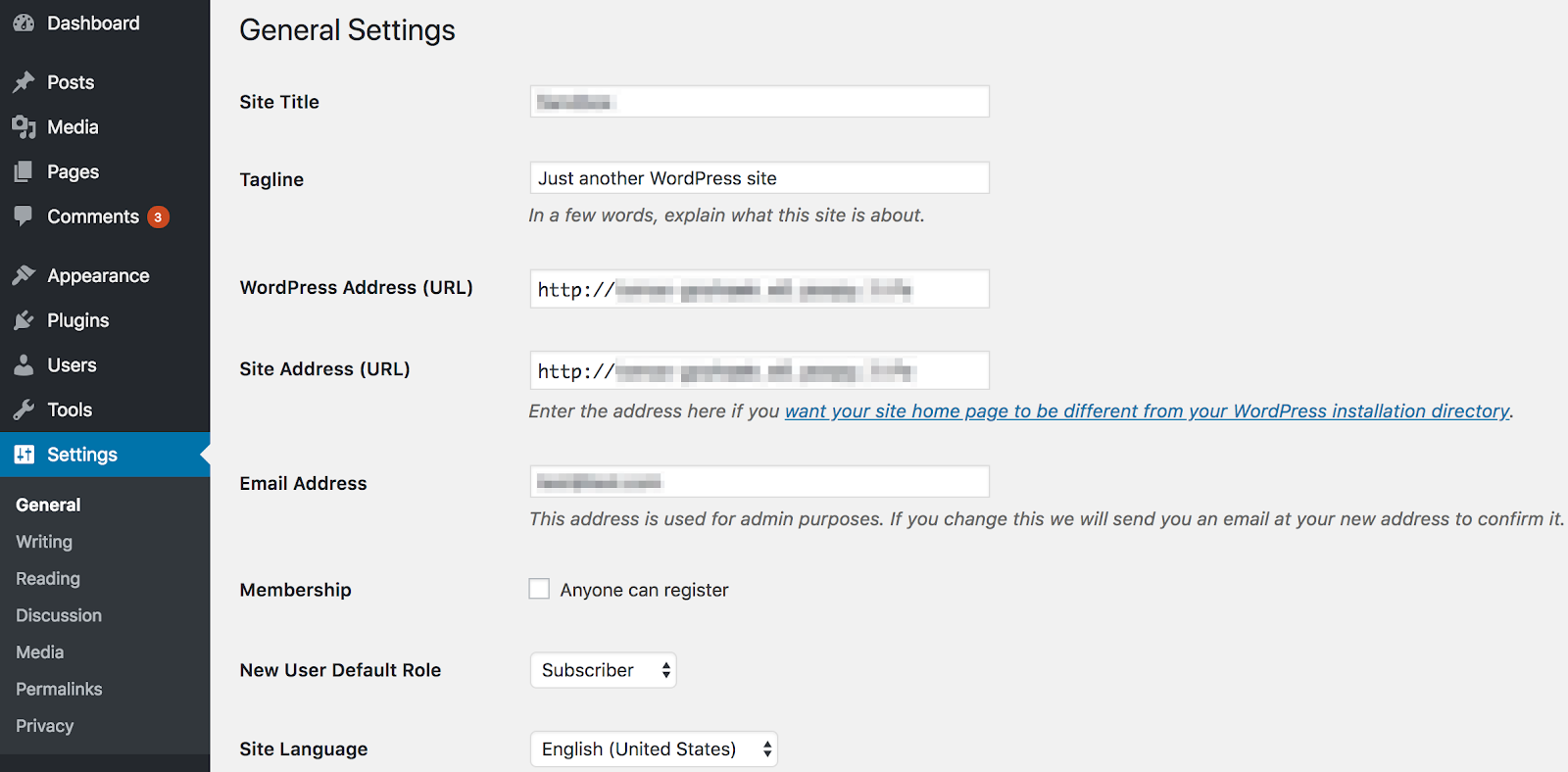
The process involves changes at your domain registrar and WordPress settings. Understanding how to link the domain ensures your website works smoothly. Let’s explore the main steps to connect your domain to WordPress.
Changing Nameservers
Nameservers direct your domain to the WordPress hosting server. You need to update nameservers at your domain registrar. Find the nameservers provided by your WordPress host. Replace the old ones with the new nameservers. This change tells the internet where your website lives. It may take a few hours to update fully.
Configuring Dns Settings
DNS settings control how your domain works with your website. After changing nameservers, check DNS records like A, CNAME, and MX. The A record points your domain to the correct IP address. CNAME helps with subdomains or other services. MX records manage email linked to your domain. Proper DNS setup ensures your site and email work without issues.
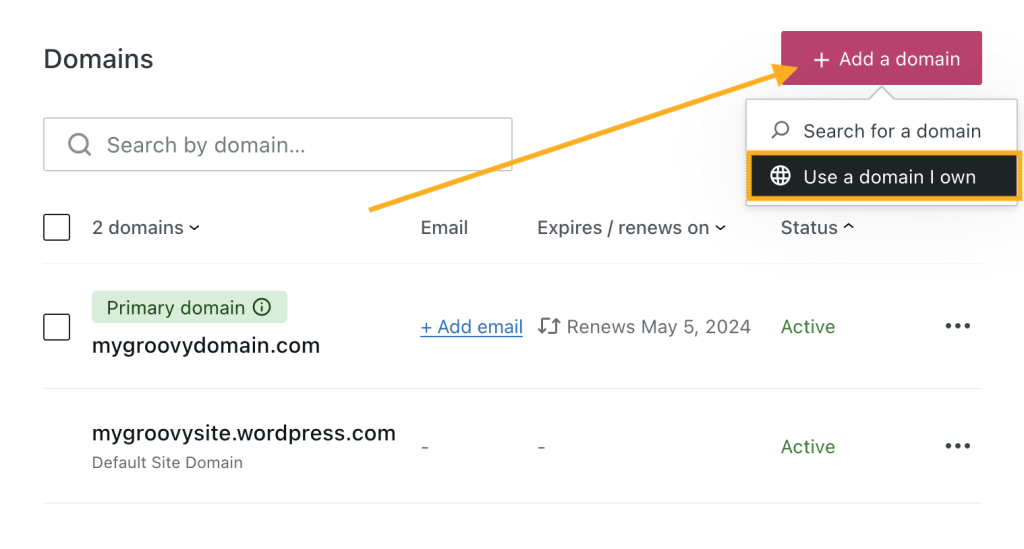
Verifying Domain Connection
Verification confirms your domain links properly to WordPress. Use tools in WordPress to check if the domain is connected. You can also use online tools to see DNS status. Wait until propagation completes to avoid errors. A verified domain means your website is live and accessible. Visitors can now reach your site using your domain name.
Credit: wordpress.com
Common Mistakes To Avoid
Choosing a domain name for your WordPress site is important. Many people make common mistakes that cause problems later. Avoiding these errors saves time and money. It also helps your site grow smoothly.
Choosing Complex Names
Complex domain names confuse visitors. Long or hard-to-spell names lead to mistakes. Keep your domain name short and simple. Use easy words and avoid numbers or hyphens.
Ignoring Renewal Dates
Domain names need renewal every year. Forgetting to renew can cause your site to go offline. Always check your renewal dates. Set reminders to avoid losing your domain.
Overlooking Security Features
Security is vital for your domain name. Without protection, hackers can steal your site. Choose a domain registrar that offers strong security. Use features like two-factor authentication and privacy protection.
Credit: wpengine.com
Frequently Asked Questions
Do I Need A Domain Name For WordPress?
Yes, a domain name is essential for WordPress. It gives your site a unique address online. Without it, visitors cannot find your website easily.
Can I Use WordPress Without A Domain Name?
You can use WordPress without a domain, but it limits access. Your site will have a temporary URL, which isn’t professional or memorable.
How Does A Domain Name Benefit WordPress Seo?
A domain name improves SEO by making your site easier to find. It helps with branding and trust, boosting your search engine ranking.
Is A Domain Name Necessary For WordPress Hosting?
Most WordPress hosting providers require a domain name. It connects your hosting space with your website, making your content accessible online.
Conclusion
A domain name gives your WordPress site a unique address online. It helps visitors find your site easily and builds trust. Without a domain, your site looks less professional. Buying a domain is simple and not very expensive. It also improves your site’s SEO and branding.
You can start with a free domain, but owning one offers more control. Choose a domain that matches your site’s purpose. This small step makes a big difference for your online presence.



