
Have you ever wondered if you can use WordPress without a theme? Maybe you want full control over your site’s look or you’re curious about how WordPress really works behind the scenes.
The answer might surprise you. What if you could build a website exactly the way you want, without the limits of a theme? You’ll discover how using WordPress without a theme can open up new possibilities—and what challenges you should be ready for.
Keep reading to find out if this approach is right for you and how to get started.
WordPress Basics
WordPress is a popular platform for building websites. It offers many tools to create and manage content easily. Understanding WordPress basics helps in using it better. One key part of WordPress is the theme. It shapes how your website looks and works.
Many beginners ask if WordPress can work without a theme. To answer that, it is important to know what themes do. Themes are more than just colors and fonts. They control the layout and style of your site. Let’s explore this in detail.
What Is A Theme In WordPress
A WordPress theme is a set of files. These files include templates, styles, and images. They define the design of your website. Themes decide how your content appears to visitors. They also affect the site’s functionality and user experience.
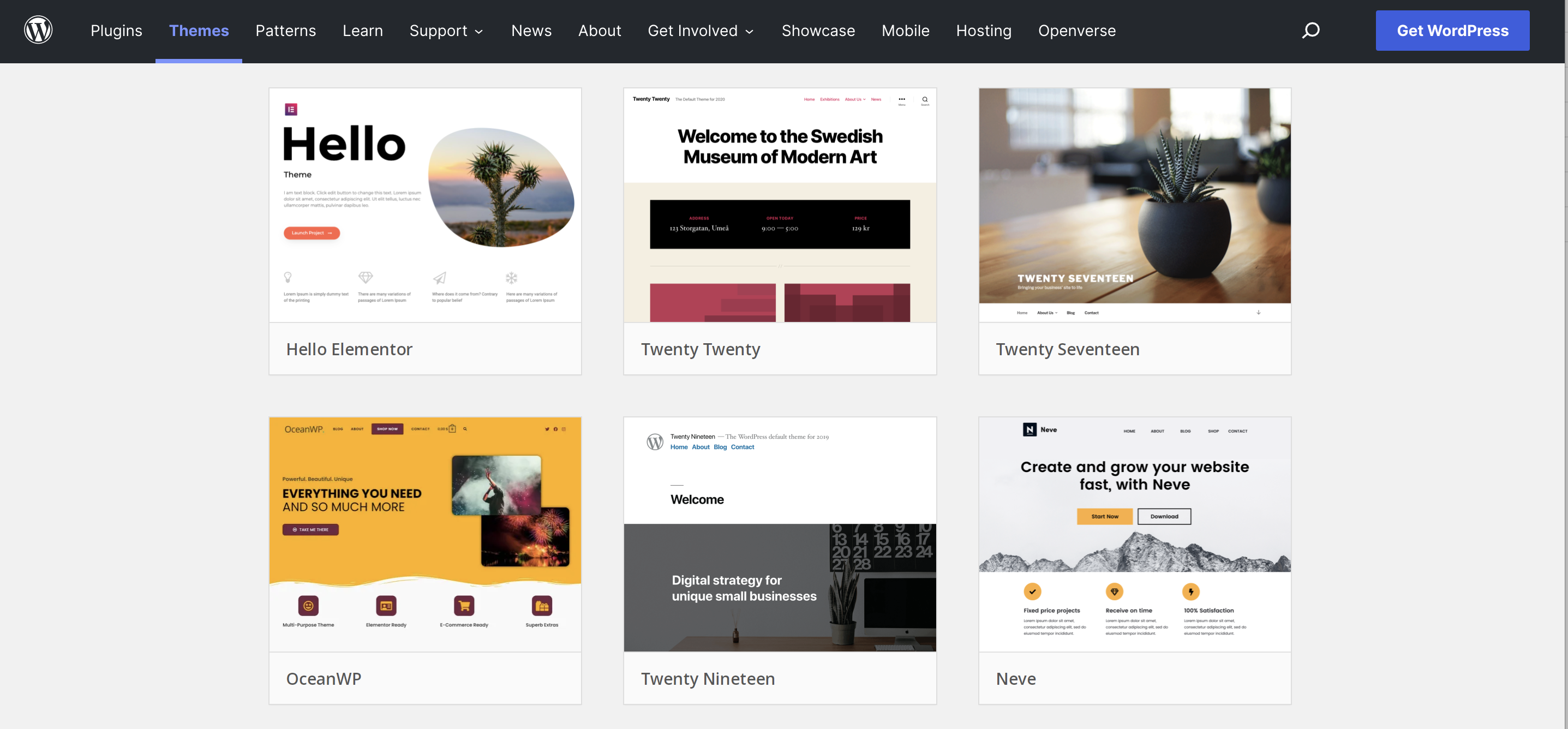
Themes can be simple or complex. Some focus on blogs, others on online shops. You can choose free or paid themes. Each theme offers different features and looks. Without a theme, your site will not have a defined style.
Role Of Themes In Website Design
Themes play a big role in website design. They create a visual identity for your site. A good theme makes your site easy to use. It helps visitors find information quickly. Themes also control how your site works on phones and tablets.
The design affects how people feel about your site. A clean, organized look builds trust. Themes also help with SEO by structuring content properly. They include code that search engines read easily. This can improve your site’s ranking online.
Using WordPress Without A Theme
Using WordPress without a theme might sound unusual. Themes give WordPress its look and style. They control colors, fonts, and layout. But some users wonder if WordPress can run without any theme at all.
This section explains how WordPress works without a theme. It also explores if skipping themes is even possible.
Is It Possible To Skip Themes
WordPress needs a theme to display content properly. Without a theme, WordPress does not show pages or posts in a user-friendly way. The system relies on themes to organize and style information.
Technically, you can deactivate all themes. WordPress will then show a plain page with minimal style. This page looks broken and hard to use. So, skipping themes completely is not practical for most sites.
How WordPress Functions Without A Theme
When no theme is active, WordPress uses a default fallback. This fallback is very basic and has almost no design. It only shows raw text and simple links.
WordPress still works behind the scenes. You can add posts, pages, and manage settings. But visitors see a very plain site. No colors, no layout, no images styled properly.
Developers sometimes build custom templates or minimal themes. These provide just enough structure to show content clearly. This approach requires coding skills and is not for everyone.
Building From Scratch
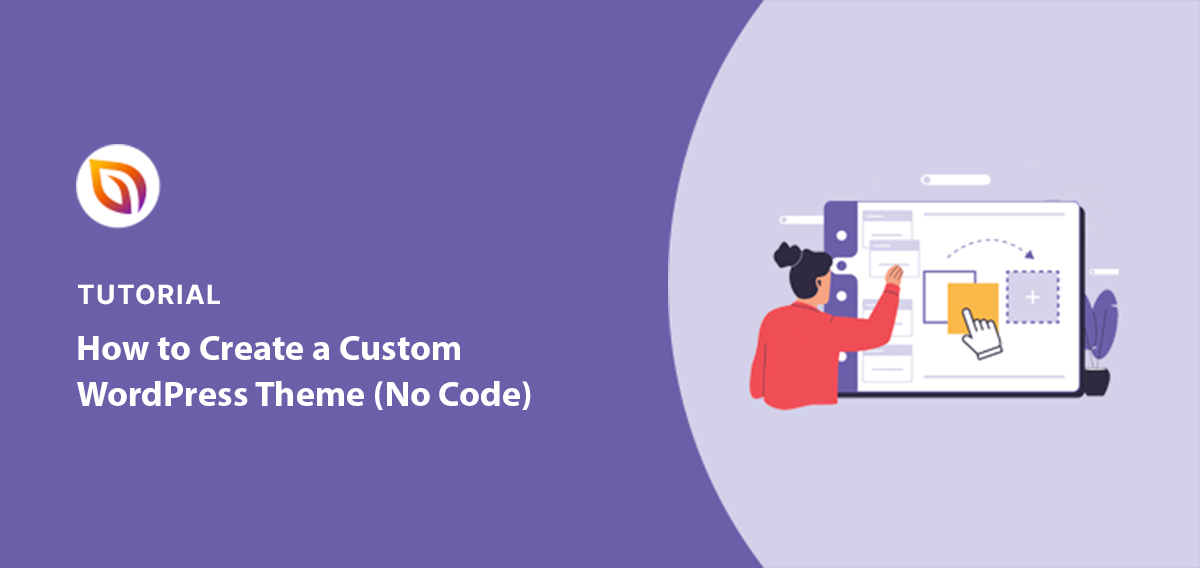
Building a WordPress site from scratch means starting without a ready-made theme. This approach gives full control over every part of the site. It allows creating a unique design and custom features. It takes more work but offers freedom to shape the site exactly as needed.
Here are key steps to build a WordPress site without using a theme.
Creating A Custom Template
Custom templates are the foundation of a WordPress site without a theme. You create your own PHP files to control the layout and content. Templates tell WordPress how to display posts, pages, or archives. Starting with a basic template file like index.php is common. Then add more files for specific parts of the site.
Using Plain Html And Php
Writing plain HTML and PHP gives full control over the site’s structure. Use HTML to build the page layout. PHP adds dynamic content from WordPress. This method means no pre-built design or functions. Every element comes from your code. It requires knowledge of both HTML and PHP.
Managing Styles And Layouts Manually
Without a theme, all styles and layouts are your responsibility. Create your own CSS files to style the site. Define fonts, colors, spacing, and responsive design. Organize CSS to keep the site clean and easy to update. This manual approach means no theme settings panel. Every change needs coding.

Credit: www.wpzoom.com
Technical Challenges
Using WordPress without a theme brings many technical challenges. Themes provide structure and design. Without them, you must build everything yourself. This can be hard and time-consuming. It also affects how your site works and looks. Understanding these challenges helps you decide if this path fits your needs.
Limitations Without A Theme
Without a theme, WordPress lacks a ready design. You must create all templates and styles manually. This means no pre-made layouts or design tools. Basic site functions may not work properly. Features like menus, widgets, and sidebars need coding. It can slow down your site setup and growth.
Handling Updates And Compatibility
WordPress updates often change core functions. Themes usually adjust to these updates automatically. Without a theme, you must check compatibility yourself. Custom code can break after updates. Fixing these issues requires technical skills. Keeping your site safe and functional becomes harder without a theme.
Alternatives To Traditional Themes
Using WordPress without a traditional theme is possible. Many users want more control over their site’s design. Alternatives to traditional themes offer flexibility and simplicity. These options help create unique websites without relying on standard themes.
Page Builders And Frameworks
Page builders let you design pages using drag-and-drop tools. You do not need to code or install a full theme. Builders like Elementor, Beaver Builder, and Divi offer many design options. They work with basic or blank themes to give you a clean start.
Frameworks provide a solid base for custom designs. They offer minimal styling and structure. Developers can build sites on top of these frameworks with ease. Examples include Genesis Framework and Underscores. Frameworks help keep the site light and fast.
Minimalist And Blank Themes
Minimalist themes have very few styles or features. They act as a blank canvas for your content. These themes are simple, fast, and easy to customize. Examples are Hello Elementor and Astra’s barebones version.
Blank themes come without any design or layout. They let you build every part of the site from scratch. This suits users who want full control over their website’s look. Blank themes work well with page builders and custom code.
Practical Use Cases
Using WordPress without a theme can suit some specific needs. It is not common but can work well in certain situations. This section explores when avoiding a theme helps and shows real examples of WordPress sites without themes.
Understanding these cases helps decide if going theme-free fits your project. It also shows the limits and benefits of this approach.
When To Avoid Using A Theme
Skip themes if you want full control over design and code. Some developers prefer building sites from scratch with custom code. This avoids extra styles or scripts that themes add.
Use no theme for very simple pages or single landing pages. A theme can feel heavy for small projects. Also, avoid themes if you want to learn WordPress internals deeply.
However, avoid skipping themes when you need quick setups or many features. Themes save time and come with built-in design and tools. Without a theme, expect more work and technical skill.
Examples Of Theme-free WordPress Sites
Some developers create WordPress sites without using themes by coding templates directly. These sites often serve as portfolios or experimental projects. They focus on unique layouts or performance.
Another example is minimal blogs where only basic HTML and CSS are used. These sites load fast and have no extra elements. They show content clearly without distractions.
Developers also use WordPress as a backend only. They manage content in WordPress but build the front end separately. This way, no theme is needed on the WordPress side.
Tips For Developers
Developers often ask about using WordPress without a theme. It is possible but needs care. Custom development demands planning and good coding habits. These tips help create clean, efficient sites without relying on themes.
Best Practices For Custom Development
Start by setting up a child theme or a blank starter theme. This keeps your custom code safe from WordPress updates. Use clean, well-commented code to make future changes easier. Test your site on different devices to ensure it works everywhere. Keep your code organized in folders for easier management. Avoid hardcoding URLs or paths; use WordPress functions instead. Secure your site by validating and sanitizing all inputs. Use hooks and filters to add features without changing core files.
Resources And Tools
Use a local development environment like Local by Flywheel or XAMPP. These tools let you build and test sites offline. Code editors like Visual Studio Code help write and manage code efficiently. Debugging plugins, such as Query Monitor, help find issues quickly. The WordPress Codex and developer handbook offer detailed guides and references. Use version control systems like Git to track changes and collaborate. Frameworks like Underscores (_s) provide a good base for custom themes.
Credit: www.seedprod.com
Credit: jetpack.com
Frequently Asked Questions
Can WordPress Work Without Using Any Theme?
Yes, WordPress requires a theme to display your site. However, you can use the default theme or create a minimal custom theme to keep it simple.
What Happens If I Deactivate My WordPress Theme?
Deactivating a theme switches your site to the default WordPress theme. Your site remains live but may look basic or broken without an active theme.
Is It Possible To Build WordPress Without A Theme?
No, WordPress needs a theme to control the site’s design and layout. Custom themes or starter themes can be minimal but are still necessary.
Can I Customize WordPress Without A Theme?
Customization in WordPress depends on the active theme. Without a theme, you can’t customize site appearance or structure effectively.
Conclusion
WordPress works without a theme, but with limits. You can build a basic site using only core files. Custom coding is needed for design and layout. Themes offer style, ease, and faster setup. Without a theme, expect more work and technical skills.
Still, it’s possible for those who want full control. Consider your needs before choosing this path. Themes often save time and effort for most users. Experiment and find what suits your project best.


