
Are you thinking about building a website but worried about the cost? You might have heard of WordPress and wondered, “Can you get WordPress for free?” The answer could save you both time and money.
Imagine having a powerful tool at your fingertips without paying a dime. You’ll discover how to access WordPress for free, what’s included, and what you need to watch out for. Keep reading, because unlocking this secret could be the first step to making your online dreams come true.
Free WordPress Options
Many people want to start a website without paying money first. WordPress offers free options to help beginners create websites easily. These free choices let you build a site without spending on hosting or software right away.
Understanding these options helps you pick the best way to start your website. Each choice has its own features and limits. Below, we explain the main free WordPress options for you.
WordPress.com Vs WordPress.org
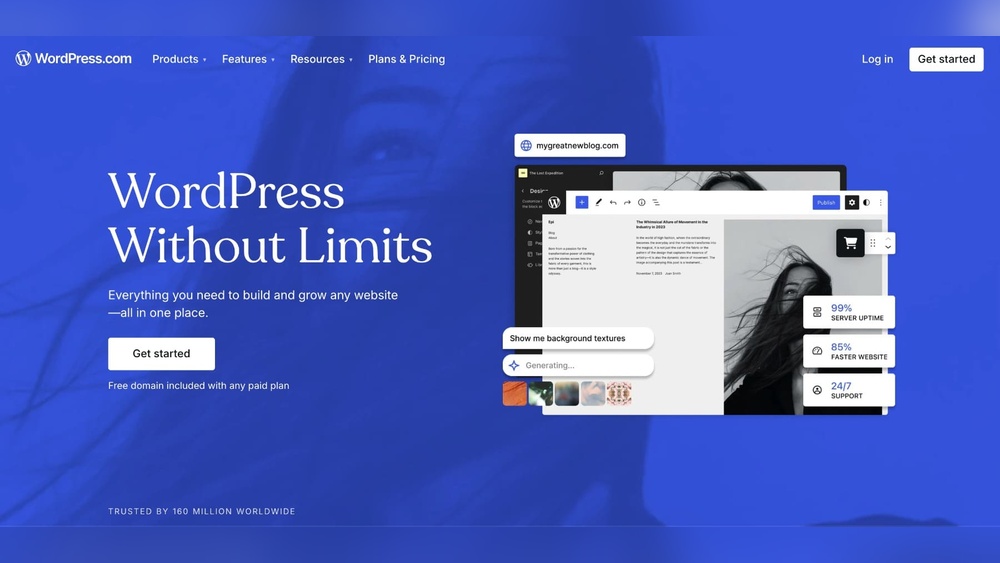
WordPress.com gives you a free website hosted on their servers. You get a subdomain like yoursite.wordpress.com. It is simple to use and needs no setup. Great for personal blogs and small projects.
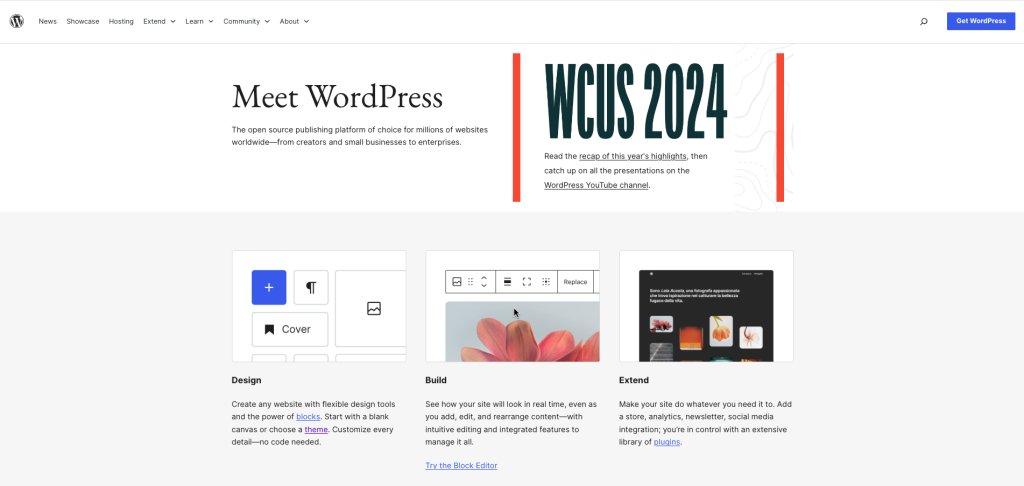
WordPress.org lets you download the software for free. You must find your own web hosting and domain name. This option gives full control and more features. It is better for business sites and advanced users.
Hosting-free Platforms
Some platforms let you build WordPress sites without buying hosting. They provide free hosting with limits. These services often include easy website builders and templates.
They are ideal for testing ideas or learning WordPress basics. Yet, they may not suit large or professional websites due to restrictions.
Limitations Of Free Plans
Free WordPress plans come with limits on storage and bandwidth. You may see ads placed by the provider. Custom themes and plugins are often not allowed.
Your website’s domain may include the provider’s name. Support and security features may be limited. These limits can affect website growth and branding.
Credit: www.hostinger.com
Setting Up A Free WordPress Site
Setting up a free WordPress site is simple and quick. It lets you create a blog or website without any cost. You do not need special skills to get started. Just follow a few steps to have your site ready to share.
Creating An Account On WordPress.com
Start by going to WordPress.com. Click the “Get Started” button. Fill in your email, username, and password. Choose a site name that matches your idea. WordPress will check if the name is free. If not, try another name. After this, your account will be ready.
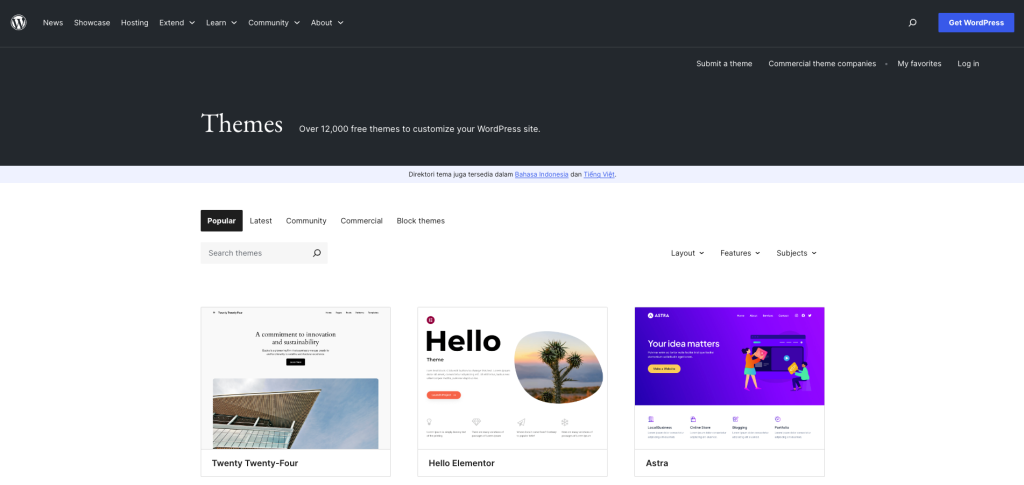
Choosing A Free Theme
WordPress offers many free themes. Themes control how your site looks. Browse through the theme library. Pick one that fits your style and purpose. You can preview themes before choosing. Select a simple theme for easy use. Changing the theme later is easy too.
Customizing Your Site
After selecting a theme, start customizing. Change the site title and tagline. Add your logo or a header image. Adjust colors and fonts to your liking. Use the WordPress Customizer to see changes live. Add pages like About, Contact, or Blog. Keep your design clean and easy to read.
Costs Beyond Free Plans
WordPress offers a free plan that lets you start a website at no cost. Yet, many users find they need more than just the free features. Certain elements can add up, creating expenses beyond the free plan. Understanding these costs helps you plan your site better and avoid surprises.
Domain Name Considerations
A free WordPress site uses a WordPress subdomain, like yoursite.wordpress.com. This looks less professional and is harder to remember. Buying a custom domain name costs money but gives your site a unique web address. Domains usually cost around $10 to $15 per year. This small cost improves your site’s credibility and branding.
Premium Themes And Plugins
Free themes and plugins work well for basic sites. Yet, premium options often offer better design and more features. Premium themes can cost from $30 to $100. Plugins may have one-time fees or subscriptions. These tools help add special functions like SEO, security, or e-commerce. Many businesses find premium tools worth the investment.
Upgrading For More Features
WordPress free plans limit storage space, bandwidth, and design options. Upgrading to a paid plan removes these limits. Paid plans offer extra storage, custom branding, and better support. Prices vary from a few dollars to several per month. This upgrade suits sites that grow or need more control over their look and performance.
Credit: www.bluehost.com
Tips For Growing Your WordPress Site
Growing a WordPress site takes time and effort. Small steps can lead to big results. Focus on strategies that bring visitors and keep them interested. Use simple methods to help your site reach more people.
Optimizing For Seo
SEO helps your site appear in search results. Use keywords that describe your content well. Write clear titles and descriptions for each page. Add alt text to images. Use headings to organize your content. Keep URLs short and simple. These steps make it easier for search engines to find your site.
Using Social Media
Social media spreads your content to more people. Share your posts on Facebook, Twitter, and Instagram. Post regularly to keep followers engaged. Use images and short videos to attract attention. Join groups related to your site’s topic. Social platforms help build your site’s audience quickly.
Engaging With Your Audience
Talk to your visitors through comments and emails. Reply to their questions and thank them for feedback. Ask readers what topics they want to see next. Use polls and surveys for ideas. Engaged visitors are more likely to return and share your site with others.
When To Move Beyond Free WordPress
Free WordPress is a great start for many bloggers and small websites. It offers simple tools and no cost. But as your site grows, you may find limits. Knowing when to move beyond free WordPress helps your website succeed. More control and options become important. This guide explains signs to watch for, benefits of self-hosting, and tips to plan your upgrade.
Signs You Need More Control
Your site looks the same as many others. Custom designs are hard to add. Plugins are limited or not allowed. Ads appear on your site that you do not want. You want to use your own domain name. You need better site speed and reliability. These signs mean free WordPress may not fit your needs.
Benefits Of Self-hosting
Self-hosting gives full control over your website. You choose themes, plugins, and designs freely. Monetizing your site becomes easier without restrictions. Site speed usually improves with better hosting. You can back up your site regularly and safely. SEO tools and strategies work better. Self-hosting is a step up for serious site owners.
Planning Your Upgrade
Check your budget for hosting and domain costs. Research popular hosting providers with good reviews. List must-have features like backups, security, and support. Prepare your content for easy migration. Set a timeline to avoid downtime. Learn basic WordPress management skills. Planning well makes the upgrade smooth and stress-free.
Credit: www.hostinger.com
Frequently Asked Questions
Can You Use WordPress For Free?
Yes, WordPress offers a free version through WordPress. com. It includes basic features but with limited customization and storage.
What Is The Difference Between WordPress.com And WordPress.org?
WordPress. com hosts your site with limited control. WordPress. org is self-hosted, offering full customization and plugin access for free software.
Are Free WordPress Themes And Plugins Safe To Use?
Most free themes and plugins are safe if downloaded from official WordPress repositories. Always check reviews and update regularly.
Can You Monetize A Free WordPress Site?
Monetizing on free WordPress. com plans is limited. Paid plans allow ads, affiliate marketing, and e-commerce options for better monetization.
Conclusion
WordPress offers a free version that many can use easily. You can start a website without spending money. Some features need payment, but the basics are free. This makes WordPress a great choice for beginners. You control your site and can upgrade anytime.
It helps you build a simple blog or small business page. Trying WordPress for free is a smart way to learn. You decide how much to invest as you grow. Simple, flexible, and accessible—WordPress fits many needs well.


