
Are you wondering if you can get WordPress for free? Maybe you want to start a blog, build a website, or launch an online store without spending a dime.
The good news is, you can! But there are some important details you need to know before diving in. You’ll discover exactly how to get WordPress for free, what comes with it, and what hidden costs might pop up along the way.
By the end, you’ll have a clear plan to create your website without breaking the bank. Keep reading—you’re closer to your dream site than you think!
Credit: www.elegantthemes.com
WordPress Basics
Understanding the basics of WordPress helps you decide if it fits your needs. WordPress is a popular platform for creating websites and blogs. Many people choose it for its ease and flexibility.
This section explains what WordPress is and the types you can use. Knowing these details makes starting easier and clearer.
What Is WordPress
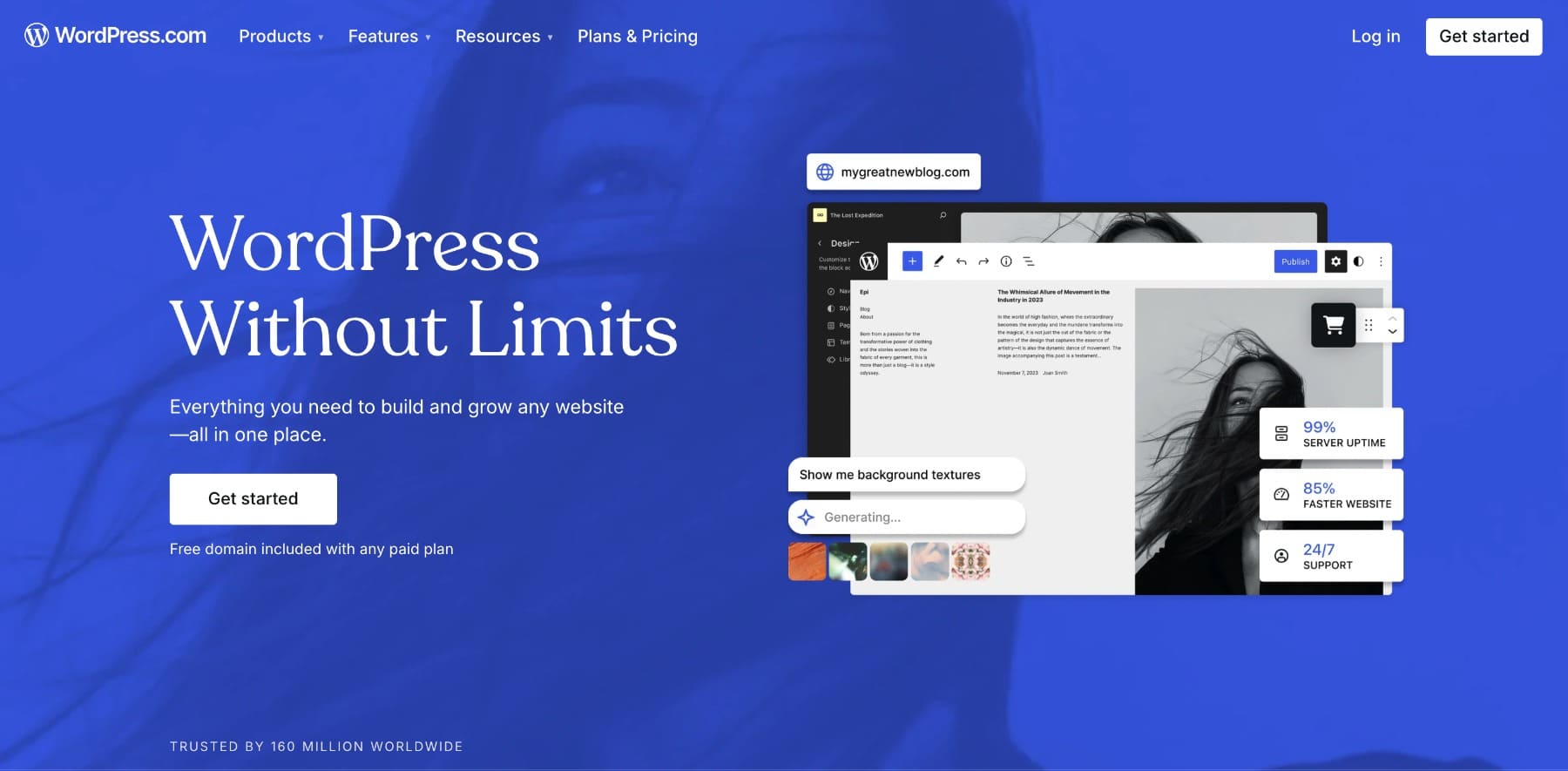
WordPress is software that lets you build websites without coding. It started as a blogging tool but now supports many website types. Millions of sites use WordPress worldwide. It offers themes and plugins to change how your site looks and works. Anyone can use WordPress to create a simple blog or a big online store.
Types Of WordPress Platforms
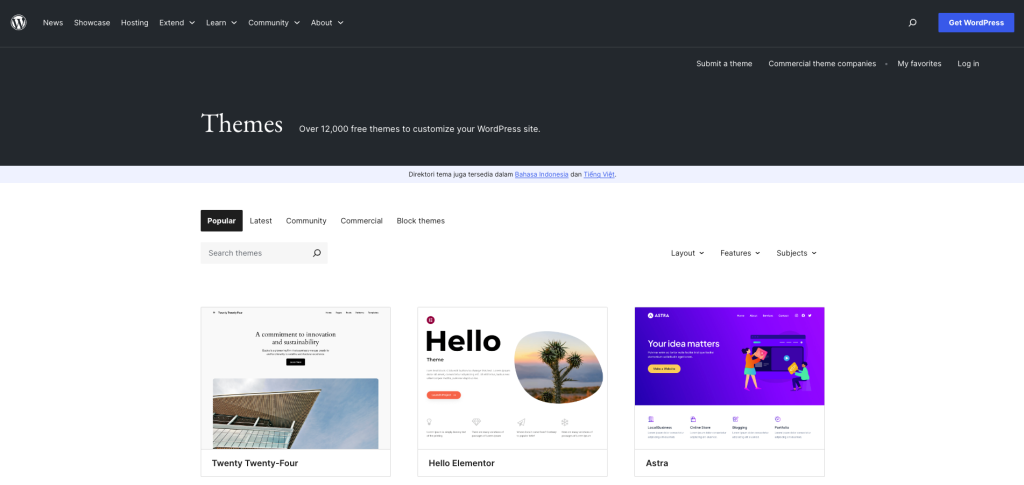
There are two main WordPress platforms: WordPress.com and WordPress.org. WordPress.com hosts your site for you. It handles updates and security but limits customization. WordPress.org lets you download the software for free. You host your site yourself, giving full control and flexibility. Both platforms use the same WordPress software but offer different experiences.
Credit: www.hostinger.com
Getting WordPress For Free
Getting WordPress for free is possible and simple. Many people want a website but worry about cost. WordPress offers options that fit different needs and budgets. You can start with no money and still create a good site.
Free WordPress.com Plans
WordPress.com offers a free plan that includes basic features. You get a free subdomain like yoursite.wordpress.com. It comes with pre-installed themes and basic customization. This plan is good for personal blogs or small projects. You do not need to buy hosting or domain name. WordPress.com handles updates and security for you.
Using WordPress.org With Free Hosting
WordPress.org lets you download WordPress software for free. You must find a place to host your site. Some hosting providers offer free plans that work with WordPress. You get full control over your site design and plugins. This option needs more effort but offers more freedom. You can add custom themes and tools to improve your site.
Free Hosting Providers To Consider
Several companies offer free hosting for WordPress sites. Some popular ones include 000webhost, InfinityFree, and AwardSpace. These providers give limited storage and bandwidth. They often show ads on your site or have restrictions. Still, they are good for testing or small websites. Choose based on your site needs and future growth plans.
Setting Up Your Free WordPress Site
Starting a free WordPress site is easier than many think. You can build a website without spending money. This guide helps you set up your site step by step. Focus on simple and clear actions for best results.
Follow the process carefully. Each step brings you closer to a functional website. Ready to start? Let’s dive into the setup.
Choosing A Domain Name
A domain name is your website’s address. Pick a name that is short and easy to remember. It should reflect your website’s purpose or brand. Avoid complicated spellings or long words. Use free subdomains offered by WordPress if you want to start without buying a domain.
Installing WordPress
Many hosting providers offer one-click WordPress installation. This method saves time and effort. Sign up for a free hosting plan that supports WordPress. Follow the simple setup wizard to install the platform. You will have your site ready to customize within minutes.
Selecting Free Themes
Themes control your site’s look and feel. WordPress offers many free themes suitable for various websites. Choose a theme that matches your style and content needs. Preview themes before activation to see how they look. Select a responsive theme to ensure it works on all devices.
Essential Free Plugins
Plugins add features to your WordPress site. Start with essential free plugins for security, SEO, and performance. Examples include Wordfence for security and Yoast SEO for search optimization. Avoid installing too many plugins to keep your site fast. Always update plugins regularly for best performance.

Credit: www.youtube.com
Limitations Of Free WordPress Options
Free WordPress options offer a great way to start a website without spending money. Many beginners choose this path to learn and test their ideas. Yet, these free plans have clear limits. Knowing these helps you decide if a free plan fits your needs or if you should upgrade later.
Storage And Bandwidth Limits
Free WordPress plans come with limited storage space. Usually, it is just a few hundred megabytes. This space fills up quickly with images and posts. Bandwidth is also restricted. It controls how many visitors your site can handle. Too many visitors can cause your site to slow down or stop working.
Ads And Branding
Free WordPress sites often show ads. You have no control over which ads appear. These ads help WordPress cover hosting costs. Your site may also display WordPress branding. This means your site looks less professional. Removing ads and branding requires a paid plan.
Customization Restrictions
Customization options are limited on free plans. You cannot upload custom themes or plugins. This limits your site’s look and features. Only basic themes are available. Advanced tools need a premium plan. This can affect your site’s uniqueness and growth.
Upgrading From Free To Paid
Starting with the free version of WordPress is easy and costless. It lets you create a basic site and test ideas without risk. But as your site grows, you might find limits. Upgrading to a paid plan can give you more tools and control. This section explains when and why to switch to paid options. It also compares costs and benefits.
When To Upgrade
Choose to upgrade when your site needs more features. For example, if you want a custom domain name or more storage. Also, upgrade if you need advanced design tools or better support. Free plans limit your ability to use plugins or run ads. Paid plans remove these limits and help your site look professional.
Cost Comparison
Free WordPress costs nothing but has many restrictions. Paid plans start at a few dollars per month. The prices vary based on features and storage. Basic paid plans are affordable for small sites. Higher-tier plans offer more power for business sites. Think about your budget and site goals before choosing.
Benefits Of Paid Plans
Paid plans give you a custom domain without WordPress branding. You get more storage for images and files. Access to premium themes and plugins becomes possible. Your site runs faster and is more secure. Customer support is available to help with issues. These perks improve your site’s appearance and functionality.
Tips For Success On A Free WordPress Site
Starting a free WordPress site is a smart choice for many beginners. Success depends on how you manage the site. Simple steps can make your site stand out and attract visitors. Focus on good content, SEO, and audience building.
Content Creation Strategies
Create clear and useful content for your readers. Write about topics that interest your audience. Use short paragraphs and simple words. Add images to make posts attractive. Update content regularly to keep the site fresh. Check your spelling and grammar to keep content professional.
Seo Basics
Use keywords that people search for in your posts. Place keywords in titles and first sentences. Write meta descriptions for each page. Use headings to organize content well. Add alt text to images for better search visibility. Keep URLs short and readable. These steps help search engines find your site easier.
Building An Audience
Share your posts on social media platforms. Engage with readers by replying to comments. Encourage visitors to subscribe to your newsletter. Post consistently to keep your audience interested. Join online groups related to your topic. Networking helps grow your site’s reach and popularity.
Frequently Asked Questions
Can I Use WordPress For Free?
Yes, WordPress offers a free version at WordPress. com with basic features and a subdomain. For full control, use the free WordPress. org software with your own hosting.
What Are The Limitations Of Free WordPress?
Free WordPress has limited customization, storage, and no custom domain support. You also see WordPress ads and cannot install plugins or themes.
How Do I Get A Free WordPress Website?
Sign up at WordPress. com to create a free site with a subdomain. Alternatively, download WordPress. org software and host it on a free or paid server.
Is Free WordPress Good For Beginners?
Yes, free WordPress is beginner-friendly with easy setup and maintenance. However, advanced features require paid plans or self-hosted WordPress for more flexibility.
Conclusion
WordPress offers a free plan for basic website needs. You can start a site without paying any money. The free version has limits on themes and plugins. Upgrading unlocks more features and control. Many users begin free, then choose paid options later.
This makes WordPress a flexible choice for all budgets. Explore what the free plan offers before deciding. Creating a website can be simple and affordable. WordPress helps you build online with little cost.


