
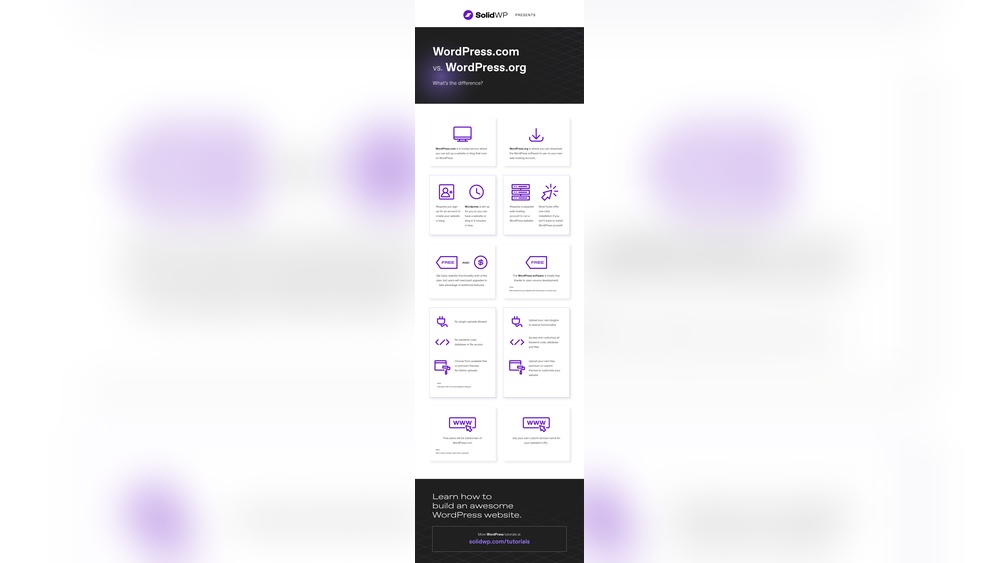
Have you ever wondered if WordPress.com and WordPress.org are the same thing? It’s a common question, and the answer might surprise you.
Choosing the right platform can make a big difference for your website’s success. You’ll discover the key differences between the two, so you can make the best choice for your needs. Keep reading to clear up the confusion and take control of your online presence!
Credit: crocoblock.com
WordPress.com Basics
WordPress.com is a popular platform for creating websites and blogs. It offers a simple way to get online without technical skills. Many people choose WordPress.com for its ease and support.
This section explains the basics of WordPress.com. Learn about hosting, pricing, customization, and user access.
Hosting And Maintenance
WordPress.com hosts your website on its own servers. You do not need to buy separate hosting. The platform handles all maintenance and security updates. This means less work for you. Your site stays safe and fast without extra effort.
Pricing Plans
WordPress.com offers free and paid plans. The free plan has basic features and a WordPress.com domain. Paid plans give more storage, no ads, and custom domains. Choose a plan that fits your needs and budget. You can upgrade anytime.
Customization Options
Customization on WordPress.com is easy but limited. Free users can pick from several themes. Paid users get more themes and design tools. Plugins and custom code are only available on higher plans. Still, you can create a unique look for your site.
User Accessibility
WordPress.com is beginner-friendly. The interface is clear and simple. You can write posts, add images, and manage pages easily. Support is available through guides and forums. This makes it accessible for people with little technical knowledge.
WordPress.org Essentials
WordPress.org is a popular platform for building websites. It offers more freedom and control compared to WordPress.com.
To use WordPress.org, you need to manage your own website hosting and setup. This platform suits those who want full control over their site’s design and functions.
Self-hosting Requirements
With WordPress.org, you must find a web host to store your website files. Hosting services usually cost money and vary in quality.
You also need to install WordPress software on your hosting server. Most hosts offer easy installation tools to help with this step.
Cost Considerations
WordPress.org itself is free, but hosting fees apply. Hosting can cost between a few dollars to hundreds monthly.
Additional expenses may include premium themes, plugins, and domain registration. These costs depend on your website needs.
Full Customization Control
WordPress.org lets you change every part of your website. You can install any plugin or theme without restrictions.
You can also edit the site’s code to add unique features. This level of control is ideal for advanced users or businesses.
Technical Skills Needed
Using WordPress.org requires some technical knowledge. Setting up hosting, installing plugins, and managing security are key tasks.
Beginners may face a learning curve but can find many guides online. Patience and practice will improve your skills over time.
Comparing Features Side By Side
Understanding the differences between WordPress.com and WordPress.org helps you choose the right platform. Both offer powerful tools but vary in features and flexibility. Comparing their features side by side reveals what each platform can do for your website needs.
Themes And Plugins Availability
WordPress.org users can install any theme or plugin they want. This gives full control over design and functionality. WordPress.com limits themes and plugins to a selection approved by their team. Custom themes or plugins are not allowed on free or lower-tier plans.
Monetization Possibilities
WordPress.org allows full monetization freedom. You can run ads, sell products, or use affiliate links without restrictions. WordPress.com restricts monetization options based on your plan. Free plans do not allow ads, and higher plans have limits on selling or advertising.
Seo Capabilities
WordPress.org offers complete SEO control. You can use any SEO plugin to optimize your site. WordPress.com provides basic SEO tools on free plans. Advanced SEO features require upgrading to paid plans, which still have some limits.
Backup And Security
With WordPress.org, you manage backups and security yourself. This allows tailored solutions but requires technical knowledge. WordPress.com handles all backups and security automatically. This reduces workload but limits control over these features.
Credit: wcanvas.com
Choosing The Right Platform
Choosing the right WordPress platform is key to building a successful website. Both WordPress.com and WordPress.org offer great features, but they serve different needs. Understanding your purpose, budget, and skills helps you pick the right one.
Each platform fits different goals. Think about what you want to achieve with your site before deciding.
Purpose And Goals
WordPress.com suits bloggers and small sites that need simple setup. It handles hosting and security for you. WordPress.org works best for businesses or users wanting full control. It lets you customize designs and add powerful tools. Your goal guides which platform fits your project.
Budget Constraints
WordPress.com offers free plans but limits features and ads appear. Paid plans remove ads but cost more. WordPress.org is free software, but you pay for hosting and domain. Costs vary based on hosting choice and extras. Consider how much you want to spend monthly or yearly.
Technical Comfort Level
WordPress.com requires little technical skill. It updates and backs up your site automatically. WordPress.org needs more technical work. You must manage hosting, updates, and security yourself. Choose the platform that matches your comfort with web tools.
Long-term Scalability
WordPress.org offers more growth potential. You can install any plugin or theme to expand features. WordPress.com limits plugins and custom code on lower plans. If you expect your site to grow, WordPress.org gives more freedom and control over time.
Migrating Between WordPress.com And WordPress.org
Migrating between WordPress.com and WordPress.org involves moving your website content from one platform to the other. This process helps you switch to the platform that suits your needs better. The migration includes exporting data from the old site and importing it into the new one. Understanding each step ensures a smooth transition without data loss.
Exporting Content
Start by logging into your WordPress.com dashboard. Go to the Tools menu and select Export. Choose the option to export all content. This creates an XML file with your posts, pages, comments, and media. Save this file safely on your computer. It acts as a backup and the source for your new site.
Importing Procedures
On your WordPress.org site, log in to the admin panel. Open the Tools menu and click Import. Install the WordPress importer if needed. Upload the XML file you exported earlier. Follow the prompts to assign authors and import attachments. Wait for the process to complete before checking your site.
Potential Challenges
Some themes and plugins may not transfer automatically. Media files might require manual moving via FTP. Formatting can change during import, needing adjustments. Permalinks may break and require resetting. Custom settings and widgets often need to be reconfigured.
Post-migration Tips
Check all pages and posts for missing content or errors. Test your links and images thoroughly. Update your permalinks and clear caches. Reinstall and configure plugins to match your old site. Keep backups until you confirm the new site works well.
Credit: www.wpbeginner.com
Frequently Asked Questions
What Is The Main Difference Between WordPress.com And WordPress.org?
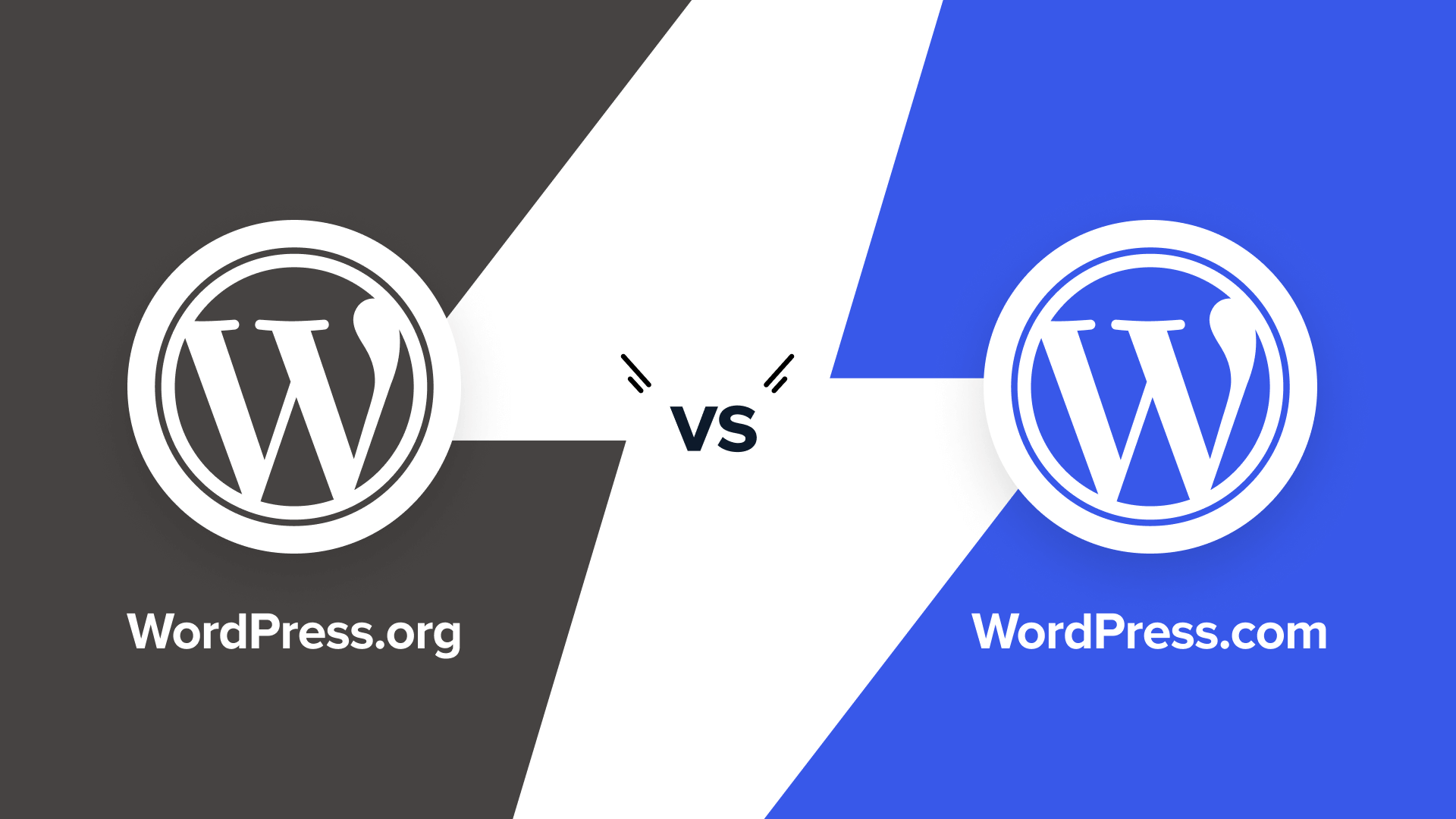
WordPress. com is a hosted platform, handling all technical aspects. WordPress. org offers self-hosted software, requiring users to manage hosting, themes, and plugins independently.
Can I Use Custom Themes On Both WordPress.com And WordPress.org?
Custom themes are only fully supported on WordPress. org. WordPress. com limits theme customization unless you subscribe to higher-tier plans.
Which Platform Is Better For Beginners, WordPress.com Or WordPress.org?
WordPress. com is beginner-friendly with easy setup and maintenance. WordPress. org offers more flexibility but requires technical knowledge and hosting management.
Do WordPress.com And WordPress.org Affect Seo Differently?
WordPress. org provides full SEO control with plugins and customizations. WordPress. com has basic SEO tools, with advanced features available on paid plans.
Conclusion
WordPress. com and WordPress. org serve different needs. WordPress. com hosts your site for you, with less control. WordPress. org lets you host your own site, giving full control. Choosing depends on your goals and skills. Both platforms help you build a website.
Knowing their differences helps you pick the best one. Start simple, then grow as you learn. Your website journey begins with the right choice.


